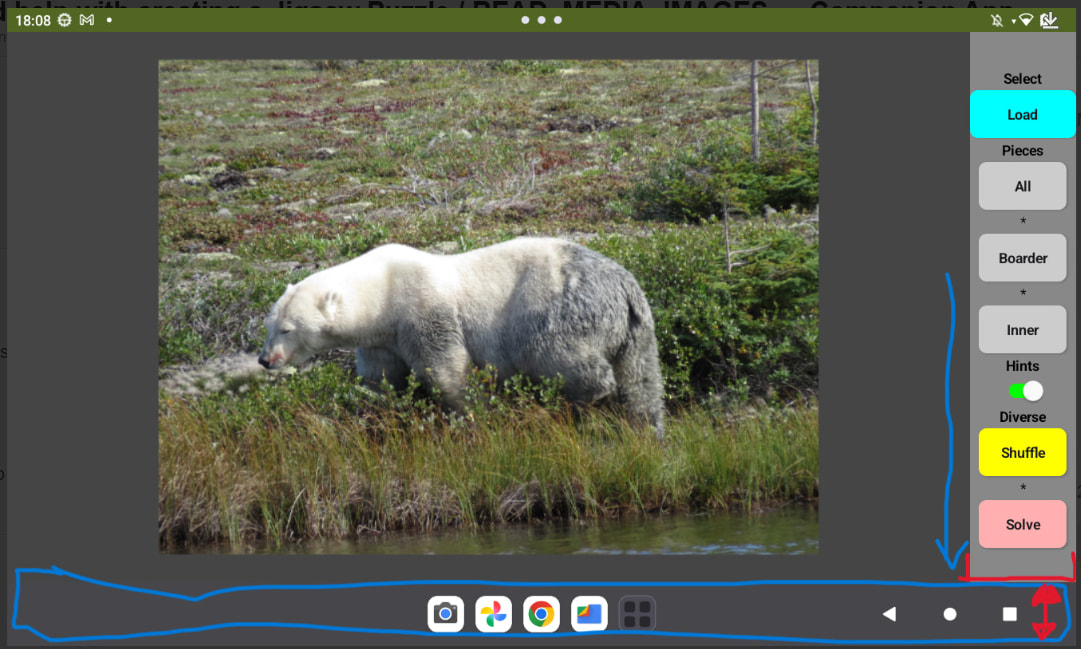
Hmm, I don't understand. Show me what it looks like when the navbar isn't hidden.
this… when it isn’ t hidden
and that when it is hidden
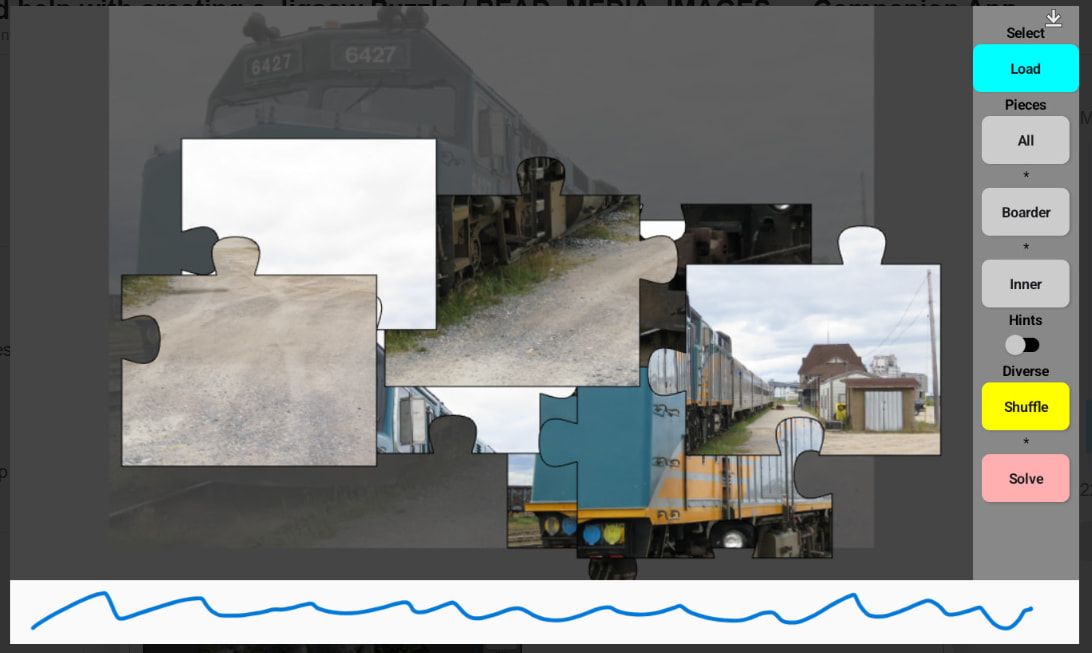
I think that it is a problem of when the size of the arrangements is internaly calculated. it is not refreshed / recualculated when the bar will become disabled. just a guess… i will have a look in my old posts / treats. i have a deja vu at the moment
I have never seen such a navbar:

Device name and Android version?
mmh… okay… it is a Lenovo Tab M9. Details for Android version please see above in one of my posts. More as that what it is written there i don’ t have.
maybe we skip this for now. My headache comes back  worse than today in the morning. But I know from what my deja vu was. From the times I did some experiments with android development studio. It was also tricky at least with my device.
protected void hideSystemUIToolbars(){
    View decorView = getWindow().getDecorView();
    // Hide both the navigation bar and the status bar.
    // SYSTEM_UI_FLAG_FULLSCREEN is only available on Android 4.1 and higher, but as
    // a general rule, you should design your app to hide the status bar whenever you
    // hide the navigation bar.
    int uiOptions = View.SYSTEM_UI_FLAG_LAYOUT_STABLE
                  | View.SYSTEM_UI_FLAG_LAYOUT_HIDE_NAVIGATION
                  | View.SYSTEM_UI_FLAG_LAYOUT_FULLSCREEN
                  | View.SYSTEM_UI_FLAG_FULLSCREEN
                  | View.SYSTEM_UI_FLAG_HIDE_NAVIGATION
                  | View.SYSTEM_UI_FLAG_IMMERSIVE_STICKY;
    decorView.setSystemUiVisibility(uiOptions);
}
This is an old solution
Goggle did some changes in sdk 35, so this might not work anymore
Try
Taifun
1 Like
mmh… is it a conflict between the two extensions? if i remove the two blocks for the status bar it works without this error
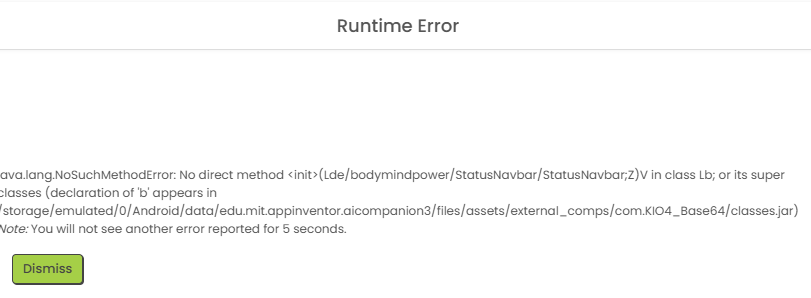
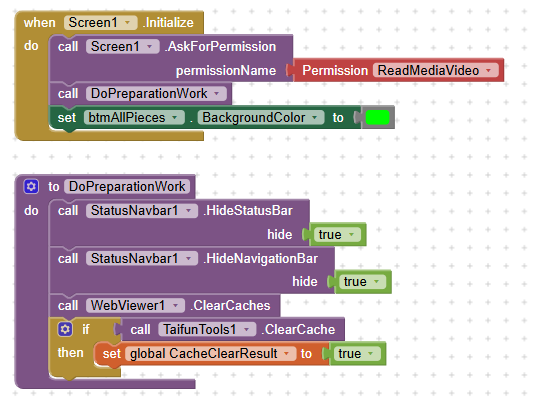
done it like this
No, reset the connection to Companion, delete the Companion directory on your device:
Computer\Pixel 7 Pro\Interner gemeinsamer Speicher\Android\data\edu.mit.appinventor.aicompanion3
and try connecting again.
See also here:
By the way, the KIO4_Base64 extension is from Sept. 2021 and, among other things, the paths to the assets (Android < 11 and Android > 10) have not yet been adjusted.
1 Like
thanks for this information. i had to look in my project. i use the standard image picker but use the selection (it is the path not the image data) to the kio4 library. so it might be possible that i will run into a next problem. actually it works at least for the internal /Picture folder but who knows how long that will be
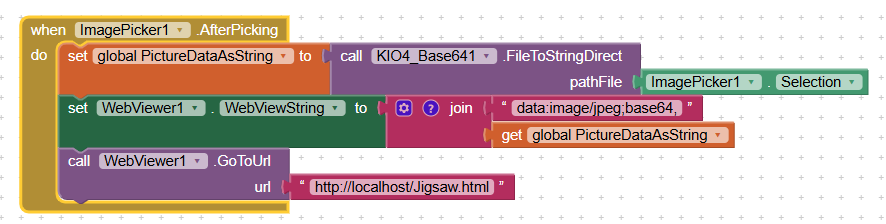
Not for me.
I think the table i have some kind of special. It was intended as an ebook reader due to size and weight. if i start like this… you can imagine the result.
I tried both ways… the way with deleting direct with pc. restart browser and companion, disconnet and so on as discribed on your additional link. the aia i also downloaded and installed. it finds nothing despite the pc browser shows content in the mentioned directory. the deletion tool shows an empty list “[]” when pressing the button list files.
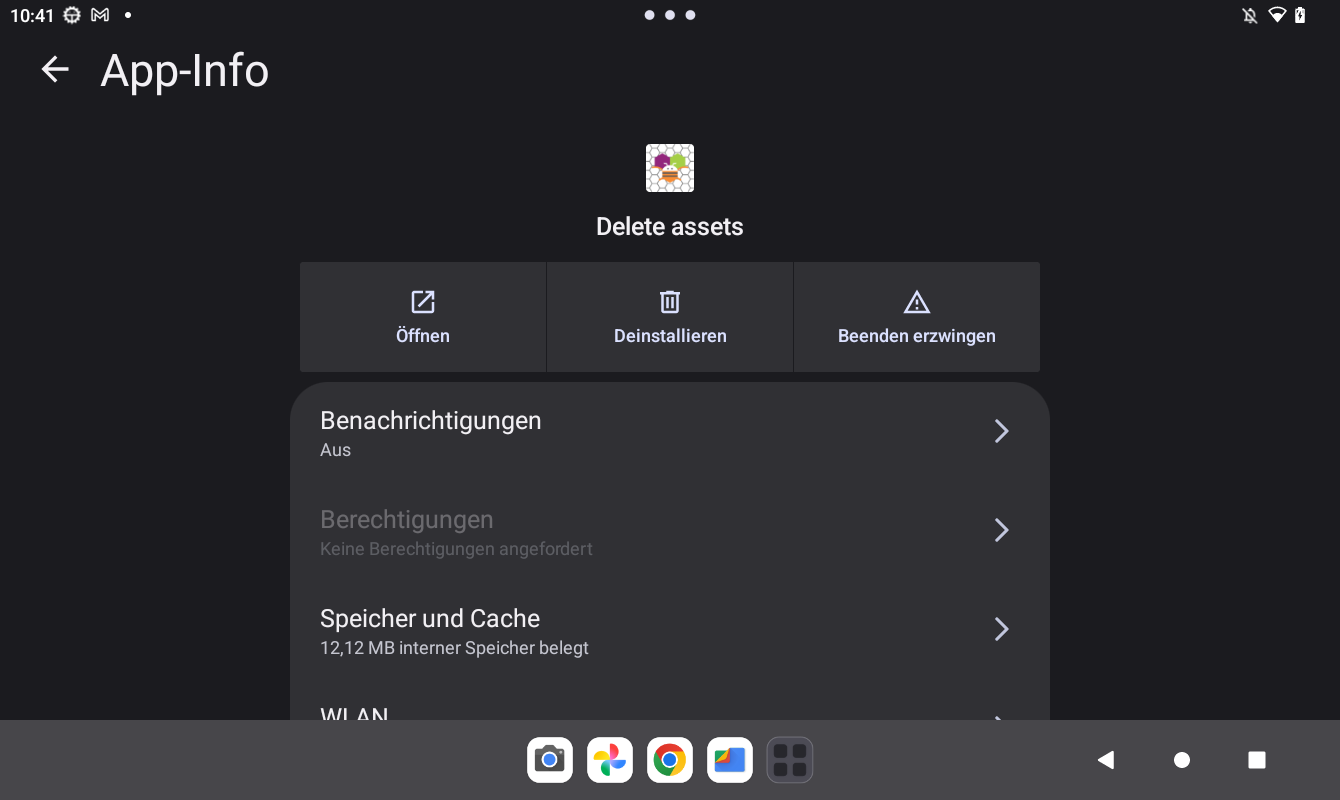
I thought that there was a popup with permission request. But it might be something else. I checked it in the app. No permissions were requested. I wonder… I try to read (only read) my own files, media data (not non media data) and need some handstand to do that and this app can delete without?
Never the less… deleting the files on PC doesn’ t help too. The Runtime Error unfortunately still occurrs
Lass uns das mal abkürzen, indem du mir die aia via PM schickst.
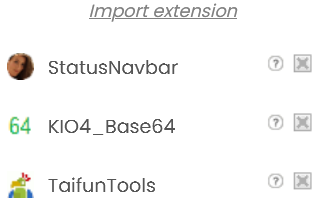
1 Like
you are right. no error with your aia. the bars can also be disabled. It could be a problem because i call it in screen.initialize?
I send my aia file to you. Please handle it private.
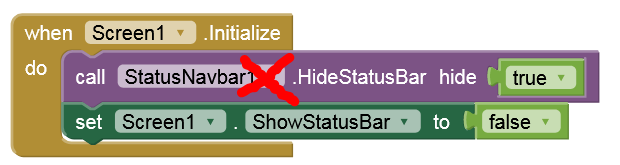
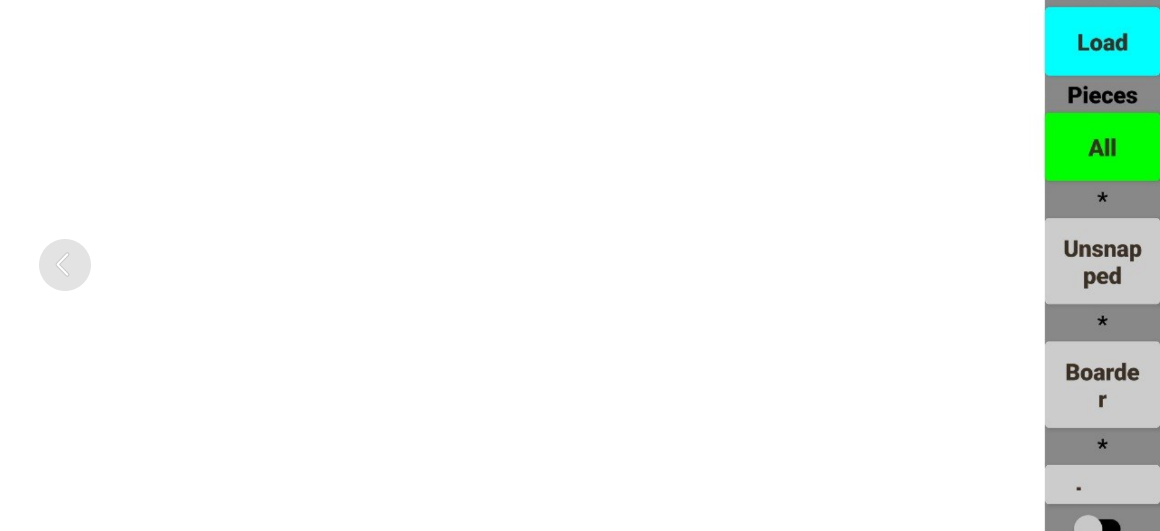
Try to disable the Gesture-Navigation:
Einstellungen → System → Gesten → Navigation → 3-Button Navigation
I come back in the evening when trying out your proposals and will have a deeper look and reading in your posts. Currently it is not possible. Have no access to my private devices. But what I know for sure is that i don’ t use gestere navigation. I remember that. When i switch to gesture it leads to the dissappearance of the 3 buttons (red) but the icons in widget (or what ever it is) keep in place (red).
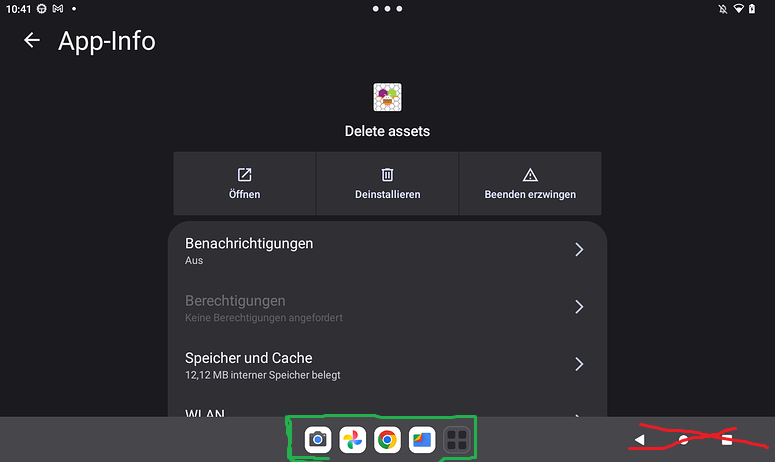
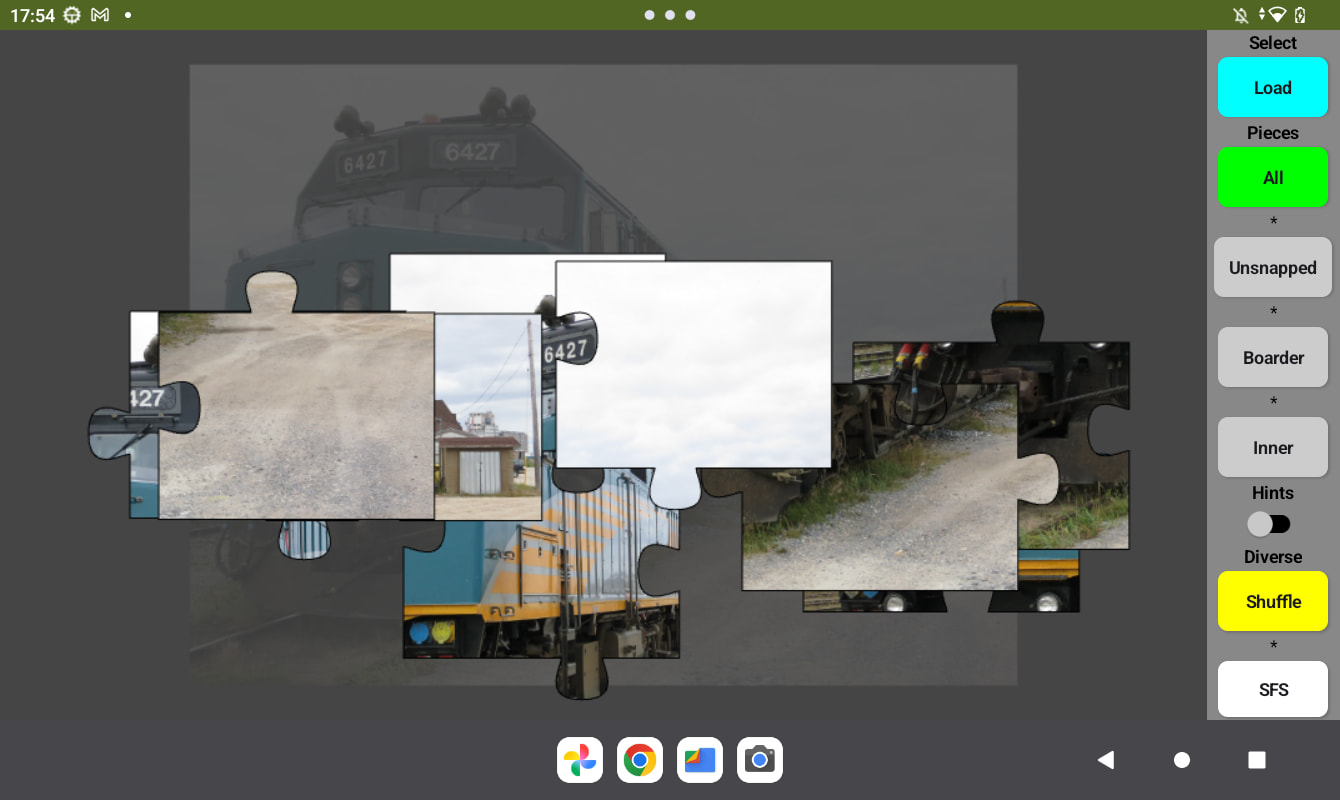
so…  what i did is the following. I used your example which works. Checked the extension versions. We use the same. I copied your blocks to my project. add a button SFS (Show Full Screen). Then I tested different scenarios. The result is the following currently working situation.
adjusted blocks are
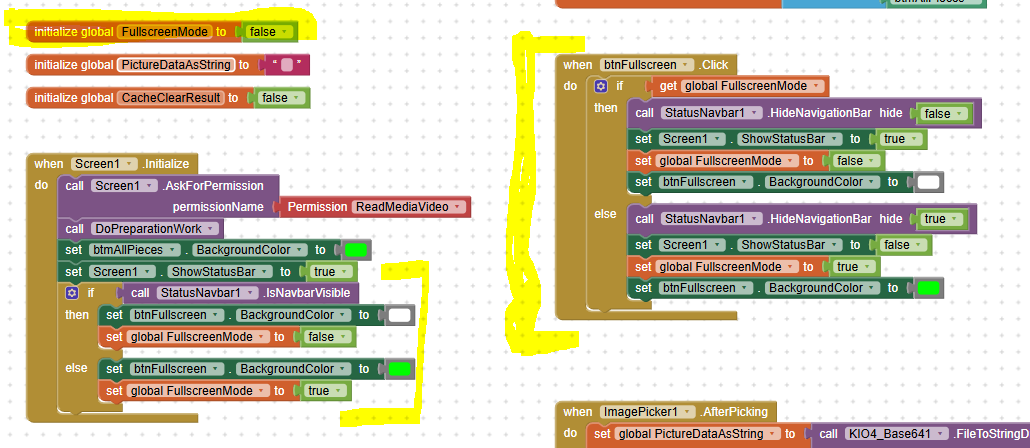
Not fullscreen
fullscreen
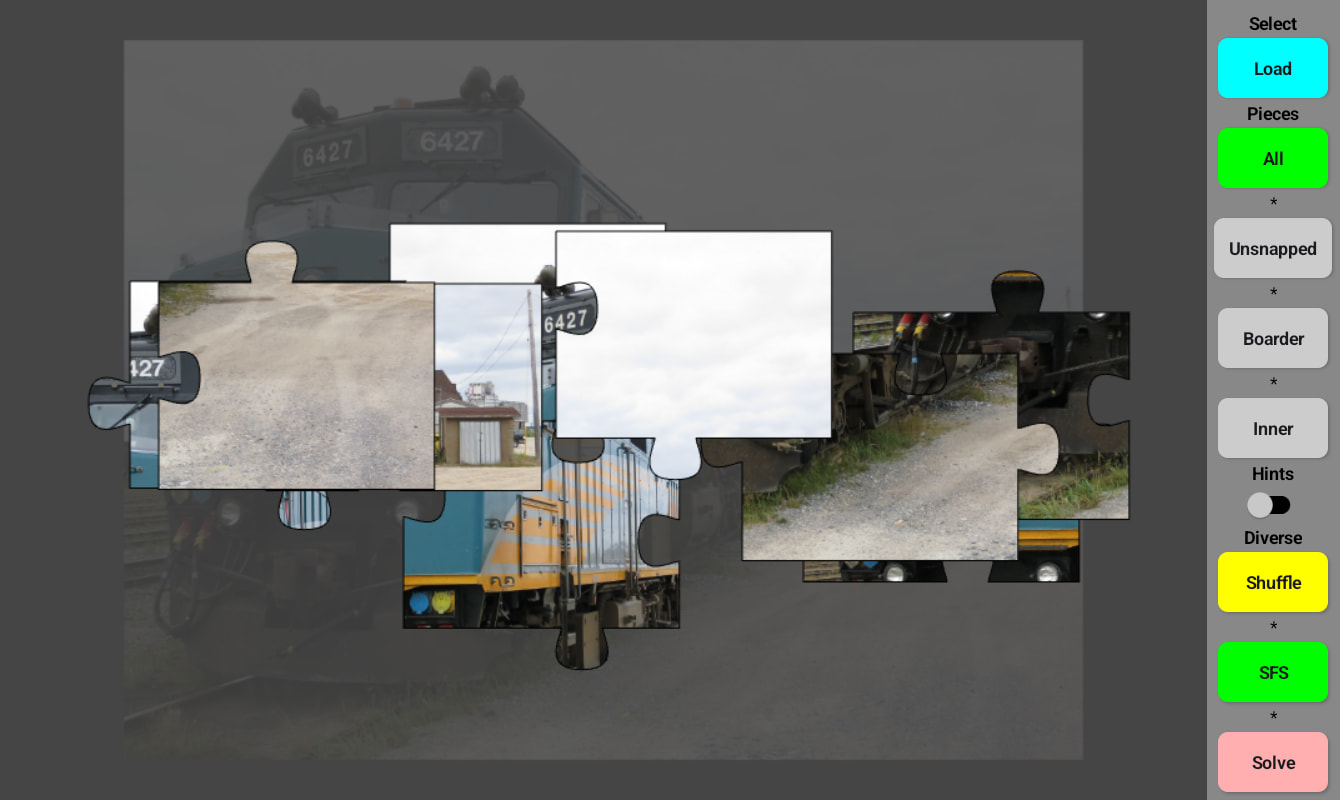
A newly upcoming problem is that the puzzle pieces do not fit to the new dimensions (calculation). But I guess that I can solve it with fix dimensions. Also my html and js files are not up to date in assets. Also new is: if i select a picture often in the first attempt an error occure (did not catched it with a screenshot - i am to slow). When i try again to load the same file it works without this error. It seems to be occuring for the very first attempt to load a file. I mean after the first file is loaded all other following selected pictures are loaded directly without this error (cosmetic defect… it does not matter)
The above mentioned runtime error is due to this function. If I do not use it the runtime error did not occur.

Thanks for help to all of you!
finally i changed the blocks to start with the fullscreen view. this solves temporily the problem of the piece size calculation and the correct piece position.
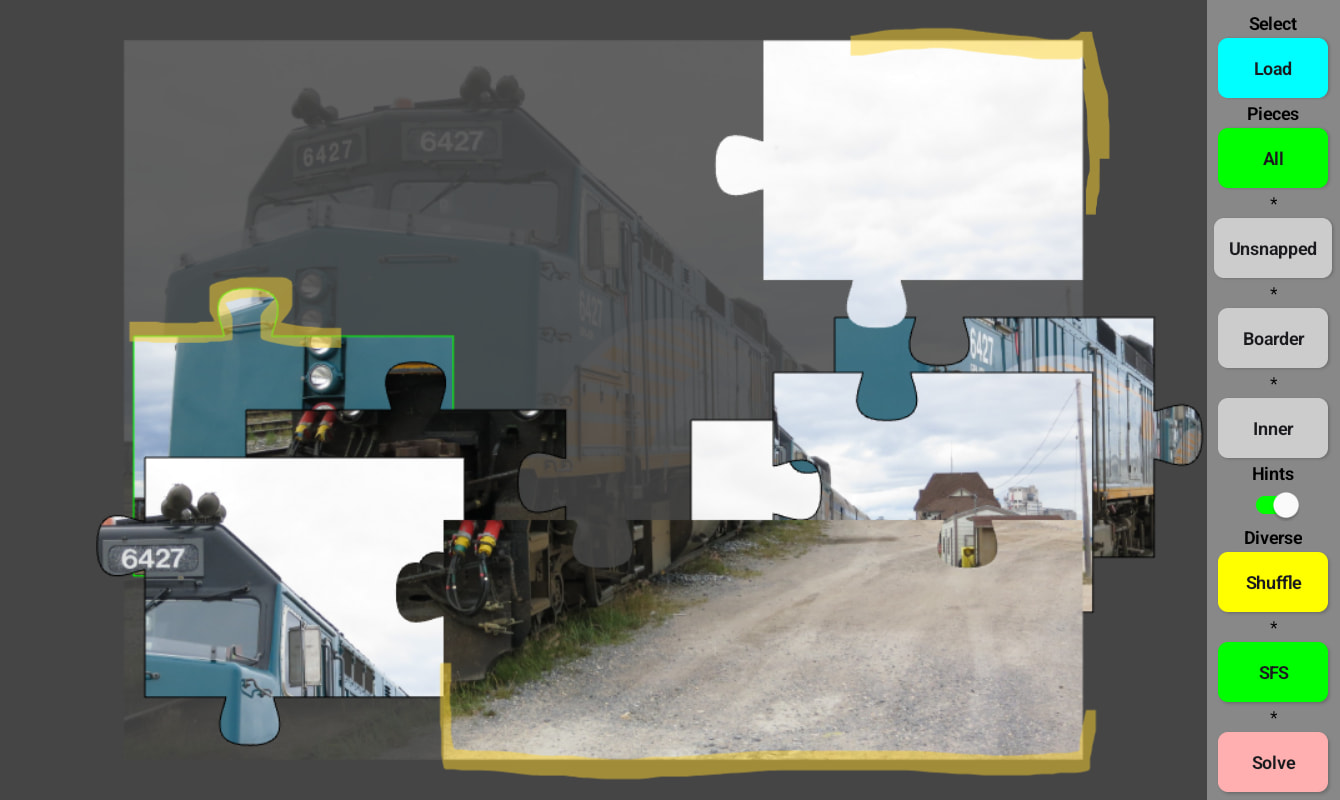
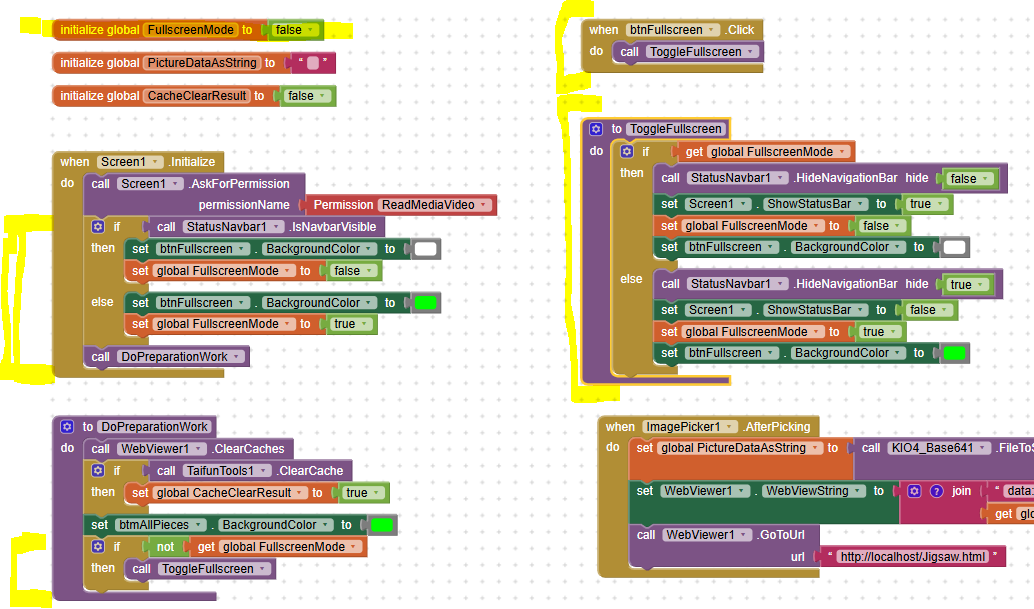
the error occuring temporaily for the first load approach is (for info only)

@Anke Unfortunately… after a lot of work I can not compile / create the apk. I read this here but don’ t understand what i can do. There are many messages in output. You need to know which ones exactly but it would be a very long list. What can I do?
I can not remember any important changes. No other extensions. Some more buttons. All other things were in JavaScript (asset files). But the last mentioned ones were also included in the compiled aia for you.
So my question can you please have a look at it and do you allow me that I send you all log messages in a personal message. I dont want to publish it here.
…
[RunD8] ERROR: d8 failed.
…
