Hello Community,
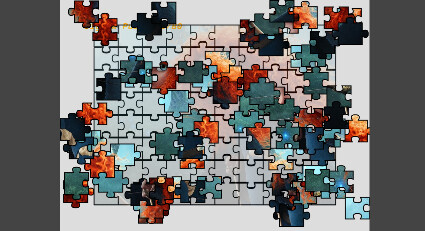
Some time ago, I bought a jigsaw puzzle app from the Play Store. The app is great. Unfortunately, despite the initial payment, you have to pay for additional images. Based on this post., I had the idea to try creating such an app myself.
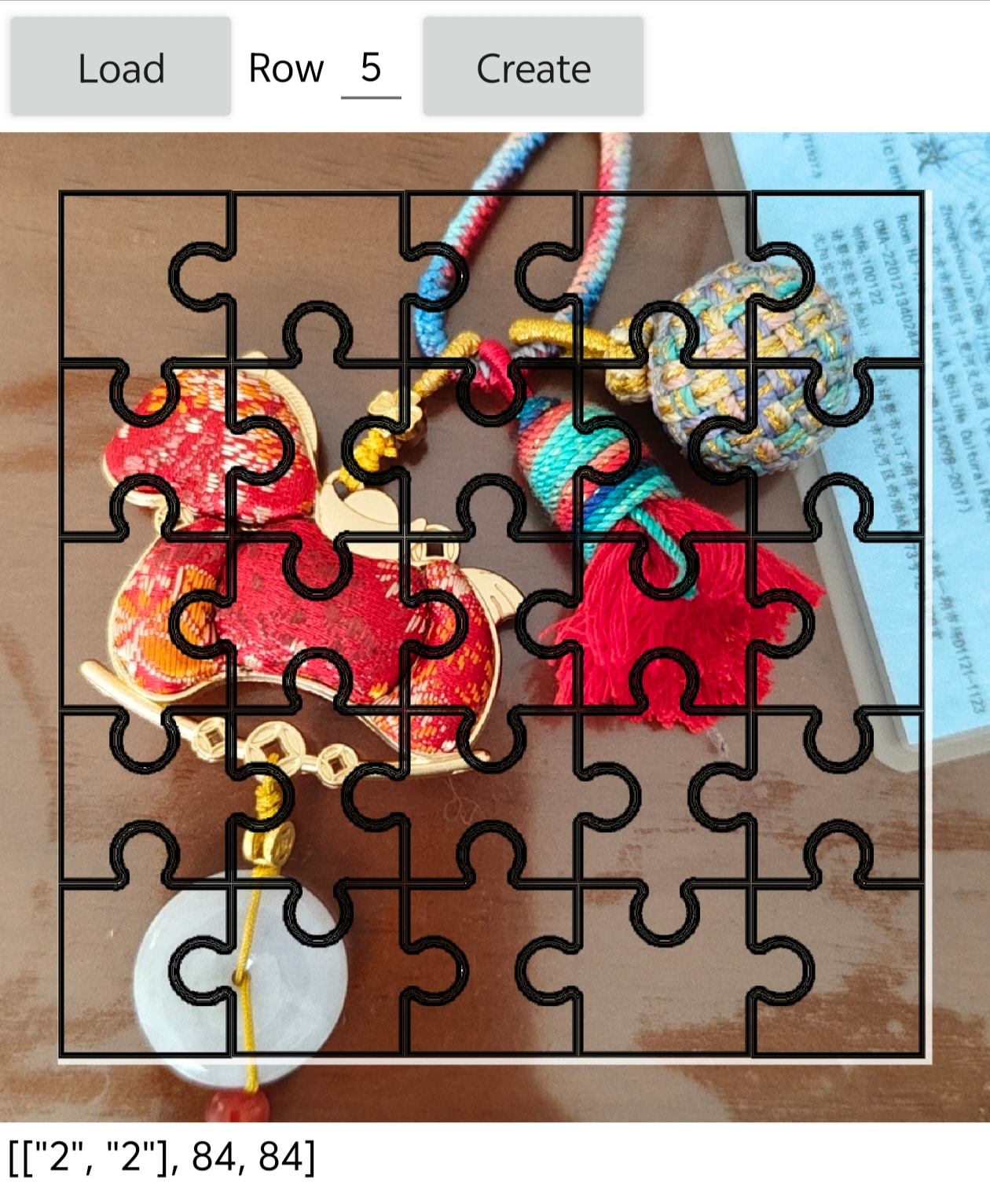
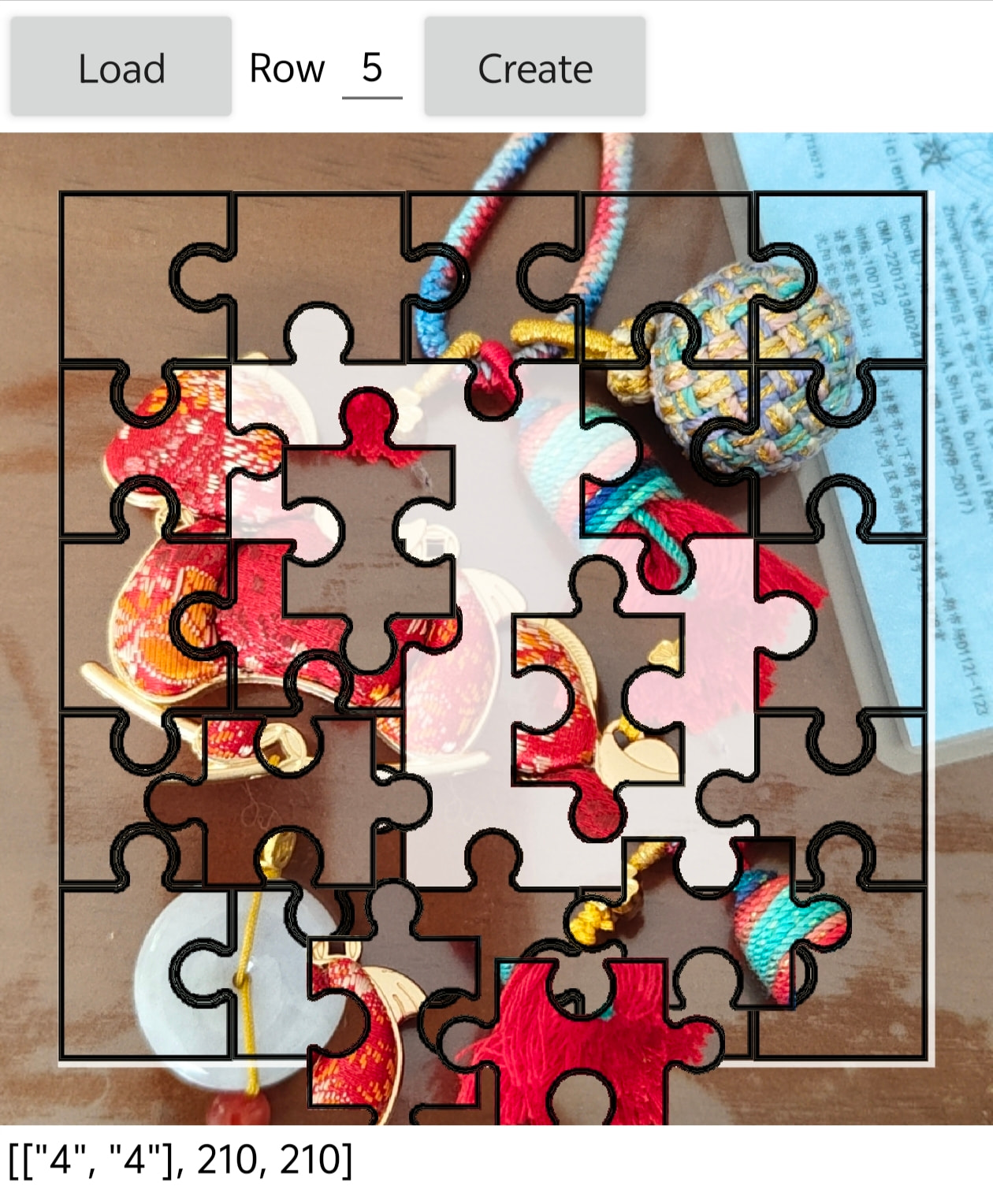
The example (see link above) uses a JavaScript library. I found an alternative on GitHub. The code used there is independent, doesn't offer as many features as ZIM's, but is perfectly adequate for my needs.
The idea is to copy prepared images (resolution, etc.) from my PC (e.g., every few weeks) into folders on my tablet. The tablet directory should be easily accessible. I decided for “Legacy" scope with folder “Pictures”. Not very happy with that (legacy means - should not be used - is out dated). Shared Scope with folder “Documents” does not work.
These folders are the albums. Now, these albums should be displayed. Clicking on an album should display a real-time preview of the individual images (without creating a copy of the image in a smaller resolution).

When clicking on an image, the data (presumably via Base62) should be passed to JavaScript so that the piece generation and the puzzle process can take place in the web viewer.
The puzzle-solving itself works in JavaScript. I've adapted the mouse events to touch events (a lot of reading involved, but I managed it). But how do I get the image data into the JavaScript? Could I perhaps simply pass the image path on the tablet to the JavaScript and then load the image directly from there? I haven't tried it yet. Sorry about that. Perhaps one of you knows if it's worth a try.

In App Inventor, I managed to create X buttons (for the albums) using the Dynamic Component Extensions. But I don't know how to react to a click.
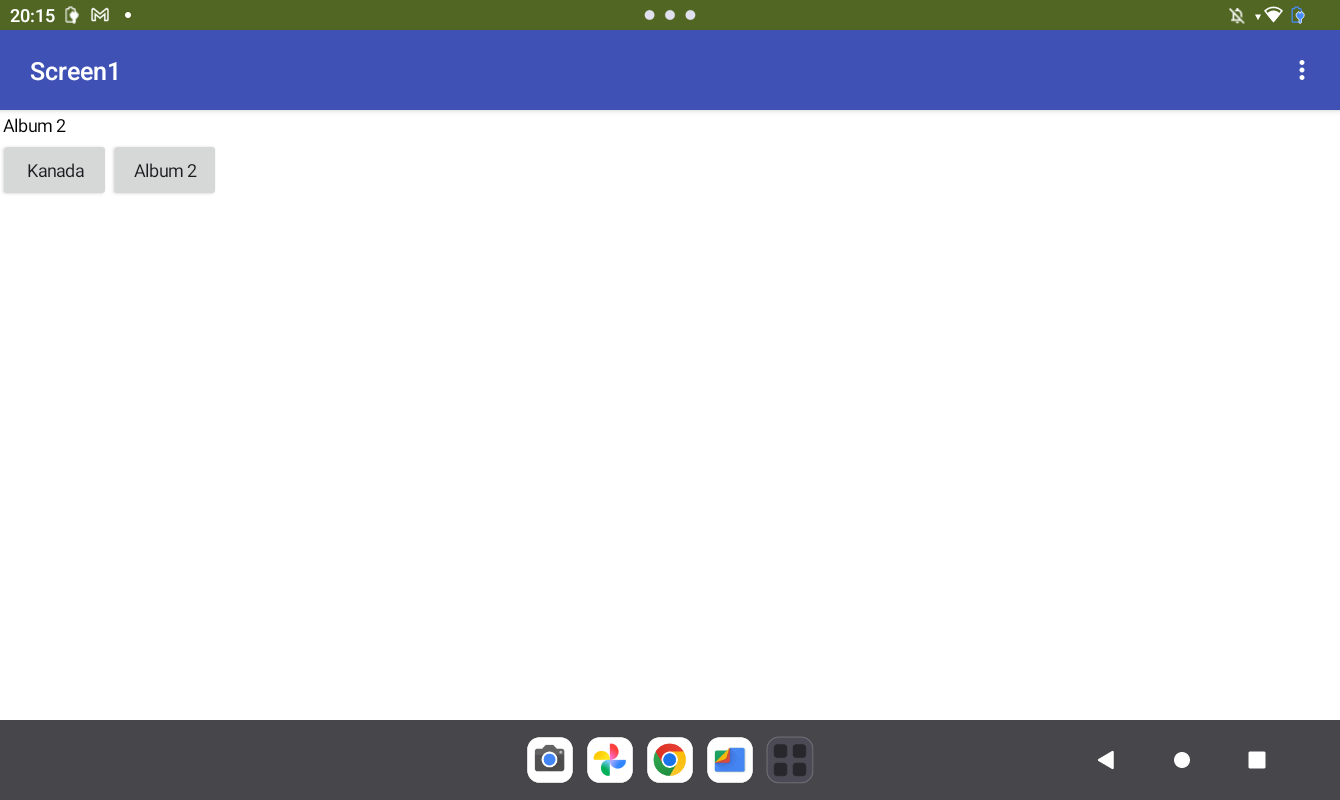
Is using this extension even a promising approach, or do I need completely different approaches? Why do I want to use App Inventor at all and not develop everything directly in JavaScript? Because I'm hoping to use AI2's database functions to, for example, save which images I've puzzled and which ones I haven't.
Any hints, recommendations from you for me? At the moment I can not say what is the most important topic to solve… is it how to bring the selected image to javascript to integrate in the logic there or is it how to handle and get folders data, picture files readed and how to present it on the screen for selection und in which way (components used).
 and maybe get inspired.