No. But this is the only explanation for your problem.

I do not know what I can do or try furthermore. But at least I got a running version with some limitations built by my own.
Did you test with Companion or the APK? Android version?
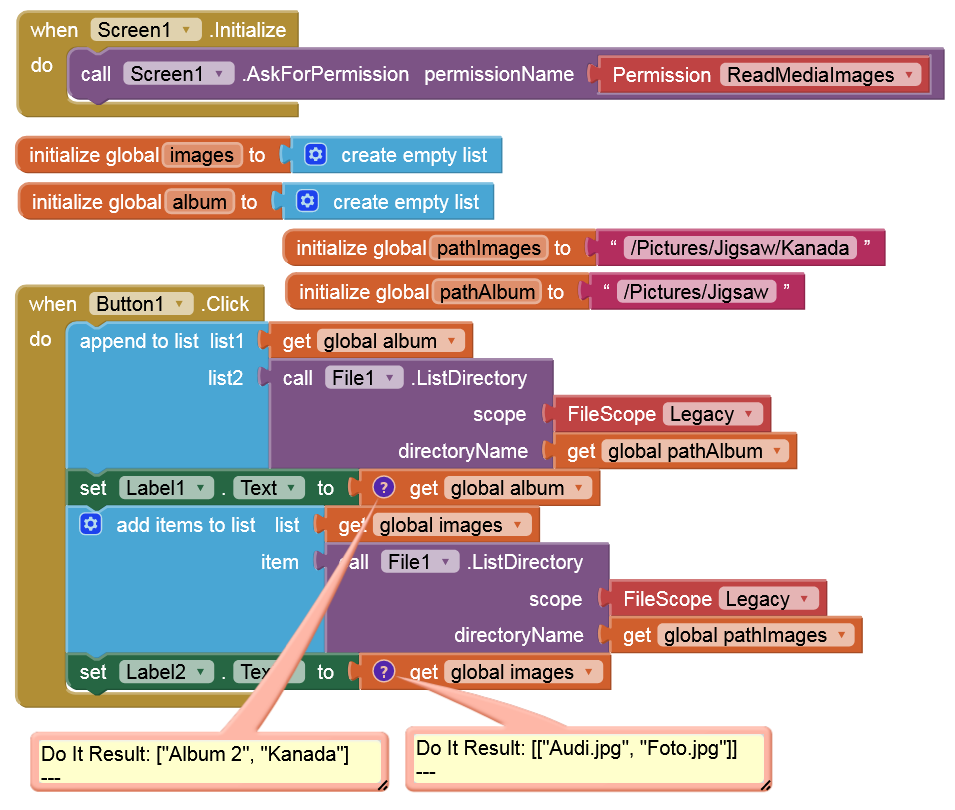
Ihope you won't laugh at me. I could become crazy. My tablet has resetted itself. empty accu. Loaded it… PC blue screen. Tablet not recognized by pc. Now… after deactivating a power managment feature it seams to work. Do not know what happend all in all
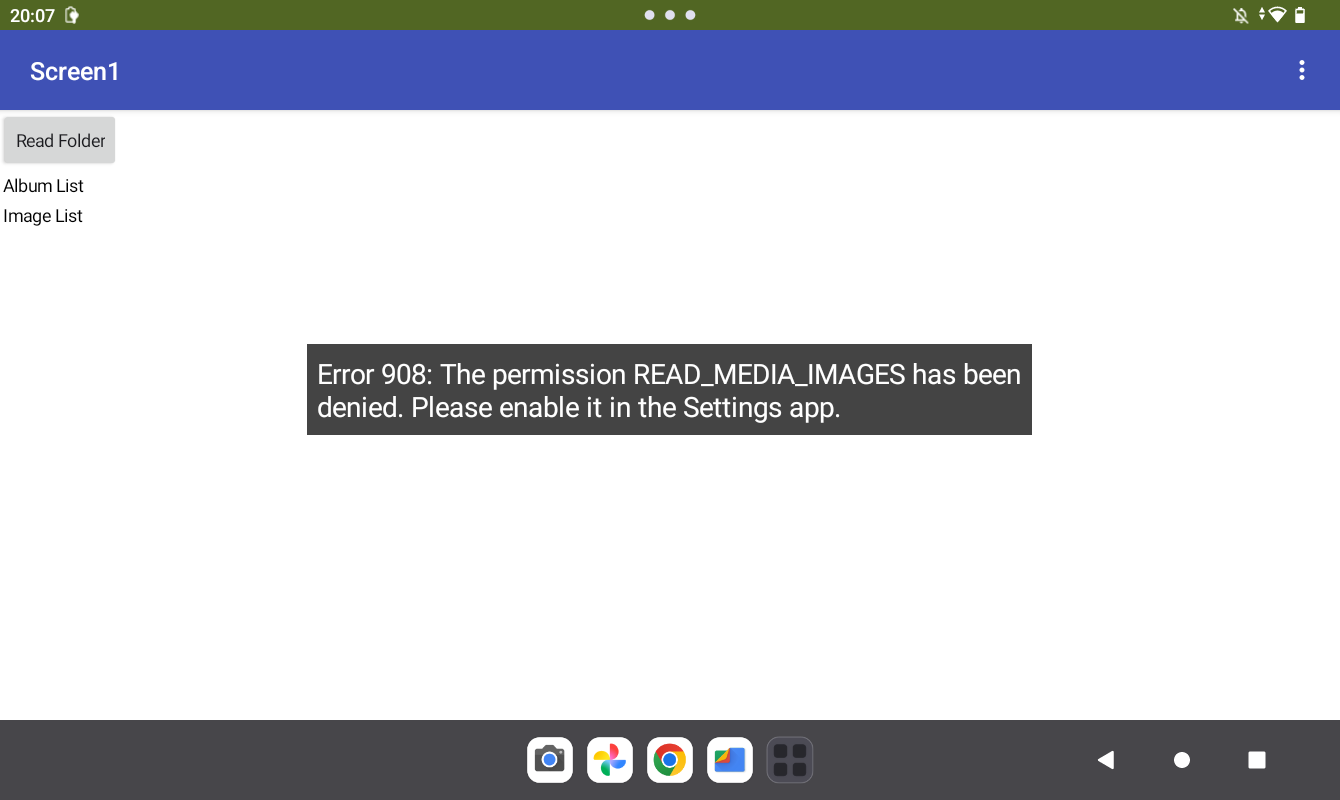
Test with companion and / or USB Connection (both will not work regarding the following error). I testet it also with qr code and companion because pc connection was temporärily down (see my comments above)
Android Version 13
Sicherheitsupdate 05.01.26
Google Play Systemupdate: 01.02.26
Kernel Version
4.19.191-…
#1 06.01.26
???
I’ll answer you tomorrow regarding that, but try with the APK and it should work.
1 Like
you are right. with apk it works. so… so is it a problem in emulator? Thanks for help and solution.
unfortunately i can not always compile the project for testing. Especially for a non professional in that environment it would take too much time.
Some month ago i started (also only for hobby / in leasure time) to develop apps in android development studio. in an app for bluetooth connection to arduino i reached some progress after a lot of study.
In the process, I realized how much work AI2 saves, and I've come to appreciate the tool even more, aside from its various teething problems. But somehow I keep falling into a trap.
I hope there will be a solution or an acceptable workaround for this issue….
I explained it in my guide Some basics on Android storage system:
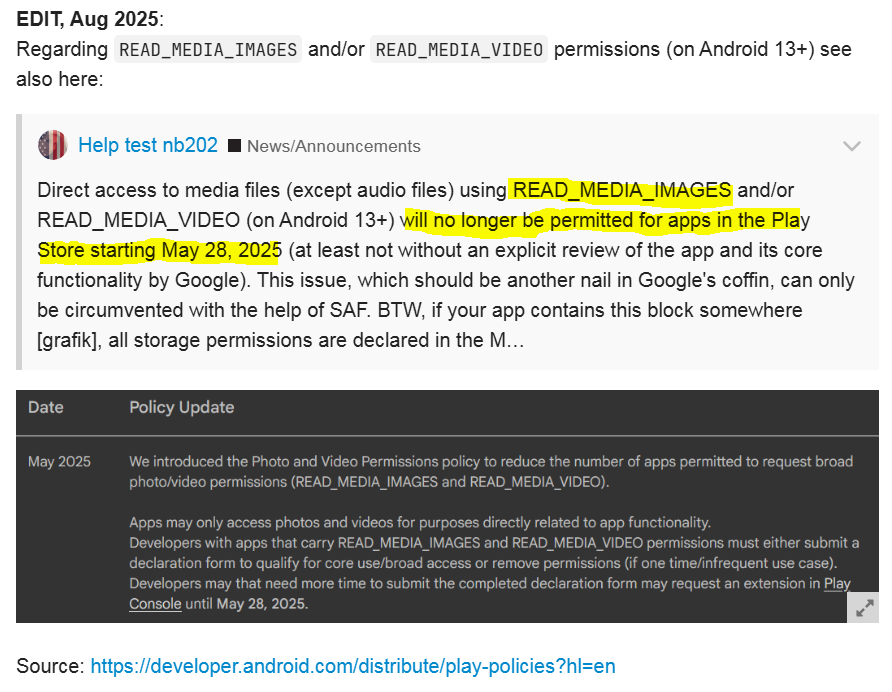
Therefore, the Companion app in the Play Store cannot declare READ_MEDIA_IMAGES permission in its Manifest. Reinstall the Companion app using the barcode from the latest Play Store Companion version. This version declares all storage permissions in its Manifest, specifically the following:
READ_MEDIA_IMAGESREAD_MEDIA_AUDIOREAD_MEDIA_VIDEO
Then—and only then—when a permission is declared in the Manifest, it can be requested.
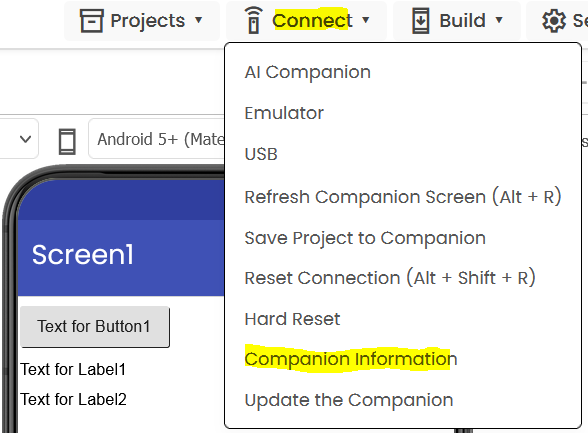
→ Connect → Companion information → Barcode
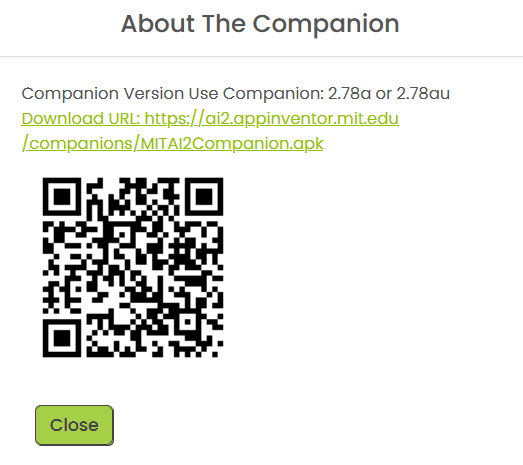
1 Like
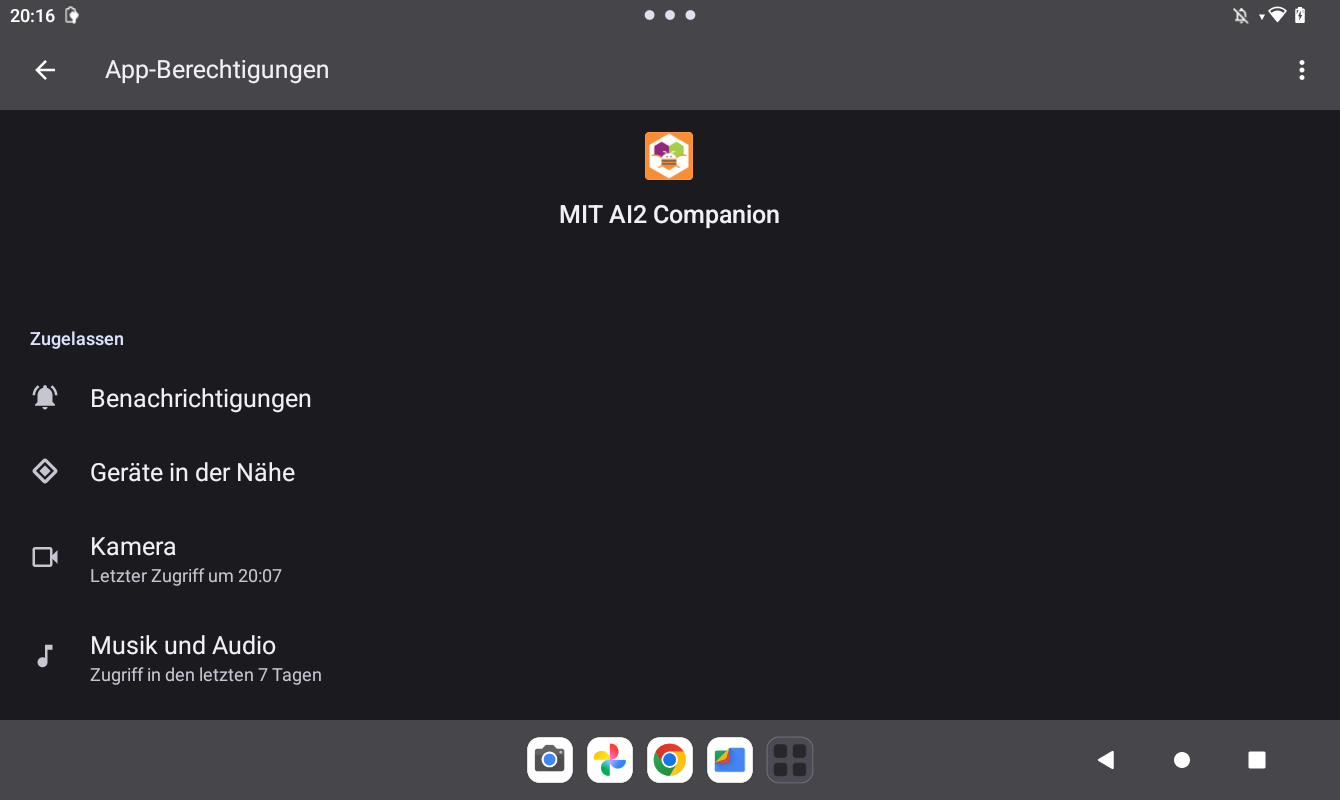
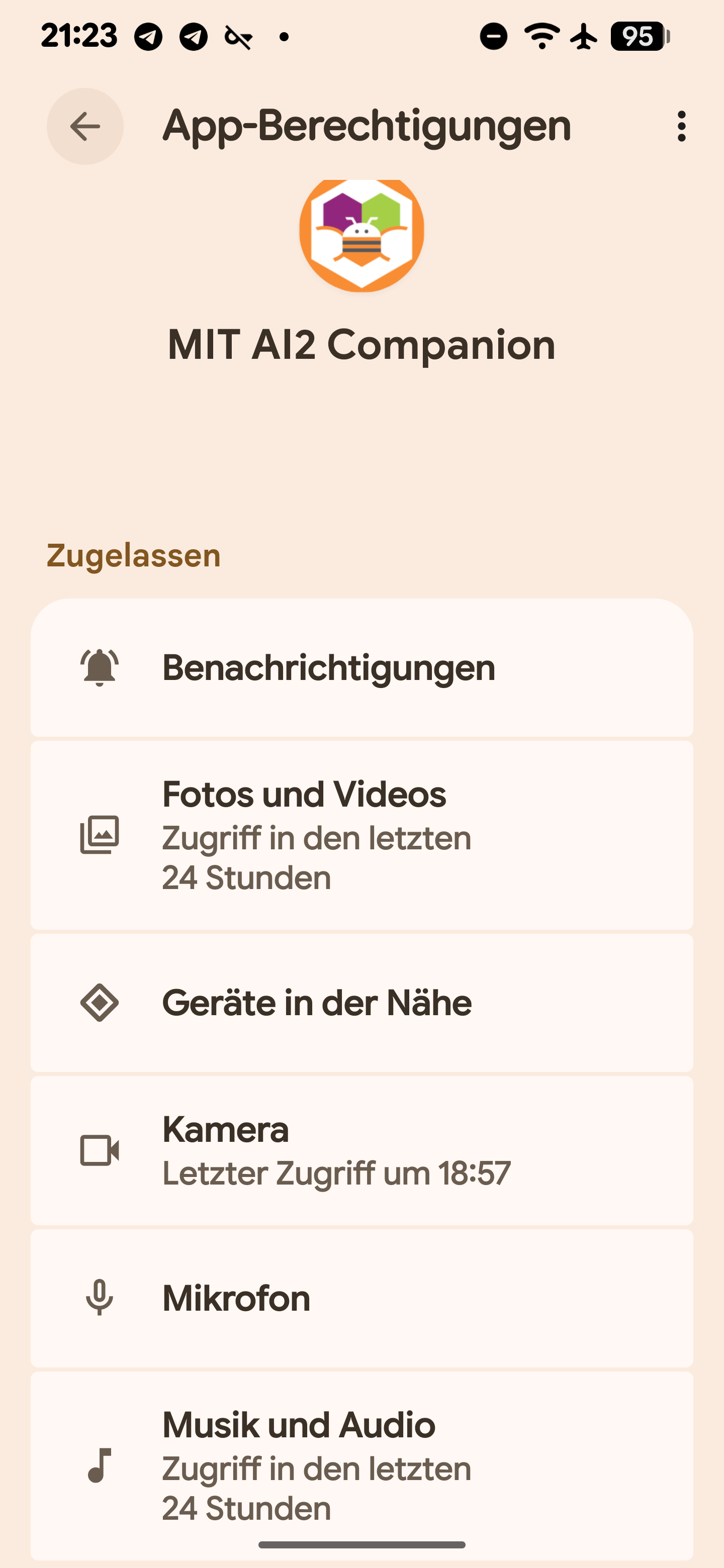
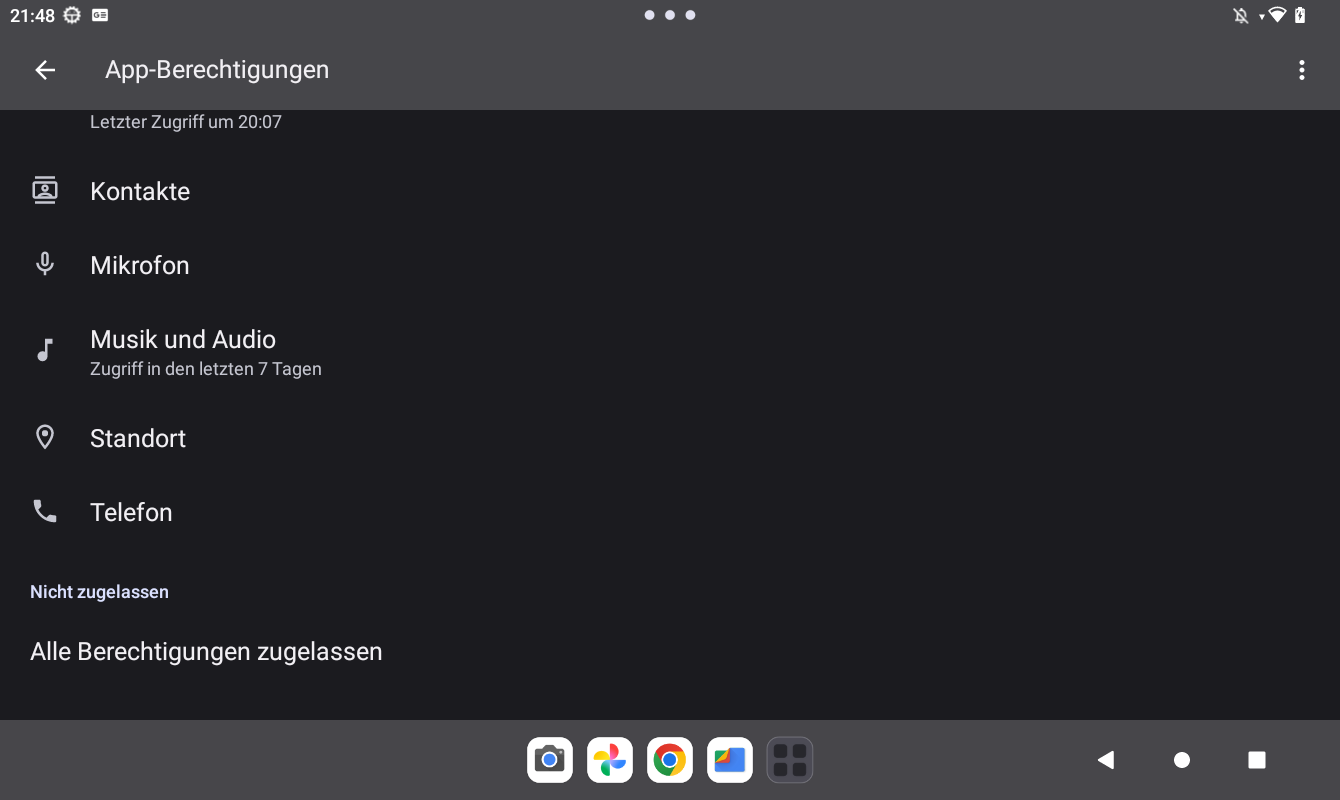
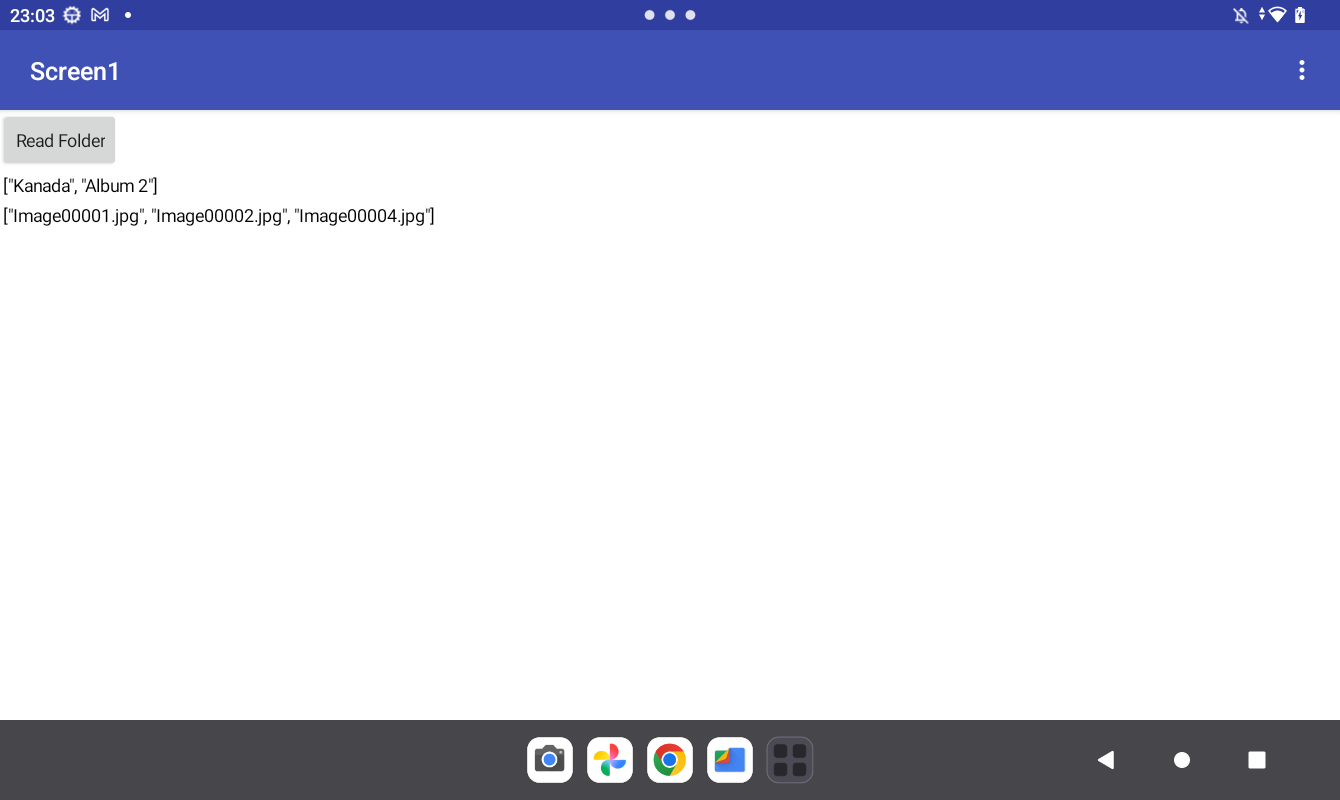
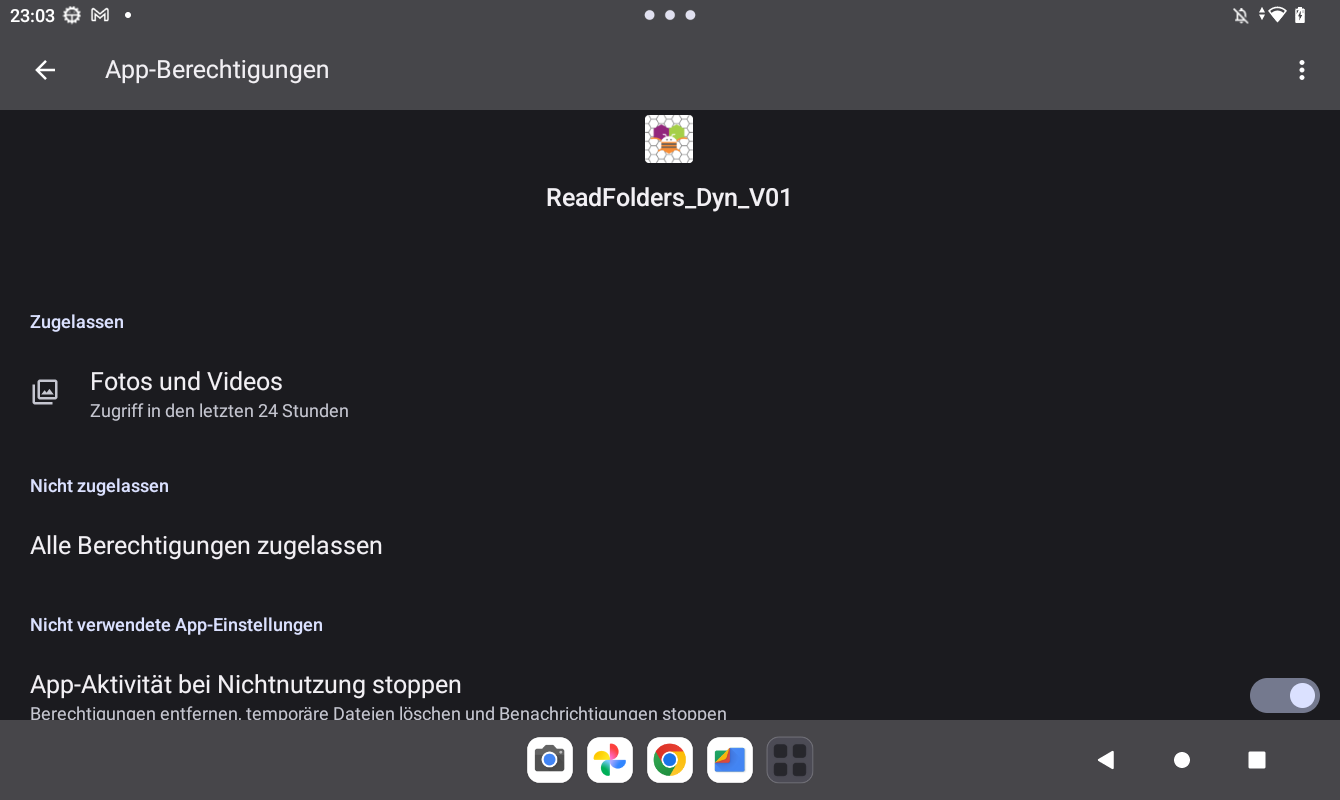
Hi Anke, if I understand it right the new version of AI2 is necessary because needed permission is hard coded in manifest of the app and can not dynamically granted like the other permission. Or better: the manifest entry is necessary that you can set the permissions on android device in the common way (screenshots above). The manifest entry enables that (like a double protection mechanism or similar wording).
Version 2.78a was installed. I scanned the barcode shown in your post with AI2, downloaded and installed it. New Version is now 2.78au. I gave the AI2 Companion permissions for Fotos and Video (this permission was not available with the old version - because it was not enabled due to the manifest entry was not existing in the former version).
It seams to work. Subfolders are shown. Thanks a lot 
PS
(→ Connect → Companion information → Barcode … I dont know what you mean with this but it does not matter).
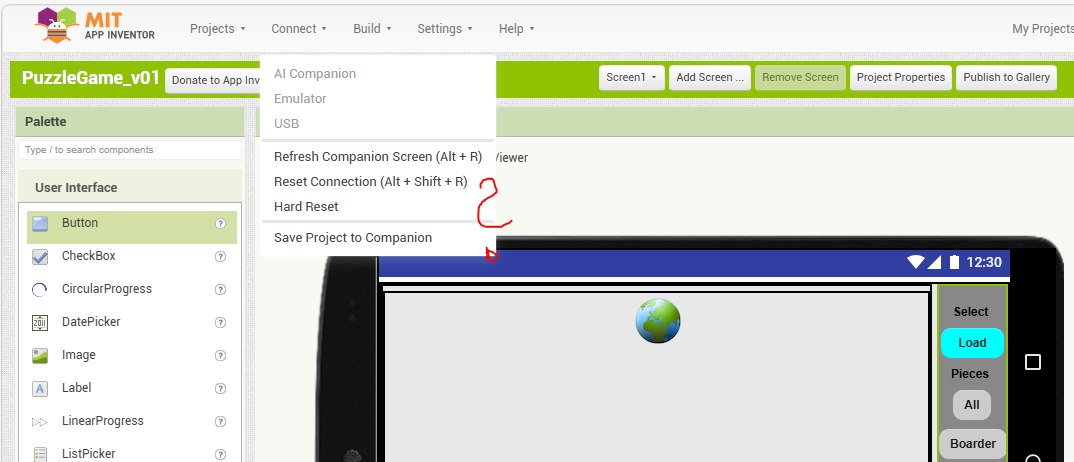
Switch to the Neo interface
1 Like
what else hidden features are available  i see a high potential for easter eggs. positive and negative ones
It is the direction we are heading in, so suggest you use it and get used to it. Similarly, there is really no reason to use Classic theme any more.
2 Likes
thank you. did not know that. learn every day
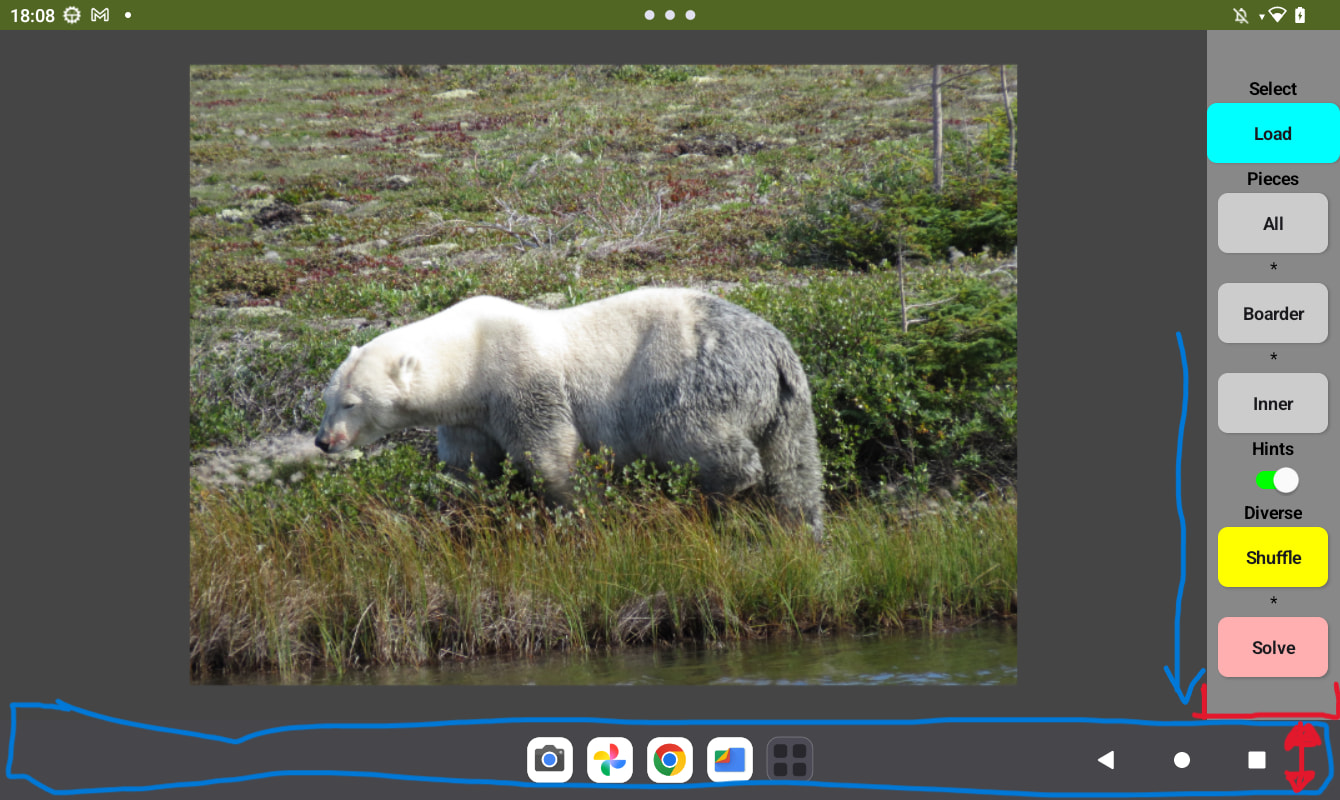
@Taifun nearly there… I tried to use TaifunTools.HideSystemUI to get nearly fullscreen for the image. The bar disappears but the vertical arrangement right side keeps its place and ist not streched down to the bottom.and as i see also not the rest. All surrounding layout objects have the attribute FillParent for height. any idea? I call the method in Screen.Initialize
Probably the last question from my side in this threat 
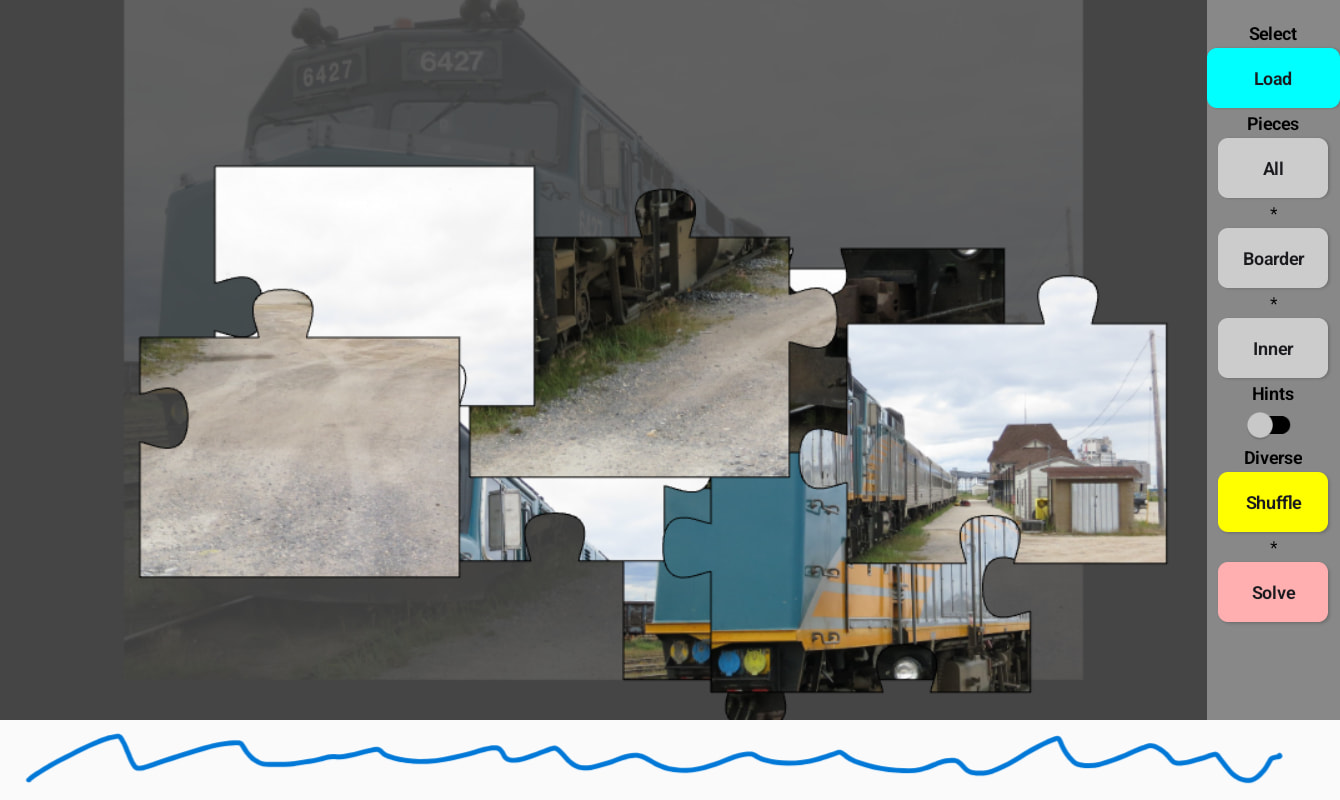
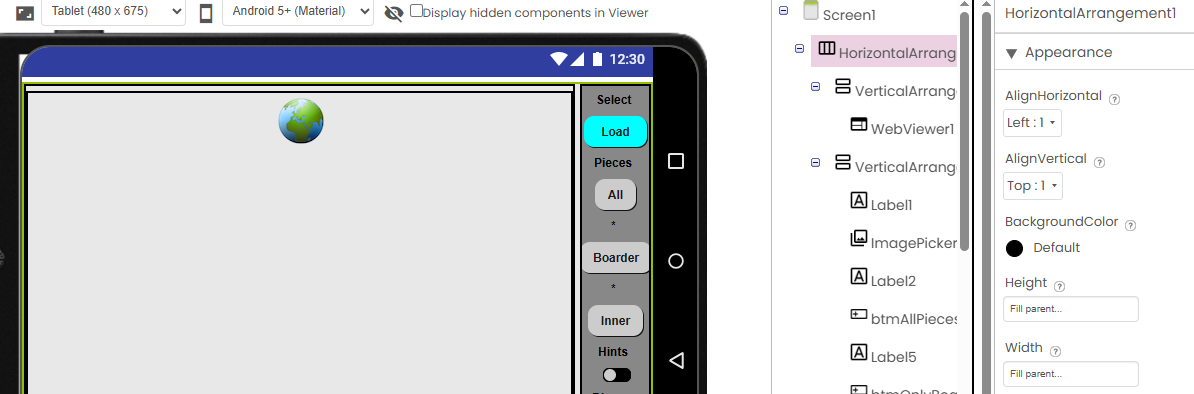
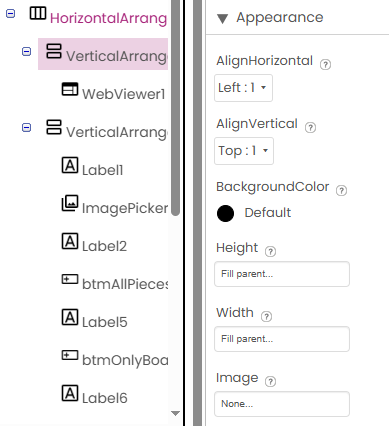
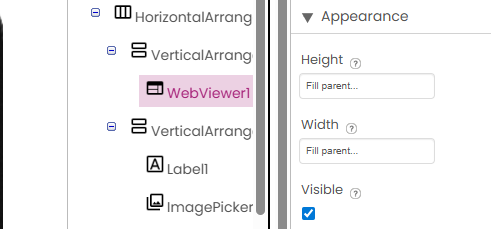
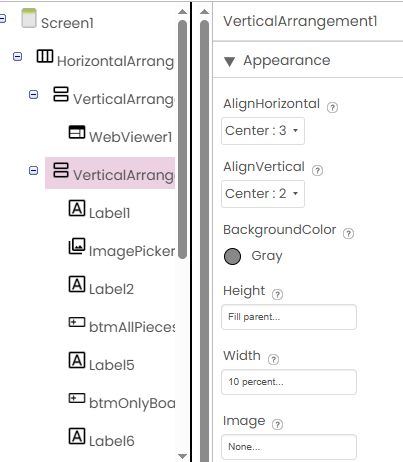
Show us a full screenshot from the designer, as well as a screenshot before you hide the system bars. Also, show us the properties for the two arrangements on the right and below.
Android version of your test device?
I can try… no sure what exactly want to see. The screenshots above show the situation without the extension and without usage of the method. Screenshot with the white bar on bottom is the hidden systembar. If i wipe the screen in this white space the system bar appears by animation.
the above picture (link below) is without the hide method and the below is with the extension.
all is surrounded by a horizontal arrangement. then two vertical arrangements… and so on…