hi @ABG, I made one last attempt to test the feasibility. I won't be pursuing this topic further for now. Using the following approach, I was able to achieve results that could be expanded upon (hybrid approach). But that's obviously not what I want.
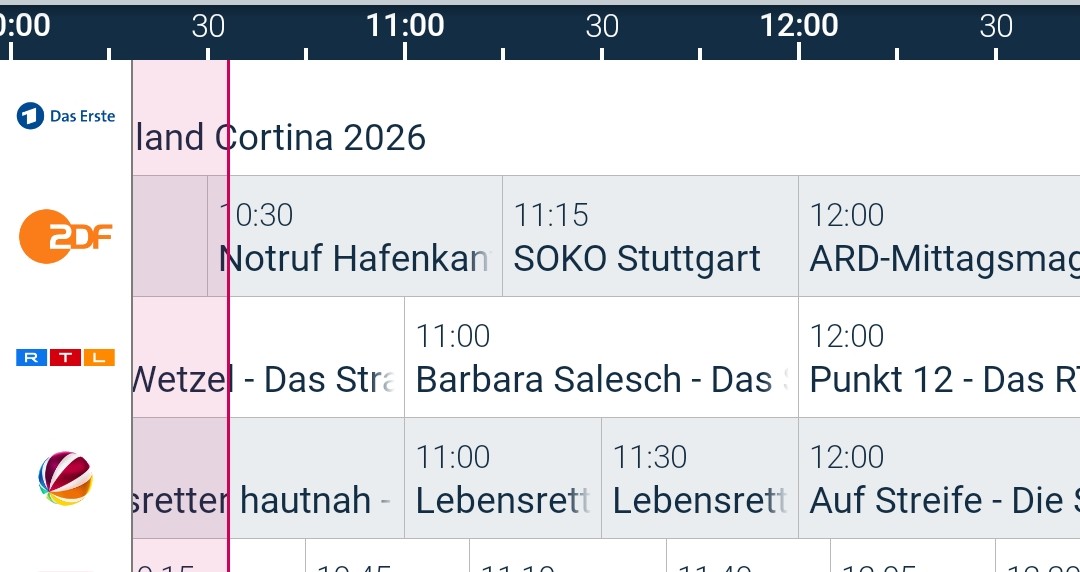
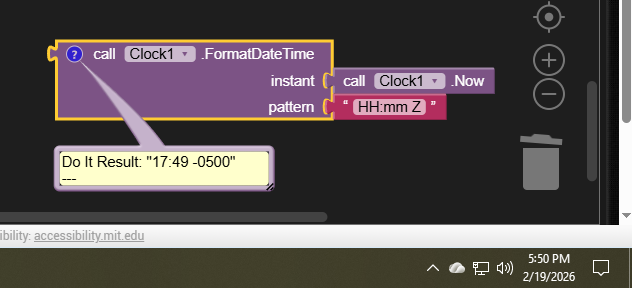
Preparing the data in Excel. Problem: I only have a current version that supports Power Query on my work computer. I've now programmed this in VBA. Quick and "the word ist not allowed". This is also a good opportunity to address the UTC to CET issue. If you're already working on it, you don't have to do it later in the app.
I exported the data. CSV is impractical because the name "TV program" can contain a comma. The same applies to semicolons. I tried tab stops. I could not parse them. \n\r and '\t' and all the other tricks you can find online didn't work.
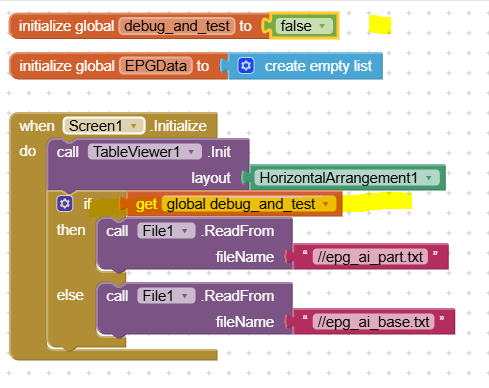
There are two versions: a short list and a long (complete) one. You can switch between them. Displaying a long list in the list viewer takes 30 seconds. I'm not going to test whether it can still filter the data (given the amount of data).
You'll find all the files attached if you're interested and want to try it out. Please don't be confused by the name of the AIA file. It's no longer a CSV file, but a text file with its own separator.
EPG_CSV_X1.aia (550.4 KB)
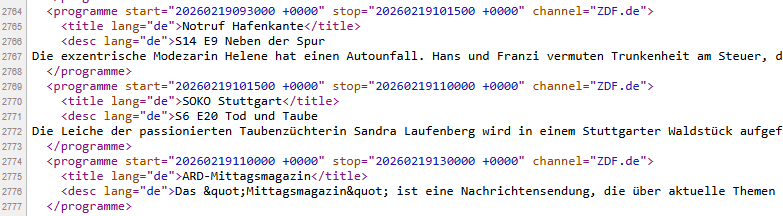
Excel File I can not post because of maybe containing personal data. I post some parts how conversion was done... converting the data ist very fast...
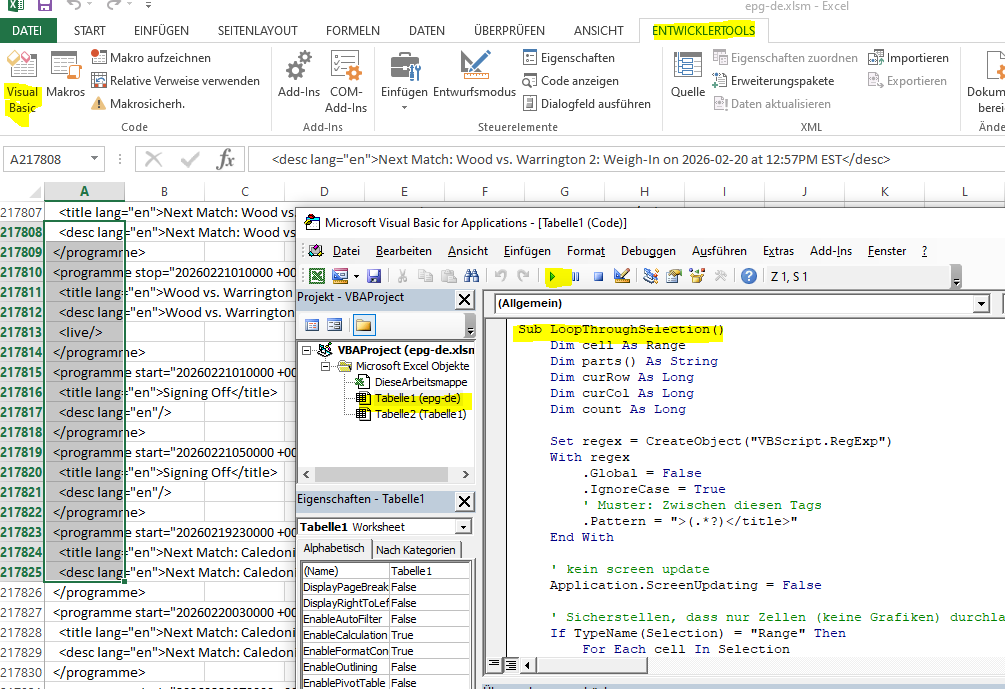
All marked data (column A rows 1 to n) will be analyzed... I trigger it directly in VBA but via Macros is also possible
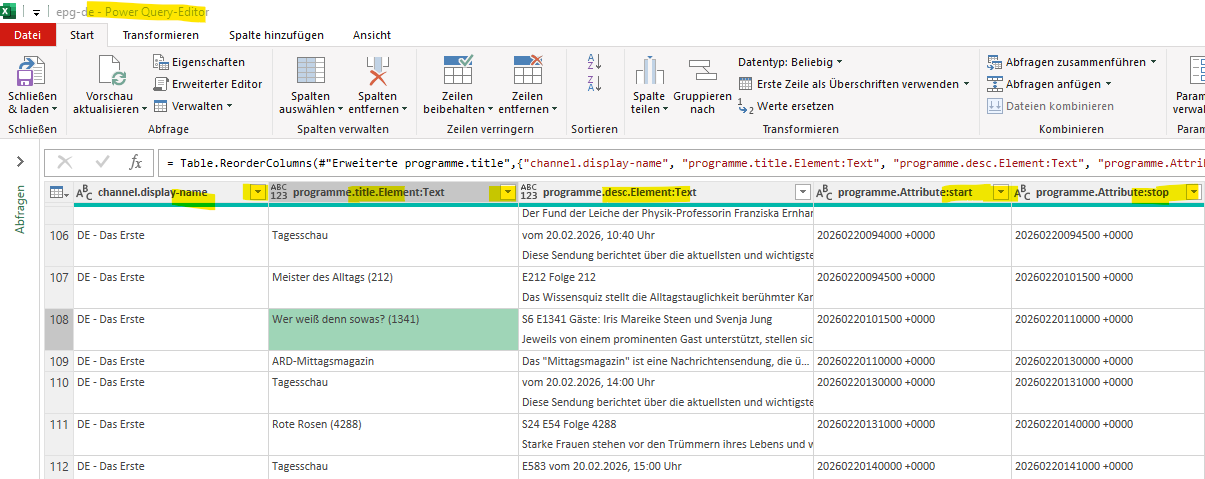
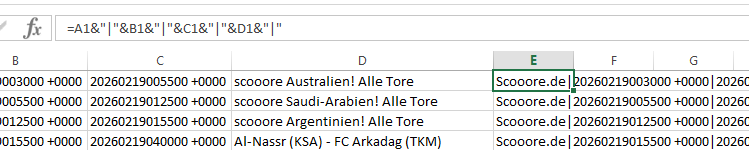
This results in Tabelle1...
and is overworked with a formula. then copied directly from cells to a notepad document.
So... thats it so far from my side for that topic at the moment. Will continue build my mini retro Arduino game unit 
PS (VBA snippet)
Sub LoopThroughSelection()
    Dim cell As Range
    Dim parts() As String
    Dim curRow As Long
    Dim curCol As Long
    Dim count As Long

    Set regex = CreateObject("VBScript.RegExp")
    With regex
        .Global = False
        .IgnoreCase = True
        ' Muster: Zwischen diesen Tags
        .Pattern = ">(.*?)</title>"
    End With

    ' kein screen update
    Application.ScreenUpdating = False

    ' Sicherstellen, dass nur Zellen (keine Grafiken) durchlaufen werden
    If TypeName(Selection) = "Range" Then
        For Each cell In Selection
            If InStr(1, cell.Value, "<programme") > 0 Then
                ' Teilt den Text anhand des " Zeichens
                parts = Split(cell.Value, """")

                If UBound(parts) >= 2 Then
                    curRow = curRow + 1
                    ' channel
                    Worksheets("Tabelle1").Cells(curRow, 1).Value = parts(5)
                    ' start
                    ' Dieses Zeitstempel-Format (yyyymmddhhmmss +hhmm) ist eine Variante
                    ' der ISO 8601 Norm, speziell das sogenannte Basisformat (Basic Format)
                    ' für Datum und Uhrzeit. +hhmm (oder -hhmm): Zeitzonen-Offset (Stunden
                    ' und Minuten Abweichung von UTC
                    Worksheets("Tabelle1").Cells(curRow, 2).Value = parts(1)
                    ' stopp
                    Worksheets("Tabelle1").Cells(curRow, 3).Value = parts(3)
                End If

                ' jetzt in den nächsten zeilen nach dem titel suchen; aktuell
                ' werden maximal 3 folgezeilen ausgewertet
                count = 0
                Do
                    count = count + 1

                    Set matches = regex.Execute(cell.Offset(count, 0).Value)

                    If matches.count > 0 Then
                        Worksheets("Tabelle1").Cells(curRow, 4).Value = matches(0).SubMatches(0)
                        Exit Do
                    End If
                Loop Until count = 3
            End If

            ' Beispiel: Debug.Print cell.Value ' Wert im Direktfenster anzeigen
        Next cell
    End If

    ' screen update an
    Application.ScreenUpdating = True
End Sub