Overview
-
This app is a demonstration of what can be done with SMS and Location in the background
-
Why not just use Google's Find Hub ? My Pixel phone has GrapheneOS installed, instead of the normal "Googly" Android, meaning that there are no google services on board. This was one of the "must haves" on my list of replacement functionalities for a de-googled phone.
-
This app is designed to help you find your phone (from another phone) should you lose it or mislay it somewhere.
-
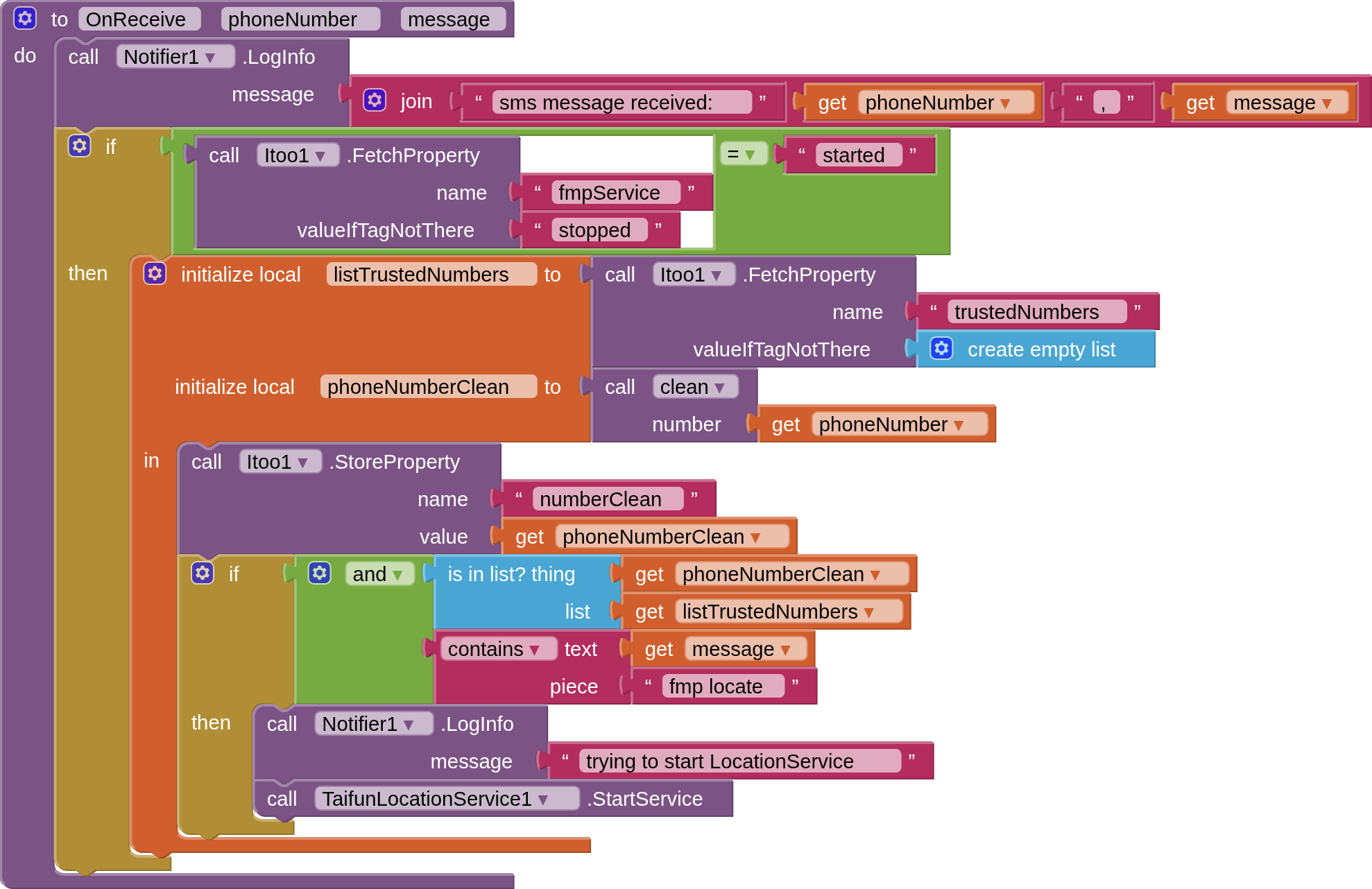
Once correctly set up, you can send an SMS to your lost phone with the message "fmp locate", and your lost phone will return an SMS with its coordinates and a map link.
Setup:
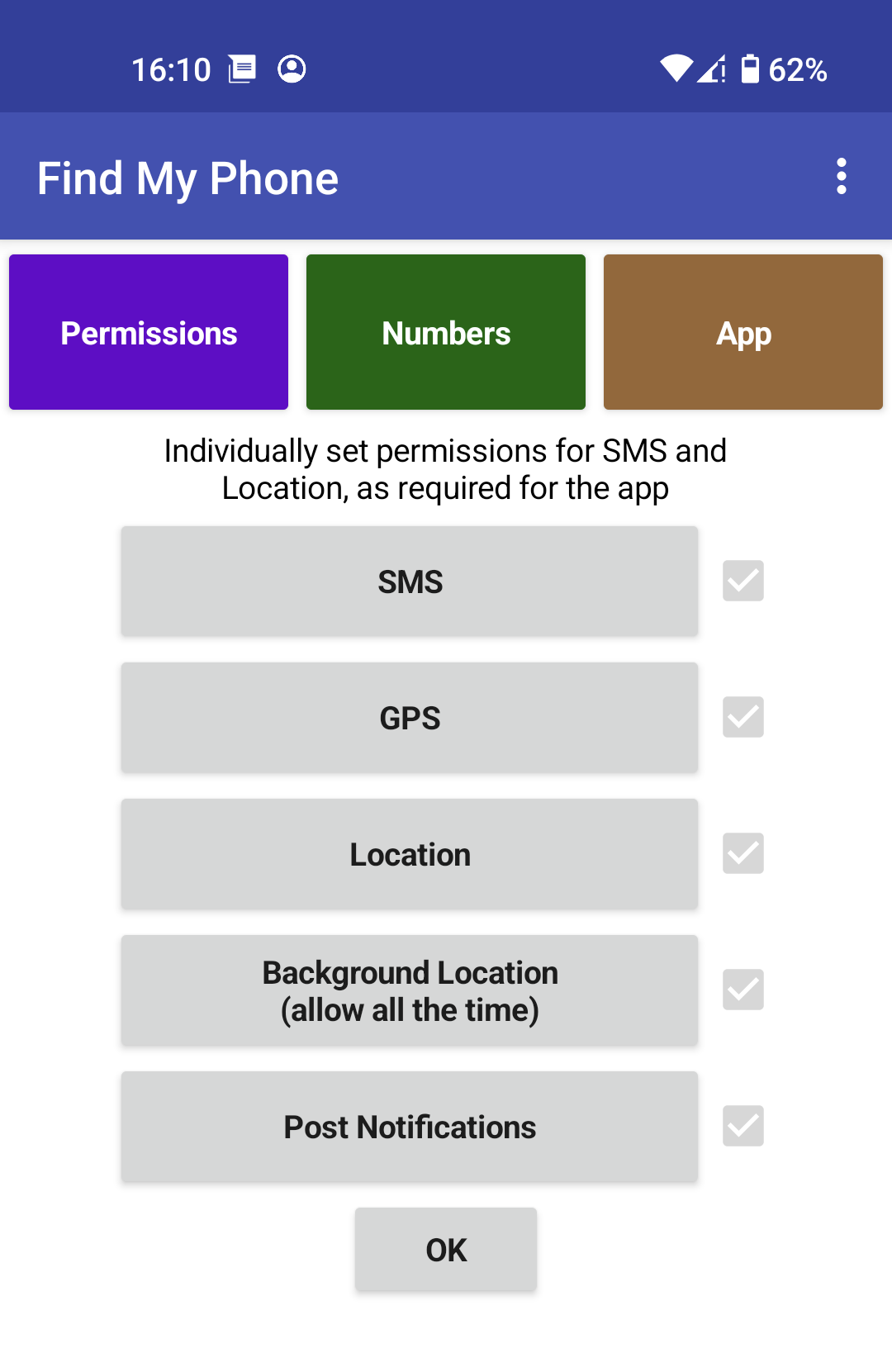
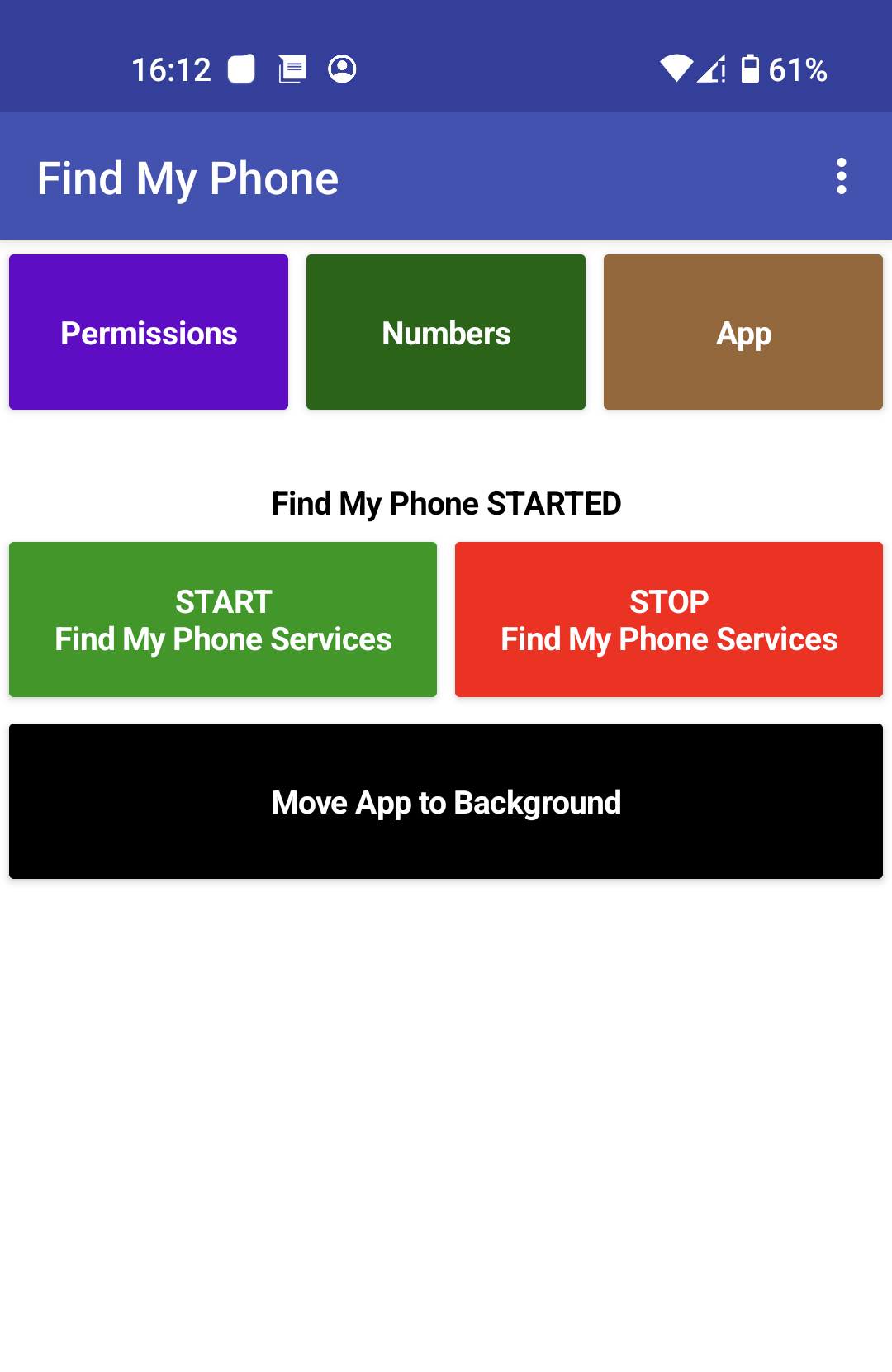
- Permissions
- all permissions for SMS and Location must be set for the app to work
- Note: on some phones, you may need to "allow restricted settings" for the app to Allow SMS
- all permissions for SMS and Location must be set for the app to work
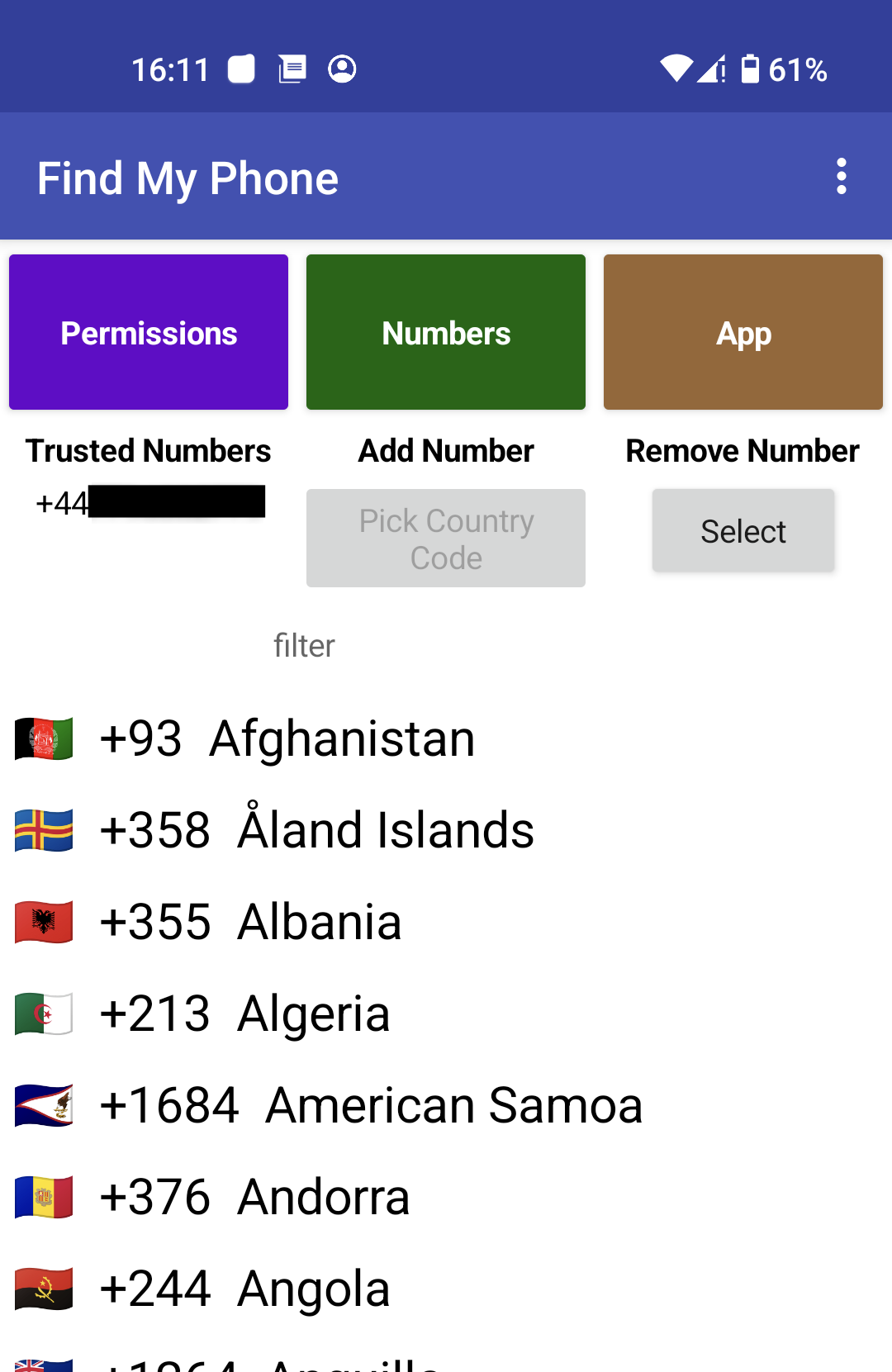
- Manage Numbers
- the app will only accept SMS messages from a list of trusted numbers that you supply.
- App
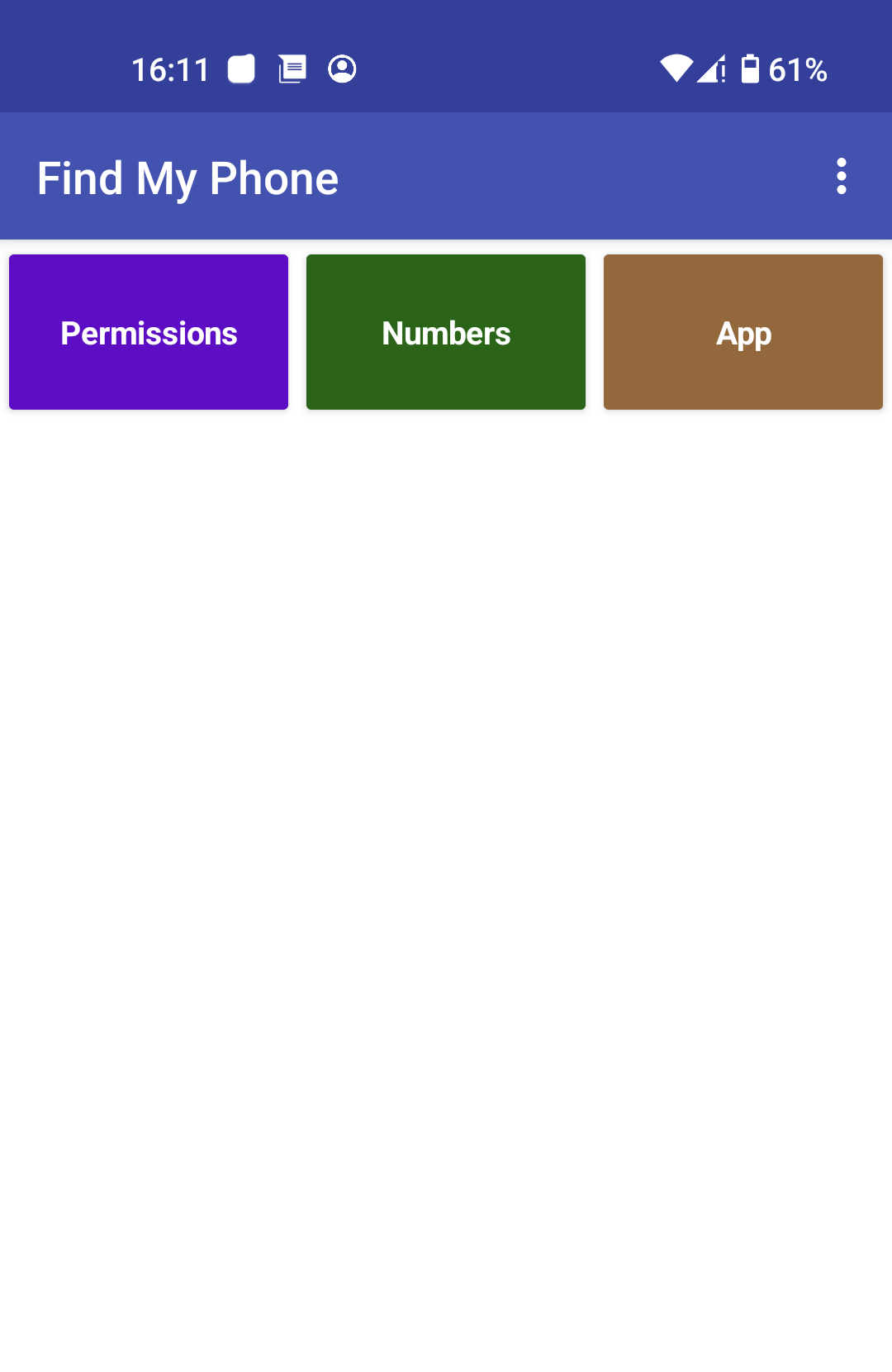
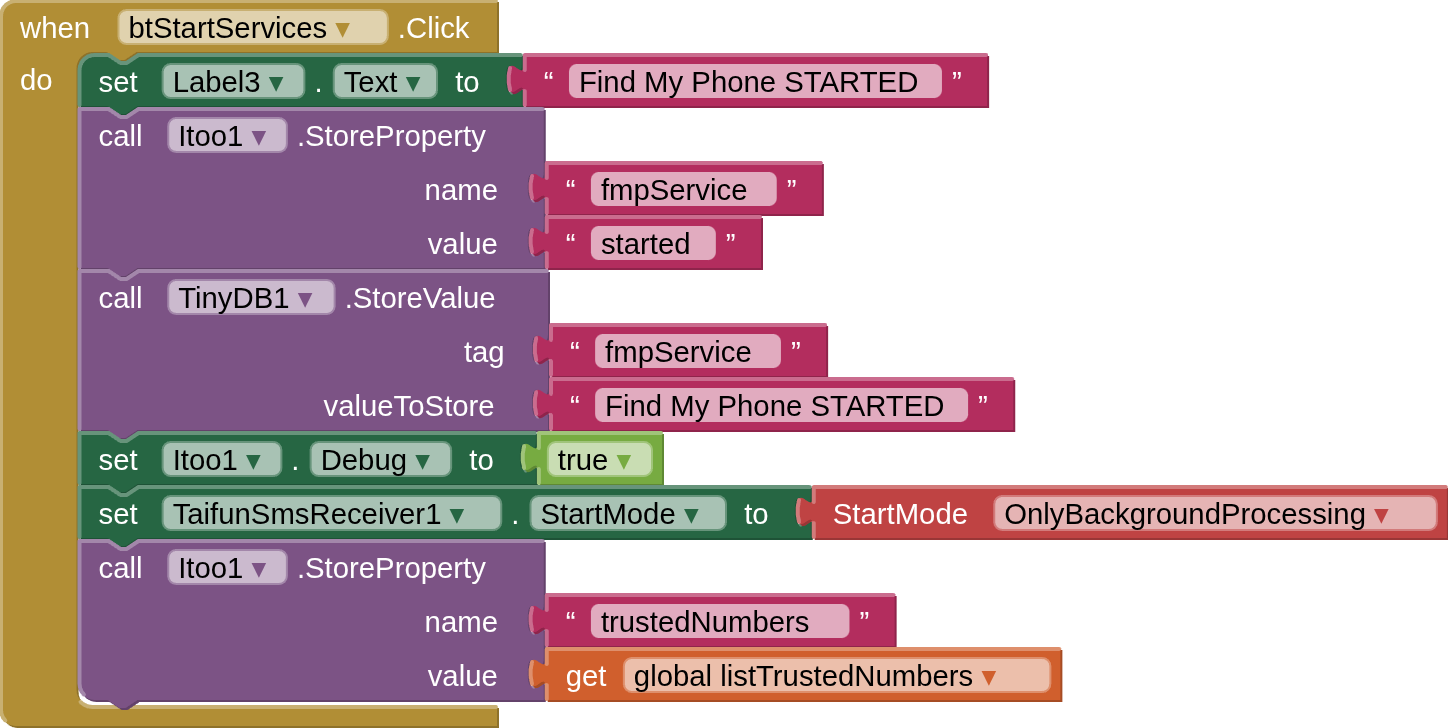
- once you have permissions and numbers set, you must a) start the SMS Receiver, then b) send the app to the background
The app does nothing in the background until a valid SMS is received, at which point it activates the LocationService, using a fused provider if available, to then send an SMS back with the location. The app then closes the LocationService.
Built using MIT AppInventor Feb 2026
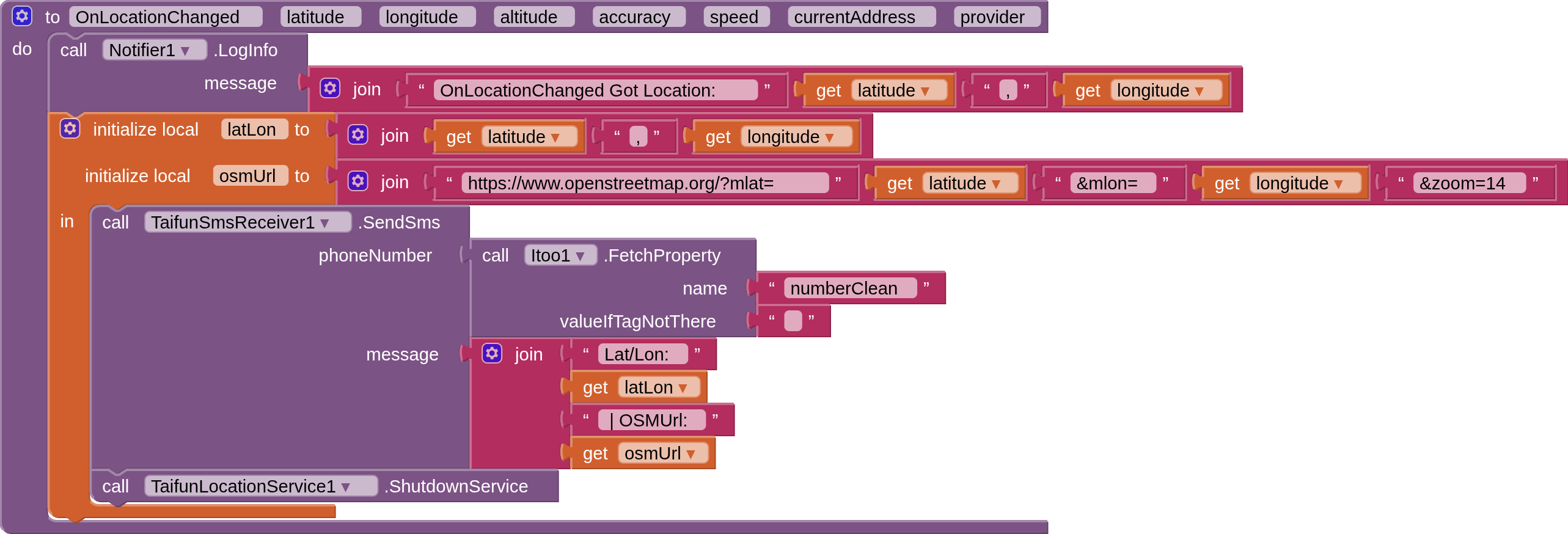
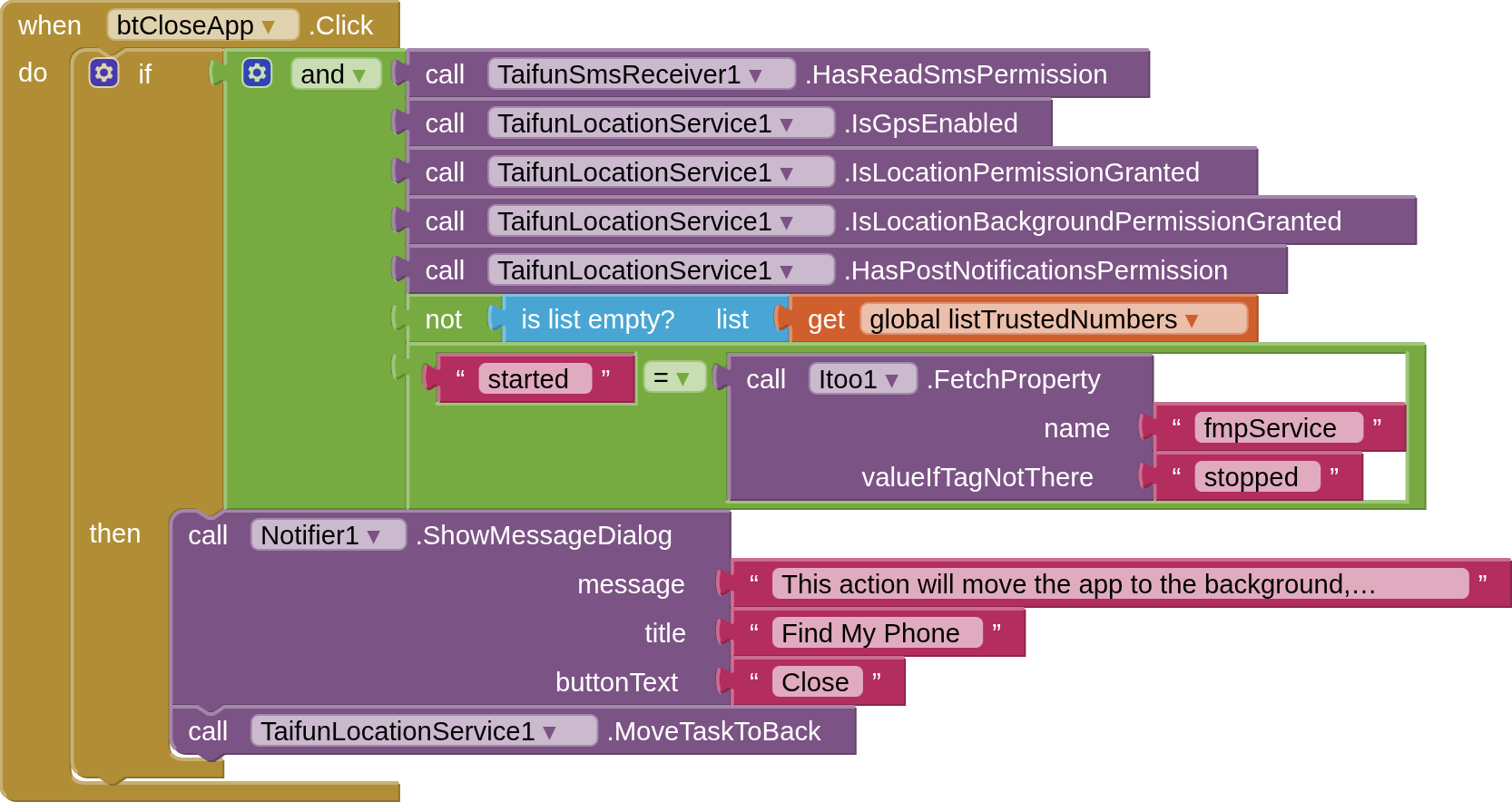

Example SMS received from app:
Lat/Lon: 54.12158,-3.32551 | OSMUrl: https://www.openstreetmap.org/?mlat=54.12158&mlon=-3.32551&zoom=14
Credits
@Taifun
SMS Receiver extension (paid) - to receive and send SMS messages in the background
Location Service extension (paid) - to get device location in the background
@Kumaraswamy
iToo extension - for background services
@Patryk_F
Keyboard extension - show keyboard when textbox has focus (not touched)
@The_K_Studio
Flags/Codes json - to display and select international country phone codes
and a special thanks to @Taifun for all patience and support in getting everything to work together
Discoveries...
- SMSReceiver
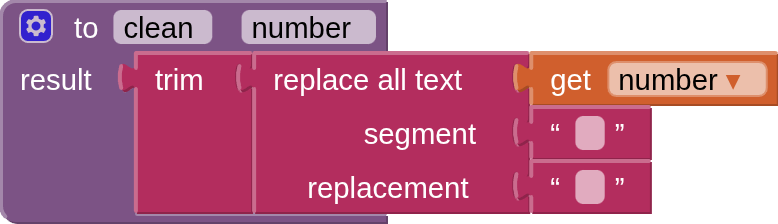
- if wanting to compare phone numbers in a list with the phone number that sent the SMS, it is best for your listed phone numbers to be in international format with no spaces. Lots of head scratching on this one at first!
- LocationService
- this can be started and stopped in the background, which means you do not have to have it running all the time, chewing up battery power. Very clever!
FootNote:
Before you ask, I cannot provide an aia project given that there are paid extensions involved.