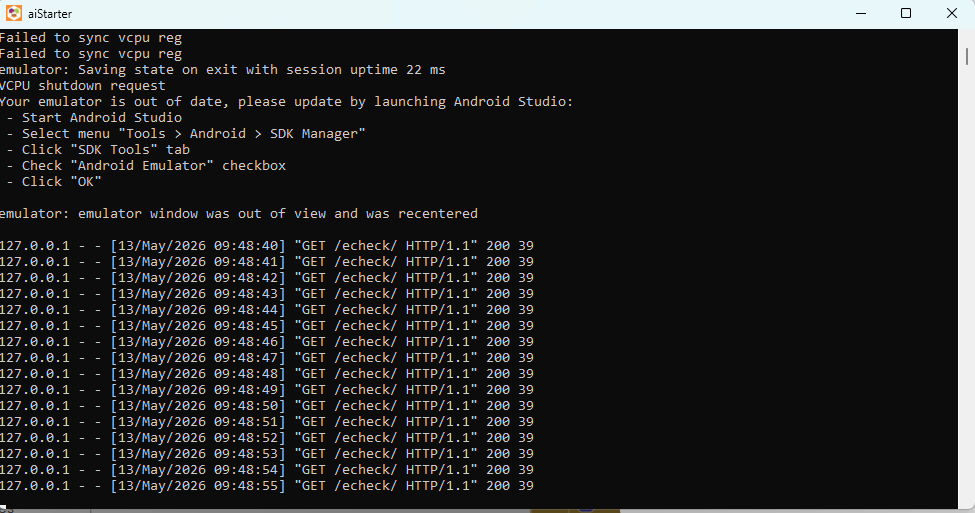
When I start the emulator, it was work a second. After that, the emulator close and show the prompt on top the picture I show. Is there any problem of the emulator? Or is there any problem from my computer? I’m using window 11
ABG
May 13, 2026, 2:05am
2
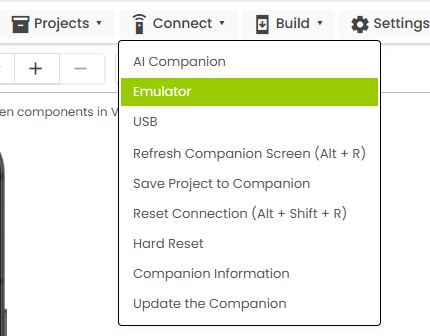
Which Connect-> option do you use from a Project ?
If you are using the aistarter combination emulator/Companion, how up to date is the Companion?
For alternate emulators and instructions for getting the latest Companion, see
I using the emulator option from the project. The aistarter was just download from the website.
ABG
May 13, 2026, 10:30am
4
I did some experimenting with AIStarter, and made a couple of videos on how to replace the Companion on the MIT emulator with the current version.
To check the Companion version on the MIT emulator:
[AIStarter Companion Version Check]
To get the latest Companion onto your hard drive:
[Get the Companion apk]
I like to keep them by version:
[Download the Companion to your Downloads folder]
This assumes you have already downloaded the latest MITAI2Companion.apk to your hard drive's Downloa…
If that doesn't help, get a different emulator.
I like BlueStacks (ad supported)
1 Like