I wanted to combine two projects. I exported both projects to computer .aia files. I added the .bky and .scm files from the second project to the first .aia file using winzip. I imported the combined .aia project into MIT App Inventor and I was able to run and tweak the screens/code. After a break I logged back into MIT App Inventor. My project is listed under My Projects, but clicking on it doesn't open it.
This URL allows you to open AI2 to the Project List, without opening any project.
http://ai2.appinventor.mit.edu/?autoload=false
From that list, you can request Exports of Projects without trying to open them.
Upload the troublesome .aia here.
...
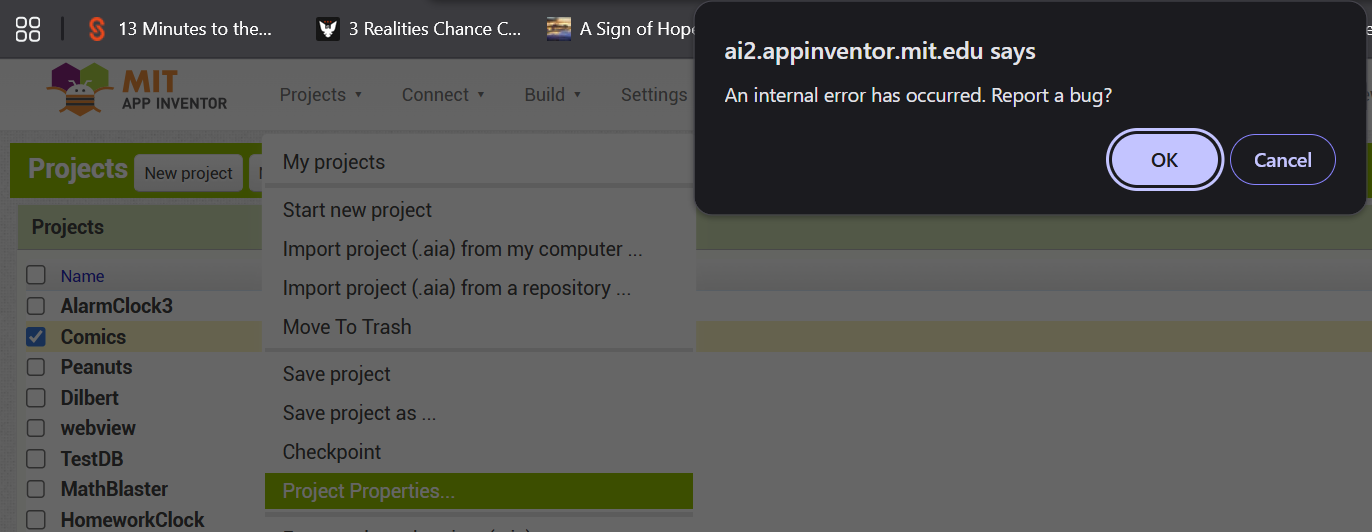
Nothing happens when I try to Export. Project Properties gives an error:
Here is the original aia file before I originally Imported it.
Comics.aia (689.6 KB)
PS: How can I remove this corrupt project from My Projects list.
Looking at your .scm files in the aia, I see places where the Screen name has not been editted to match the scm file name:
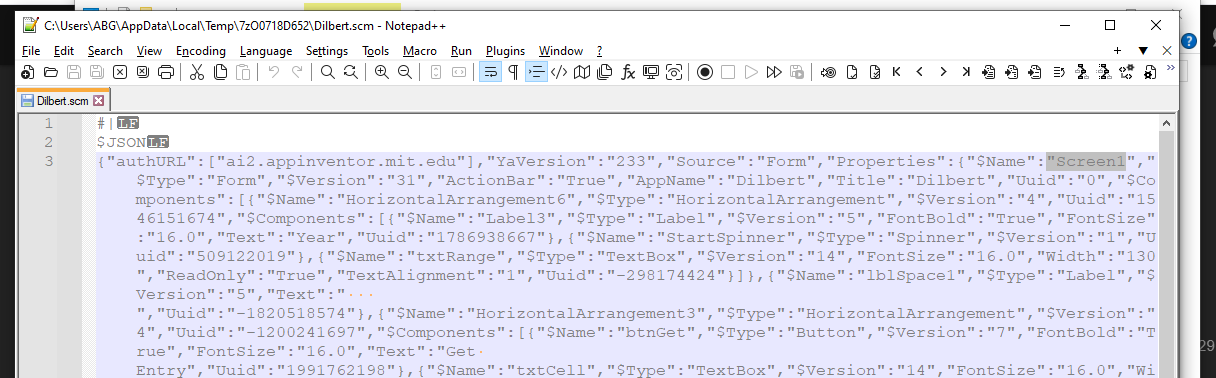
Those have to be made consistent if you are to do Screen surgery.
1 Like
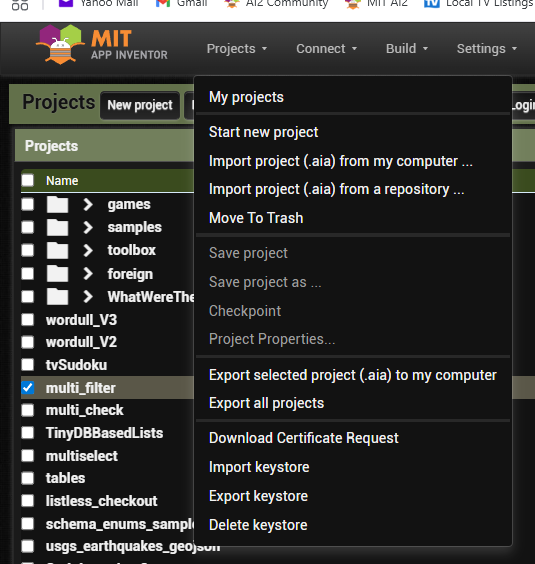
Move it to the Trash then remove it from the Trash.
After editting the Dilbert.scm file to fix its screen name, I was able to load the patched aia to the code server, and export it from there with no errors.
Comics (1).aia (689.7 KB)
FYI: I did see Export selected project before but it didn't do anything. This morning I notice when I first click on the project a brief loading... popup appeared (load error?). If I start over and select the project with the box instead of clicking on it (no loading... popup) I am able to export it and move it to trash. The loading... error must have prevented the export before. Mike
Thanks for your help. I have it working again. Is there a recommended process to combine projects? I saw a Youtube video that used winzip to open the aia export files. That was incomplete. Thanks again.