How to circumvent that:
-
From the Projects list of MIT AI2 Export the aia of the project in question.
-
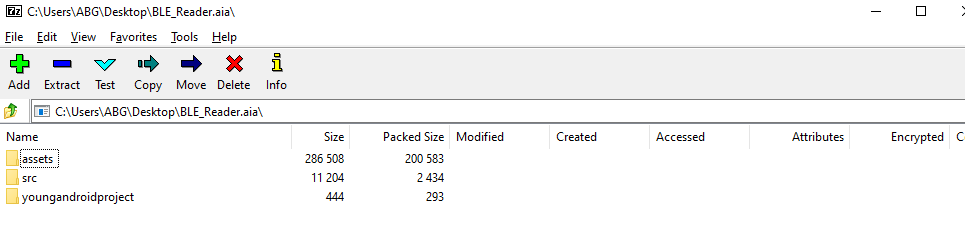
Install 7zip and use it to open the aia, a zip file. Alternatively, change its extension from .aia to .zip, and have Windows open it as a compressed folder.
-
It should look like
-
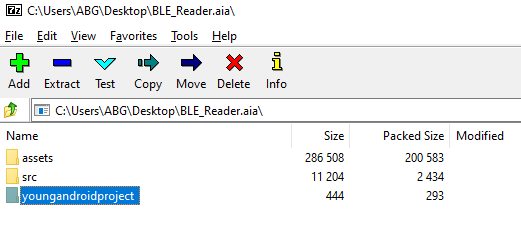
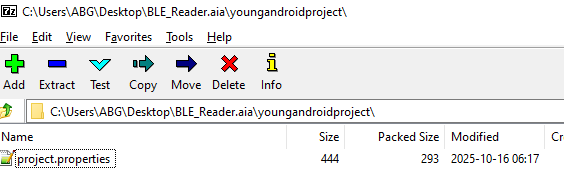
Open the youngandroidproject folder
-
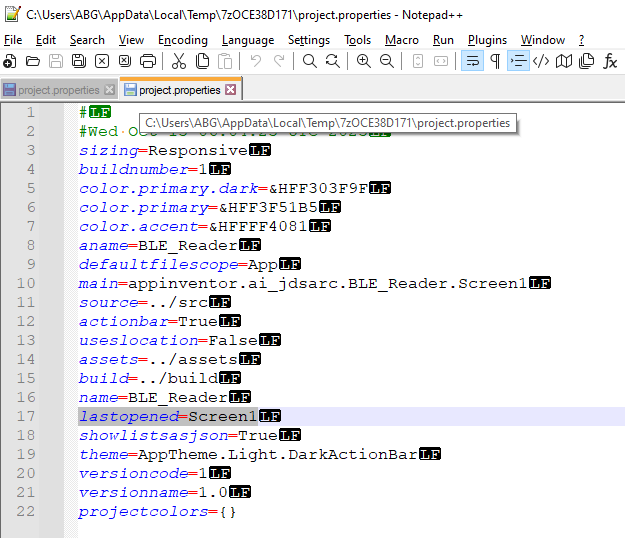
Open the project.properties file with a text editor, like Notepad++
-
Change the lastopened to Screen1
-
Save and close, and rename the .zip back to .aia
-
Project->Import the modified .aia file.
I am basing this on the expectation that the problem is AI2 being befuddled by trying to open a nonexistent Screen.