I am not sure what happened, but all of my projects have the same problem: when I open any of the projects, it opens the project page and pops up an error message. I couldn’t check what the problem is because it immediately hang/lag and I can’t do anything besides reload the website. Even if I open a blank project, it still has the same issue.
Do this, in order:
Disconnect the Companion, if connected
Try a different browser (Firefox/Chrome/...) without any browser extensions
Report to us the URL you are trying to connect to.
1 Like
This URL allows you to open AI2 to the Project List, without opening any project.
http://ai2a.appinventor.mit.edu/?autoload=false
From that list, you can request Exports of Projects without trying to open them.
If you require repair assistance, upload the aia file here.
SkinScan_V3.aia (532.9 KB)
I have tried different browser or incognito mode, but It doesn’t work.
I am using https://ai2a.appinventor.mit.edu/
I notice an empty applications name (aname) in the Project Properties.
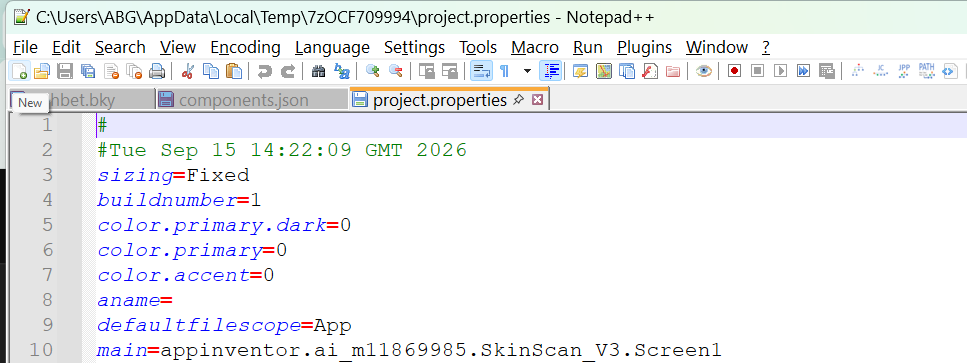
I will try inserting one, to see if that allows the load to complete.
This is strange.
After I loaded a copy of the aia with app name set to 'SkinScan' (formerly empty), I eventually got to open the project, after some more errors.
But here is the app name i found:
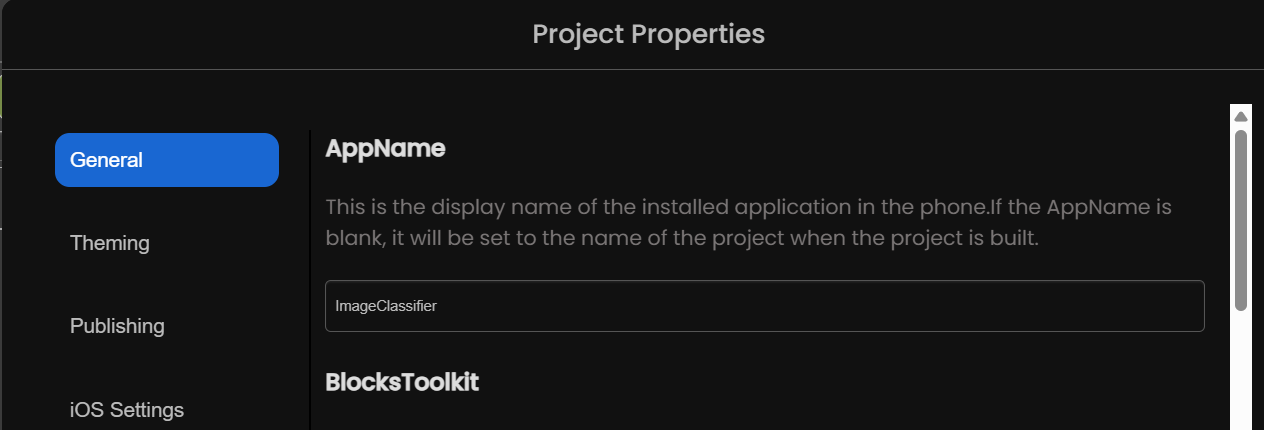
I wonder if there is a conflict between the app name and your one extension, the Image Classifier?
Oh, I renamed it on the screen but I didn’t renamed it in the project properties. Is that the problem cause it error?
Because if I open a blank project it still having the error
WHat browser are you using, and which browser extensions?
I use Google Chrome. What do you mean browser extensions? like Chrome web extensions?
Yes. like ad blockers.
I uploaded your aia to the Unchive tool, and see in Screen1 an alert:
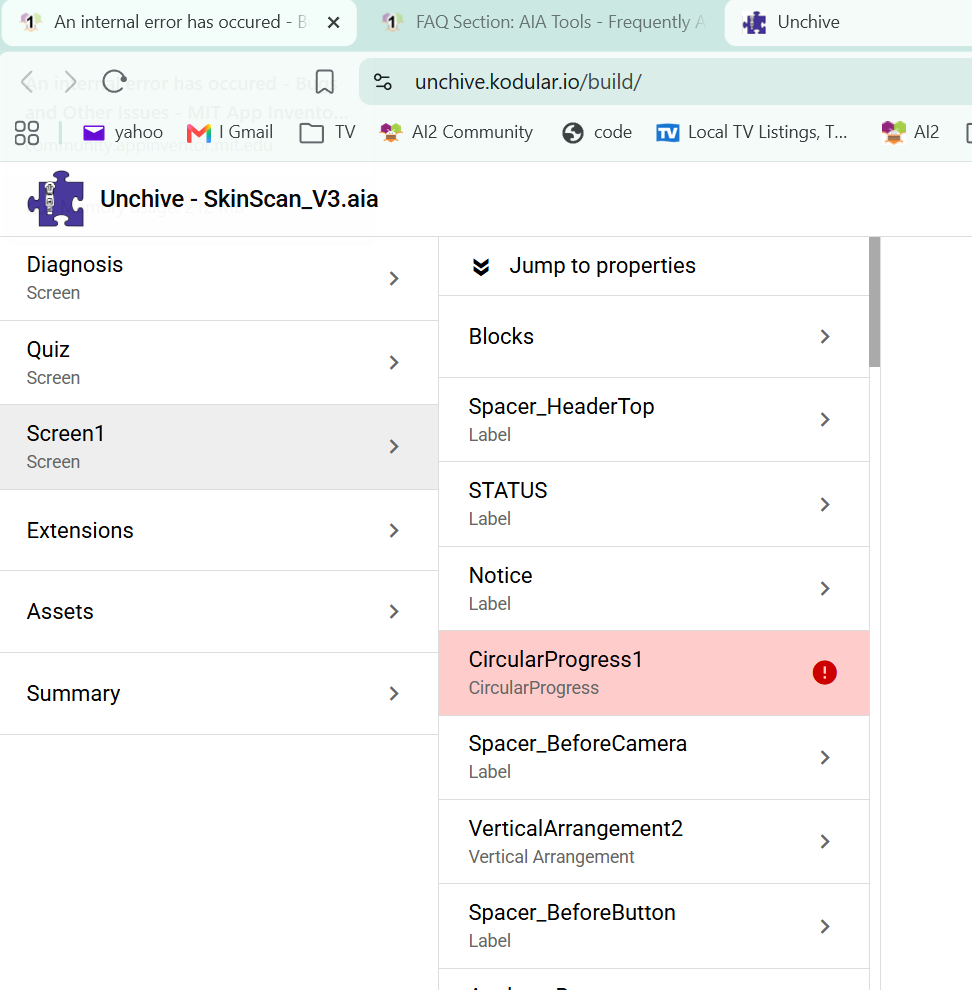
I am unable to open the Blocks Editor in Screen1, or switch out of it, using the code2 server.
I will try deleting that component in the Designer and re-exporting the aia, to see if that cleans things up.
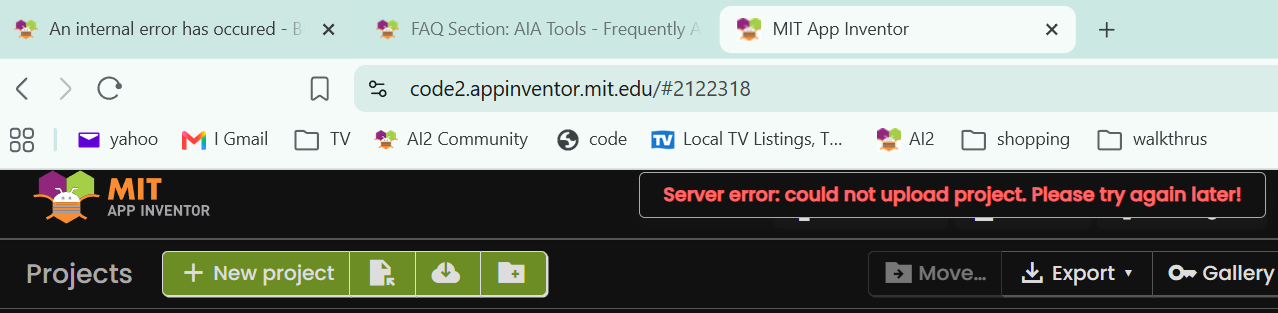
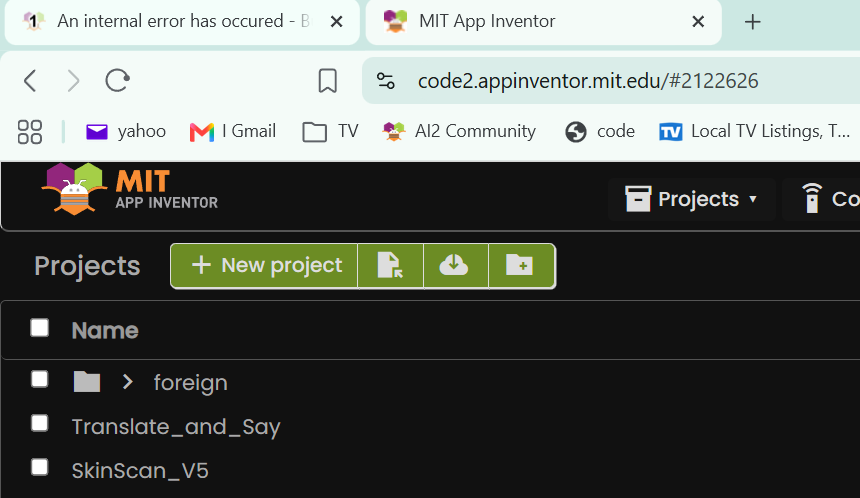
I received my import of a different project on code2 server, but it just hangs in the project list, without opening.
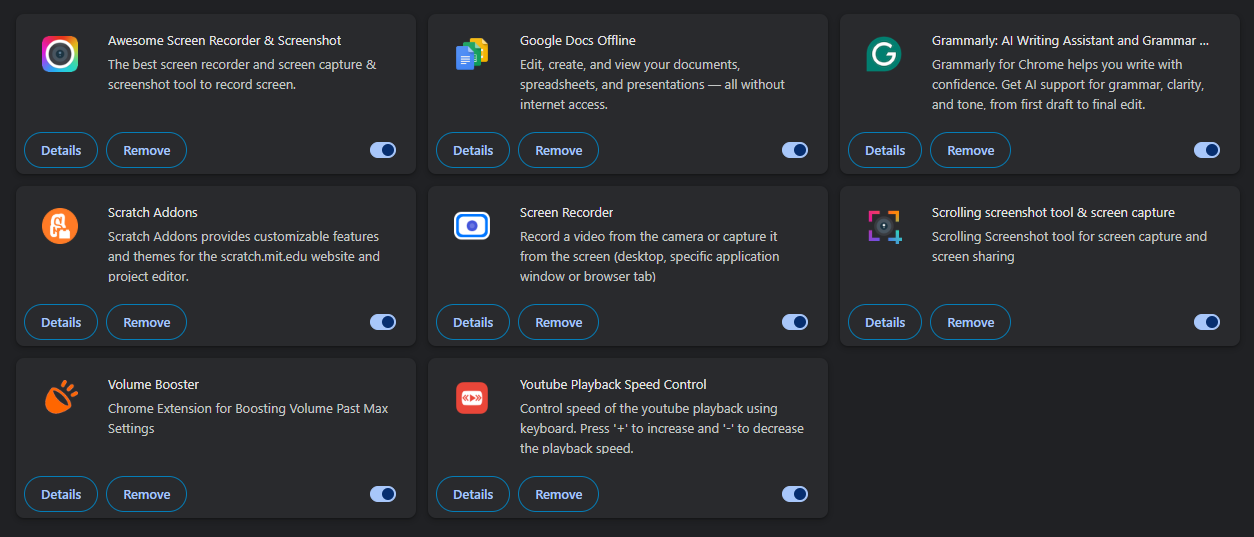
I see you have loads of extensions.
I hear Firefox is faster for AI2, so i will try that browser on code2.
This thread has been brought to the attention of our server guy.
Ok. Thanks, will try Firefox now at my side also.
For the extension should I remove/close it for a while to try the code?
I found a clean install of Firefox allowed me to open mine and your projects to the Designer.
However, there is still a blocks editor corruption in your Screen1.
That prevents opening the Screen1 blocks editor.
This will require aia file surgery.
It is midnight now in my time zone, so I will just leave now. Do tell me if you need any info from me. Thanks.