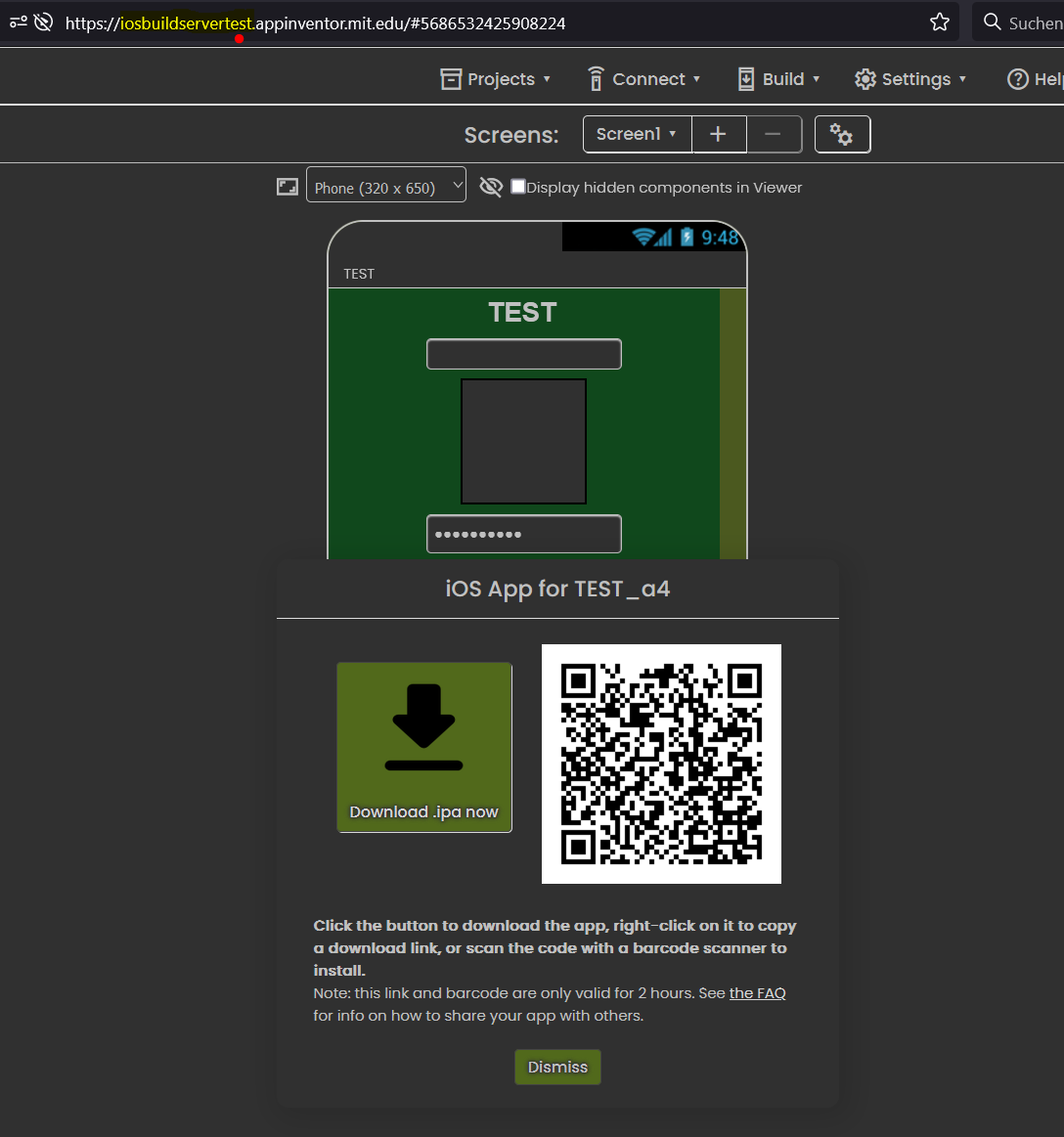
Yes. With the same AIA and with the same Profile Provissioning and putting the same Specific USer+Password App I can generate the IPA file in the Production Server but not in the Test Server. Only fail in the iOS test server: https://iosbuildservertest.appinventor.mit.edu
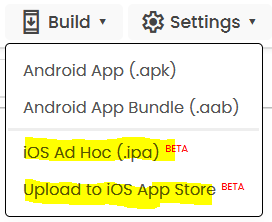
I can ONLY try for build the IPA files (not for Upload to Play Store). I does not want no upgrade a new version.
@ewpatton What can do we with the new Production Builder iOS server errors (as the change background colors labels parameters that we have defined in the Designer and the runtime error). On the prior builder we were not these errors.
See my post #21: Build the Ad hoc IPA and...
But I can not generate the IPA file as I reported before. I have a built error generating IPA files in the teste server.
As I said above:
I can not build the IPA Ad Hoc in the Test Server:

In theProduction Servet it is possible, but not in theTest Server
Did you import the keystore from the main server?
As I said, I have no problem to compile on the iOS test server.
I think this is only used for Android and not for Apple. Are you sure I can overwrite the Keystore from the productions erver to the testserver without problems?
See you ten download file keystore (the name is Android):

Hi @Anke
I can build the attached AIA in the production server but not in the test server. Can you test it?
In the test server I have this error:
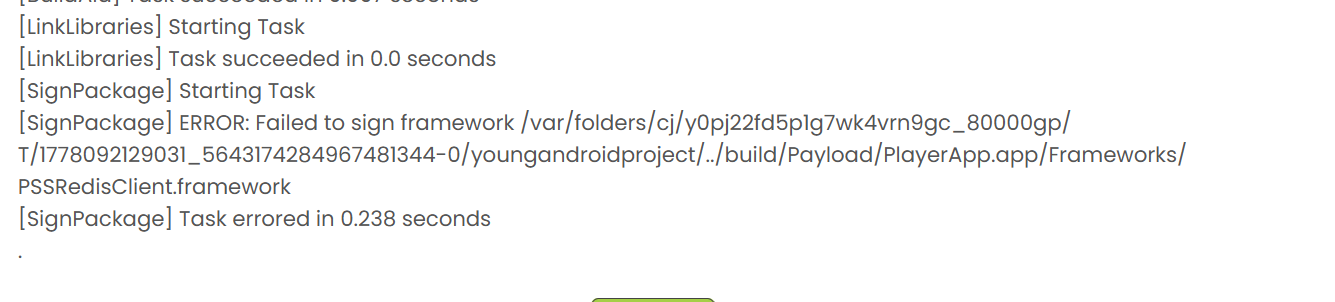
But in the main production server the IPA builder is running well for iOS.

TEST_a4.aia (9,4 KB)
@Anke: With your AIA test about swith screen I also can not build this AIA in the Test Server iOS. I have the same mistake.

Can you prepare a small sample application to show the problem and let me know whether your iOS device is in light or dark mode?
Light. (Switching to dark mode does not change the app's layout.)
I've prepared two of my Android apps for iOS: one English and one German version. Otherwise, the apps are identical – not least in terms of design and layout. The English version was created on the Code2 server before the latest iOS SDK 26 (i.e., with version 18.5). The German version was created with the current Code2 server (i.e., with iOS SDK 26.4).
Both apps are production-ready; I'm just waiting to be able to set the MinimumOSVersion to 17. An absolute must to prevent serious problems when switching screens (on older iOS devices).
However, there are currently some layout issues (with labels):
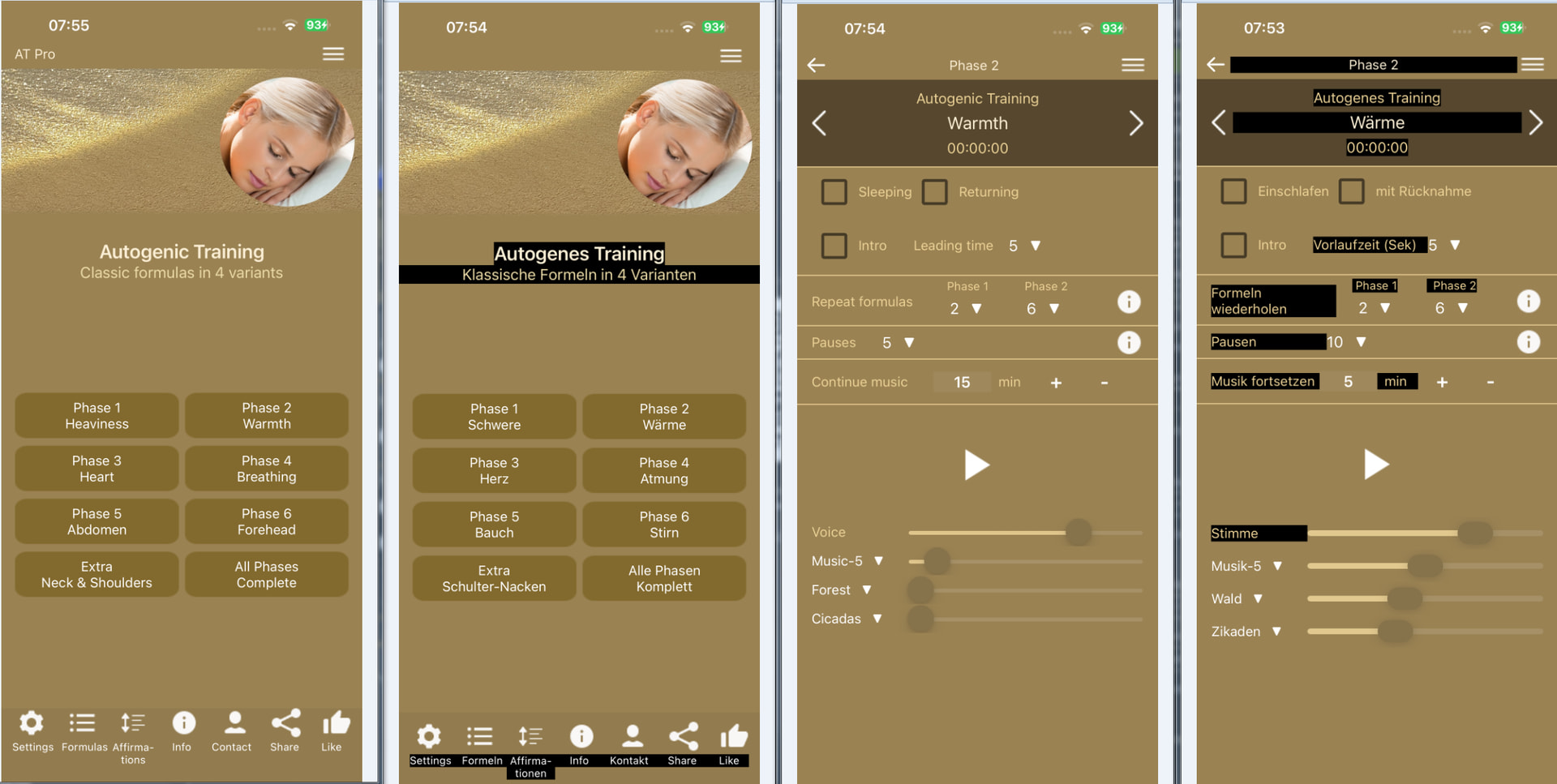
The problem with the background color (BGC) of the labels can only be fixed by setting the BGC of each label to the BGC of the screen (or the underlying arrangement). Setting the BGC to None doesn't work.
And while we're at it, please adjust the background color of the checked checkbox or remove it. (This color simply looks ugly on any background, and iOS users are very "sensitive" regarding layout.  )
)
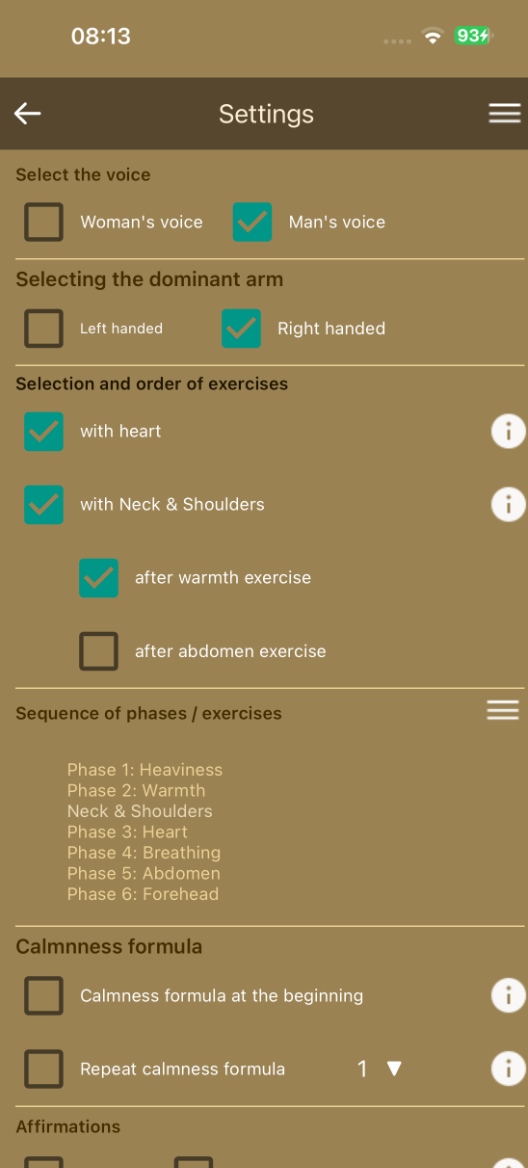
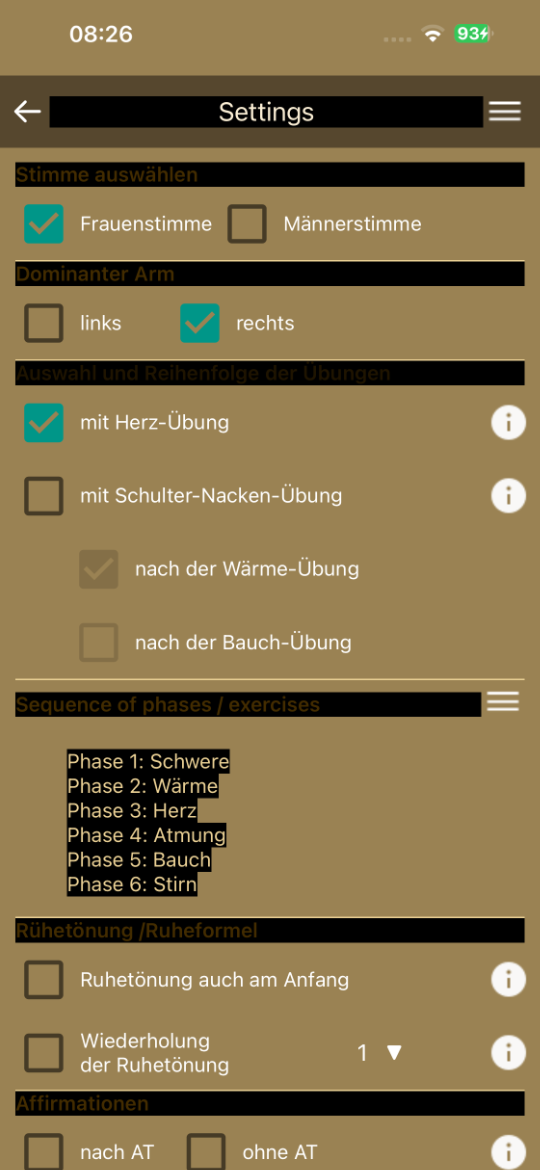
I retested the German version (with iOS SDK 26.4) on my iPhone 15 Pro Max (iOS 26.4.2). Unfortunately, switching between screens no longer works at all. Opening more complex screens takes 7 to 10 seconds  . With the English version (iOS SDK 18.5), this works quite smoothly (~1 second). In particular, reverting to Screen 1 works there (as it should) with virtually no delay.
If this problem cannot be fixed, I will definitely have to abandon my iOS projects here.
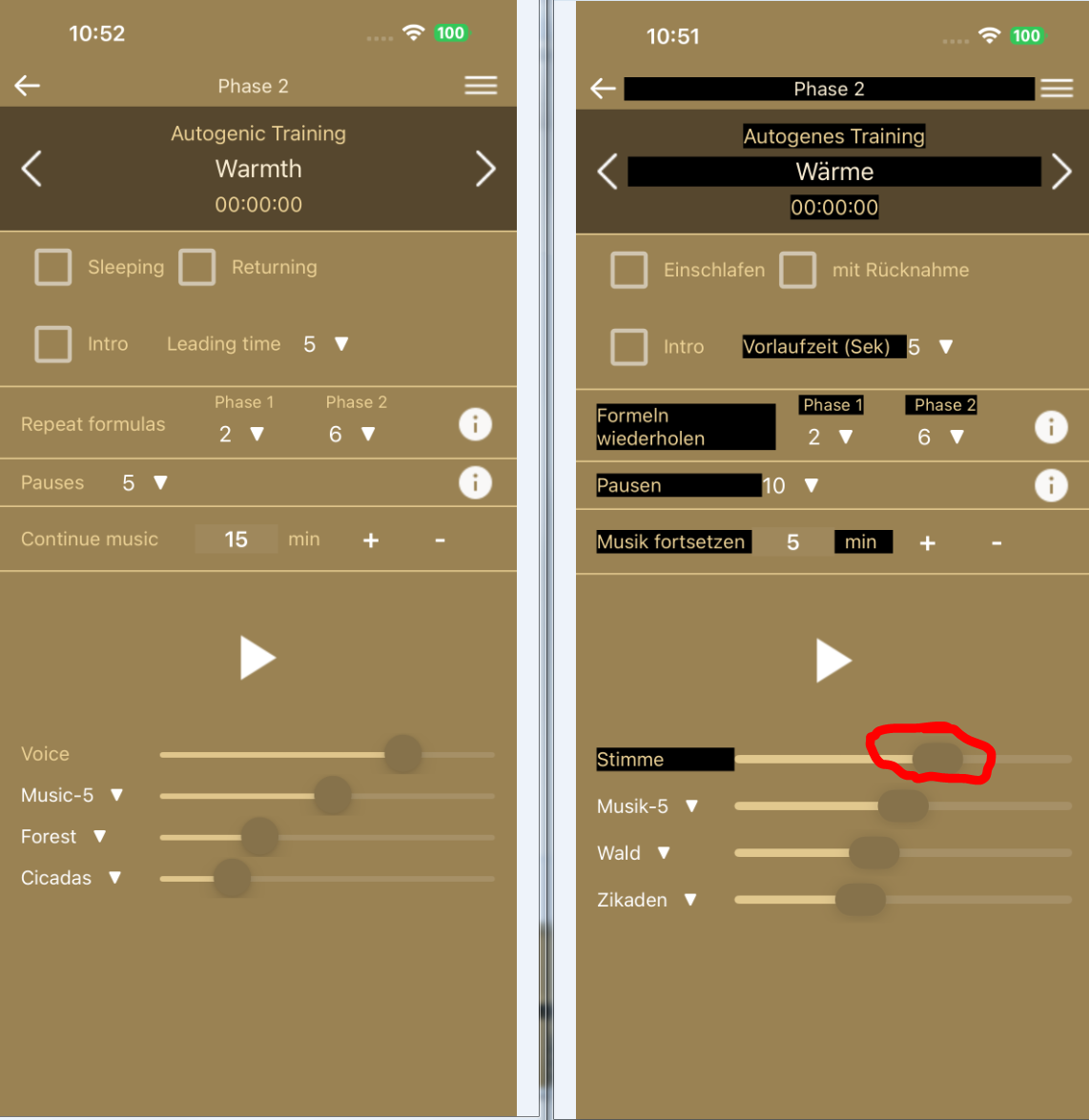
One more potentially helpful note:
Setting the MinimumOSVersion to 26 (on the iOS test server) also does not change the screen switching behavior.
In test I have detected that when we have in the Designer for the the background colour of the Labels the colour “None” than the iOs builder move this bakcground colour to “White”.
If I put the background colour with “Default” in the Designer than the builder runs well. Only runs wrong for the background colour Labels in None
My mobile is in normal light (not dark) mode.