As a workaround, you can build the IPA on the test server, upload it manually to App Store Connect using Transporter (macOS app).
Did you manage to upload the IPA manually?
I'm looking into why this is happening on the test server.
1 Like
I’m not getting the red error 500 message anymore, but the “Please enter a valid email” error keeps showing up for a second, then the App Store settings windows disappear, and when I try to Build to the Apple Store I get this message :
App Inventor is unable to compile this project.
The compiler error output was
[ReadBuildInfo] Starting Task
[ReadBuildInfo] Task succeeded in 0.006 seconds
[LoadComponentInfo] Starting Task
[LoadComponentInfo] INFO: Generating assets...
[LoadComponentInfo] Component assets needed, n = 0
[LoadComponentInfo] INFO: Generating activities...
[LoadComponentInfo] Component activities needed, n = 0
[LoadComponentInfo] Component activity metadata needed, n = 0
[LoadComponentInfo] INFO: Generating broadcast receivers...
[LoadComponentInfo] INFO: Generating libraries...
[LoadComponentInfo] Libraries needed, n = 1
[LoadComponentInfo] Component metadata needed, n = 0
[LoadComponentInfo] INFO: Generating Android minimum SDK...
[LoadComponentInfo] INFO: Generating native libraries...
[LoadComponentInfo] Native Libraries needed, n = 0
[LoadComponentInfo] INFO: Generating permissions...
[LoadComponentInfo] usesLocation = False
[LoadComponentInfo] Permissions needed, n = 9
[LoadComponentInfo] Component xmls needed, n = 0
[LoadComponentInfo] Component features needed, n = 0
[LoadComponentInfo] INFO: Generating component broadcast receivers...
[LoadComponentInfo] Task succeeded in 0.008 seconds
[ValidateAppStoreCredentials] Starting Task
[ValidateAppStoreCredentials] Task errored
Does it work, if you build the IPA with iOS Ad Hoc?
I just pushed an update to the test buildserver that should fix the failure in the validation step.
1 Like
When can we expect the update on the main server and especially on code2 server?
I've updated the buildserver the production servers use so it should be all set now.
2 Likes
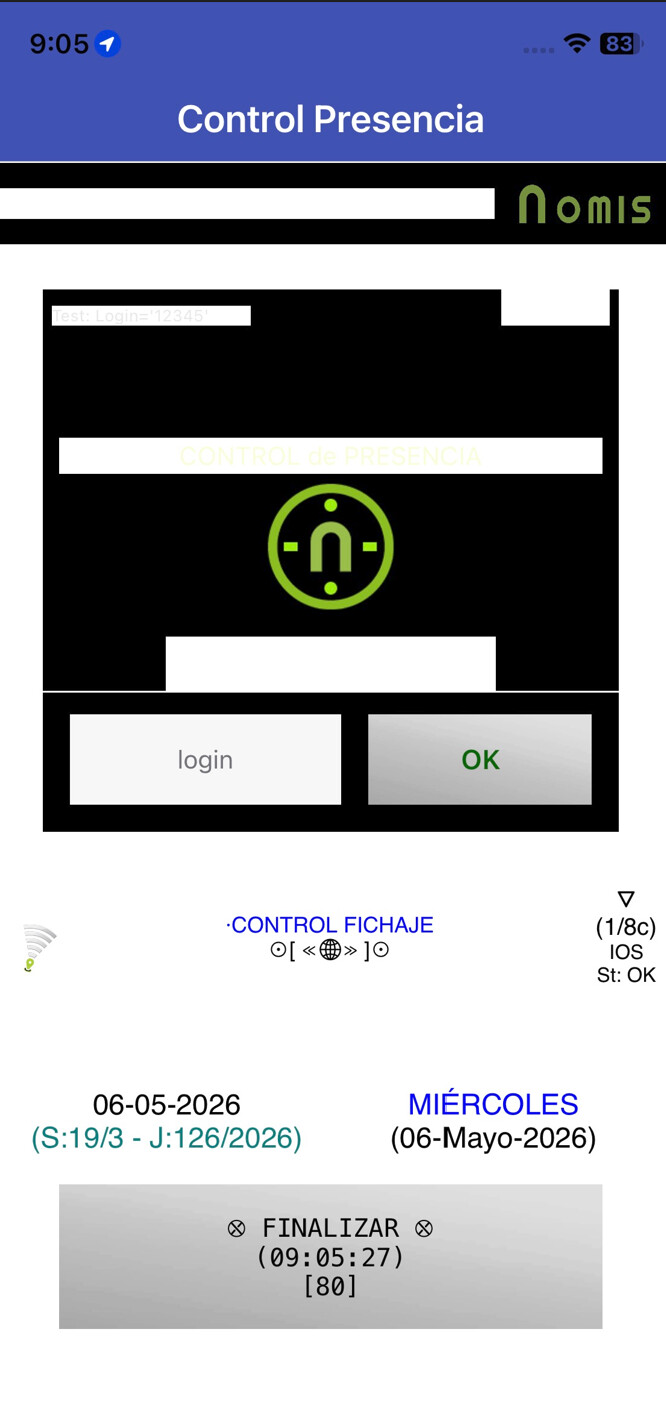
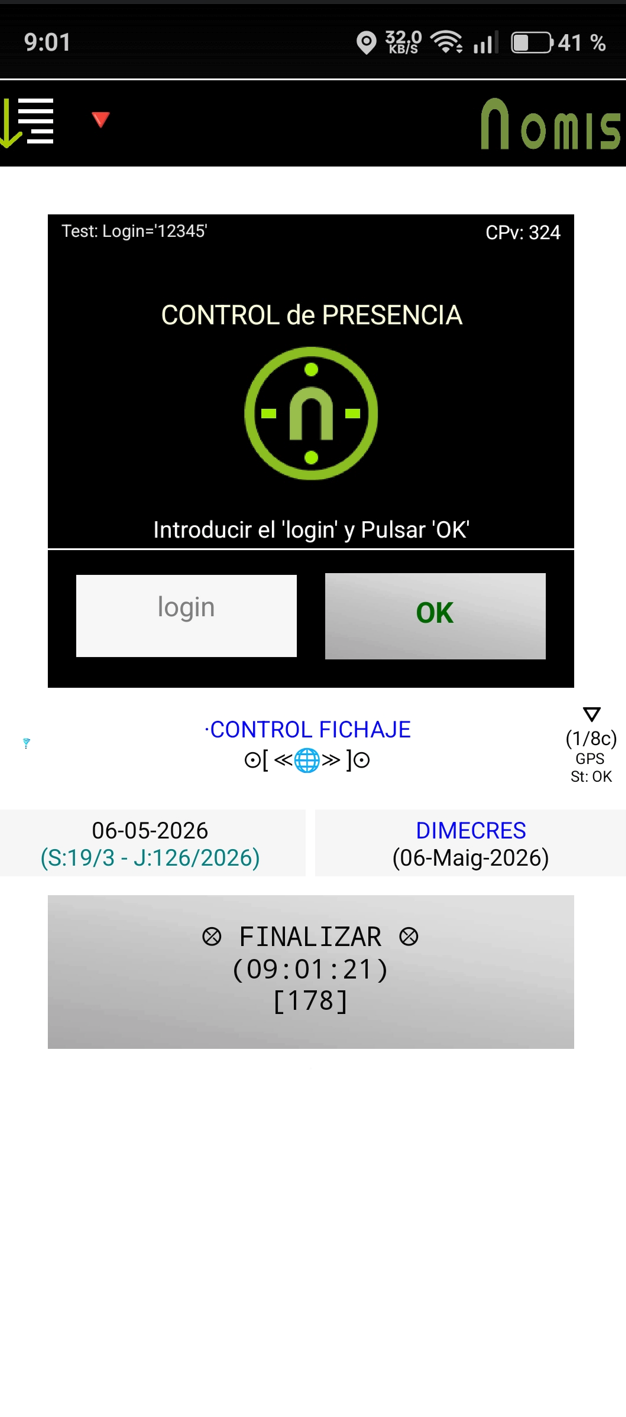
The IPAs from the iOS production buildserver now are not running well. The app has several visual mistakes. The labels have changed the text colours and they have wrong formats and more mistakes. The background colors of the labels are wrongs (f.e. their changed to white with text colours white).
For exemple in the Inicialize process for iOS the screen design change to (all the labels are background white and changed the heigt layouts dimemensions):
From the right design in Android design:
I was hoping that the MinimumOSVersion option would also be available on the main and code2 servers.
Unfortunately, this is not the case, and the MinimumOSVersion is 12.0. Since I need to make some adjustments to my (older) App Store apps, I recently discovered in Xcode (version 26.3) that there were a number of warnings and error messages with MinimumOSVersion 12.
Many modern iOS APIs and frameworks (e.g., newer UIKit features, Swift features, etc.) require iOS 13 or later in practice. This also applies to dependencies like Firebase, which is used by AI2. Current Firebase iOS SDK versions require iOS 13 or later.
Therefore, it would be very helpful if you could implement the following:
- Raise the default
MinimumOSVersionto at least 13.0 and —very important—- Provide an option to set the
MinimumOSVersion(as is already available on the iOS test server).
Additional the prior mistakes with the new iOS Buildserver IPAs I receive this error:
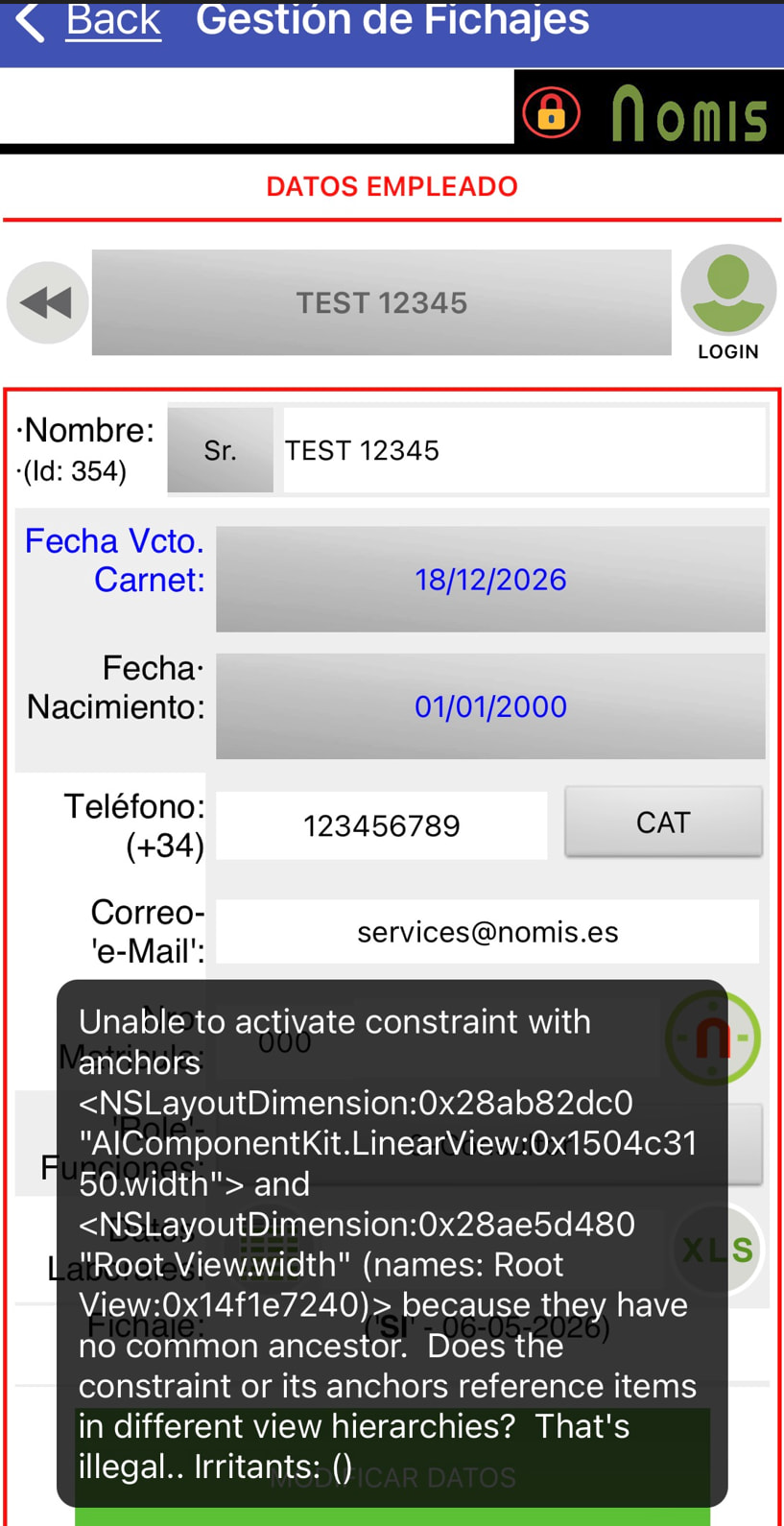
How can I solve it?
Yes, and that is likely due to exactly the problem I described, namely a mismatch (confict) between SDK (26.4) and Deployment Target (12).
Build the App (IPA) on the iOS test server and set the MinimumOSVersion to at least 13 and let us know if the issue persists.
In the iOS test server I can not built the IPA file for the same aia and with the right project properties. I recieve this error building:
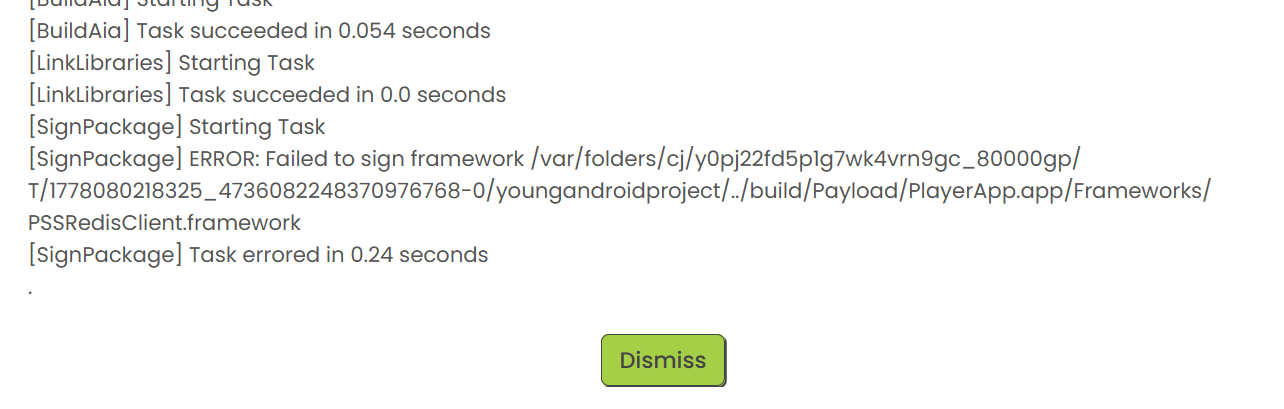
What doing I wrong?
Check your Ad hoc provisioning profile.
I put the same AIA whith both provissioning profiles as I have in the production server. The aia is the same always.
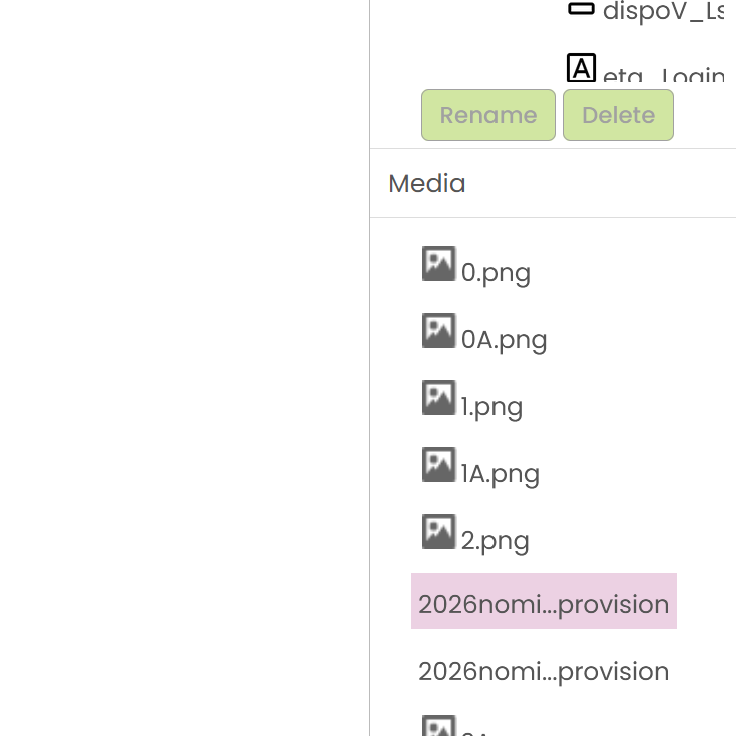
Is necesary verify in other site?
The same AIA in the iOS production server it os building ok as you can see. But the copy of the same AIA in the iOS test server has the building error reported.
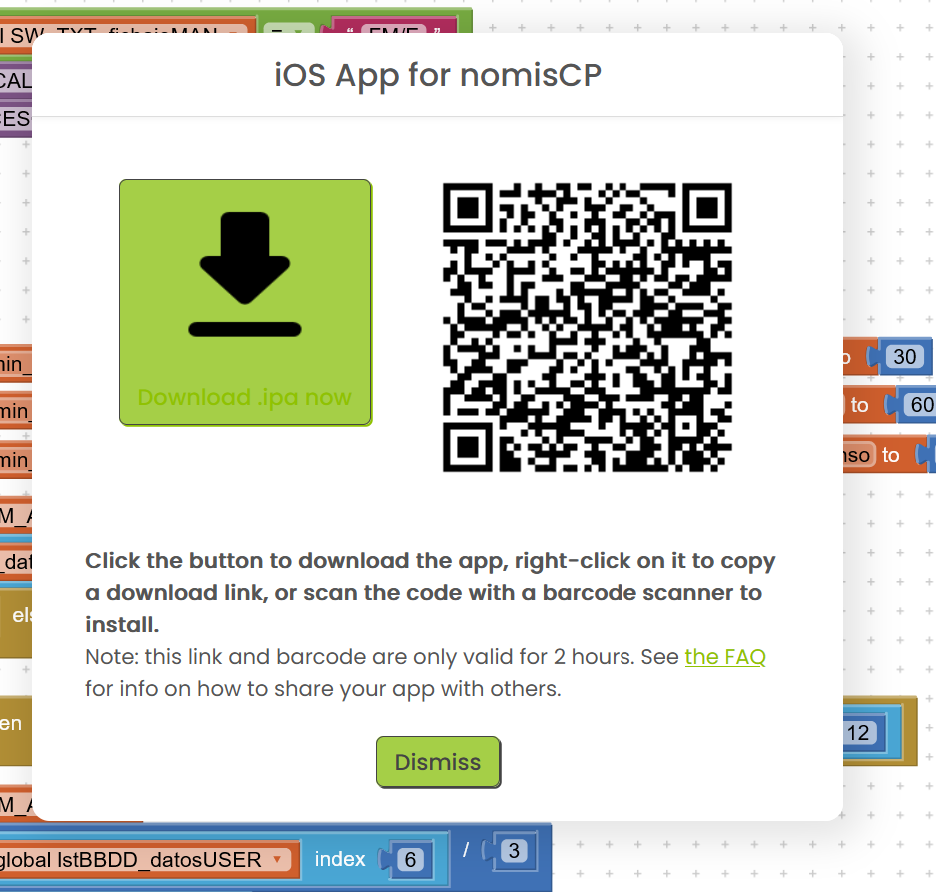
As I said, check if the Ad hoc provisioning profile is valid and/or create a new one.
Is the same I have in the production server when I generate the IPA file in this server Is it:
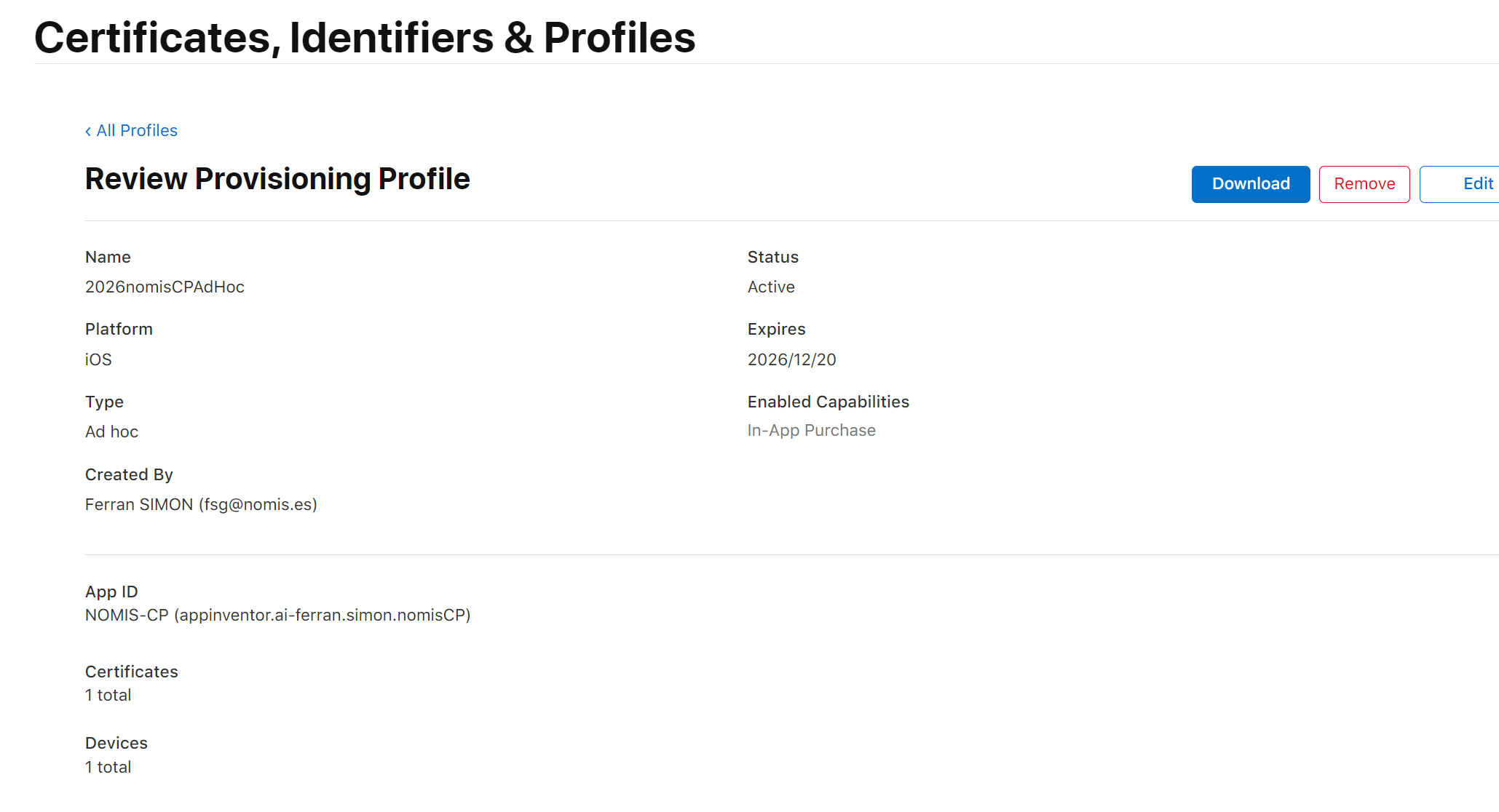
Is necesary put the same copy other time in my AIA?
Okay, I must have misunderstood. Does the compilation also fail on the test server when you try to build the Ad Hoc IPA?