Hi. I am very new to MIT App Inventor. I built an app using the Fast Flood Fill in the Extended Canvas extension. When I use the Undo and Redo Blocks that come with the extension, the Outlines on my Background Image get distorted. Also, when I go to refill the area, they don’t fill all the way to the Outlines anymore. I have also tried inserting the “saveCurrentState” block, but my Outlines still got distorted when I clicked Undo.
So, for my Undo and Redo Buttons, I used the TinyDB to store the images of the “Current State” and the ”Before Undo State”. However, this only gives me 1 Undo and 1 Redo. So then, I tried to figure out how people create an “Undo Stack History” and “Redo Stack History”. But, I could not figure out where to put all the Blocks that are associated with that method. I was hoping that someone could show the actual Blocks using the “Stack History” as it would relate to this Flood Fill in the Extended Canvas extension. Or, am I missing something with the Undo/Redo Buttons that come with the extension?
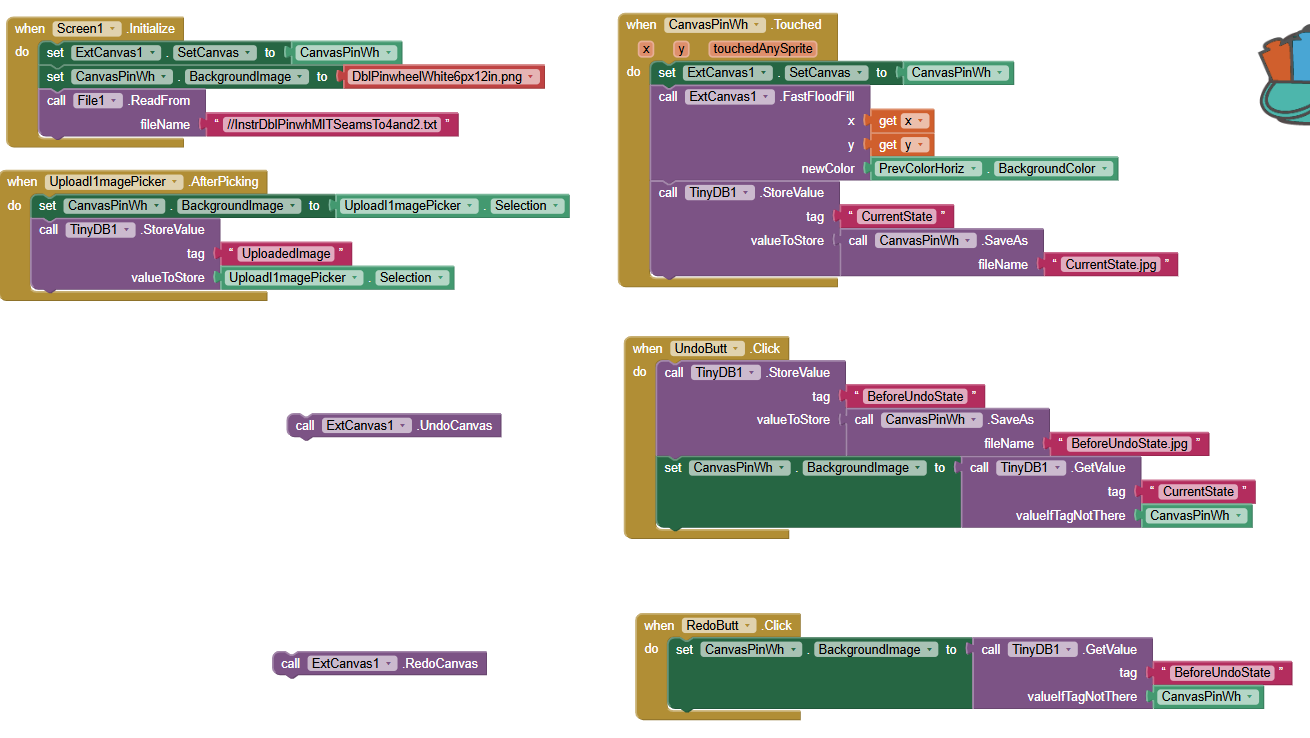
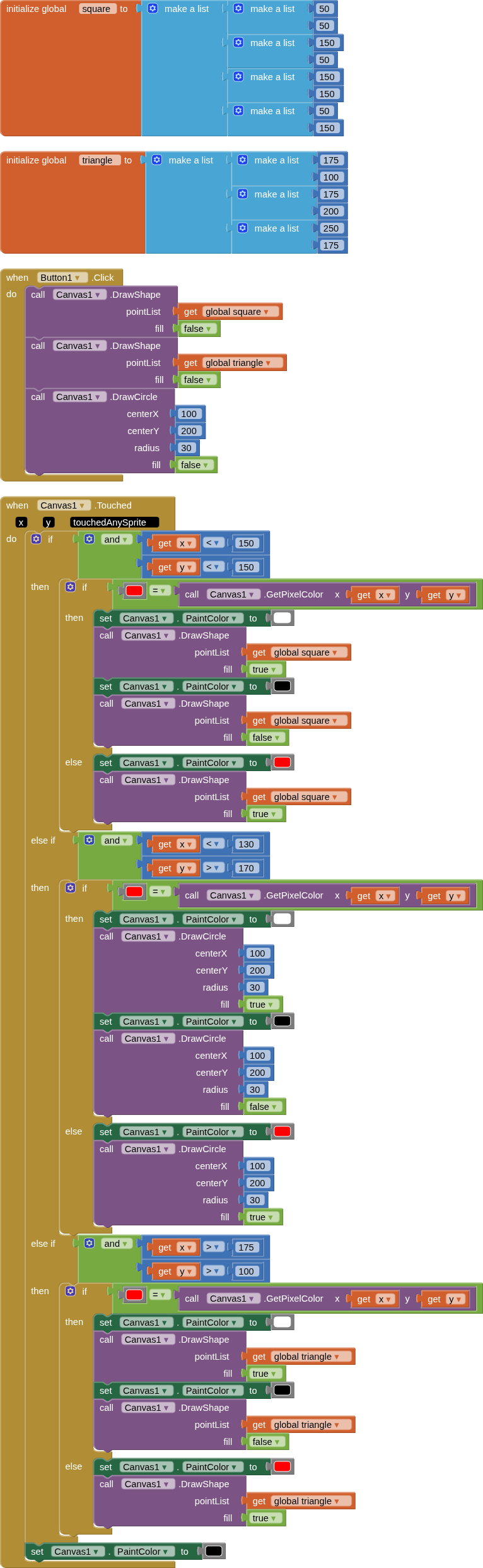
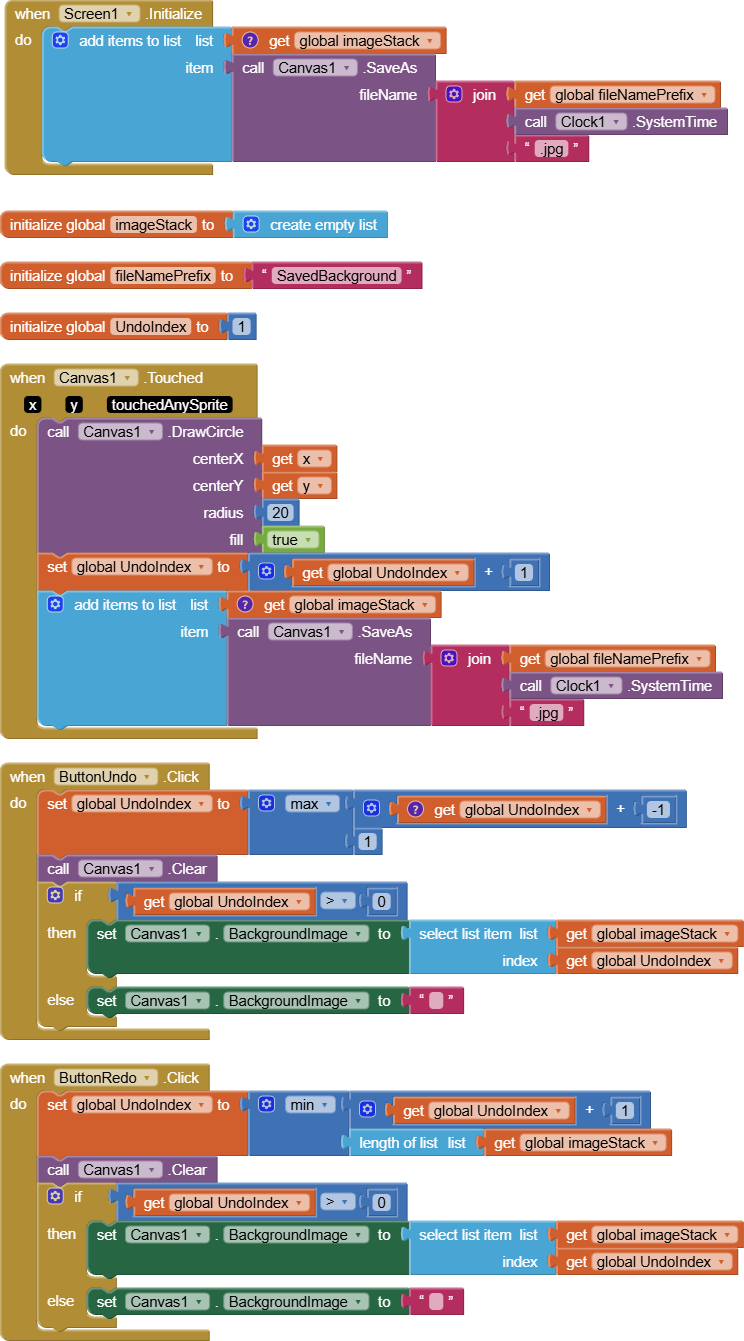
These are my current Blocks, where I only have 1 Undo and 1 Redo.
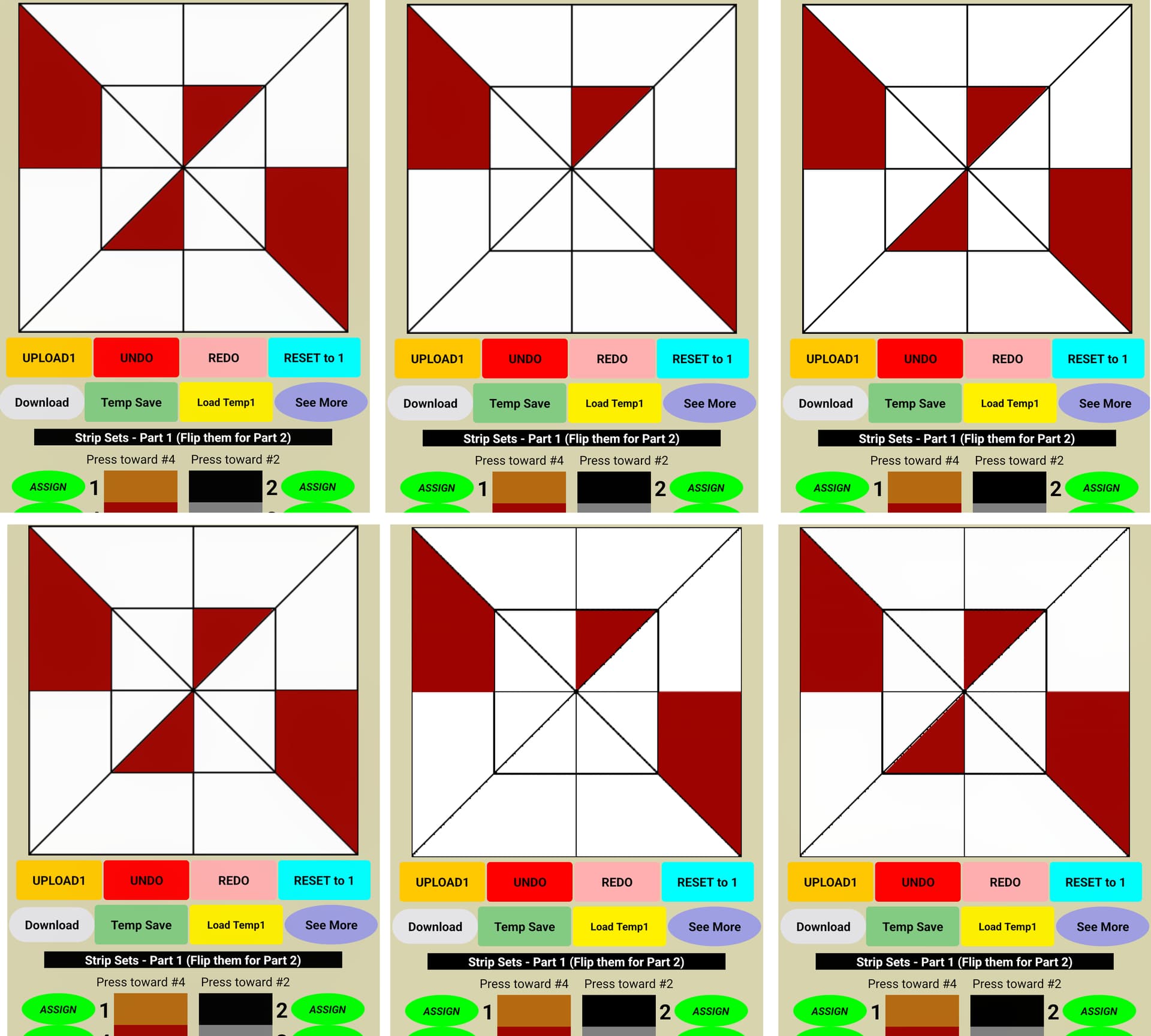
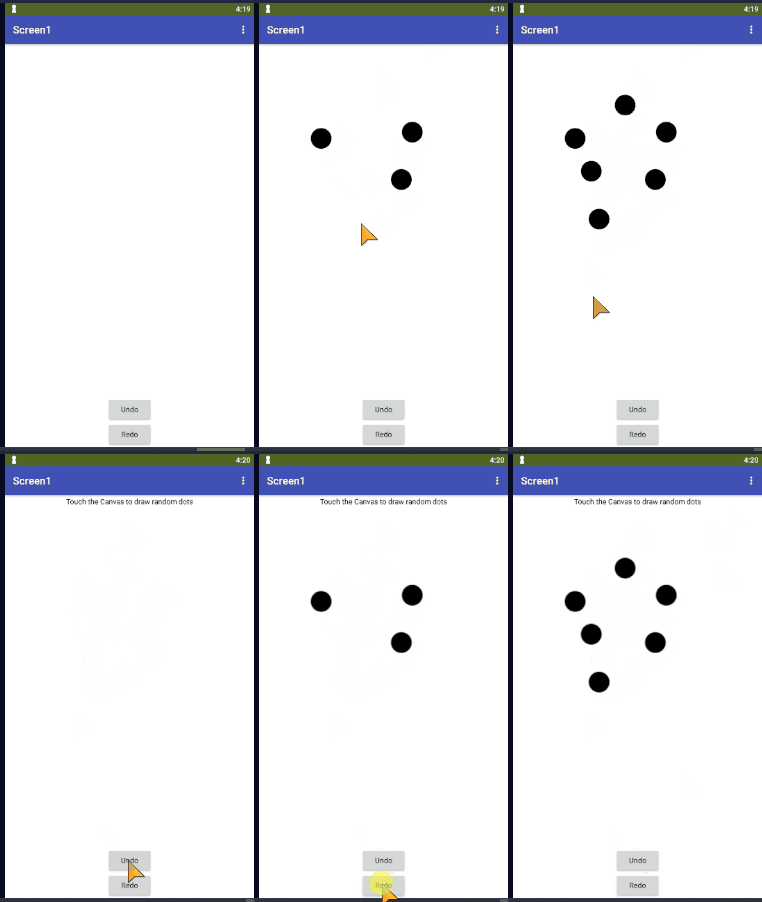
In the Red Screenshots: Row 1 is Undo/Redo with my current Method. Row 2 is using the Undo/Redo that comes with the Extended Canvas extension.
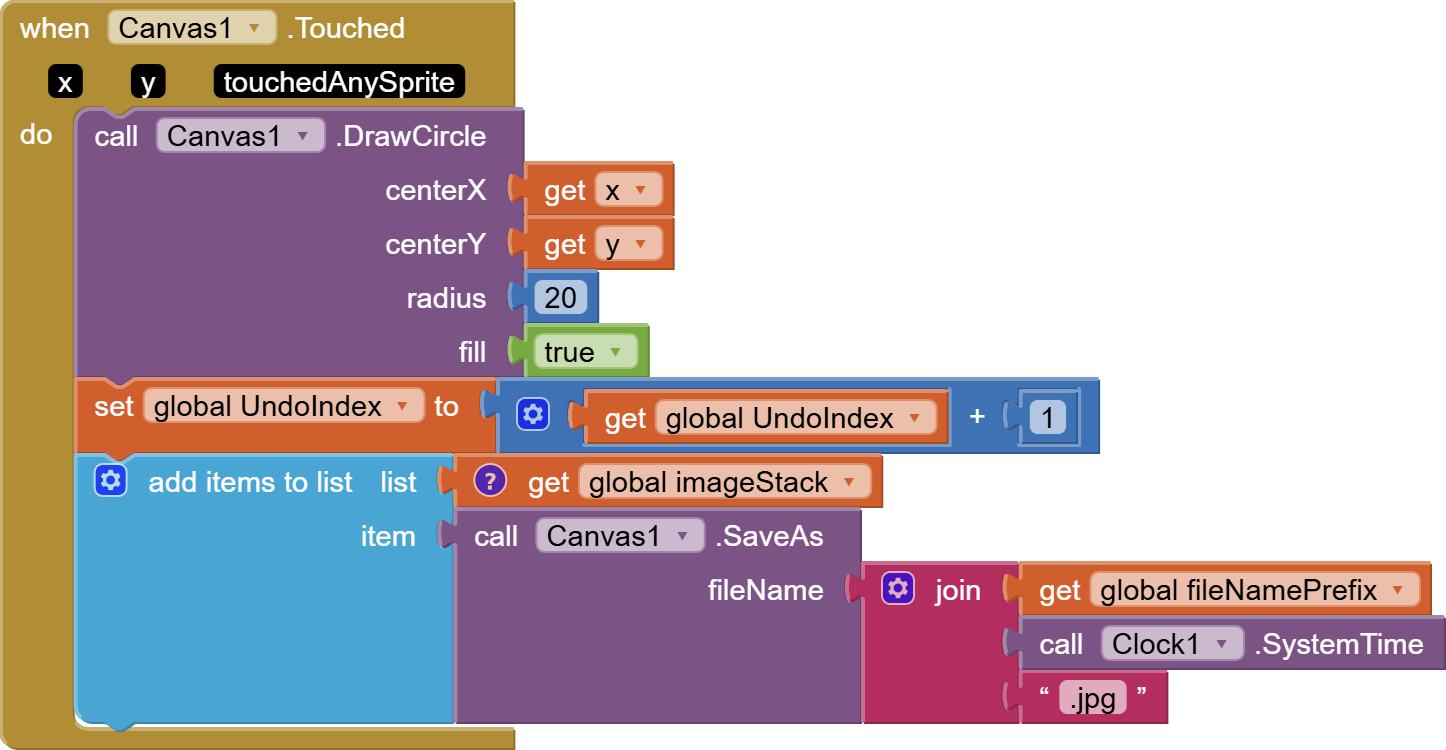
Another approach would be to number your saved Canvas SaveAs images, i.e. CurrentState3.jpg to match the stack depth. Undoing a color operation is as easy as loading the Canvas background image from CurrentState2.jpg and clearing the Canvas to allow the background image to show through. Complete the Undo by decrementing a global stack height variable from 3 to 2.
To redo, change the 2 to 3 and load that background image.
Ty so much. I am not a coder, although I do have a degree in mathematics, which helps a bit. I just can’t transfer code methodology into Blocks. I have so much respect for those who know how to code.
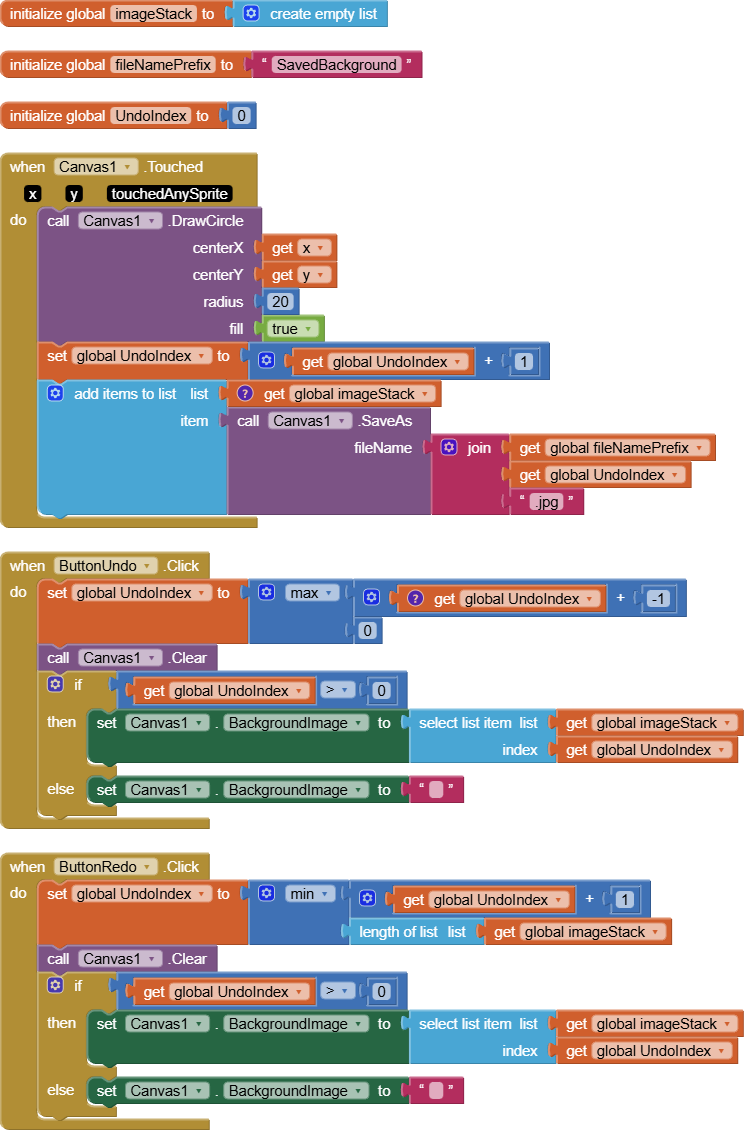
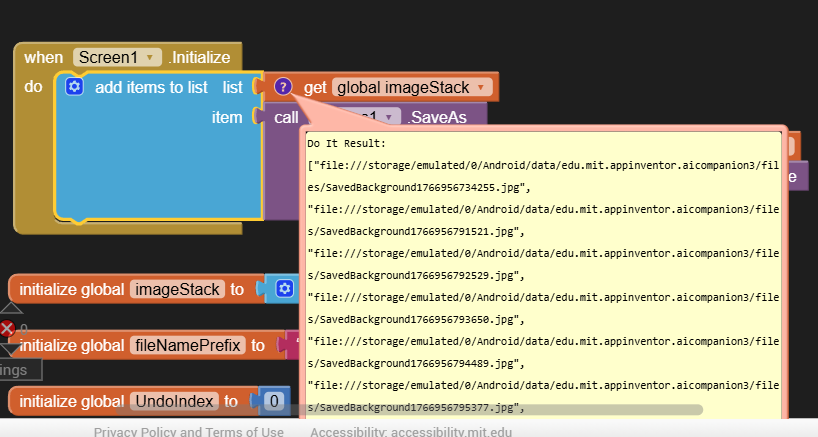
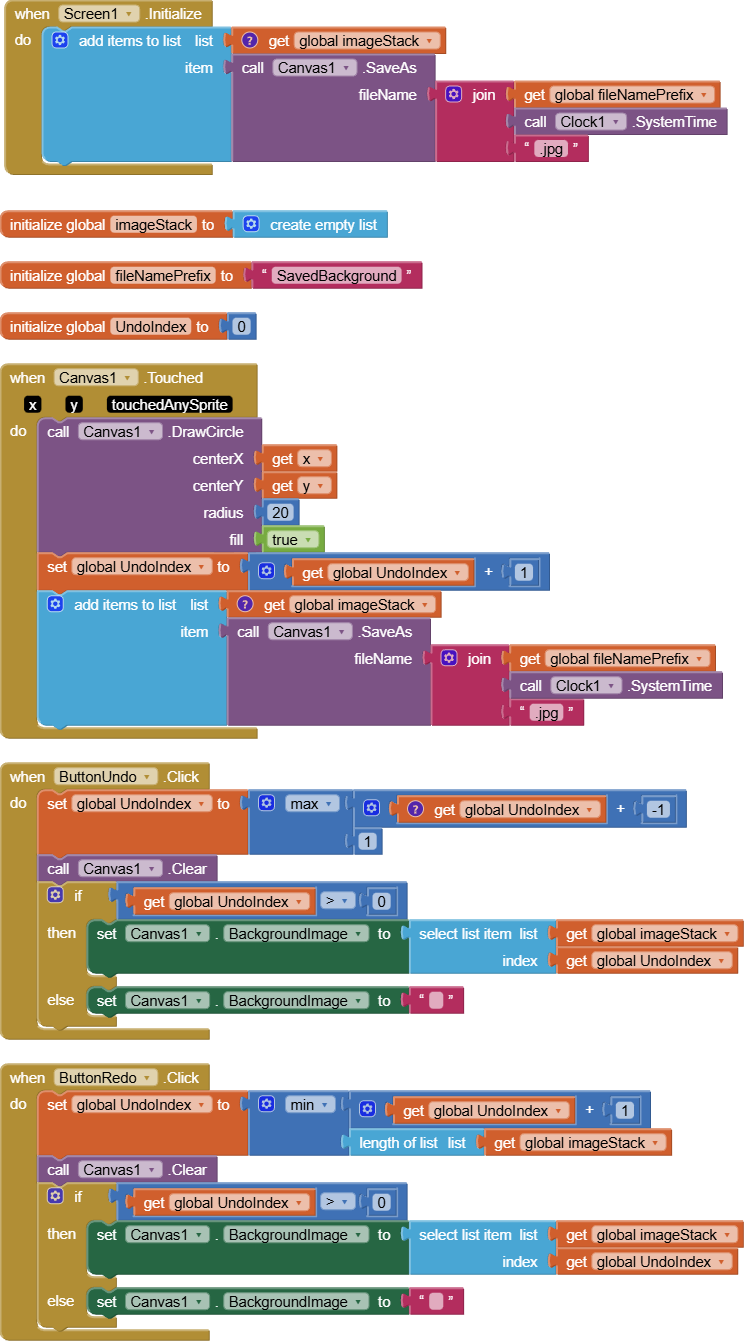
If you apply a Do It to the global ImageStack, you should see a list of file names of Canvas image saves . That's your Undo stack, and the index variable is for navigating the list for purposes of reloading the Canvas BackgroundImage.
The bottom of the list may need a bit of tweaking, between starting from 0 or 1.
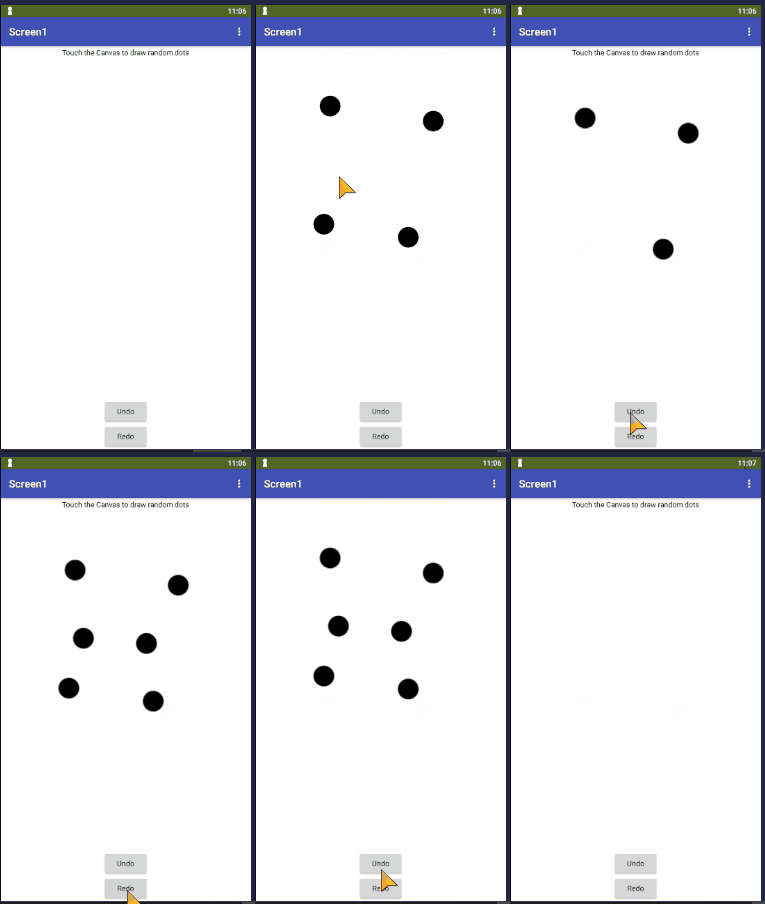
CanvasUndoRedo.aia (3.5 KB)
This version of my app uses the current timestamp in the file names, to insure uniqueness and chronological order.
It avoids overwriting previously written image files.
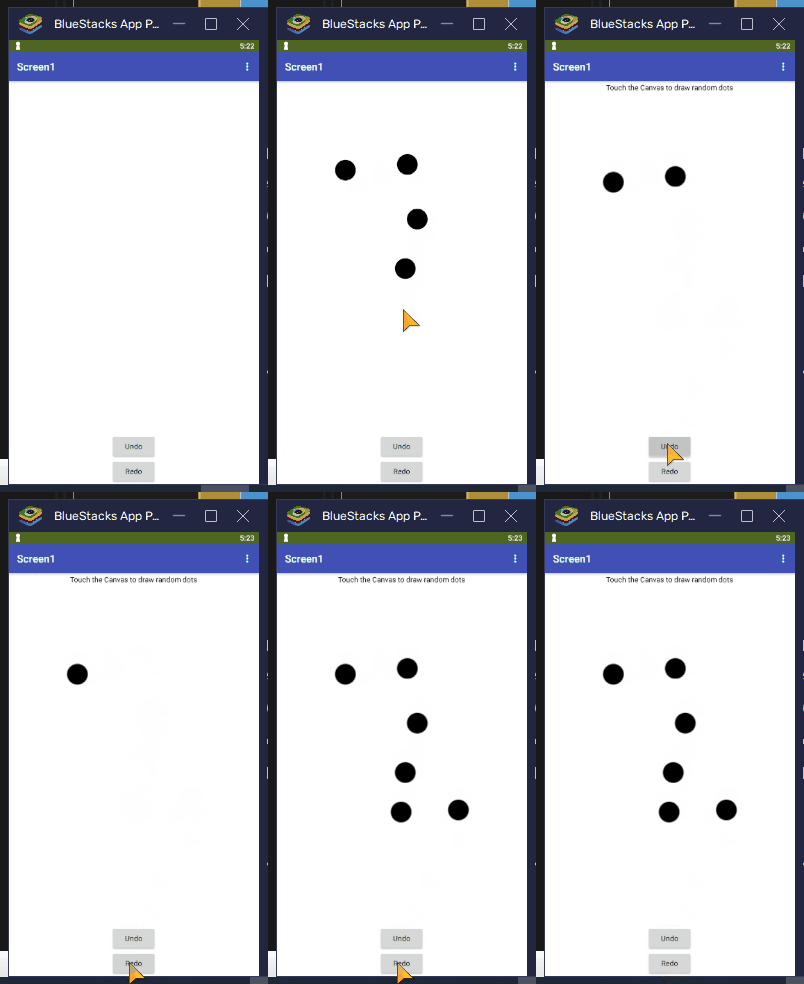
Ty. I added that Timestamp. I also tried the Redo, but it will not redo the 4rth Fill. So, given that fact and the fact that the Undo deletes the 4rth and 3rd Fill at once, does this still point to the 0 or 1 needing to be tweaked?
I recommend using the Clock1.SystemTime in the file name instead of the Undo Index, as in my prior post. The stack should consistently grow as long as the app runs.
The index variable should be just to navigate the list.
When you use the Do It facility on the get global ImageStack, you should see a list of image files with different names. You might have to stretch the bubble to see them.
Also, I recommend not letting the global UndoIndex drop down to 0, since index 1 is the bottom of the stack (and all AI2 lists.)
You might have to prime the stack with a clean Canvas Save before the first attempt to modify the Canvas.
Ty so much for that file, as well as the first one. If I can somehow tweak the numbers on the Redo, I think it will all work quite well. Since the Redo is not filling the 4rth Fill, I wonder if the Original CanvasPinWh.Touched needs to have its numbers tweaked. Honestly, I am so nervous to change anything...you have gotten me this far.... ty you again.
I don't bother with TinyDB in my sample, because I am ony doing a single session.
If I were doing multiple sessions that I wanted to keep, I would need separate TinyDB tags for them, and I would need to keep their Undo stacks under those tags.
By the way, I made no provision for erasing those image files, because storage is cheap and life is short.
I do use the TinyDB on my later pages, for when I show the Quilt Block again, and when I TempSave and TempLoad. I took it off and tried the Undo, and the last 2 Fills got deleted again, like before. So, I refreshed the computer screen, and all was fine. So, now the only thing left is to figure out the Redo issue.
Ok, so I changed the UndoIndex to 1, and the Undo's are still working, but the Redo is now deleting everything on the 4rth Click. I wonder if it's because I am using that Extension??
For the Image Deletions.... I do have a Button that says "Delete All Temp Memory". It deletes the TinyDB memory. Do you think I can add a Canvas.Clear to that Button to clear the Images in Storage? ....NO, not Canvas.Clear... that just clears the Canvas.