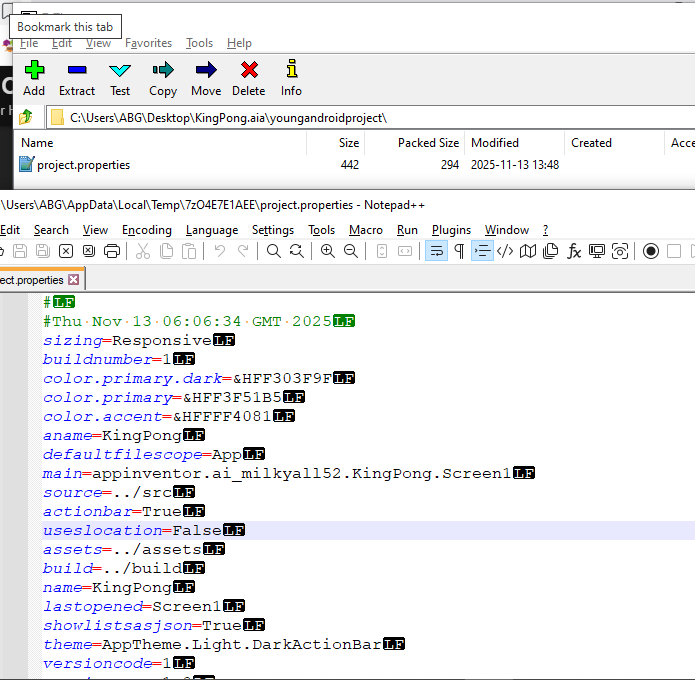
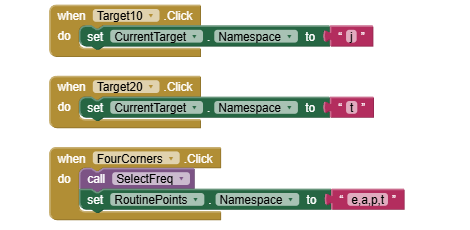
I am unable to open or download my app project. The only thing that happens when I click the project I want to open is a loading message that disappears after a very brief moment, so I am not sure how to begin diagnosing this problem. Could I get some assistance with this? I really don't want to restart my entire project.
This URL allows you to open AI2 to the Project List, without opening any project. http://ai2.appinventor.mit.edu/?autoload=false
From that list, you can request Exports of Projects without trying to open them.
Upload the troublesome .aia here.
KingPong.aia (1.3 MB)
Here is the .aia file.
This project was not imported from another builder, and this is the only project I am experiencing this problem with.
I am using the TinyDBs as variables that I am later concatenating and send to a microcontroller using bluetooth. This is my first ever project using this software, so if this is not the best way to do this I would appreciate the advice>
Thank you for the advice. That definitely seems better. I'll try to figure out the rest myself, but if I run into any other problems, I'll let you know!
Hi, I run an organization where we have about 85 teams creating projects. This one came up this weekend and I could use some help. Their .aia won't load. I downloaded it and also tried to load it, but I get an error with a popup to report a bug. Could you possibly take a look and give me some advice? The students really do not want to recreate their work. It_takes_a_town.aia (7.9 KB)