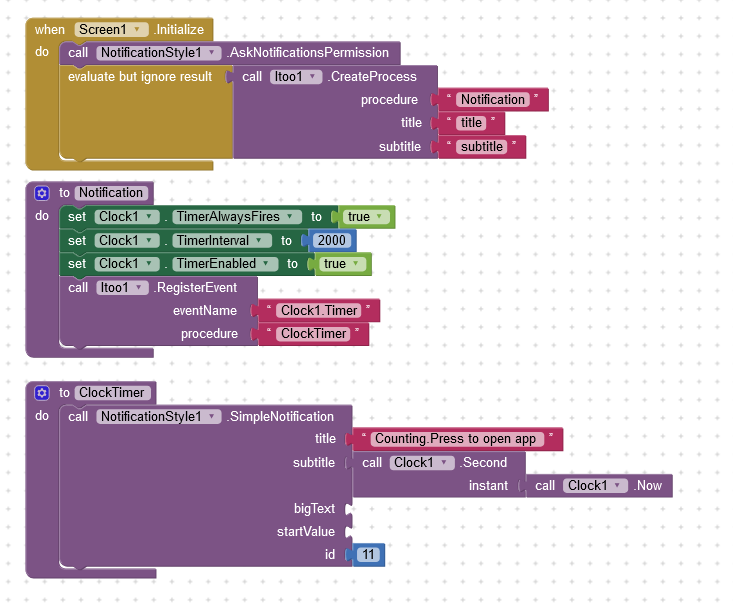
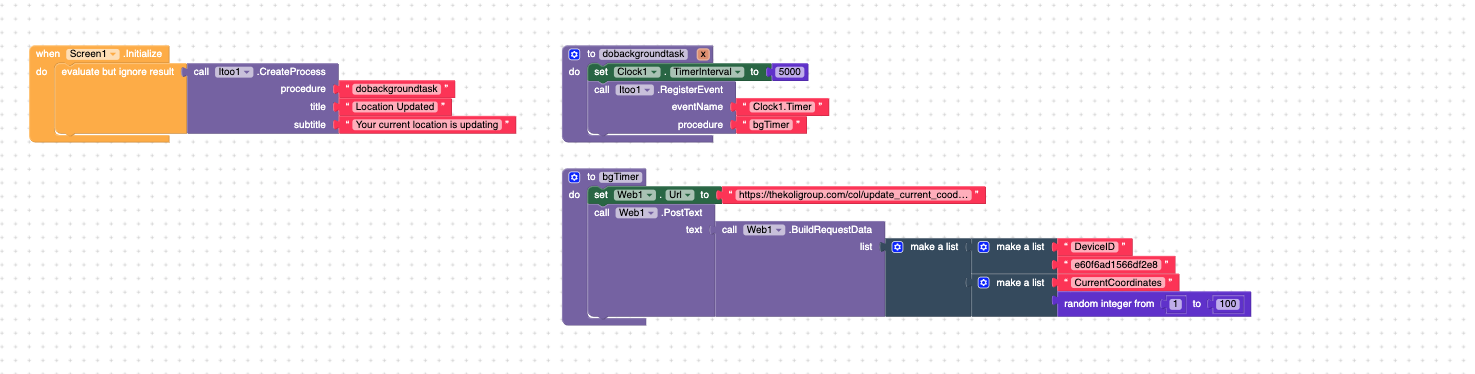
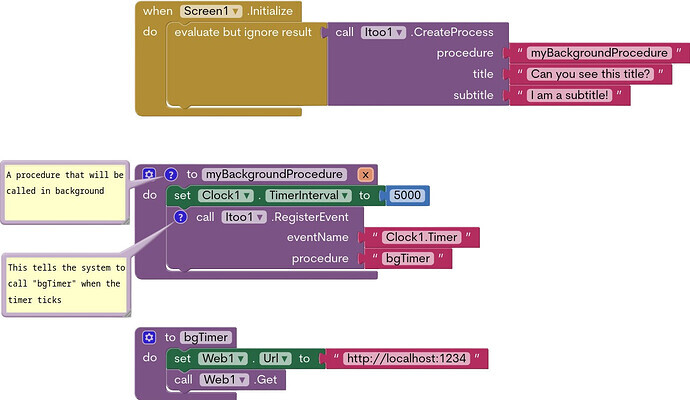
Hi I'm trying to display a notification while the app is in the background and when I click the notification it will open the app. The counting (calling the notification) doesn't seem to work. Any ideas?
Preferably I would like the user to click action buttons but let's just take it the simple way.
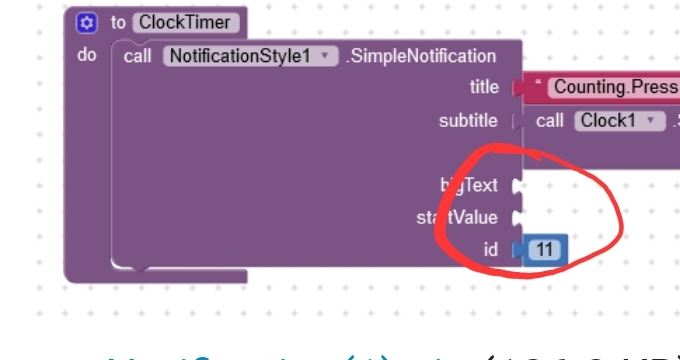
Yes I found that. Fixed also the variable needed for the Itoo procedure (always forget that) but still it's not working.
I don't even see the "Starting" notification
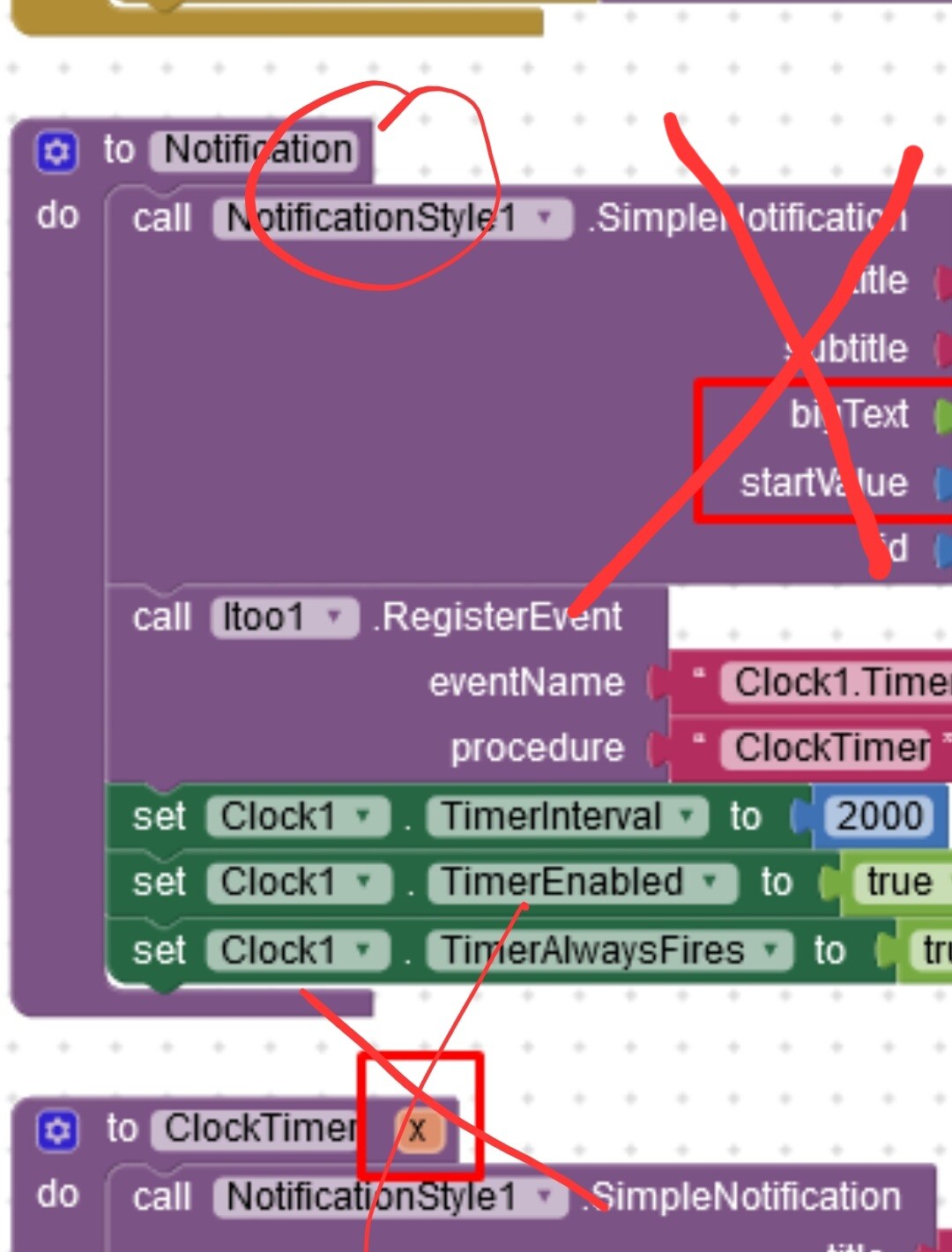
EDIT: also remove the method from procedure Notification... it will not work like that, because post notification permission still has not been granted there
i have the tested "shake and send sms "project in mit app .
i need it to convert it to background task with some fee.shall i send .aia and .apk files so that u can quote.
Hi
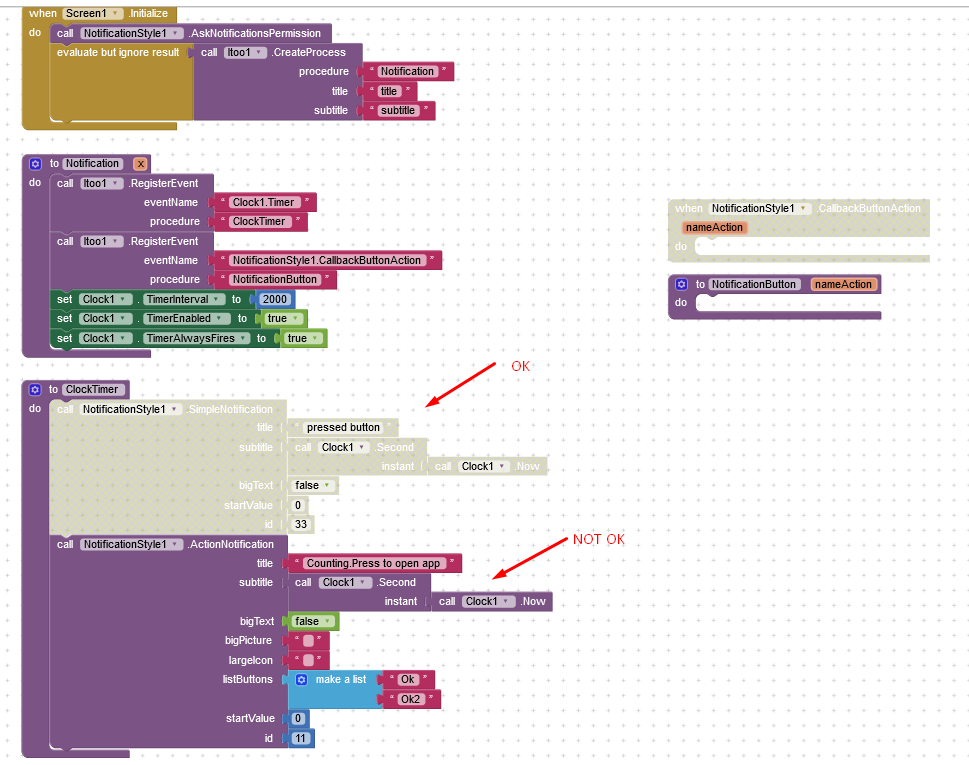
I'm trying to add a button to the Notification example above and it doesn't work. I can't see the notification at all. If this works I will try to add the button capture in Itoo using the "NotificationButton" procedure.
Hello Jimis, I debugged the application to know what's going on, it turns out the issue lies in the Notification Style extension. Due to my time constraints I havent been able to actively maintain that extension. I will look into that extension's issues in the upcoming days.
I previously coded a similar block as you mentioned in your post. It was working perfectly, updating the data in the background as expected. However, recently, without making any changes, I exported the app, and now it's not updating properly anymore. Any insights into what might be causing this?