ABG
August 11, 2026, 5:35pm
1
I went searching for a desktop emulator to replace my current MemuPlay 9 emulator, to avoid the startup ads.
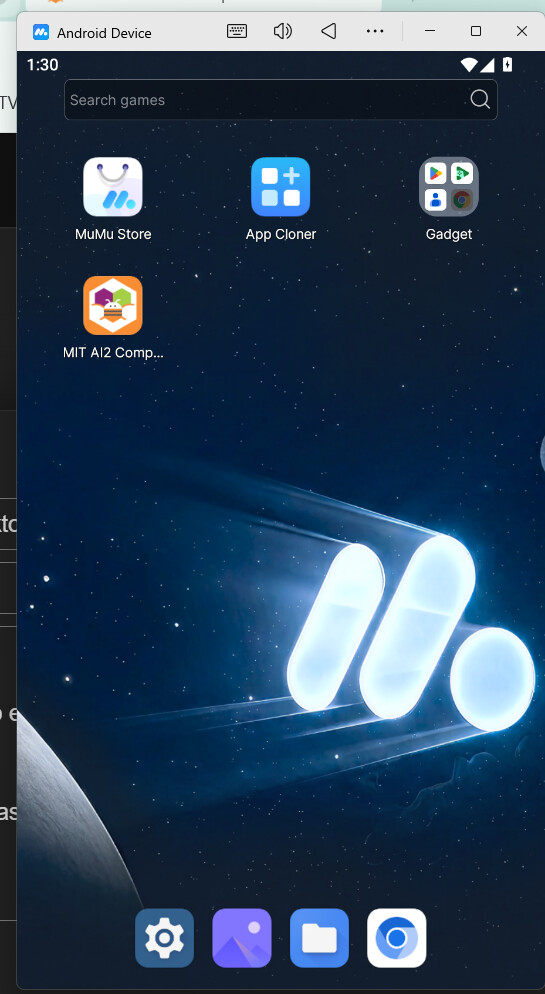
I found MumuPlayer to have fast startup, and its only downside that I can see is the permanently installed Mumu Store app on its virtual desktop, which I am perfectly free to ignore.
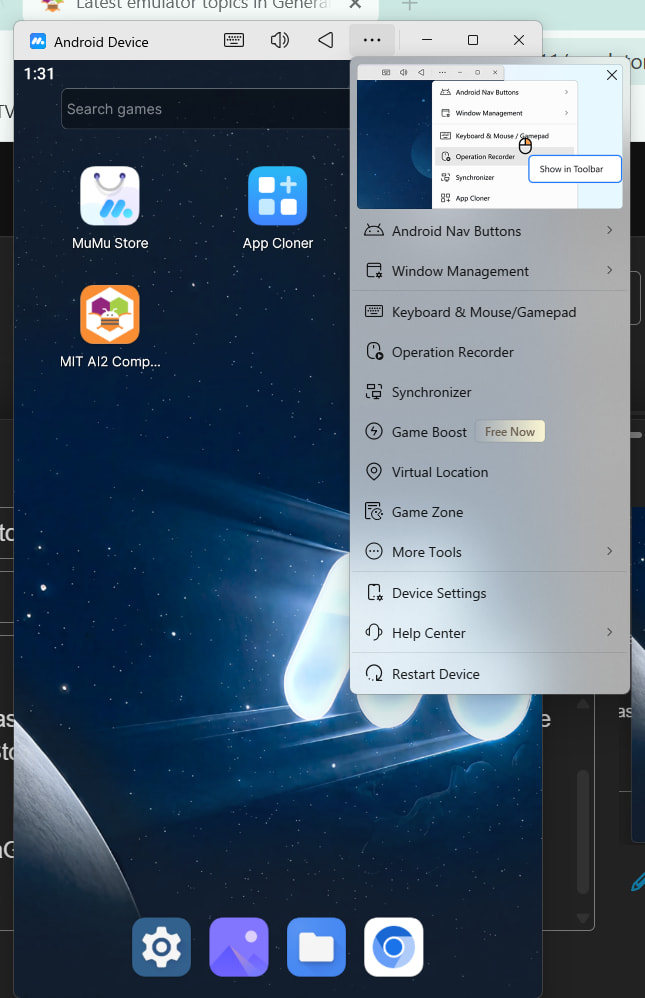
Device customization is all there on the title bar.
I had no problems installing it on Windows 11 Home.
The company's web site has plenty of configuration and installation help, to get over the VT hump.
They include a device launcher that can be set up for multiple virtual devices too.
1 Like
@ABG isn’t mumu player a paid app, cuz when i tried it, it asked me to pay, so are you using it for free or are you paying for it?
ABG
August 14, 2026, 3:00pm
3
I was able to download the MumuPlayer Windows executable for free, and run it for free.
The apps they sell in their emulator's embedded Mumu Play app probably aren't free.
If anything there is asking for money or any kind of sign-in you're not using it right.
I only drag the MIT Companion apk onto its desktop, and run only that app.
Anything else that pops up I immediately close.
A Reddit discussion of free emulators:
https://www.reddit.com/r/gachagaming/comments/1n00hp2/is_mumu_player_safe_and_stable/