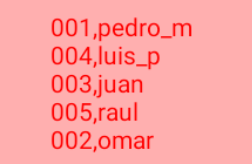
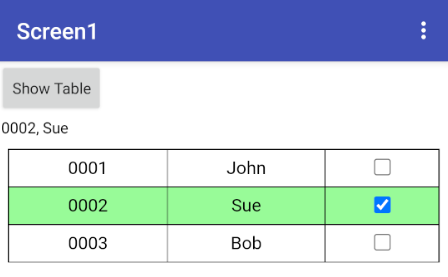
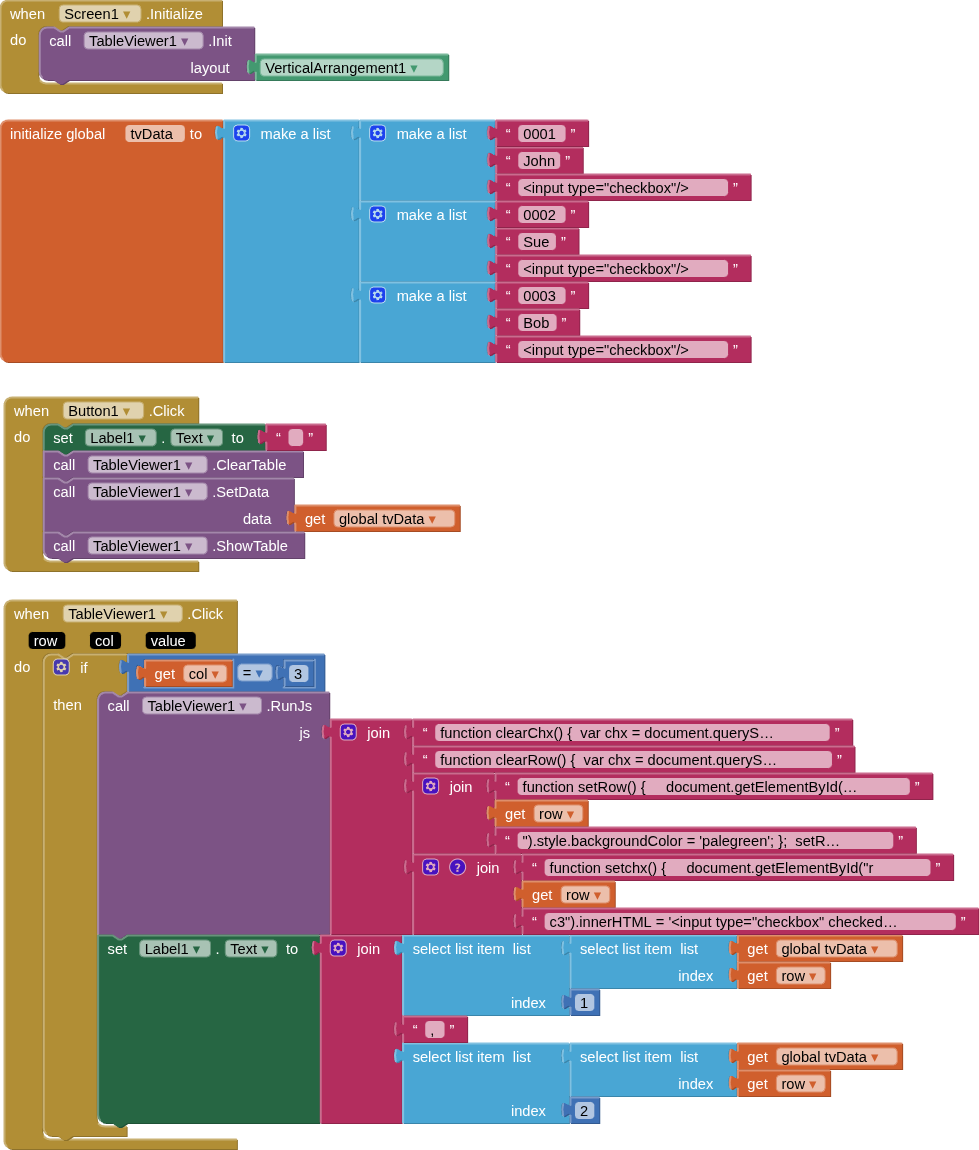
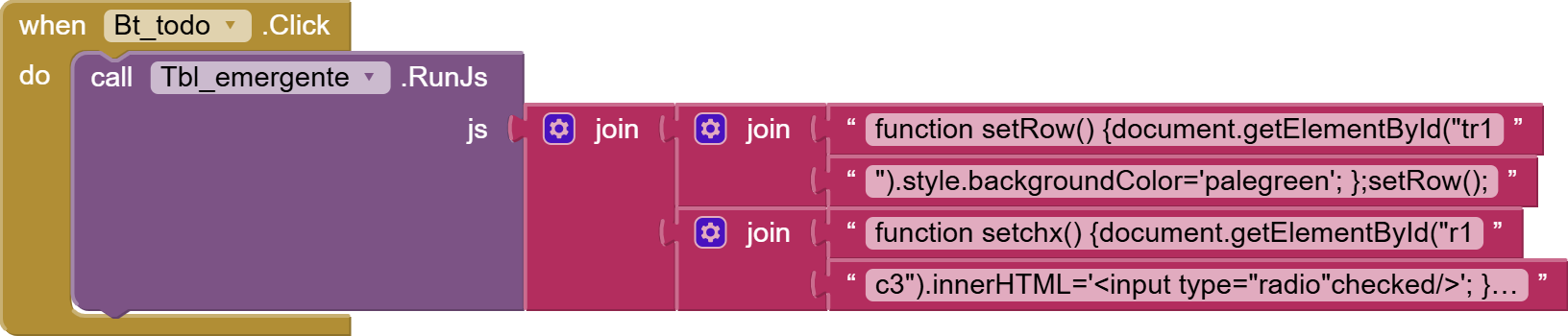
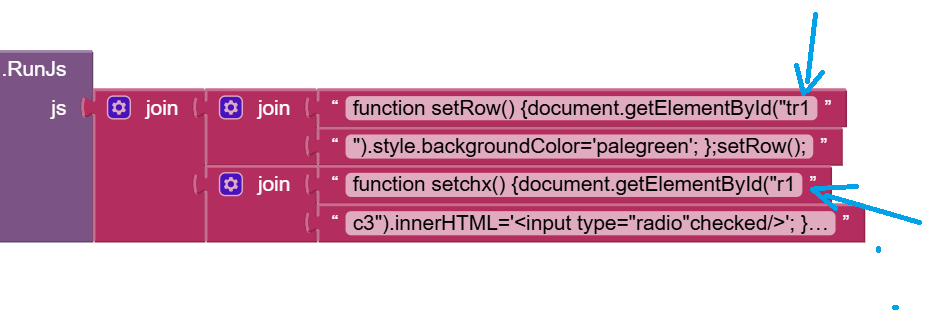
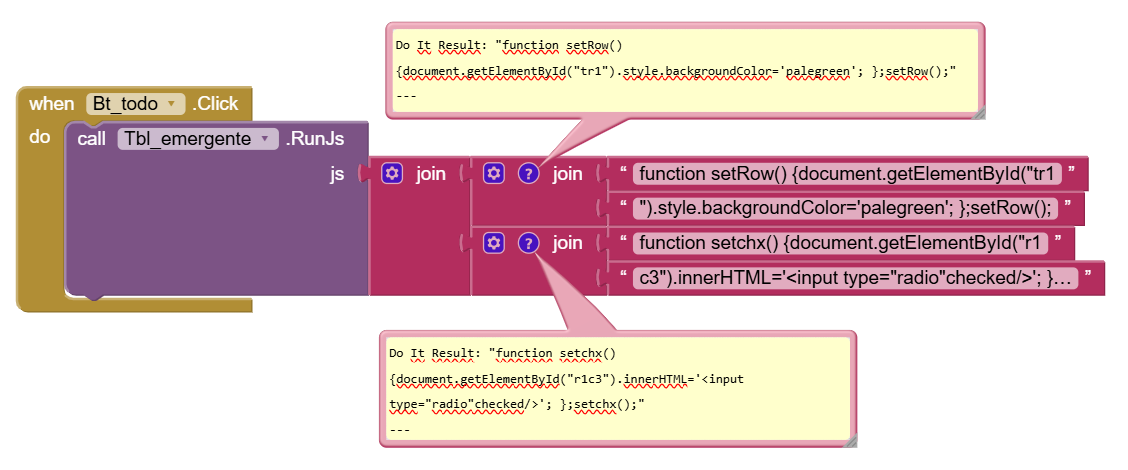
I provided my "solution" based upon the requirements you provided. If you intend to do something completely different, then you will need to research html/css and possibly javascript, in order to do what you want...
The z-index places those cells either above or below other cells, this helps with the fixed columns and rows.
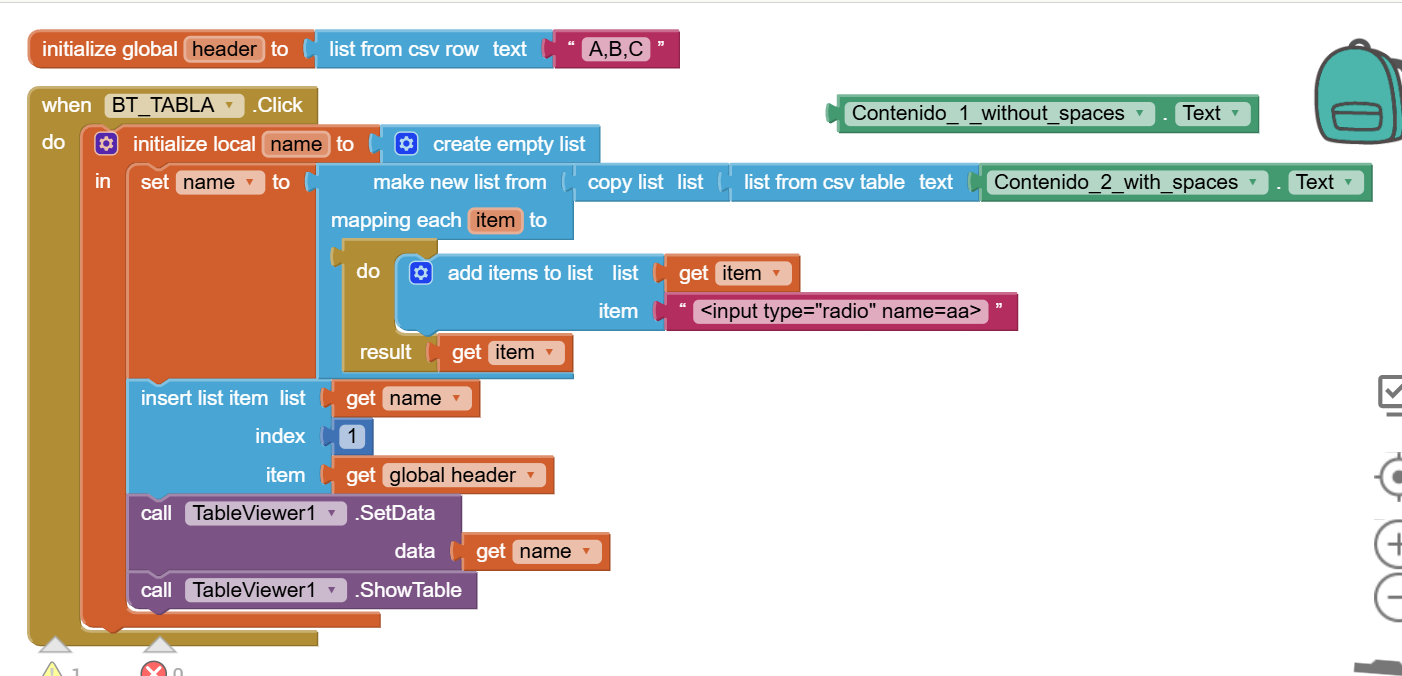
I've noticed an error in the extension, or is it my mistake?
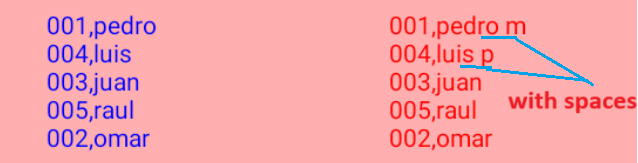
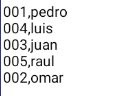
What happens is that when I select a list to include in the table like this:
001,pedro\n..... (without spaces), the dialog box works perfectly.
But when I select a list like this:
001,pedro m\n..... (with spaces), the dialog box flickers, and I have to press the button again for the flickering to stop. What could be causing this?
Perfect.
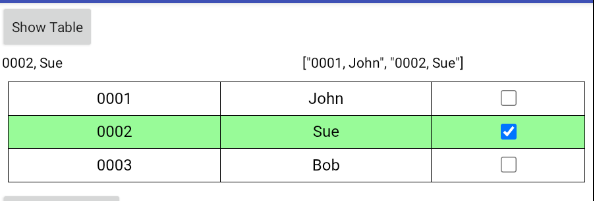
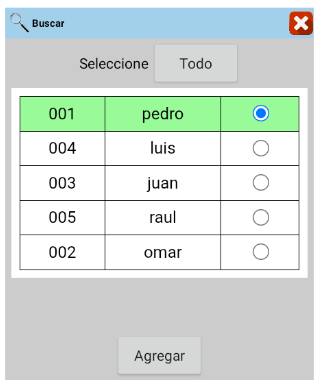
The purpose of this model is to select these rows and move them to another box to generate an order.
These can be:
*Just one row, as in this solved example.
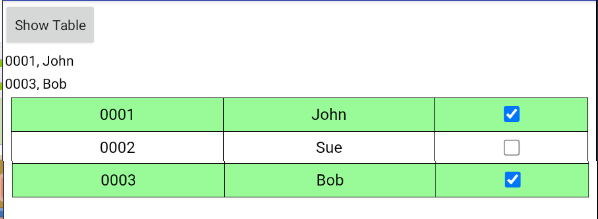
*And also with the selection of 2 or more rows.
The second option, with the selection of 2 or more rows, should look like this.
The Label1 tag will continue to be added while the box is checked, and if it is unchecked, the selected rows will be updated and removed from the list.
I hope that's clear, but thank you in advance. TIMAI2
My apologies.
It's not because I want to do it in parts, but because I need the blocks this way to apply them in different circumstances.
Furthermore, a third option is needed: a checkbox in the header that selects all the boxes. But I will implement that once I understand the second option.
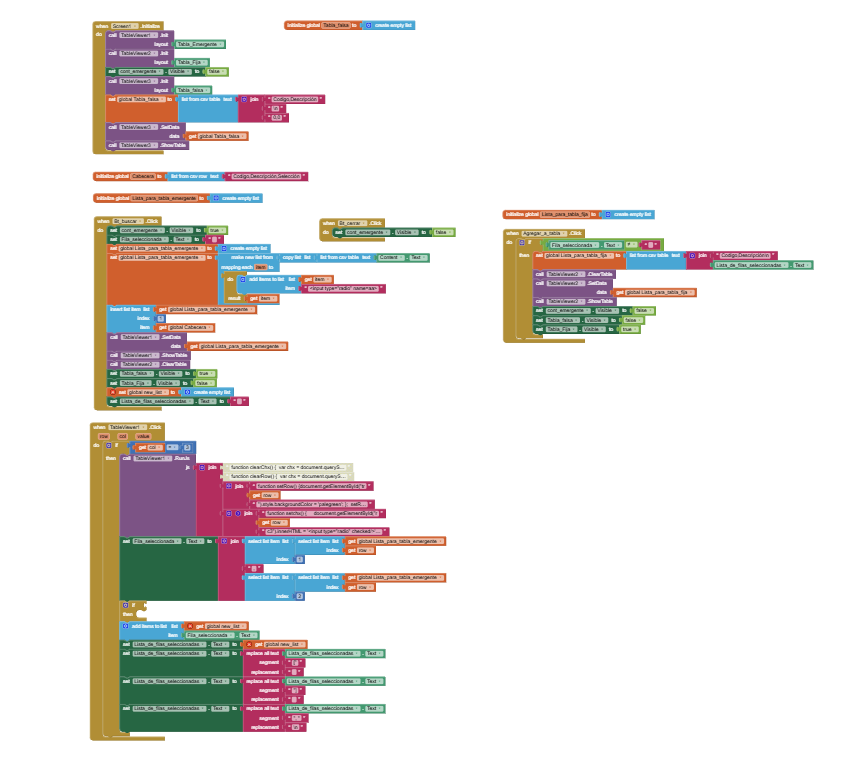
For example, in this case, I don't know whether to add the selected element to a list after the selection.
Or during the selection.
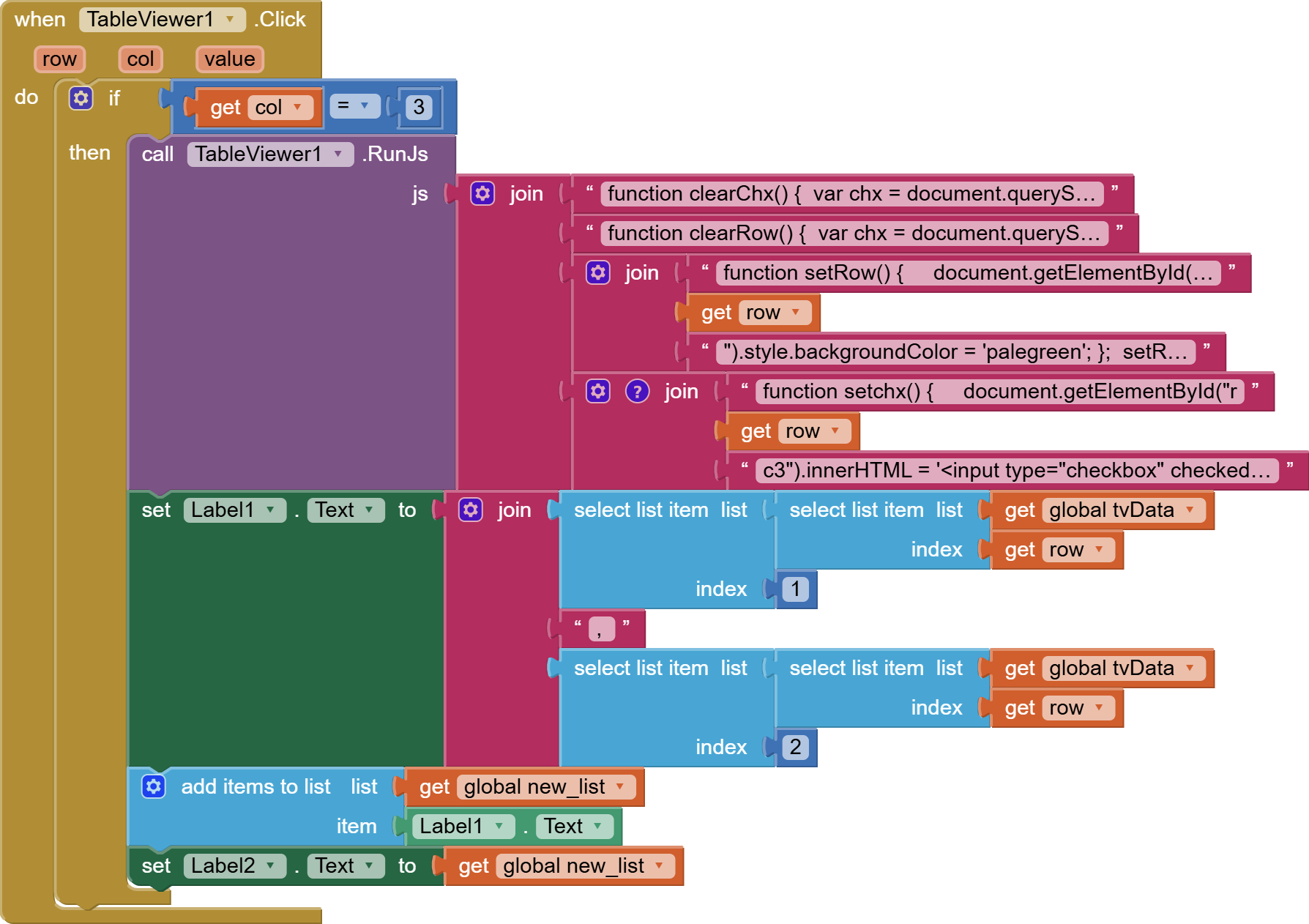
Because after the selection, it adds the values but doesn't update them.
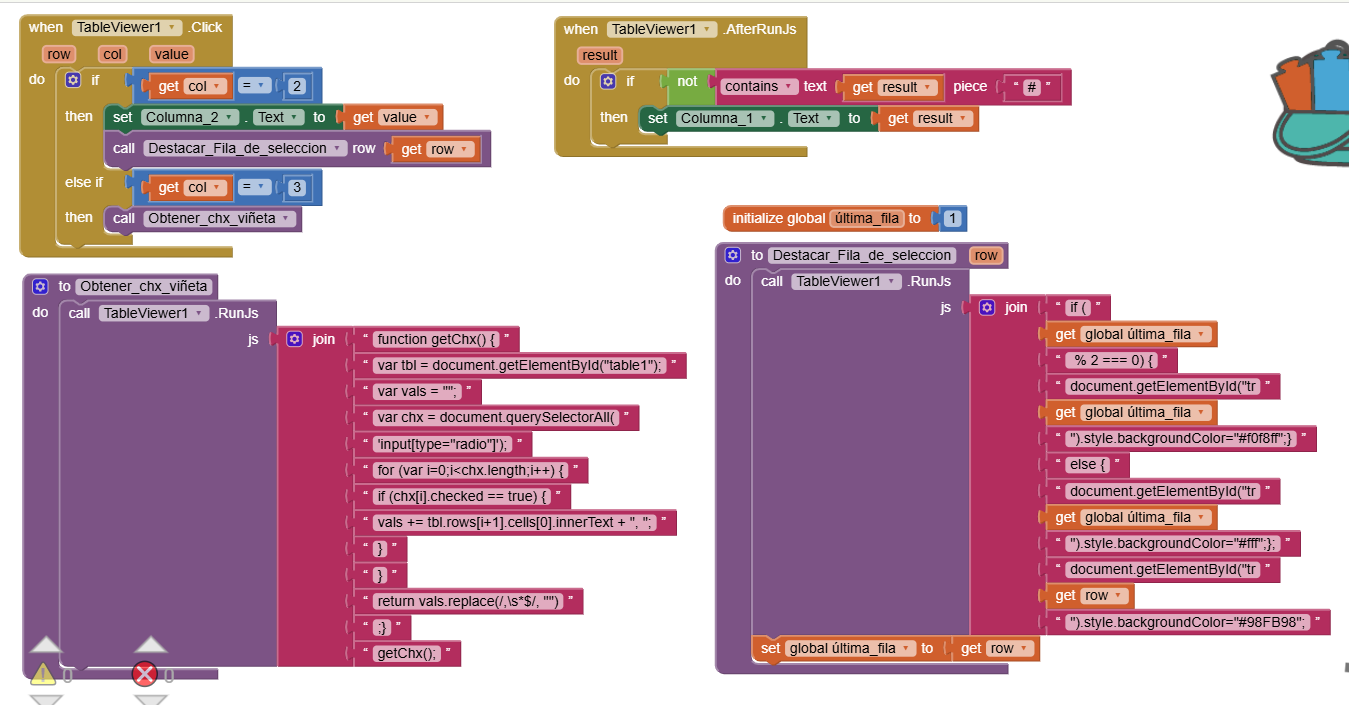
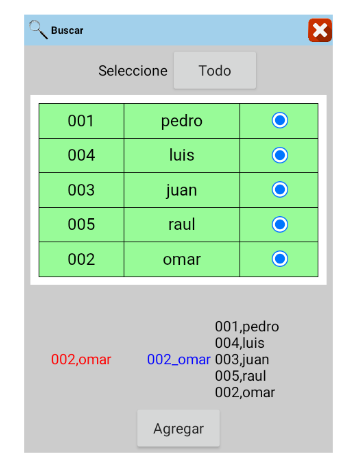
This is my project for selecting multiple rows, but I'm having these issues:
See the third search in the video.
*I need to uncheck the box to clear the color of the selected row and remove it from the list. (The problem is that the same content is added when I check the box.)
*Finally, I need to prevent any selection in the header.