In the attached file there is a shopping list to which you can add, remove and move items, can you improve the code? I put the datafile in media for use with companion.
SpesaTableviewerJS.aia (34.7 KB)
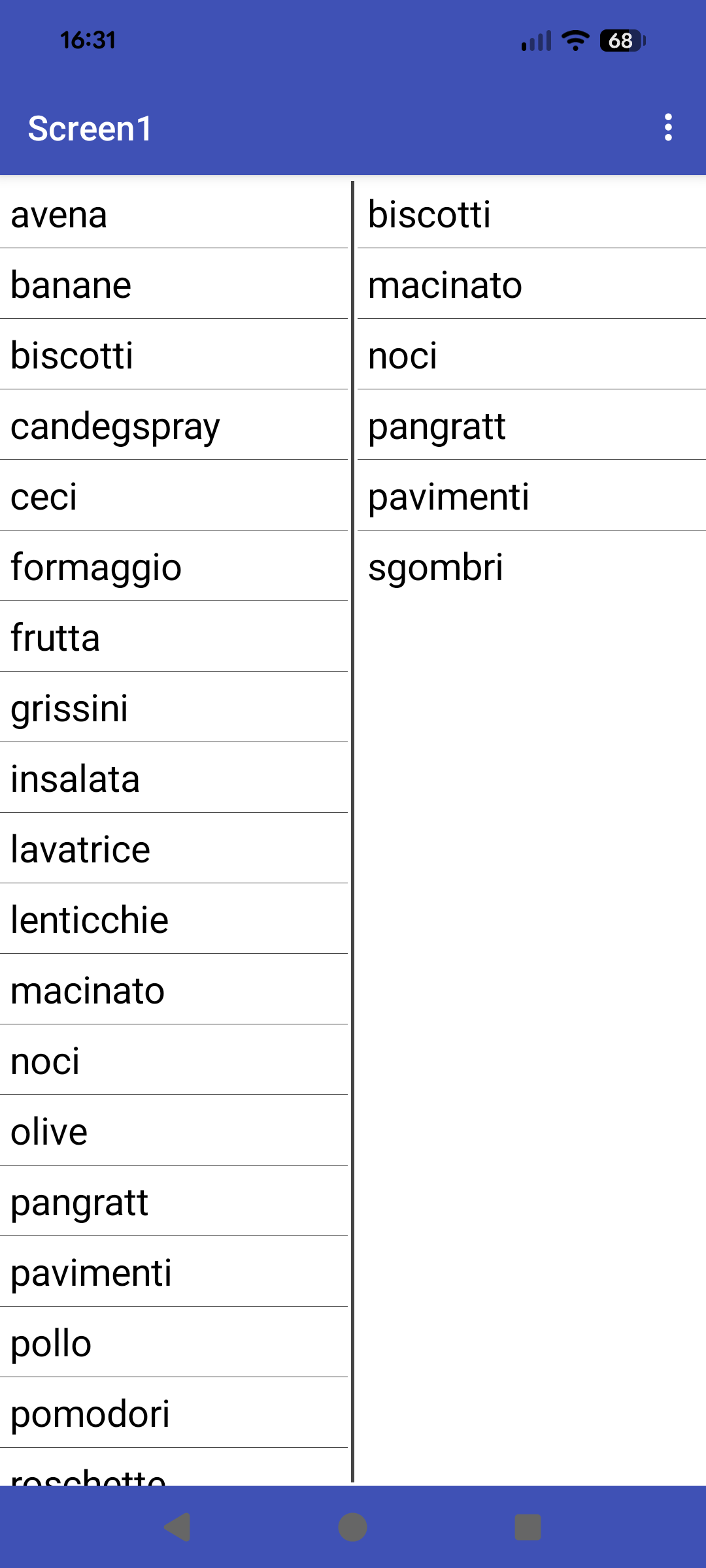
I would reduce the line spacing, not the font size
We are off topic now, start a new topic if you want to discuss modifying the appearance of a listview.
You said me "go back to Tableviewer and use css to create smaller table cells (no padding, and reduce height)"
Can you help me ?
CSS Table Cell Padding
Cell Padding in CSS is controlled using the
paddingproperty ontdandthelements. This sets the space between the cell content and its inner border, directly replacing the deprecatedcellpaddingattribute in HTML.Cell Spacing (the space between table cells) is managed using the
border-spacingproperty on the<table>element. This property works whenborder-collapseis set toseparate. It defines the gap between the borders of adjacent cells, replacing thecellspacingattribute.
- Use
table { border-spacing: 10px; }to add 10 pixels of space between cells.- Use
td, th { padding: 10px; }to add 10 pixels of padding inside each cell.Note:
margindoes not work on individual table cells (td,th) for spacing between cells. To simulate cell margins, useborder-spacingor wrap cell content in a<div>and applymarginto that.Best Practice: Always set
border-collapse: separate;when usingborder-spacing, andborder-collapse: collapse;to merge cell borders and eliminate spacing.
Try with border-spacing:0px;padding:0px;
This is as tight as I can get it:

table{width:50%;border-collapse:separate;border-spacing:0px}
td{border:0px;padding:0px;font-size:30px;text-align:left;}
Thanks, it runs very well