[FREE] TableViewer - fully style customized to show table data

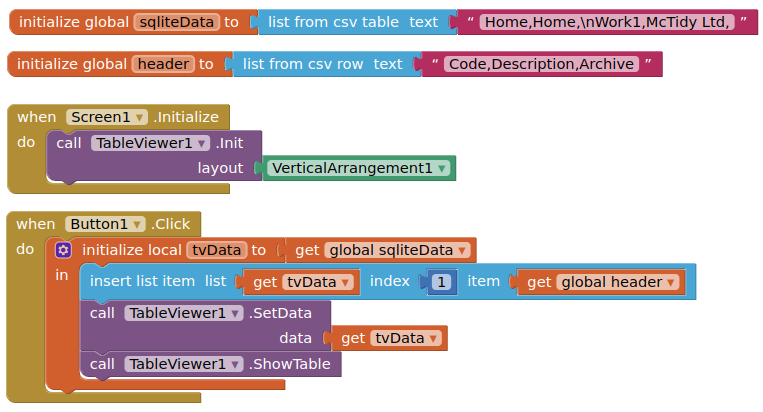
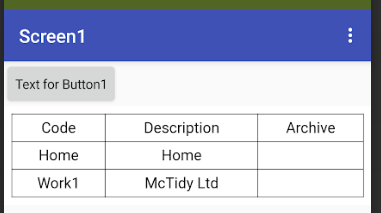
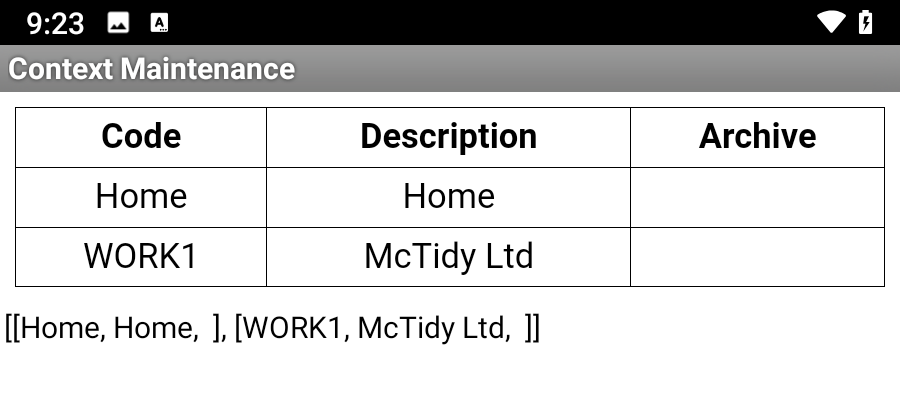
Hi, this is what the output from that section of code looks like (and thanks for getting back to me so promptly):

When you said to insert the headers to the list / table at index 1, I think I can work out how to do that, but the issue is getting the SQL into the list. I can get the SQL into the tableview directly, but not via list, yet.

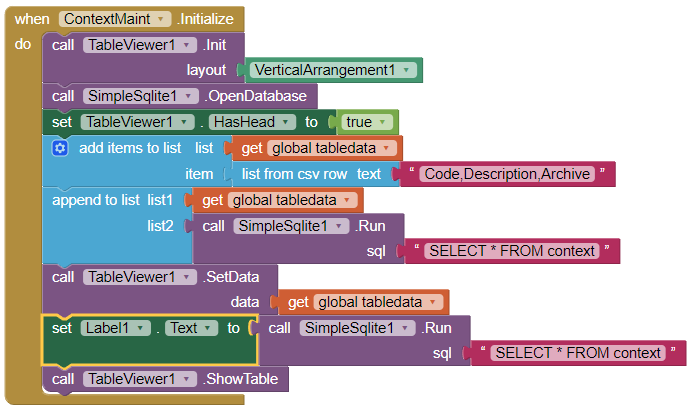
Try use 'append list to list', not 'add item to list'.?

image

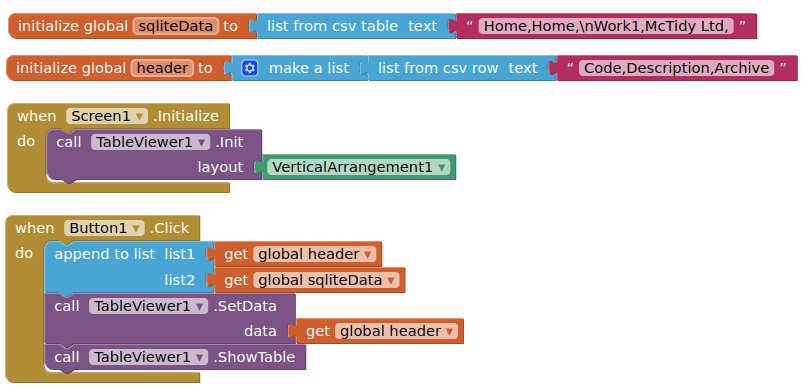
or as @Kevinkun suggests:

Yes, that works, thanks, and here's the simpler version:

No fixer block appears to be required

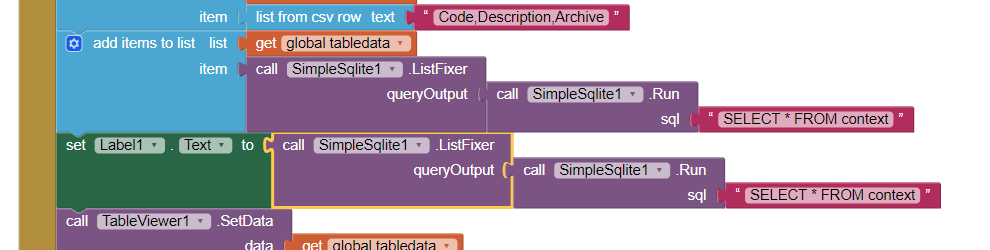
I would suggest you use the fixer block to ensure proper functioning of list operations.

Ah, you're right. As I found out, it can visually load the data into a list correctly, but the problem comes when you're trying to read a row out of that list using the index from the selected table entry. Inserting the fixer block back into the 'select' query didn't change how the data appeared, but it made the 'select list item' block work properly. Thanks.
I'm sorry, but did you mean JSON? I have same problem, still looking for solution

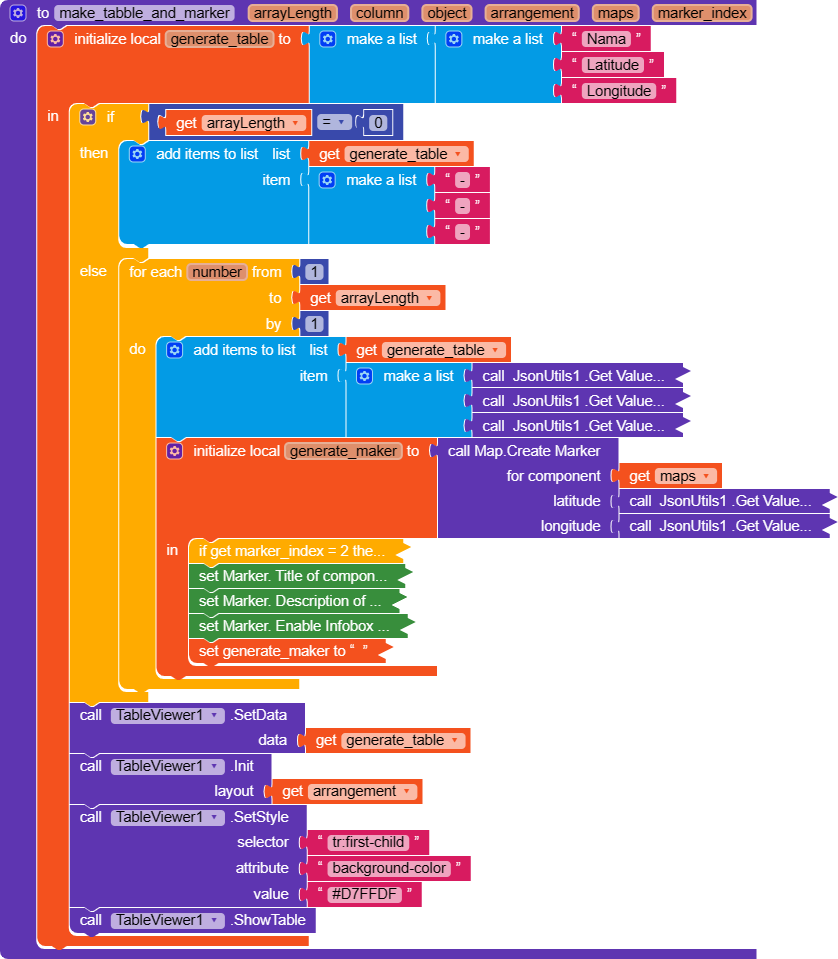
Hi, I face shaking table problem too, can you help. This is my block.

  1. you need call init function before setData.
  2. show the 'generate table ' on a label and tell us what's on the label.

Sure,

  1. Done
  1. here's the result:

CMIIW, I use 1 TableViewer component for multiple arrangements

the data looks fine.

but one tableviewer working for one layout only.

Got it. Thanks for your help @Kevinkun. If you could make a dynamic extension, that would be really cool. :+1:

The shaking problem still exists. Not that frequent anymore.

please upload a demo app to replicate this shaking problem.
Only relavent blocks needed.

I thought that is was over after my reply at januari the 9th but sometimes it still occurs. I shared this code already then.

This ?

Thy to use syle "white-space: nowrap"

Thanks a lot

Yes that is the code. Thank you. I did not know how to link this.