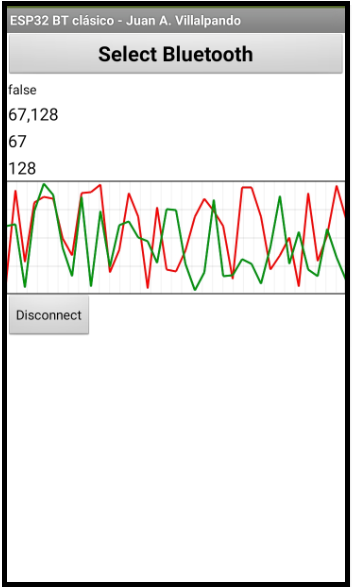
the canvas not running like on example. Sometimes, the list value only have two or one numbers. I already try changed Resolution, but the problem is same. Max value and Min value doesn't work. Is the extension in the link not updated?
I found the problem, if canvas visible set false at first before initiate graph it can happen. So, the problem solving initiate first and you can set graph visible to false.
hello,
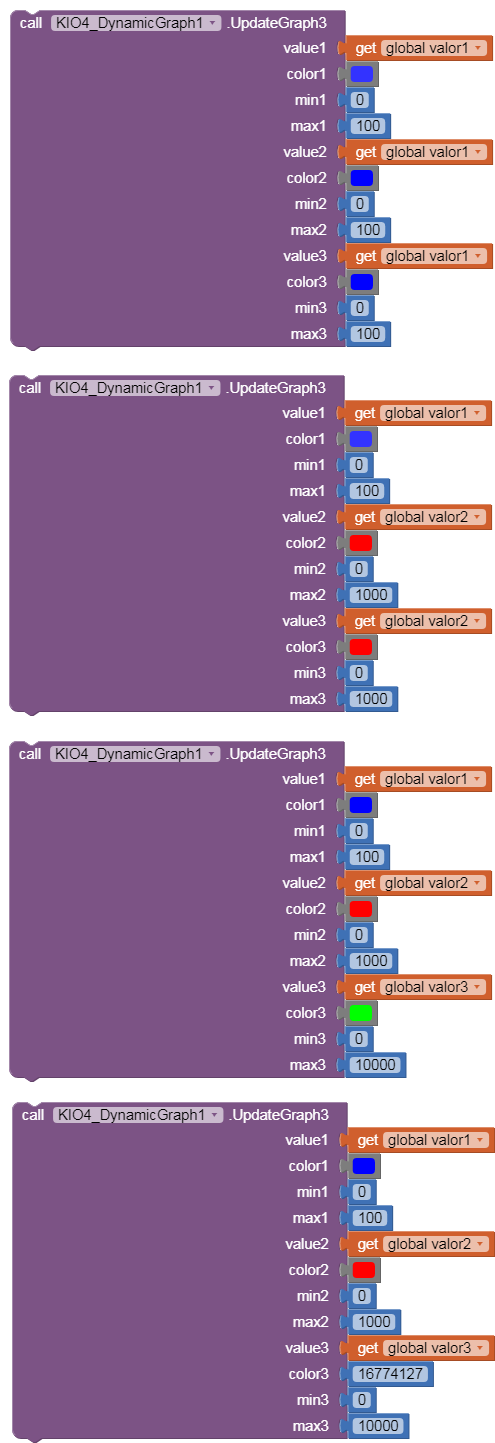
using UpdateGraph3 with 1 or 2 variable while the 3rd is transparent cause lags in slow response , i thought if you can update UpdateGraph2 to have min/max like what you did with UpdateGraph3 then it will be great in not using useless memory and processing time for a transparent .. can you please update UpdateGraph2 to have min/max?
Your graph extension is a great advance to mit app inv
when i use DynamicGraph2 >> no issue except i have to kepp bith val1,val2 at same min/max . (my val1 max is 1000 while val2 max is 25) >> i have to map it to read it on graph but no lag issue.
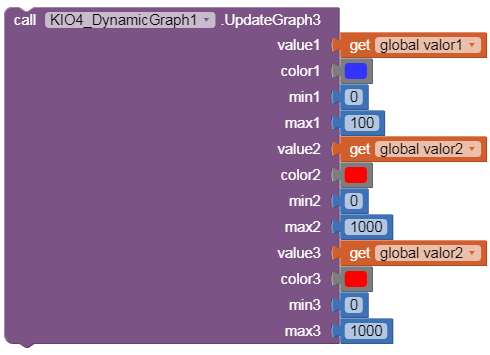
when i use DynamicGraph3 with 2 variables as 2=3 or as 3 color 16774127 >> keeps freezing and lagging on/off .. (when i use 3 DIFFERENT variables ) i get same lag soi believe my cell is not up to 3 variables .. i wish your DynamicGraph2 extension has min/max as well instead to use extra DynamicGraph3 resources (3 var to plot 2) .. than you
to freeze the graph >> you said disable the clock .. ok ,, but to resume the graph again with diabled clock ! .. ? .. so would you please add a new control as KIO4_DynamicGraph1.PAUSE=true/false ..etc.
i need the clock to keep running all the time for other processes to keep running .. only graph need to be stopped while clock always running .. are you able please?
That's very helpful thank you! I also have another question. I was hoping to find the peak value of the graph drawn, however, the get max value block seems to only print the upper range of the graph and not the peak of the graph produced. Is there a way to get the peak value? Thank you