Credits to original authors
- Project structure is inspired by Rush. Thanks to @shreyash
- Gradle & Maven Resolver from FAST-CLI
- Annotation stripping is inspired by FAST-CLI
- R8 is inspired by FAST-CLI
- Dexing with R8 is inspired by FAST-CLI
 Specially thanking @JEWEL for his support.
A Powerful & Smart CLI + GUI (.aix) Extension Builder For App Inventor, Kodular, Niotron and other distros [Written in Python].
Salient Features:
- Complete Local Machine Compiler (Local Setup)
- Gradle & Maven dependency resolution (plus auto-detect from imports)
- 30+ SDK presets (AdMob, Lottie, Play Billing, ExoPlayer, etc.)
- ProGuard/R8 release builds
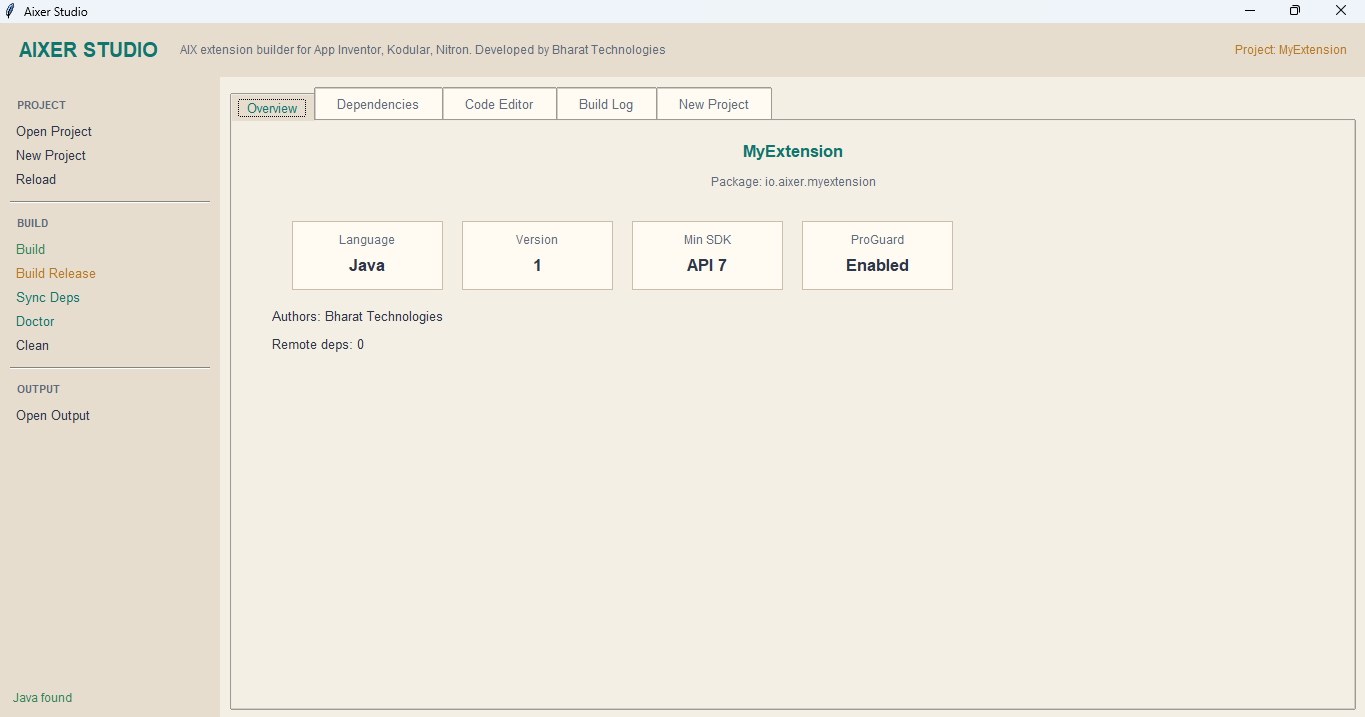
- Desktop GUI with Code Editor (AIXER Studio)
- Environment doctor (
aixer doctor) - Markdown docs generation with every build (by default)
- Java + Kotlin support
- Multi-component extensions
- Custom XML resources
- FAST / Rush project migration
- Global JAR management
- Annotation stripping
- Dex with D8/R8
- Free Future Updates
- Multi-platform (Windows, Linux, macOS)
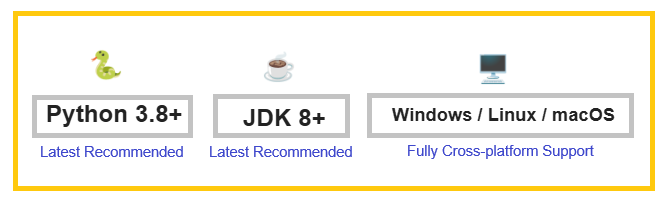
System Requirements:
AIXER~GUI Screenshots:


AIXER~CLI Screenshots:
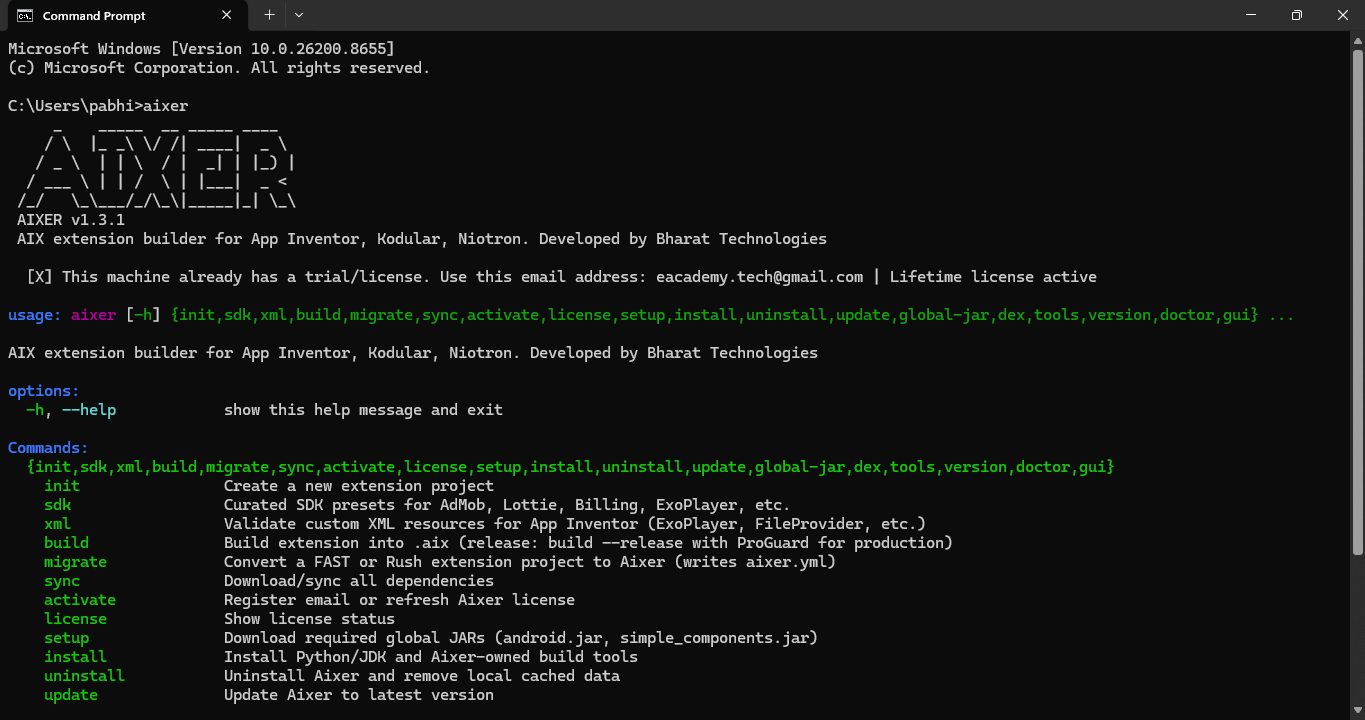
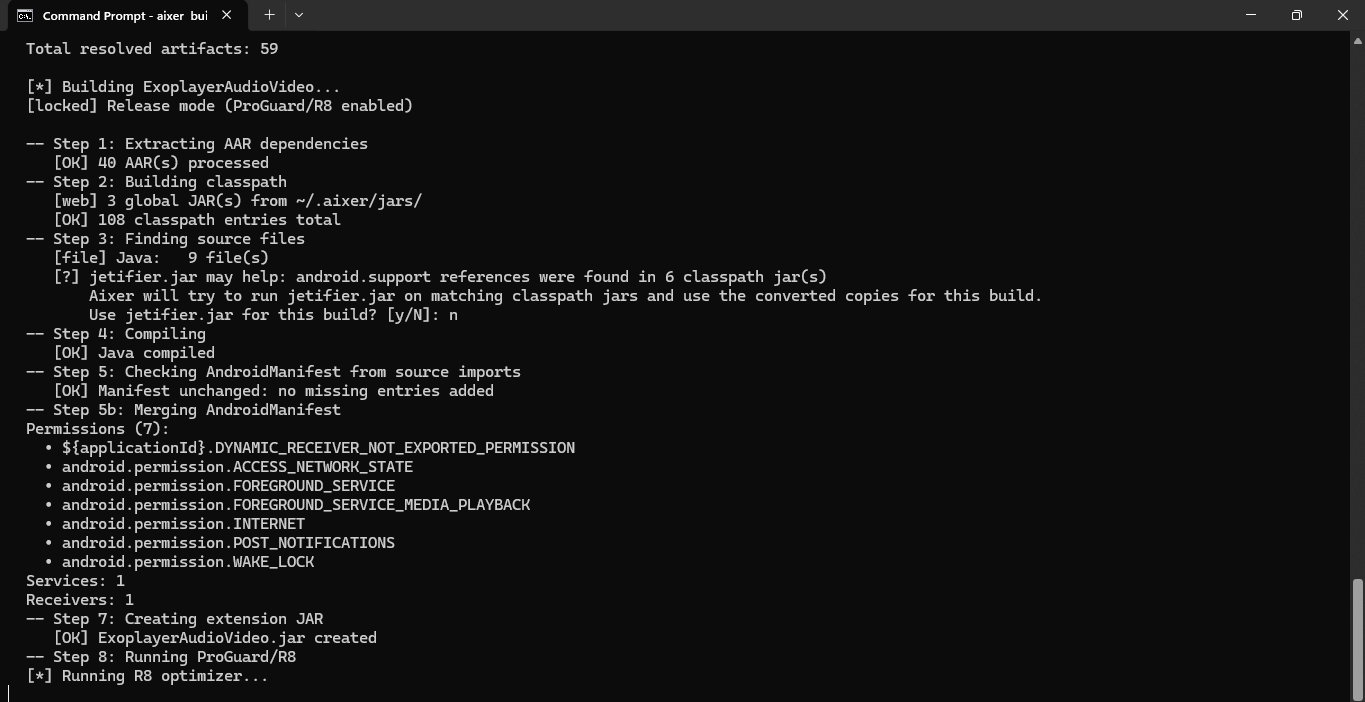
CLI Commands:
init                Create a new extension project
sdk                 Curated SDK presets for AdMob, Lottie, Billing, ExoPlayer, etc.
xml                 Validate custom XML resources for App Inventor (ExoPlayer, FileProvider, etc.)
build               Build extension into .aix (release: build --release with ProGuard for production)
migrate             Convert a FAST or Rush extension project to Aixer (writes aixer.yml)
sync                Download/sync all dependencies
activate            Register email or refresh Aixer license
license             Show license status
setup               Download required global JARs (android.jar, simple_components.jar)
install             Install Python/JDK and Aixer-owned build tools
uninstall           Uninstall Aixer and remove local cached data
update              Update Aixer to latest version
global-jar          Manage global JARs shared across all projects
dex                 Dex a JAR using D8/R8 from the bundled tools folder
tools               Manage optional build tools (rt.jar, desugar.jar, jetifier.jar, etc.)
version             Show Aixer version
doctor              Audit your Aixer environment and current project
gui                 Launch the Aixer GUI desktop app
Command usage  Open Cmd -> type
aixer init
then press enter. For each command use of word aixer before that command is required. Don't like commands? then just use GUI which has CODE EDITOR.
You can use GUI in two ways - 1. type aixer gui in cmd OR 2. go to AIXER folder where you extracted the aixer and find gui folder inside open it then just double click on app.py file, it will open the AIXER GUI.
Price: Free Trial For 1 Day To Everyone Then Required To Purchase Lifetime License.
Click Here To Buy Lifetime License
For Installation Guide & To Download The AIXER on Windows/Linux/MacOS Visit Offical AIXER Webpage: