First thing, I understood that to test with MIT App Inventor Companion App, I needed to use MIT AI2 Companion in Spreadsheet.
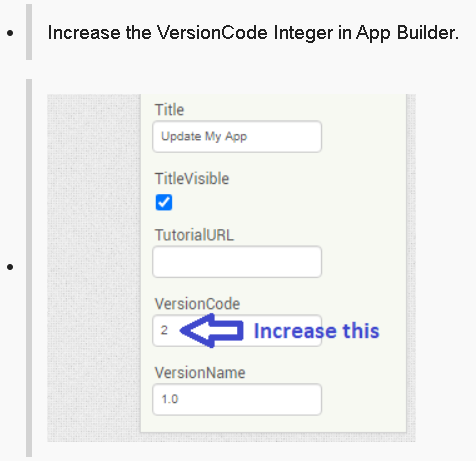
Even with everything set apparently correct, can't make it work... When everything is OK, it shows "already updated to the latest version, inspite of whatever number I put!
I don't update. Actually, my question is that when I open the application, if there is a new version available, then the update message should appear, otherwise it shouldn't.
Hello @Automate_MyProject , I'm experiencing the following problem with the extension: it finds the new version available, but instead of updating the app, it downloads the new version as a new app (so I remain with two apps installed, old and new version).
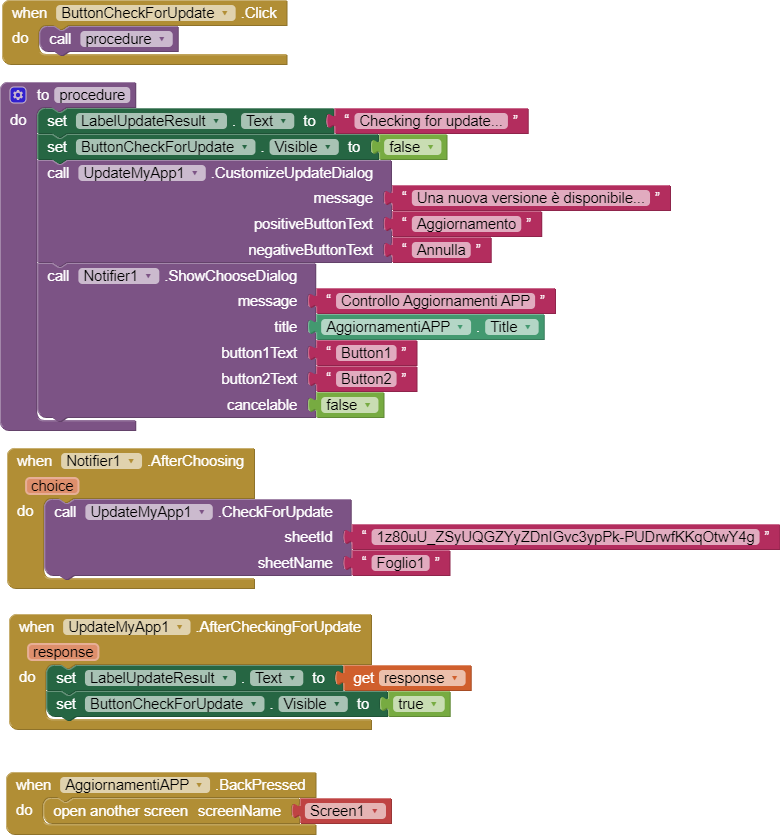
Here after my blocks, they seem exactly the same as the ones suggested, any idea of the problem?
I don't think it's an extension issue. It's likely that the new version of the app has a different package name. Maybe you used a different email address to log into your account, or a different server?
Android device and version?
Any error message?
Any more information you could share to help the author of the extension?
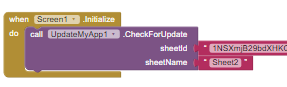
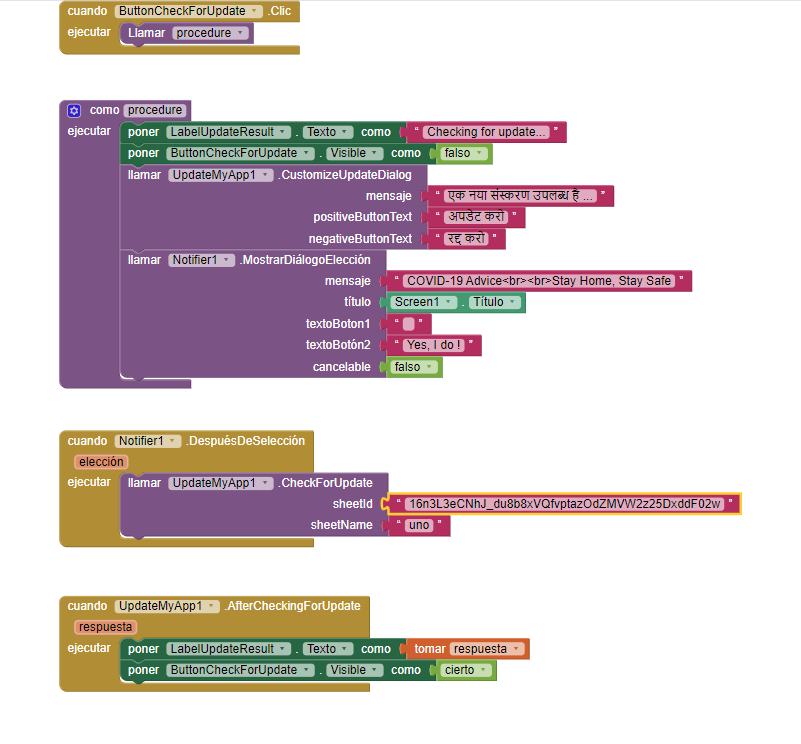
It would really help if you provided a screenshot of your relevant blocks, so we can see what you are trying to do, and where the problem may be.
To get an image of your blocks, right click in the Blocks Editor and select "Download Blocks as Image". You might want to use an image editor to crop etc. if required. Then post it here in the community.


 Taifun.