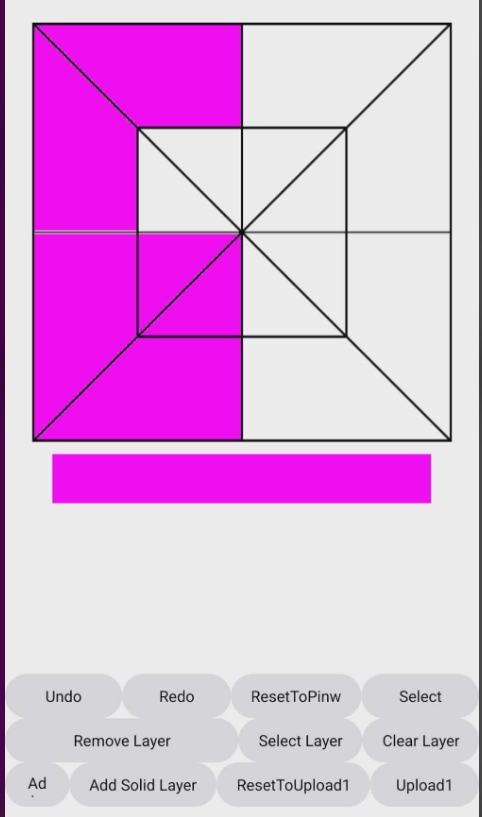
Try this, actually better than the first one, as not reloading all existing filled sections. Canvas at 300x300, inside a vertical arrangement at 300x300 (for stability)
Please test this aia project first, before attempting to insert blocks from it into your own project. This should be all you need, no lists of indexez etc.
The 6th click (my 2nd Undo click) removed my Outline, and also distorted the Diagonal Outlines. Your 1st method was so clean, even after several undo/redo's.
Does your 1st method just use too much of my phone's resources?
I also see minor degradation of the lines after undos and redos (when I run on my emulator, but not when I run on my device) Video from testing on emulator:
This is probably an unavoidable consequence of how the canvas works. The first method redraws after each undo so you get a fresh canvas, new lines each time (not with redo). Could be the best you can hope for.
I see the same minor degradation of lines with a compiled app on my device. If I press clear, the lines are no longer degraded, so artifacts are appearing from the undo and redo activities.
Would suggest the redrawing of the canvas and lines on each undo as a workaround for this (e.g. do not use your image but draw the lines on the canvas with the canvas tools, as in my 1st method.
This would be another way, to draw out all the polygons, and colour them by overdrawing polygons (for undo and redo). Would need the maths as previously suggested to "get" the correct polygon from the canvas touch x,y values. Then we could do away with the extension (we do not really know if the extensions floodfill process is causing the artifacts to appear. (@Passos_0213 )
Slightly easier maths would be to have "imaginary" circles at the centre of each polygon
(x − center x )2 + (y − center y )2 ≤ r2
User then presses on the "circle" to action the flood (redraw/colour of polygon).
Ok. To rename it, I had to take it into Gimp because Windows 11 woud not let me do it in Explorer. So, here are 2 versions: transparent fill & white fill... in 2 different formats: txt and pdf.
I originally wanted to do the fills using Layers and an svg. So, I tried to do it using the Canvas Layers extension, but I could not figure it out.
I had visions of using 2 layers, with the top layer having outlines and a transparent fill. And the bottom layer just having a white fill. Then, when I was done filling the Quilt Block with colors, I wanted to remove that top layer with it's outlines, so that the only thing left would be just the fill colors on the white bottom layer, with no outlines. It just makes a cleaner quilt image if you are filling with, say, tan or silver...you won't see the outlines. But,like I said, I could not figure it out.
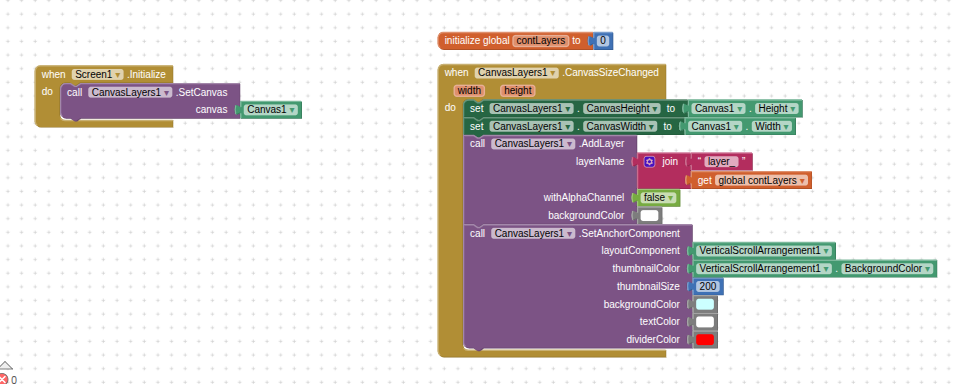
It seems you're using a legacy version of my extension. Since creating that extension, I've created an even more powerful one called Canvas Layer: [FREE] CanvasLayers - a layer editor for Canvas
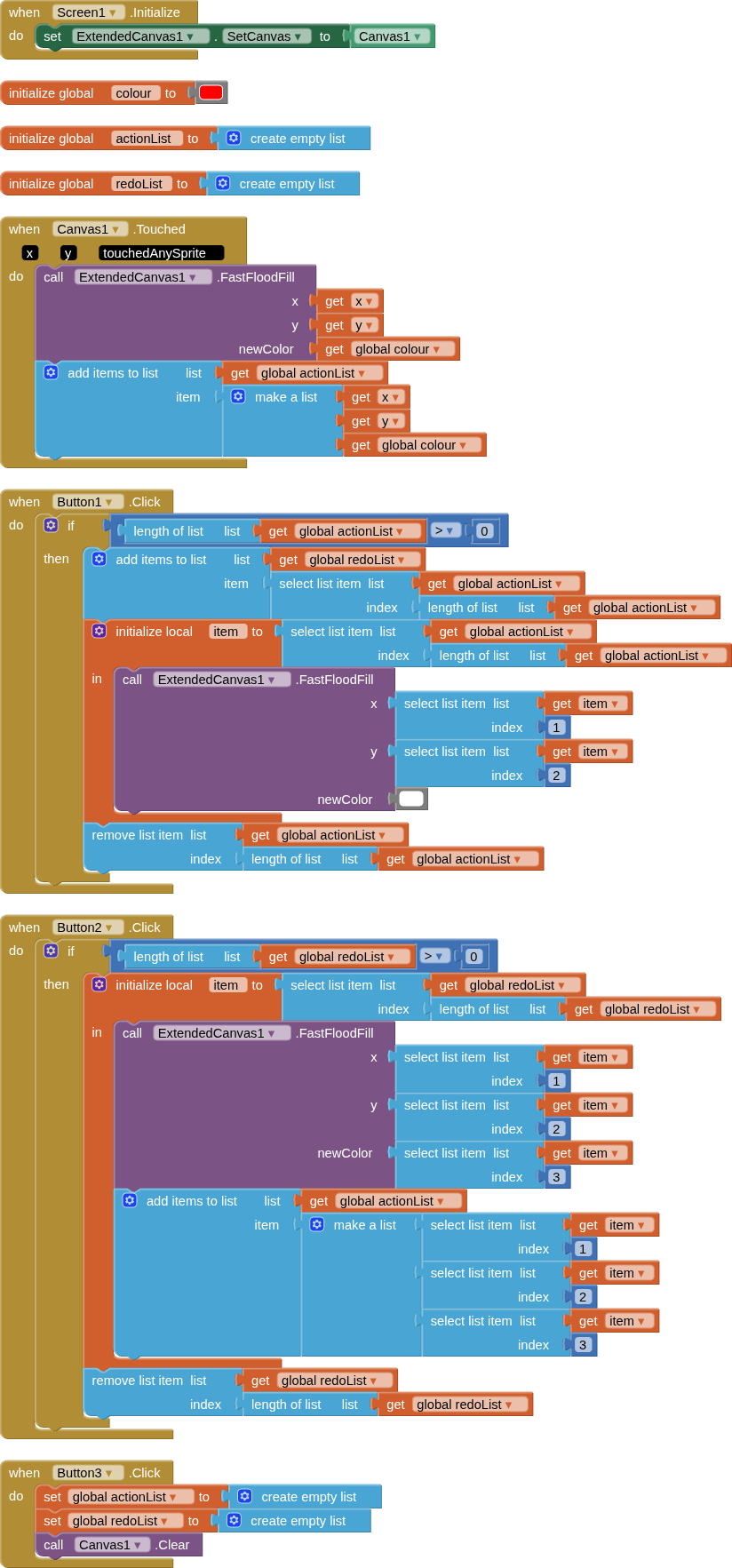
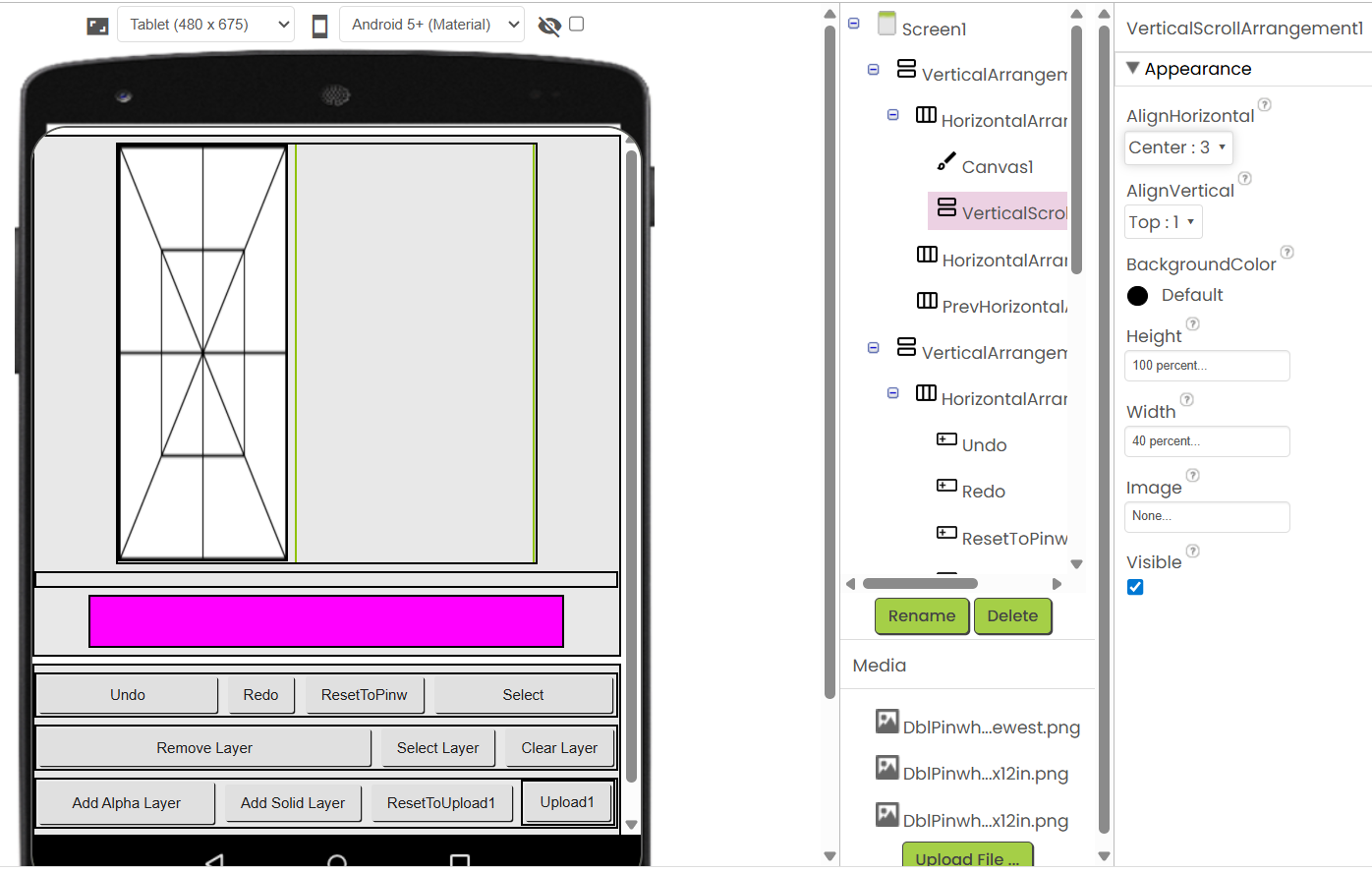
Ty. Can you explain the purpose of the Vertical Scroll Arrangement, and how to get it to not interfere with the Pinwheel? (pic1) I tried to use the same settings that you had in your original aia, but I am sure I am missing something.
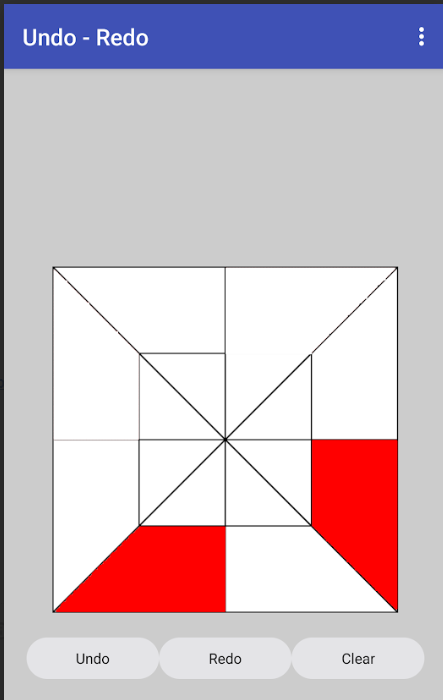
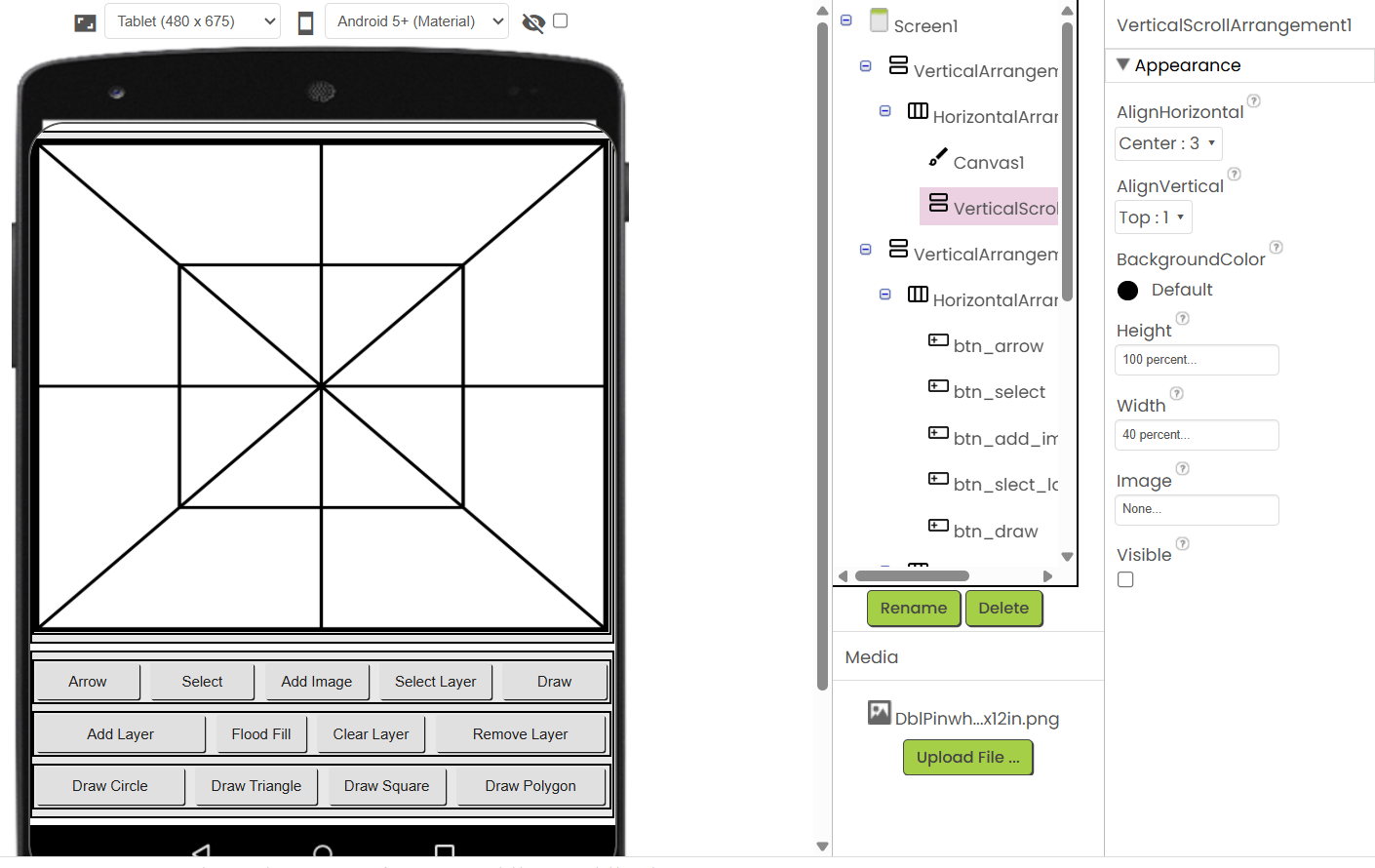
In your origianl aia (pic2), I added my Pinwheel as the Background Image on the Canvas, and it filled the entire canvas with no problem. So, I am not sure what I am doing wrong with the 1st pic.
UPDATE: I just realized that you made it invisible. So, I am ok with that question now.
Can you still explain the purpose of the Vertical Scroll Arrangement?
I used the Upload ImagePicker to upload the Pinwheel block, and it did fill the areas instead of the entire Canvas, but it still did not fill where I clicked, and it only filled the left side, because the right side houses the invisible Vertical Scroll Arrangement. So, I am a bit confused as to what to do next. I did want my Pinwheel to be a default Background Image in the app, and then, as a bonus, allow users to upload other quilt designs from their phone.
I really love the Scanline Flood Fill. The undo/redo are very clean. Is it possible to somehow use that Flood fill in the original Extended Canvas extension?
You need to be careful to select the layer you want to paint on. Your drawing is probably on one layer, and you painted on another. There's a command you can use to activate the layer you want to paint on, but before doing so, check which layer you're currently on.
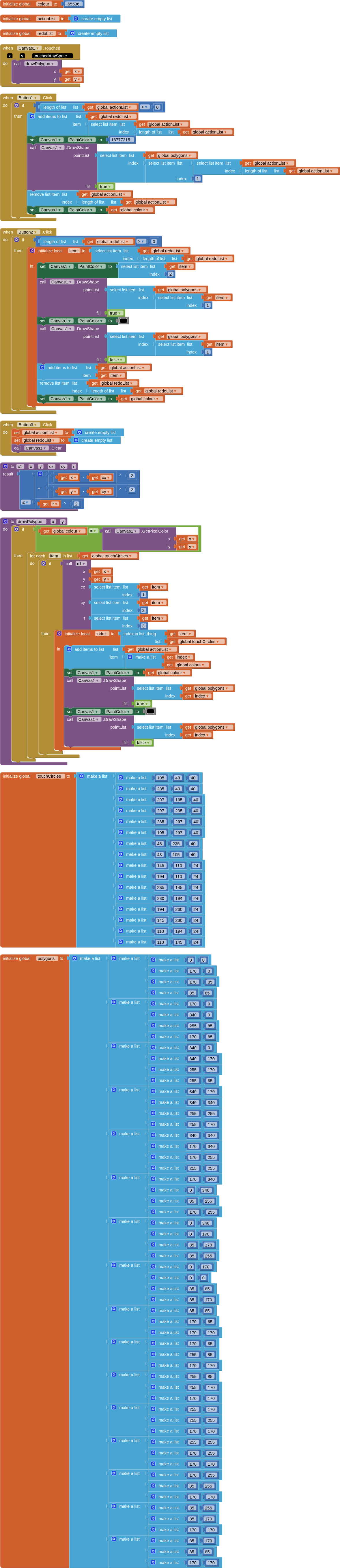
Here is a third iteration which overcomes most, if not all, artifacts that could be generating by drawing, undoing and redoing.
It uses two lists, the first is a list of all the pointlists for each polygon that can be drawn. The second is a list of undrawn "touch" circles that fit inside each of the polygon. These two lists have the same number of items, therefore their indexes match. The touch circles list could be generated by formula.
The user touches a polygon area on the canvas, if they touch anywhere inside the undrawn circle for that polygon, the polygon is drawn, filled and outlined with the set colour.
There is a formula in a procedure that checks if the "touch" is inside any of the undrawn circles. If true, then the respective polygon is selected.
The background quilt pattern image is displayed in the vertical arrangement which holds the canvas, so remains untouched by any drawing, undoing or redoing. The canvas has an empty background. The VA and the canvas have the same dimensions. These are set to 340 x 340 pixels. LineWidth is set to 1.0. An outline for each polygon is also drawn, to maintain the pattern layout.
The downside of this approach, whilst good for drawing, undoing and redoing, is the need to generate the two lists for each quilt pattern, matching the canvas sizing.