My take on Sudoku using Tableviewer.
- Uses javascript to generate the puzzle and solution(for checking only), all credits to: https://github.com/robatron/sudoku.js
- Difficulty option from 28(hardest) given values upto 47(easiest) given values
- Manual or automatic check of new entries
- Unlimited puzzles
Gameplay
- Enter difficulty value in textbox or allow app to decide
- Press Generate Puzzle button
- To begin, press Play button
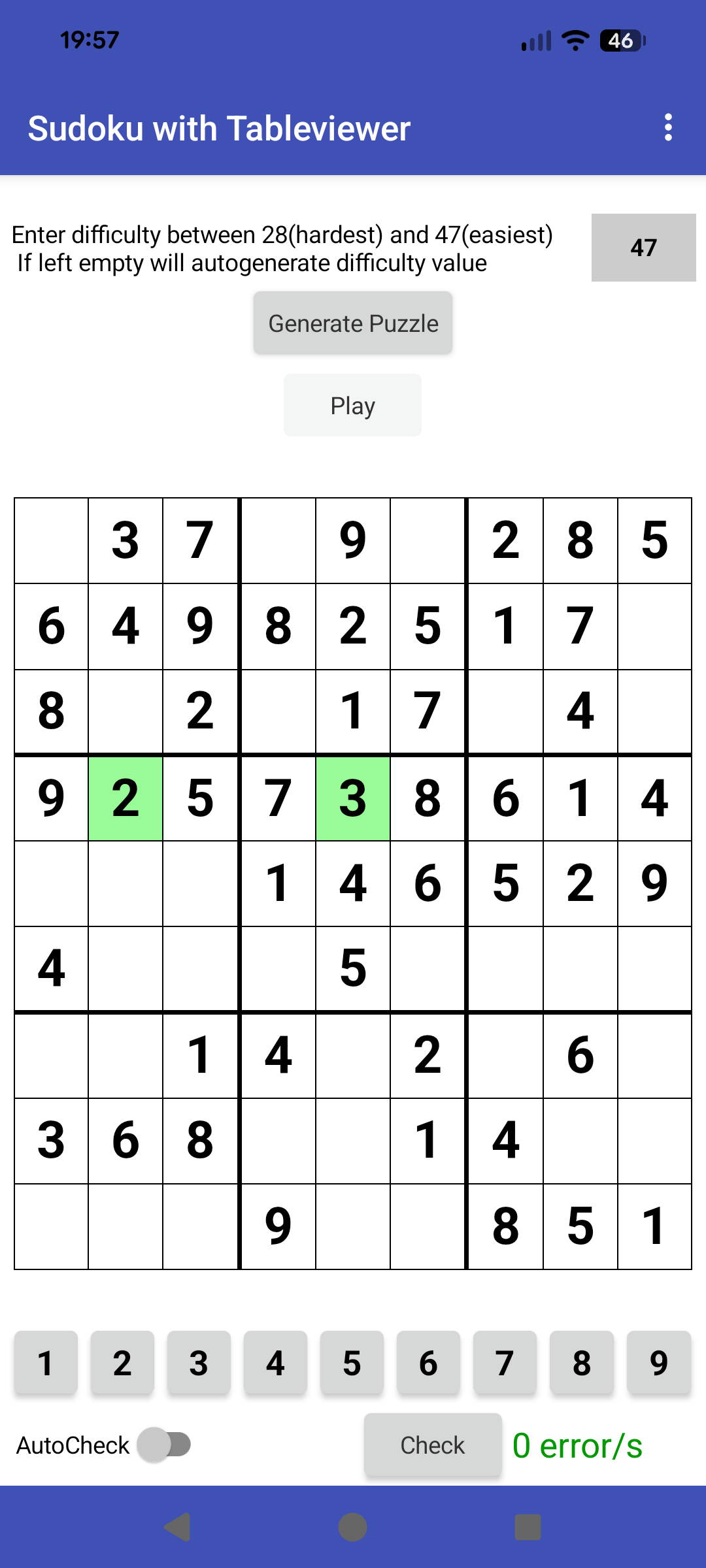
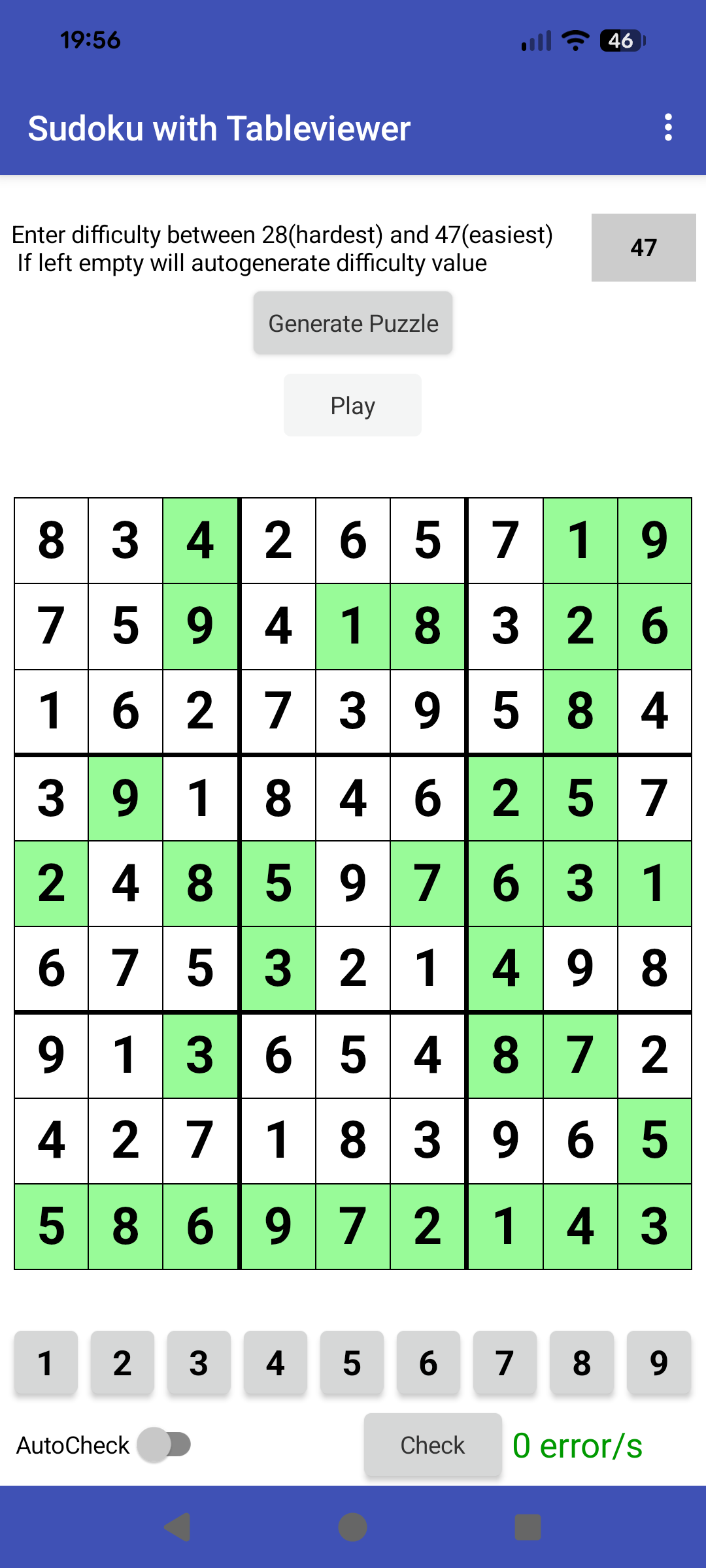
- To add a value to the table, select a number from the bottom set of buttons, then touch the chosen square. This will add the value and highlight in green.
- To remove any added values, just touch on them again.
- Pressing the Check button will confirm if any errors exist in the board
- Use autocheck to check after each entry to the board
At any time you can generate a new game.
Behind the Scenes
- When a new puzzle is generated, the app also generates a solution. This is used with the Check procedure, to inform the player if they have everything correct.
Enjoy!

AIA
tvSudoku.aia (44.4 KB)
Credits to @Kevinkun for the wonderful Tableviewer extension
