actual right now , i am facing a problem , whenever keyboard appearing screen shrink very badly, because of that new update . so i was thinking if i build own keyboard i will overlay then i can use that keyboard , it just idea , so i was trying it
Yes, you can do that:
how can i apply disable system keyboard on everytextbox
The extension will do that
I have mocked up a quick custom keyboard, you can see there is no shrinking
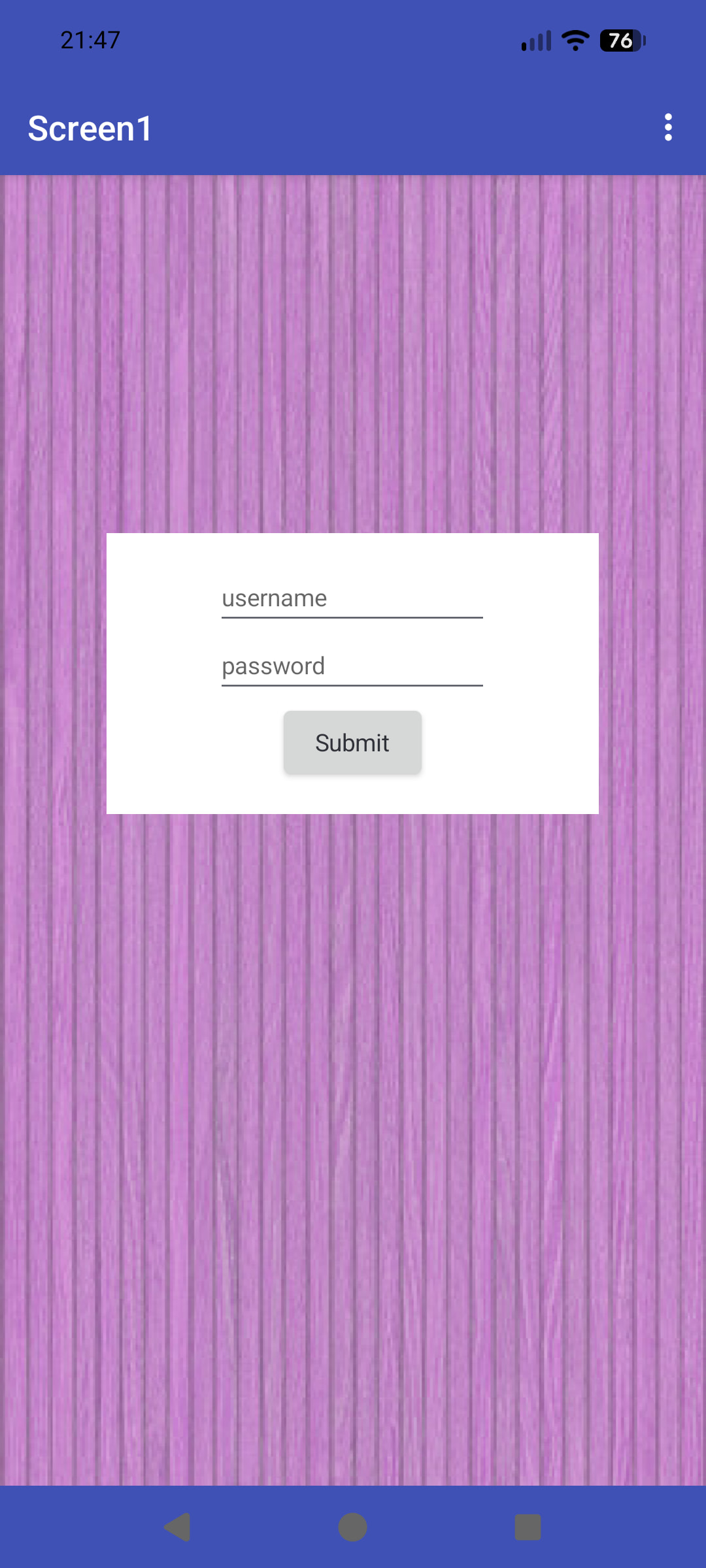
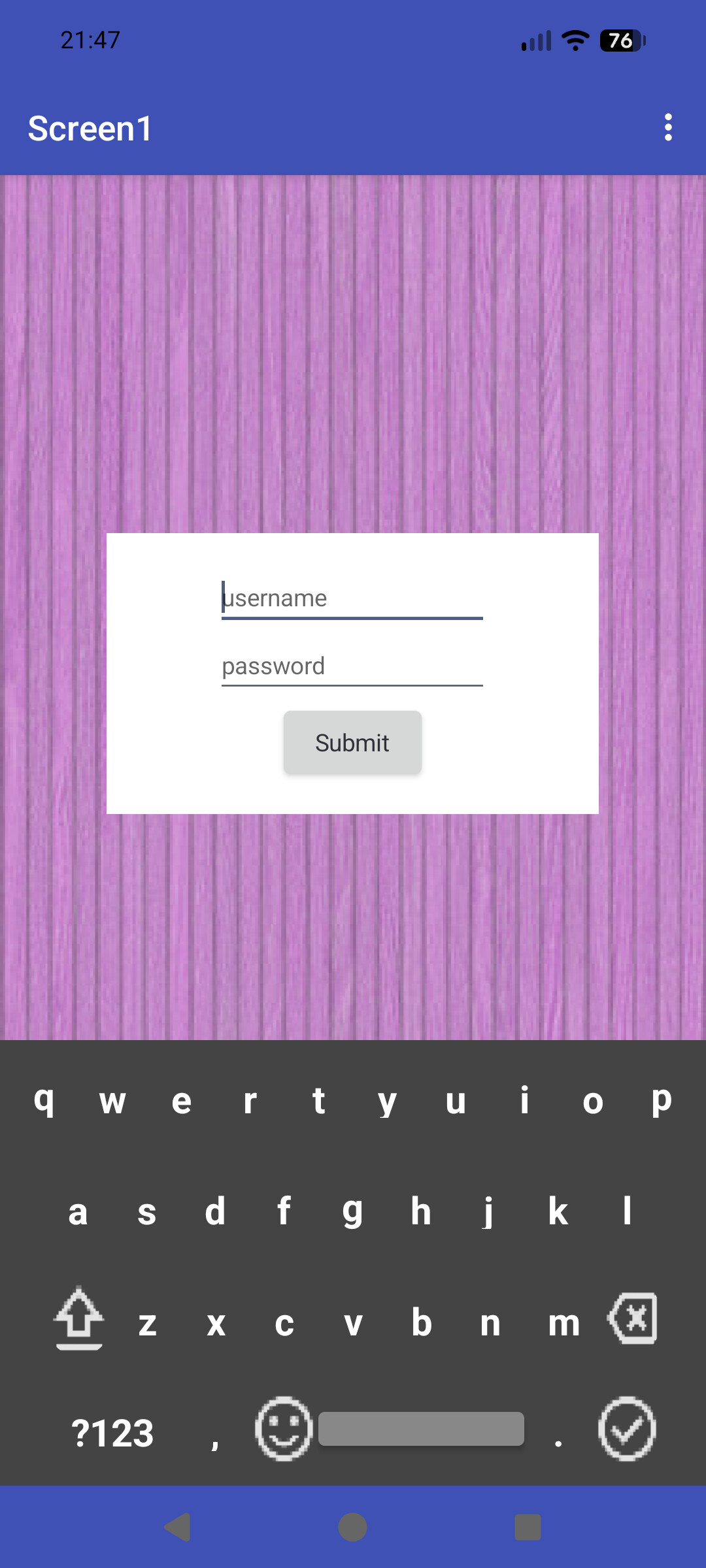
The spacer label above the login HVA is set to a percentage of height, so it canot move when the custom keyboard is made visible.
I used the hideSystemKeyboard extension to prevent the built-in keyboard showing up.
If I get time, i will work up the full logic for the custom keyboard, it is about time this idea was updated with some of the new features available.
My only concern is that by the time you have done all this, MIT will have released a fix ! 
yeah you are right , can show me aia so i can see how its working ,
To save you spamming around the community on every dialog extension, i believe the one you are looking for is Overlap View. I will be testing this out as well.
OK, this has been a bit of a race to the bottom, and there may be some blocks logic bugs I have missed, but this hopefully demonstrates the hiding of the system keyboard and the use of a custom keyboard across virtual screens.
The key to make this work is to set all virtual screens inside a main VA, you can then call the custom keyboard in any virtual screen using the main VA.
vaScreen2 doesn't really do anything other than provide a landing area for the Submit button on vaScreen1, and demonstrate the use of the custom keyboard on other virtual screens.
The use of anyComponent blocks makes this all much easier, but you do have to keep track of what you are doing with some variables.
You may have to employ vertical scrolling arrangements for virtual screens where the custom keyboard overlaps textboxes at the bottom of the screen.
letsmakeakeyboard.aia (293.6 KB)

Use a loop going through all textboxes at the time of screen initialization. Then disable it for each textbox with the help of the loop.
i understood this , do you know when it going to fix that bug?