I am working on a Blackjack project that I got to work for most of the code (NOTE: I am not done with this code so there are missing sections) but when I started on a part where the card picked is showed on the designer screen so the player knows what cards they have and what card the dealer has. But for some reason the cards does not show up and i don’t know why.
- Your image upload did not work
- Try a search for Blackjack on here, plenty of results
Thank you so much for helping I was able to fix the issue but when I tried to implement a procedure and update certain sections of the code nothing would happen when it was tested.

We can't import such an image.
Upload an aia
poker_checkpoint3_1.aia (2.8 MB)
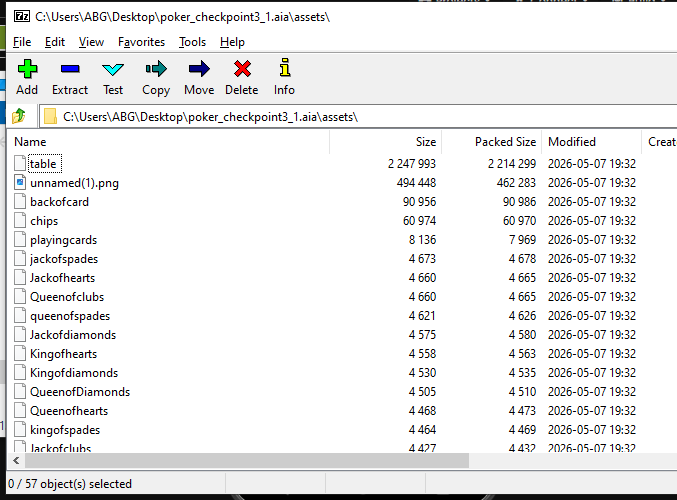
Fascinating, I did not know you could get away with leaving off file name extensions for your card images in the Media folder. That's just begging for trouble.
I am on Chromebook and have never had a issue before so I don’t think that’s what’s causing it.
Your Stand button is calling your procedure in a weird way.

This is the way to call your procedure:
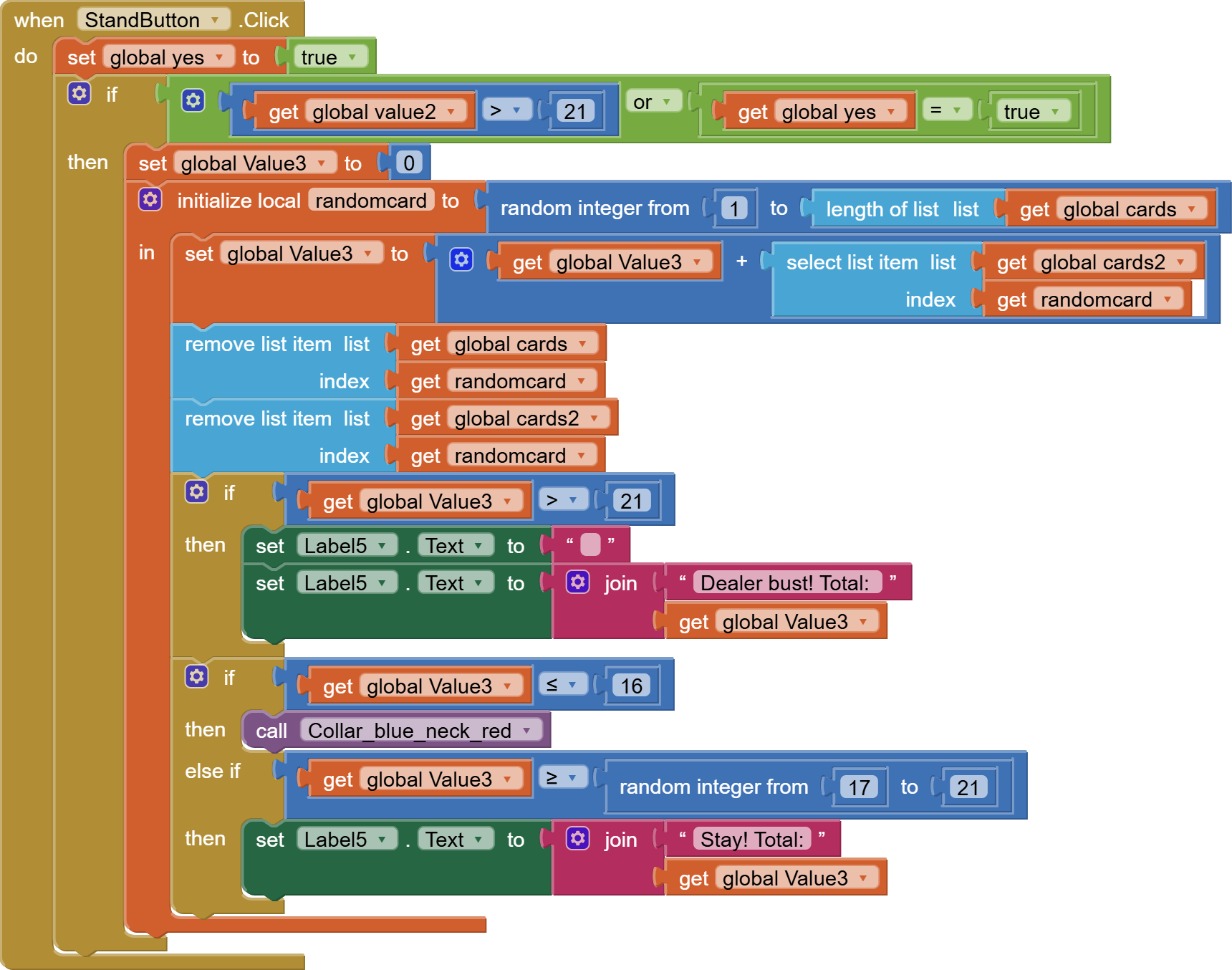
(draggable blocks.
I also notice you have 3 parallel card lists, but you only remove the current card from 2 of them.
This will probably cause problems for you later when you want to display the card images from an out of sync list.
Also, using a separate screen for the slider will wipe out your global variable values, decks and all.
Use stacked hidden Arrangements instead.
P.S. Your procedure name is hilarious
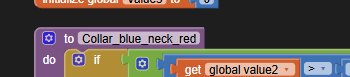
but otherwise uninformative.
Reading code is plenty hard as it is.
Sorry  I have been working on this for so long that I sometimes have to step back and remember what something does. The procedure is new which is why the funny name as I needed a quick way to show that this was a test procedure.
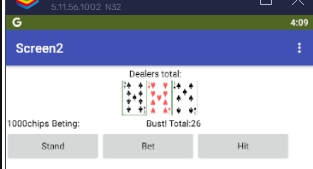
I had to adjust Screen2 vertical alignment to see stuff below the top Label:
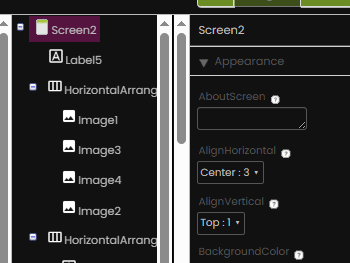
Is it common custom for the player to have ask Hit for his first card?
If not, that would be done in Screen.Initialize.
Yes, the player usually has to initiate something before the card is placed to allow the player to bet. (Note: the betting is not even close to being done you can ignore that)
Your global variable names are sheer torment.
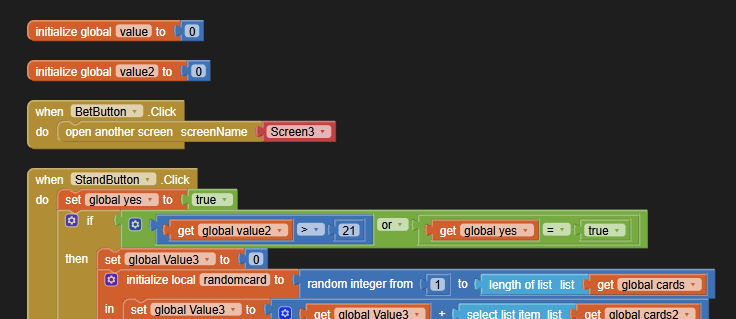
AI2 lets you easily rename them, and the references follow.
Suggested names:
- player_points
- did_player_stand
- dealer_points
Also, likewise for Label names in the Designer.
Once you cut through the nomenclature weeds, everything will become clear.
Sounds good thanks! Where should I look for help on the procedure?
Thanks, Here is the new code by the way with updated names.
poker_checkpoint3_1 (1).aia (2.8 MB)
I was looking on the site you sent but I don’t see anything about looping the code unless a requirement is met.
Chapter 20?
Also, you forgot to clean up the call block

(draggable).
Are the dealer cards supposed to be visible too?
I don't see them. in the Designer.
It does work (well, for my simple test)
testIMGName.aia (1.5 KB)
But you lose preview capabilities in the Designer.
Files without file name extensions lack common courtesy.
1 Like