Hi,
Did you delete the Itoo extension from the 1st screen (photo) ? If you try the file as is it will work
You also need to uninstall the app before installing it
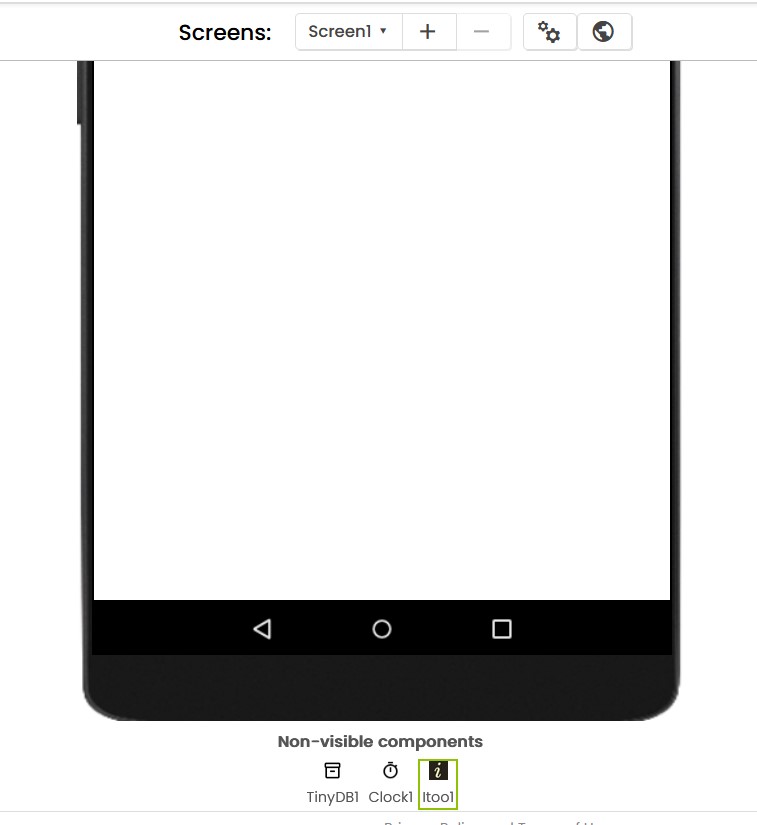
If I use Screen1 only it works ok
Hi,
Did you delete the Itoo extension from the 1st screen (photo) ? If you try the file as is it will work
You also need to uninstall the app before installing it
If I use Screen1 only it works ok
The problem has been noted and will be fixed in the next update.
Thanks!
And good luck with the exams 
I should have said 
Thanks for the discussion/answers - it helps....and the future of itoo looks bright!
Why do I keep thinking of "just one more question" :-?)
Ok - last one, I promise (until I think of another )
Once the Itoo.StoreProperty is used, when does the itoo data space get cleared. When it is stopped using Itoo.StopProcess? How about when it is forced to terminate using "Force Stop" in settings? Would it ever be necessary to uninstall in order to clear the data space?
Kind regards,
Randal
PS Someone mentioned your exams. When? Good luck!
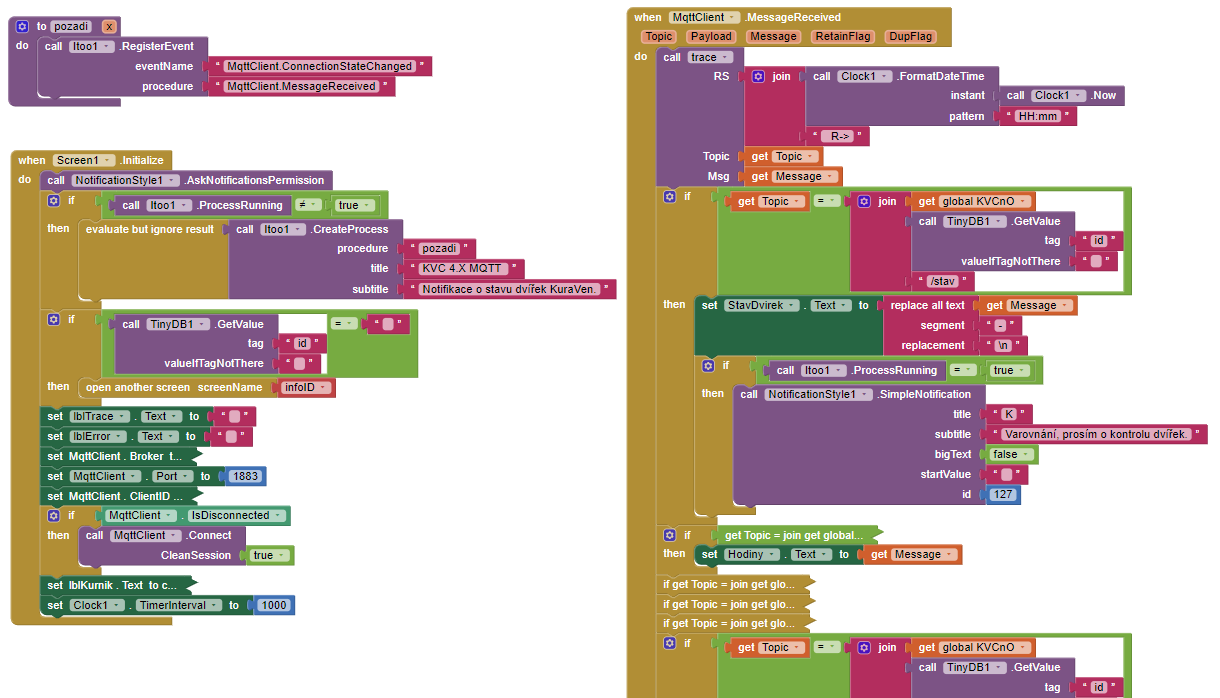
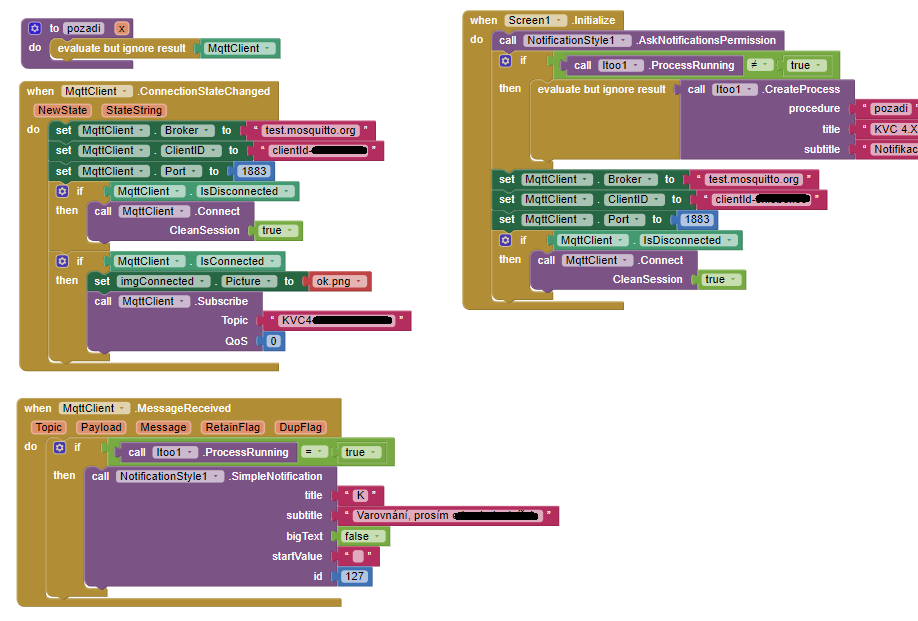
Hi, I need help with programming in MIT App. I am using the Itoo and UrsPahoMqttClient extensions. I need to create a notification when an MQTT message is received. If I close the app (not just send it to the background), the notification stops working. I tried using a timer or something similar, and it works the same way. Is this even possible? Can someone explain this to me? Is it because of TinyDB?
Yes it would be necessary to uninstall in order to wipe clean entire data.
They are already here, Thanks 
There are a couple of things you are doing wrong.
Yes, do NOT use TinyDB, alternatively you should use Itoo's own Fetch/Store blocks
Secondly, in the pozadhi procedure, you are not touching any block of MqttClient so therefore, that component will not get created at all!

Just add the above block at the start of pozadhi
Thirdly, you are registering the events wrong! Anyways, if you are on the latest version of extension, you can use automatic events feature (you wouldnt need to use the RegisterEvent block) Just do this:
In this procedure, you will handle the message received event.
Fourthly, you CANNOT interact with UI blocks from the background. That means you wont be able to change any Label's text, any such attempts may crash the app.
You cannot use Global variables in background.
Reading the first post, about design and guidelines will help you.
Thanks, I am trying it.
Well I guess that would be the primero example of "persistent" data ...
BTW, on this app I am using a home spun method of keeping up with what's in the itoo data. I have wrapped itoo.StoreProperty with a procedure which first fetches a list variable, propertyList, from itoo (empty one if not there), checks to see if the variable being stored exists, and if not, it then adds it to the list (which is also stored in itoo). So that I can dump the content of the itoo memory variables at any time for debugging or whatever. Not sure it will be worth the trouble, but I am trying it. [this reminds me I must disallow the name of the list as a variable to be stored - oops  ]
]
Thanks,
Randal
I said you to make a procedure like above and use that for the message event.
And what is with procedure when MqttClient.MessageReceived?
Go through the examples in the first post, you'll get to know.
I am coding calls to component blocks that are to be made in the UI but executed in the background using the new itoo facility (CallBackgroundProcedure) and I wonder if there is a better way to do this:
Build a wrapper procedure for the component block to be called:
Place itoo block in UI code:
Is there a better way?
Specifically, I wonder if there is a way to call a component block or procedure more "directly" using CallBackgroundProcedure...something like:
-Randal
Why the hassle? You can just rename SetVolume to ui_SetVolume and call it normally from the background.
Well, I have my player component running in the background process ... so I am making calls from UI to the player (in the itoo service)...
The app that I am converting is specialized URL player (it has an adjustable delay). I am moving the player into the background so it will keep running when UI closes.
I assumed that if I made calls from UI to a player it would go to the player component created in the UI process (which I never intend to use) and not in the one created in itoo via "run x".
Does that make sense? What am I missing?
-Randal
That is the best choice for now, things will get eventually more better in the future.
Hi Michal,
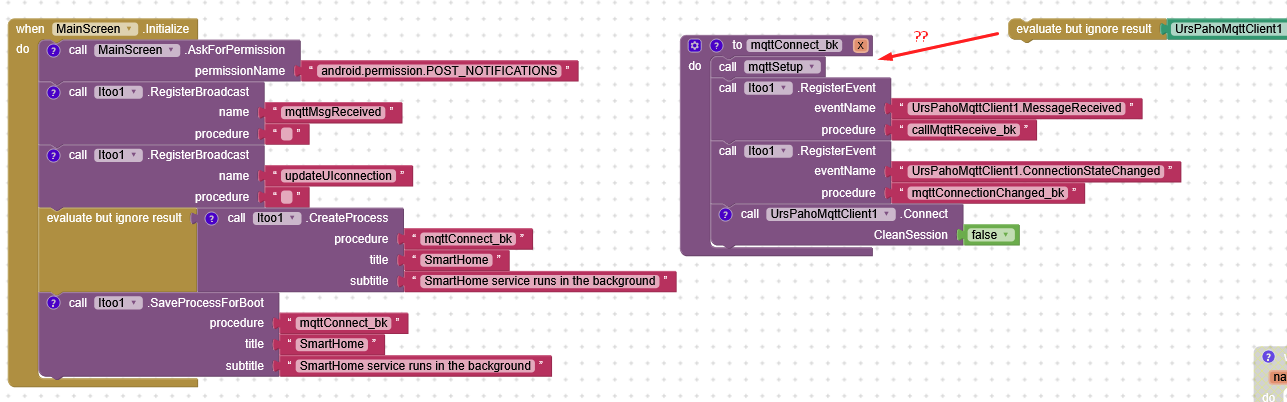
Here's what I have done (simplified it for you). I haven't actually used the "evaluate" for mqqt in my function like Kumaraswamy says but it works.
Hi Jimis, you didnt need to use the evaluate block because later in the procedure you are using the Connect block.
Here you go Jimis, an extension with native Itoo Integration