🧩 HologramView
An extension for MIT App Inventor 2.A futuristic native hologram profile card component. highly animated "Holographic Profile Card" into your Android apps. This extension uses purely native Android views, including floating skewed projections and blinking projector light effects. Developed by TechHamara Ussing Fast.
Find More Extension
Terms & Conditions
Find More On BuyMeCoffee Page
 Specifications
 Package: io.th.hologramview
 Size: 37.1KB
 Minimum API Level: 7
 Version: 1.0
 Updated On: 2026-06-03
 Author: TechHamara
 Built & documented using: Bolt CLI
 Get apk/Source Code and more info on Github page.
Get aix here io.th.hologramview.aix (30.7 KB)
Get aia here hologram.aia (81.9 KB)
Demo
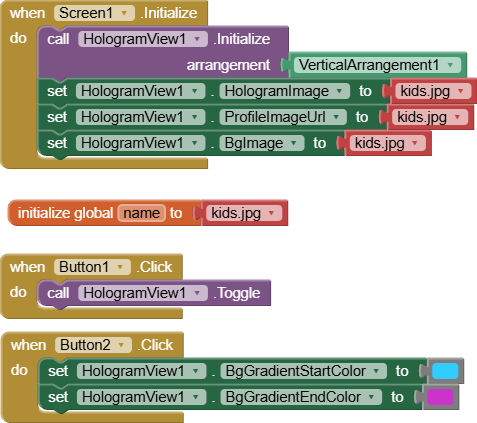

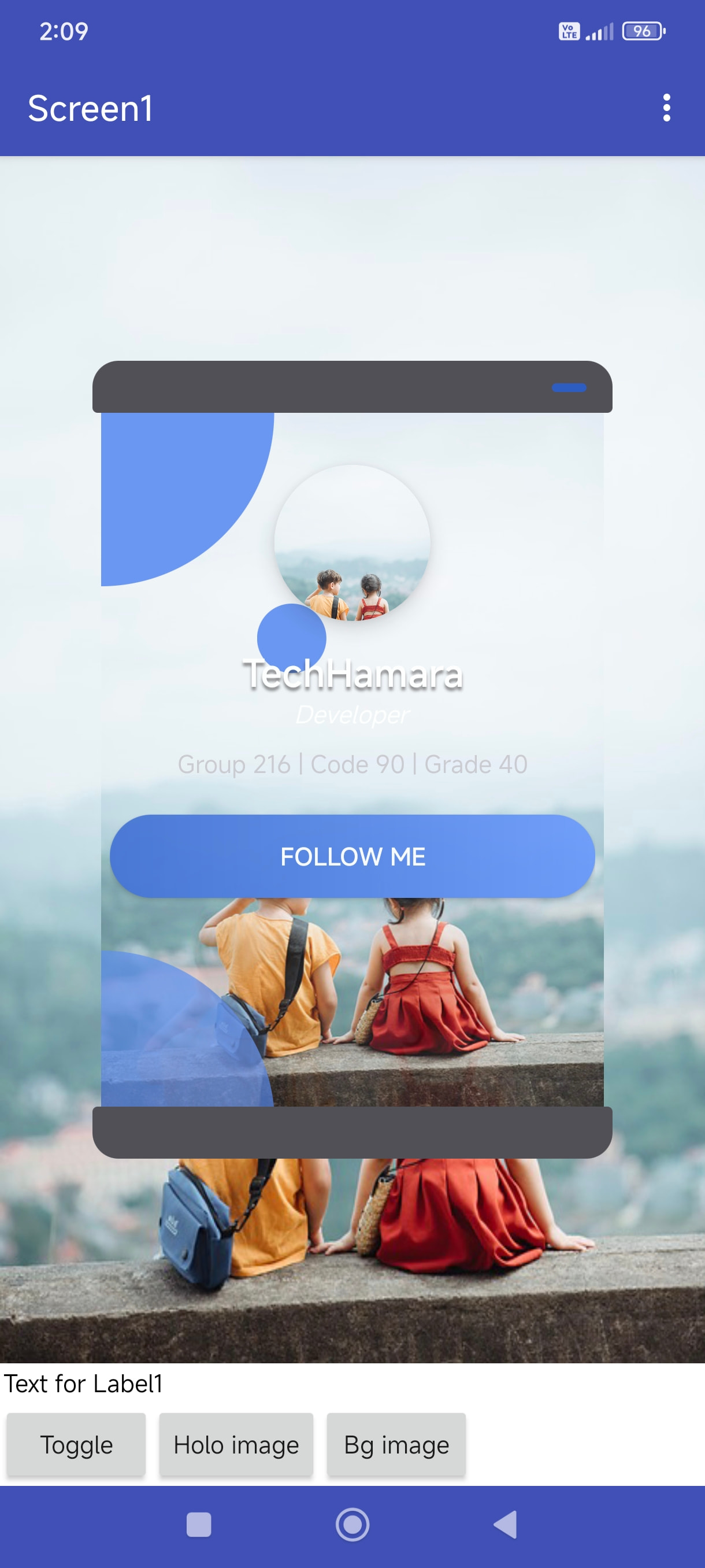
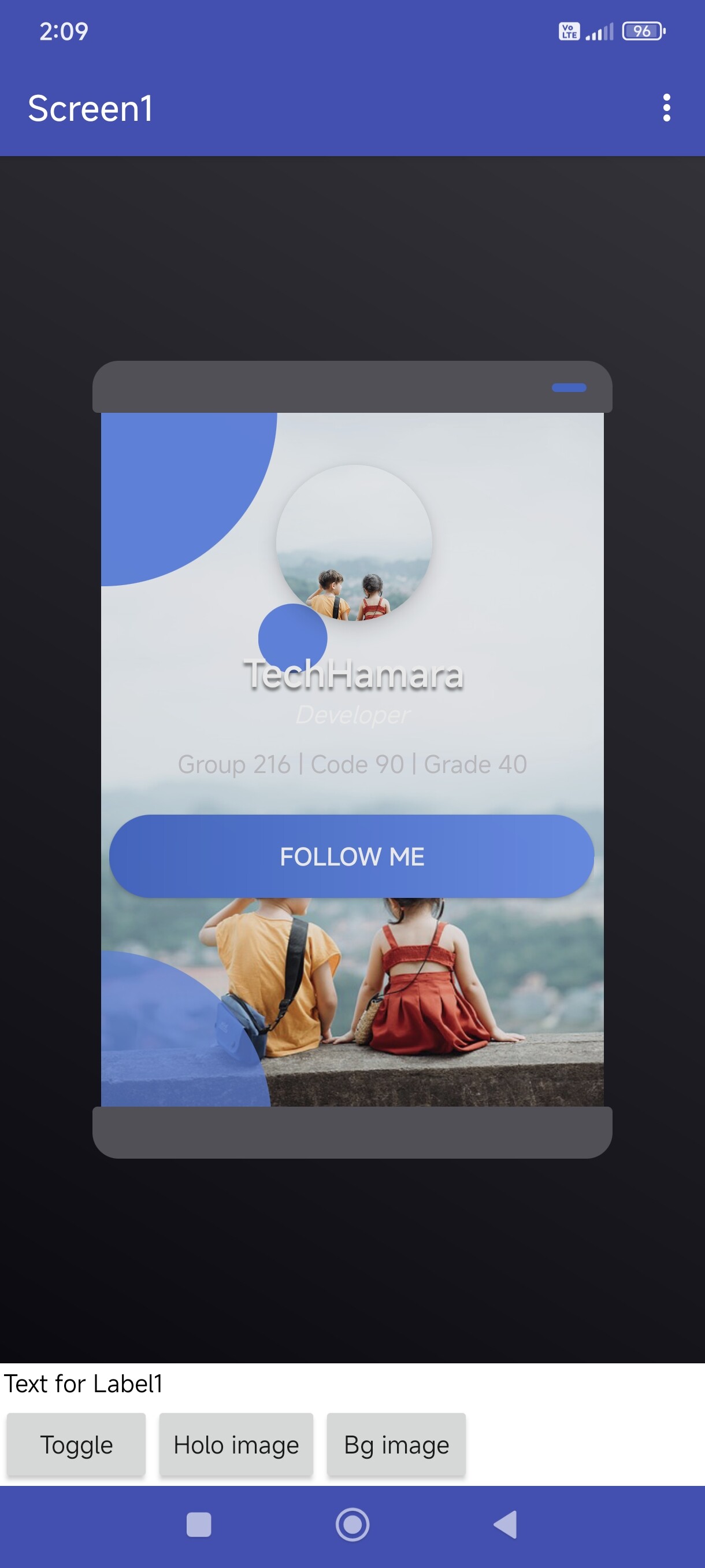
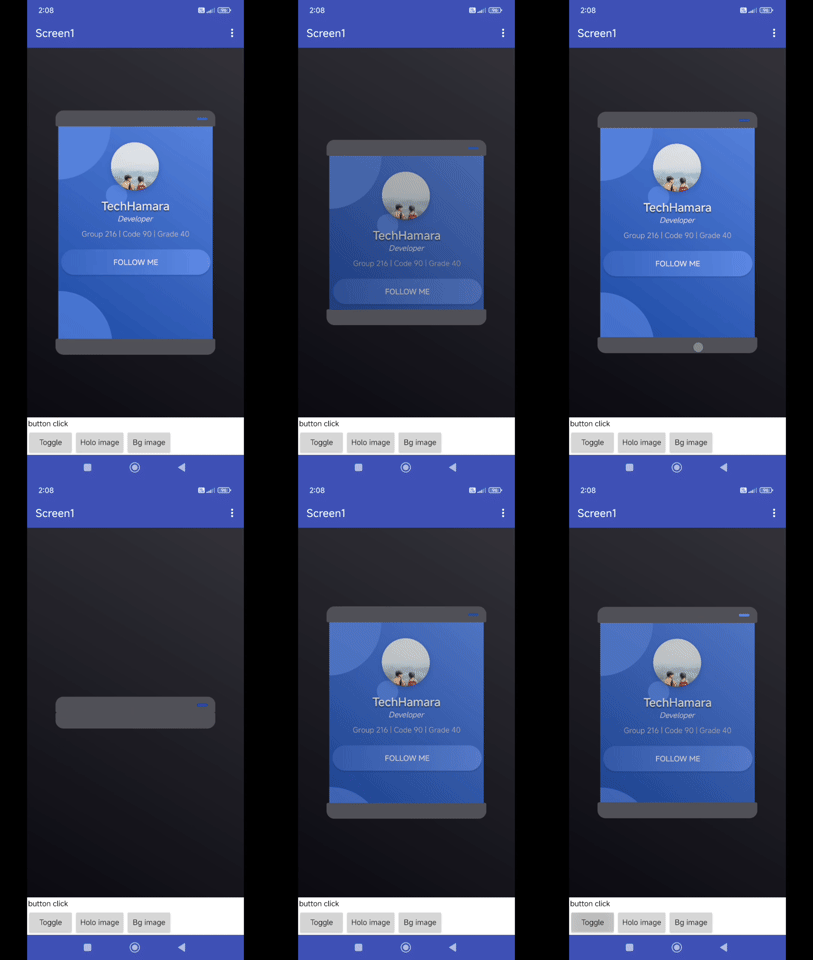
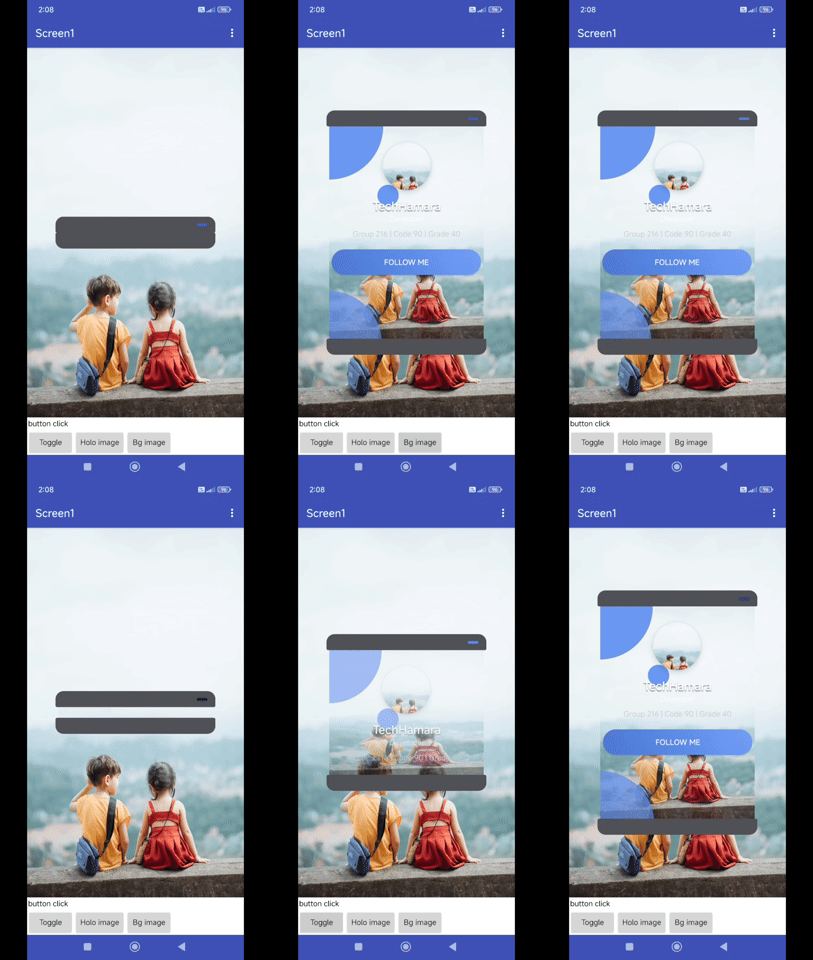
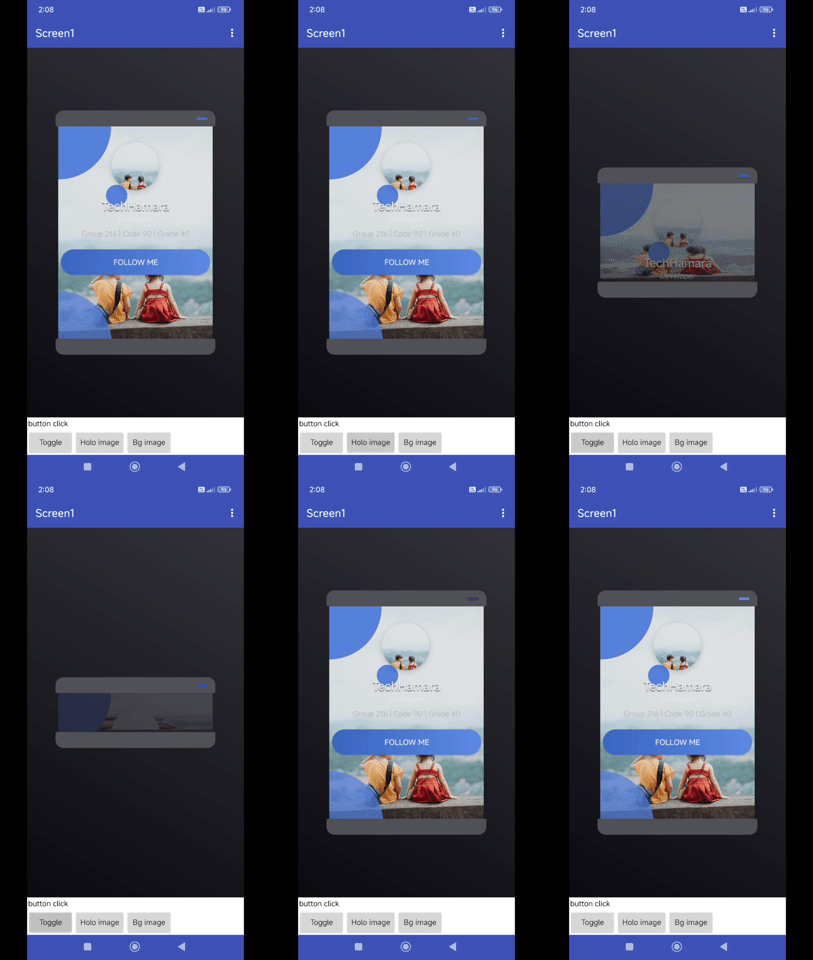
Blocks
Blocks
Documentation
Events:
HologramView has total 7 events.
1 Opened
Triggered when the hologram opens fully.
2 Closed
Triggered when the hologram closes fully.
3 ButtonClicked
Triggered when the follow button is clicked.
4 ProfileImageClicked
Triggered when the profile image is tapped.
5 ProfileNameClicked
Triggered when the profile name is tapped.
6 ProfileTitleClicked
Triggered when the profile title is tapped.
7 ProfileStatsClicked
Triggered when the profile stats are tapped.
Methods:
HologramView has total 4 methods.
1 Initialize
Initialize the hologram inside a given arrangement (Horizontal, Vertical, etc).
| Parameter | Type |
|---|---|
| arrangement | component |
2 Open
Open the hologram card animation.
3 Close
Close the hologram card animation.
4 Toggle
Toggle the hologram card between open and closed.
Block Properties:
HologramView has total 36 block properties.
1 ProfileName
Set the profile name.
- Input type:
text
2 ProfileName
Get the profile name.
- Input type:
text
3 ProfileTitle
Set the profile title.
- Input type:
text
4 ProfileTitle
Get the profile title.
- Input type:
text
5 ProfileStats
Set the profile stats text.
- Input type:
text
6 ProfileStats
Get the profile stats text.
- Input type:
text
7 ButtonText
Set the button text.
- Input type:
text
8 ButtonText
Get the button text.
- Input type:
text
9 ProfileImageUrl
Set the profile image URL.
- Input type:
text
10 ProfileImageUrl
Get the profile image URL.
- Input type:
text
11 HologramStartColor
Set the hologram start color.
- Input type:
number
12 HologramStartColor
Get the hologram start color.
- Input type:
number
13 HologramEndColor
Set the hologram end color.
- Input type:
number
14 HologramEndColor
Get the hologram end color.
- Input type:
number
15 ProjectorColor
Set the projector color.
- Input type:
number
16 ProjectorColor
Get the projector color.
- Input type:
number
17 ButtonStartColor
Set the button start color.
- Input type:
number
18 ButtonStartColor
Get the button start color.
- Input type:
number
19 ButtonEndColor
Set the button end color.
- Input type:
number
20 ButtonEndColor
Get the button end color.
- Input type:
number
21 TextColor
Set the text color.
- Input type:
number
22 TextColor
Get the text color.
- Input type:
number
23 StatsColor
Set the stats color.
- Input type:
number
24 StatsColor
Get the stats color.
- Input type:
number
25 HologramSpeed
Set the hologram speed.
- Input type:
number
26 HologramSpeed
Get the hologram speed.
- Input type:
number
27 BgGradientStartColor
- Input type:
number
28 BgGradientStartColor
Get the home page gradient start color.
- Input type:
number
29 BgGradientEndColor
- Input type:
number
30 BgGradientEndColor
Get the home page gradient end color.
- Input type:
number
31 BgColor
- Input type:
number
32 BgColor
Get the home page color.
- Input type:
number
33 BgImage
Set home page image of url or assets
- Input type:
text
34 BgImage
Get the home page image.
- Input type:
text
35 HologramImage
Set the background image of the hologram projection from URL or asset.
- Input type:
text
36 HologramImage
Get the hologram image.
- Input type:
text

