OK, here is my take on this:
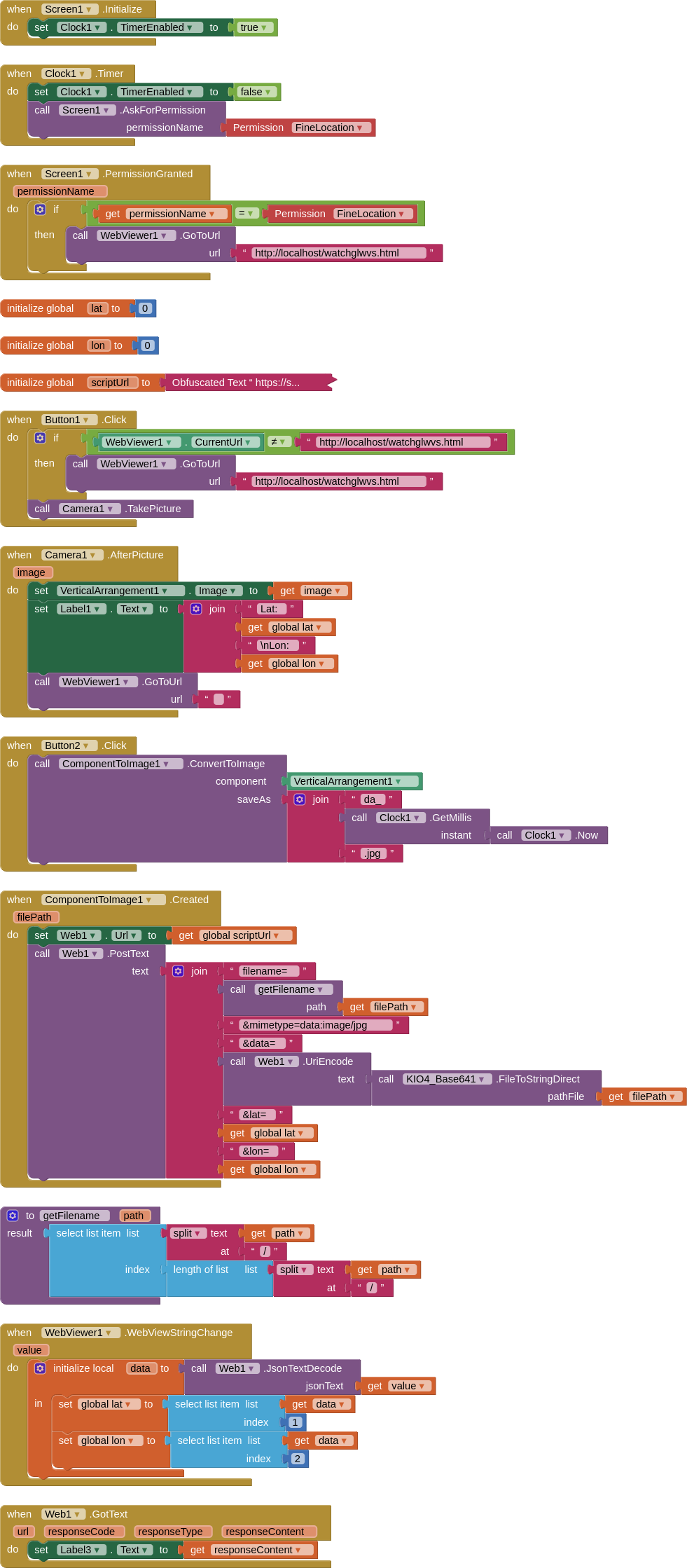
SCRIPT
var fid = "<YOUR FOLDER ID HERE>";
var ss = SpreadsheetApp.getActive();
var sh = ss.getSheetByName("Sheet1");

function doPost(e) {
  var data = Utilities.base64Decode(e.parameters.data);
  var blob = Utilities.newBlob(data, e.parameters.mimetype, e.parameters.filename);
  var fileID = DriveApp.getFolderById(fid).createFile(blob).getId();
    sh.appendRow([e.parameter.message,e.parameter.lat,e.parameter.lon,'=image("https://drive.google.com/uc?id=' + fileID + '")']);
  return ContentService.createTextOutput("upload completed");
}
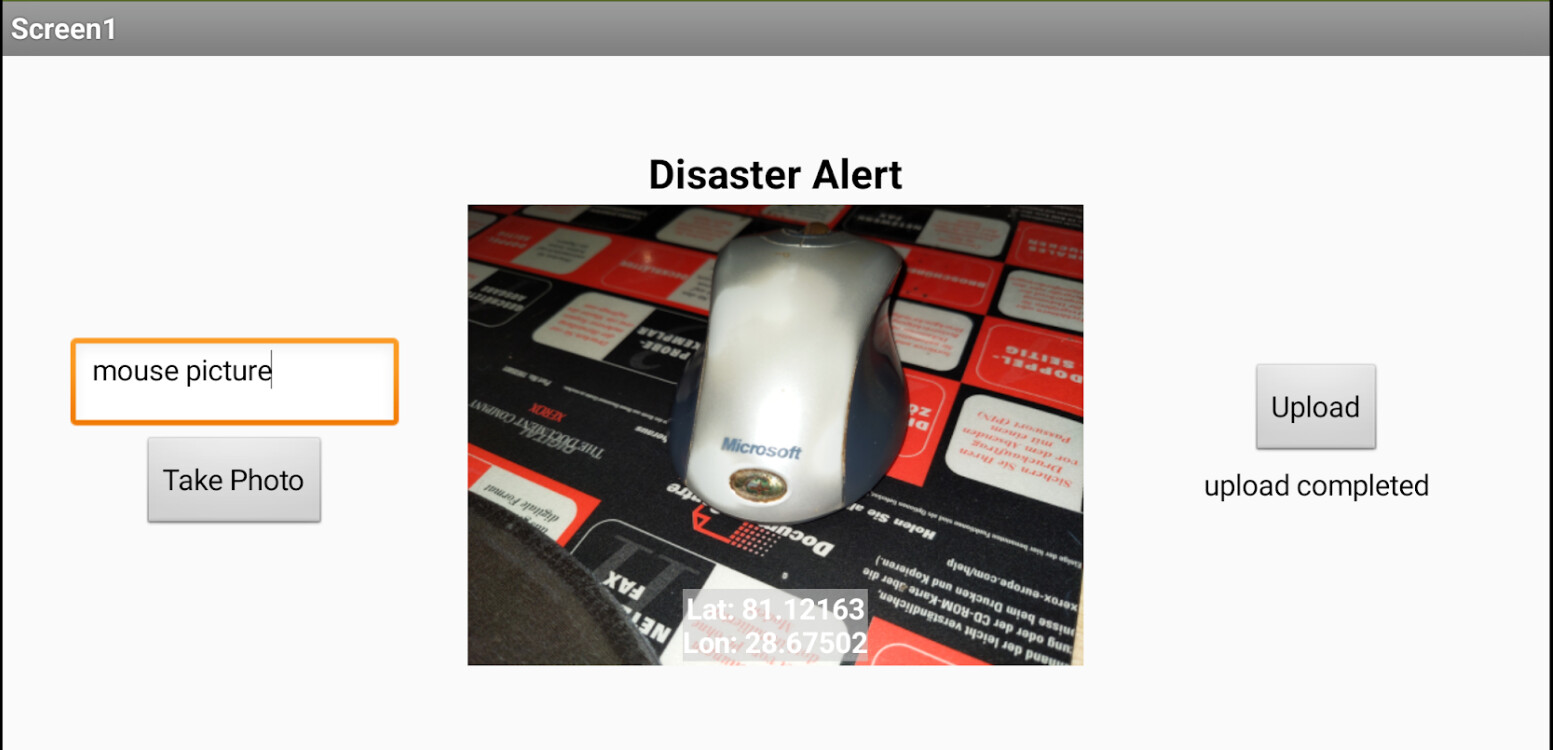
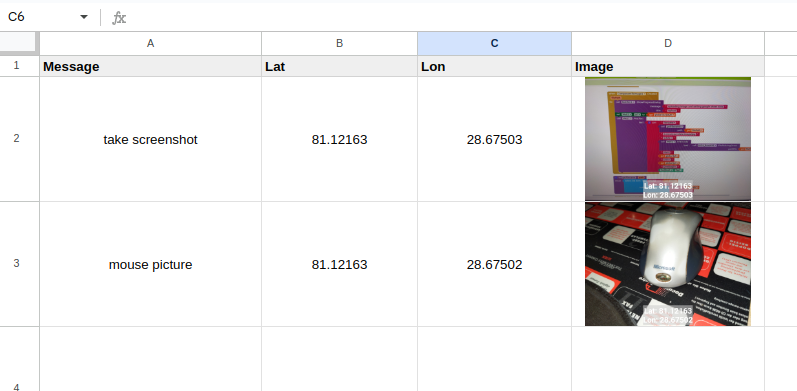
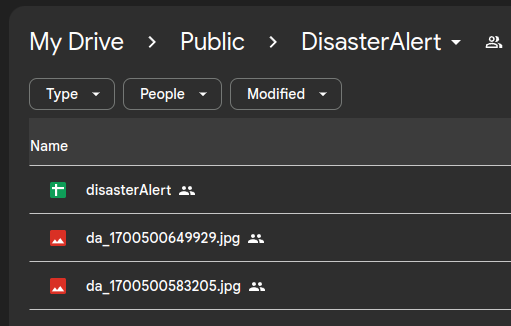
HTML
watchglwvs.html.txt (1.4 KB)
(remove the ".txt" part of the filename once downloaded)
Extensions:
You will need:
GUIDES:
- HOWTO: Create a Google Apps Script Web App bound to a Spreadsheet
- Correctly Deploy a Google Apps Script Web App for AI2
I suggest you make your aia project set to Landscape, this should "make" your users take the photo in Landscape mode, which will prevent it rotating by 90 degrees
Enjoy 