No connection on iOS

My girls are trying to build an app that includes uses Webviewer to show YouTube videos.

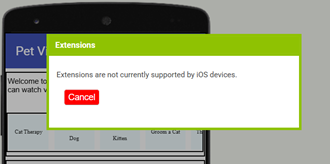
Everything works as expected when tested on Android, but the AI doesn’t connect on iOS. On the phone, the connection stalls at 10%. In MIT AI, we get an error message that extensions are not supported. We have no extensions.

Here’s what we’ve tried, based on other advice:

  • set screen sizing to responsive and scrollable to false
  • set WebViewer height to 60% and width to Fill parent
  • pointed WebViewer to an empty URL to reset it before opening our videos
  • added Clock1 with a timer to delay loading of the first URL
  • ensured WebViewer is not in a horizontal/vertical arrangement.

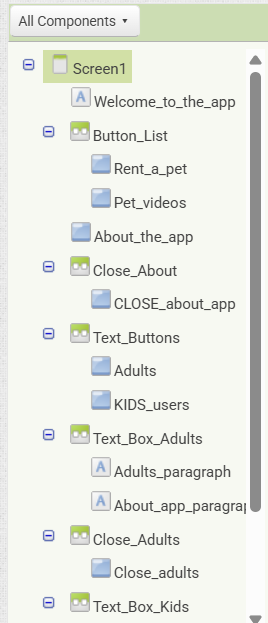
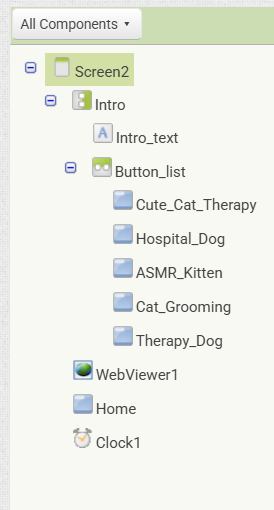
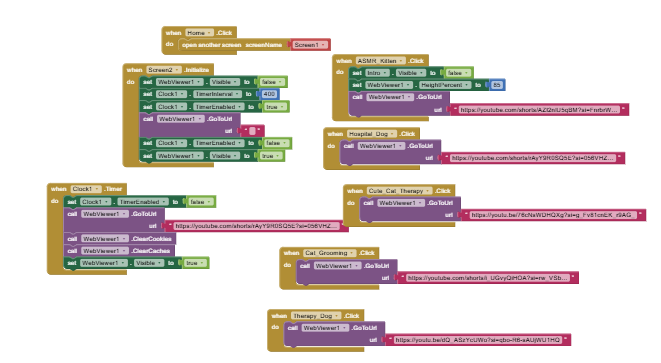
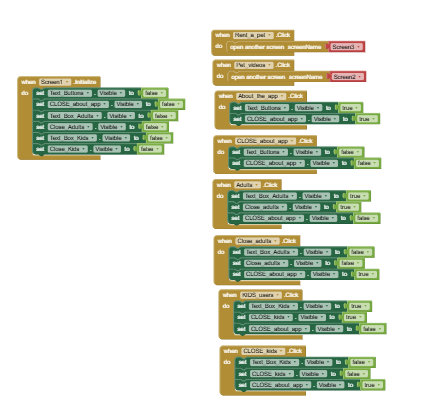
Here are screenshots of the Designer and Blocks:

See also here: How to ask a question (open new topic)

Post the aia.

Do you see any components listed in the Extensions section of the palette? If so, you will need to remove them first (with some exceptions). If you don't see anything there, then it's likely that the project has some vestigial extension code and we will have to do some surgery on it to get it out.
Hello

Thank you both for the quick replies.

We don’t see anything under ‘Extensions’. There was previously ‘Custom.Webviewer’, but it was deleted, and we still see the same error message.

Here’s the .AIA

Proj_PET_Grace (1).aia (179.0 KB)

This looks quite clean.

Nothing in assets other than 3 graphic images.

No references to anything other than native ai2 component types in the 6 bky and scm files.

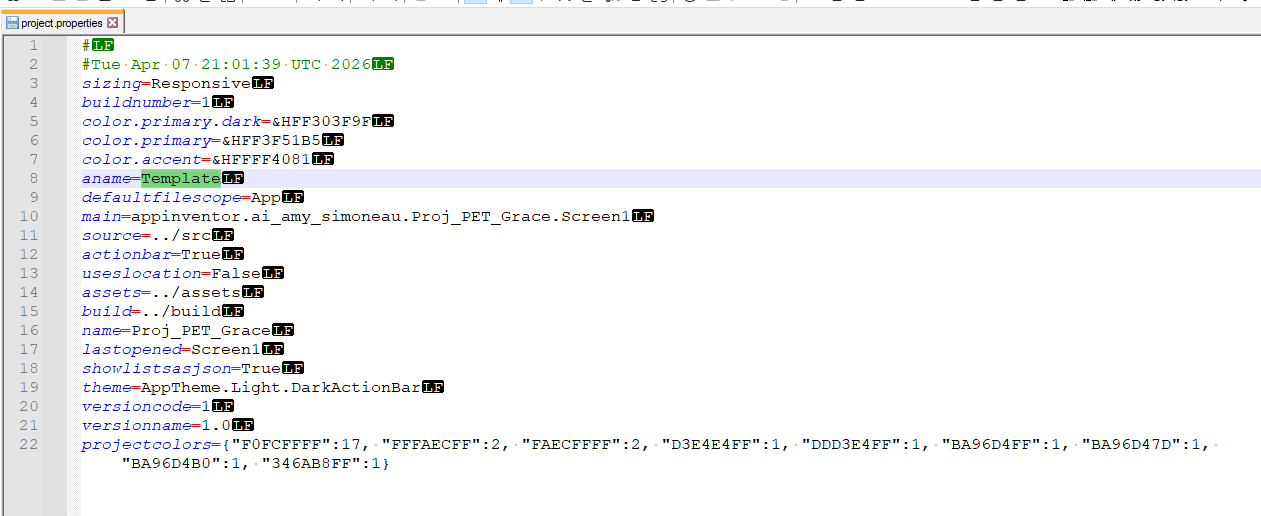
The only unusual thing I could see was the app name "Template", which might be a keyword.

I also ran it by Unchive
and it found no extensions.

Confirmed.
No problem at all with your aia here on an iPhone 15 Pro Max (iOS 26.3).

Screen2:


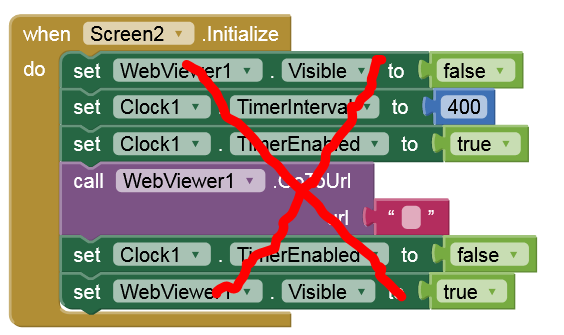
Remove these blocks, at least Clock.TimerEnabled = false. TimerEnabled is already enabled in the Designer.

Try this one:
Proj_PET_Grace_2.aia (179.0 KB)

1 Like

A post was merged into an existing topic: Werid Error: (string required. Irritants: (#undefined))

Someone merged this topic into another one, which was confusing.

However, the other discussion suggested using this version of MAI, which seems to have resolved the issue: code2.appinventor.mit.edu/#1311295