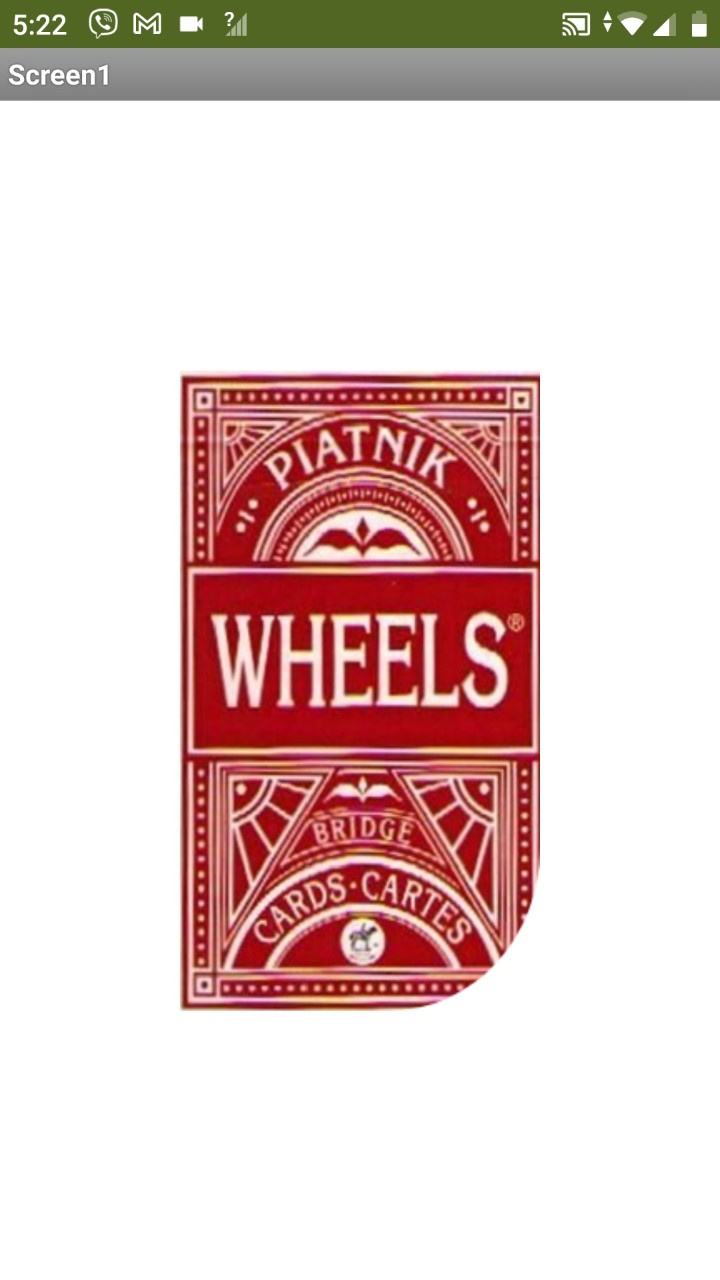
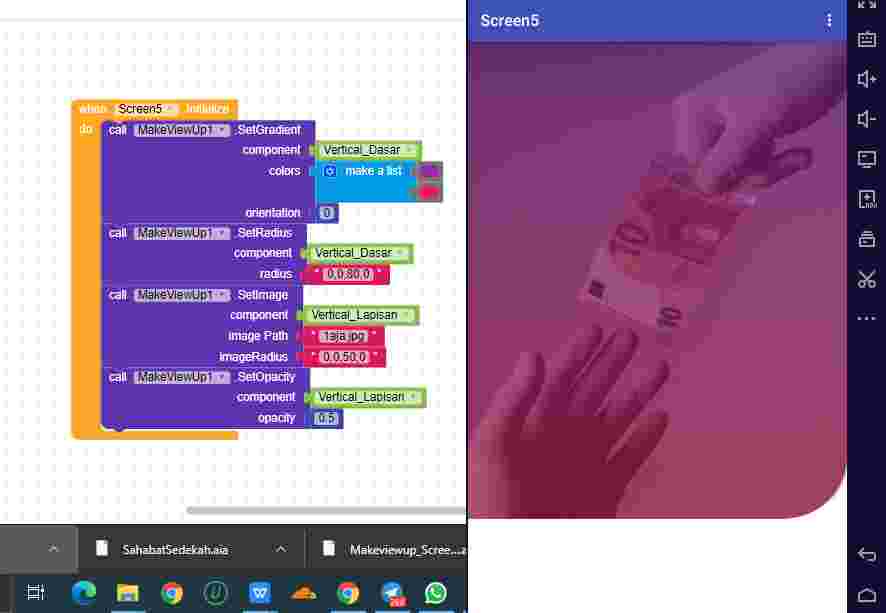
Try
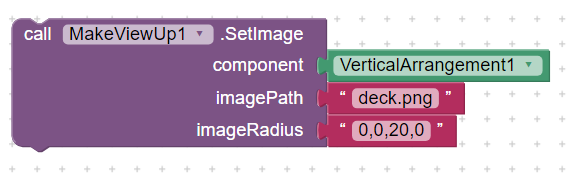
Result
Yes correct
This block is replaced with SetImage
And there're few more changes from initial version to current version of this extension
yes.. thank you to developing this extension.. you are awesome
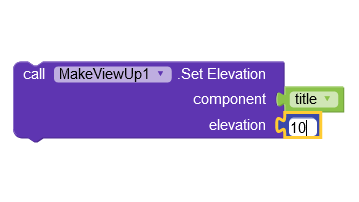
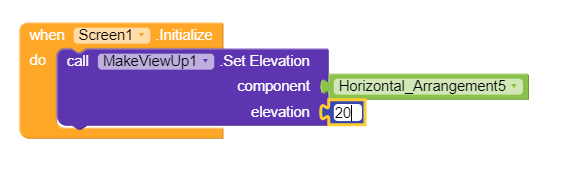
Elevation block is not working..
How this is not working working for me
Set title background as default and change its color with this extension
how can you give me some block image about that
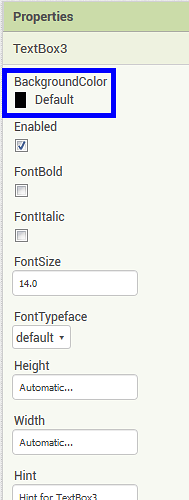
same you need to do in title set title background color to default
also not working
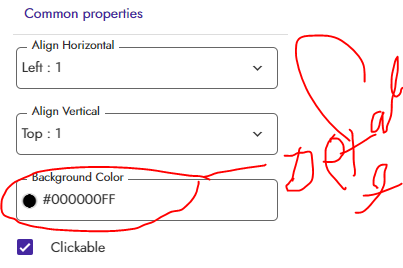
can you send me aia file
You set background color as black set it as default
Is there a way to add an image to a button without defining all the button as an image? This is an example to clarify my question, the white QR is the image and all the other things in background makes the button (done with your extension): 
IIf not possible to put an image inside the button, it may be a single character of particular font as Material.ttf or others (the problem is to define the font used by the button)
What do you mean for "arrangement"? Do you mean an HorizontalArrangement or a VerticalArrangement?
For me it works perfectly with VerticalArrangment and not with HorizontalArrangement but it is a quite good solution
May you explain me how should work .SetImage? What components support it?
You get set picture in image component
Can you show how this is not working in horizontal arrangement for me work in both