The main MIT App Inventor server is at http://ai2.appinventor.mit.edu/ . Most users develop using this server.
An additional server, for large Projects is at http://code.appinventor.mit.edu/
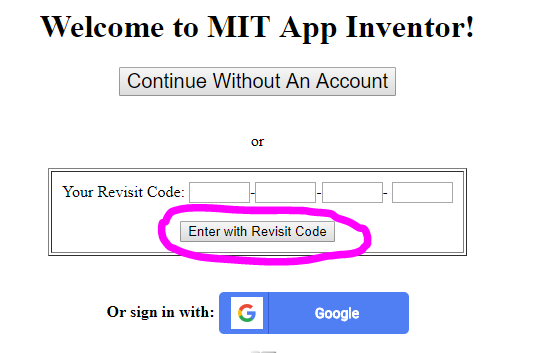
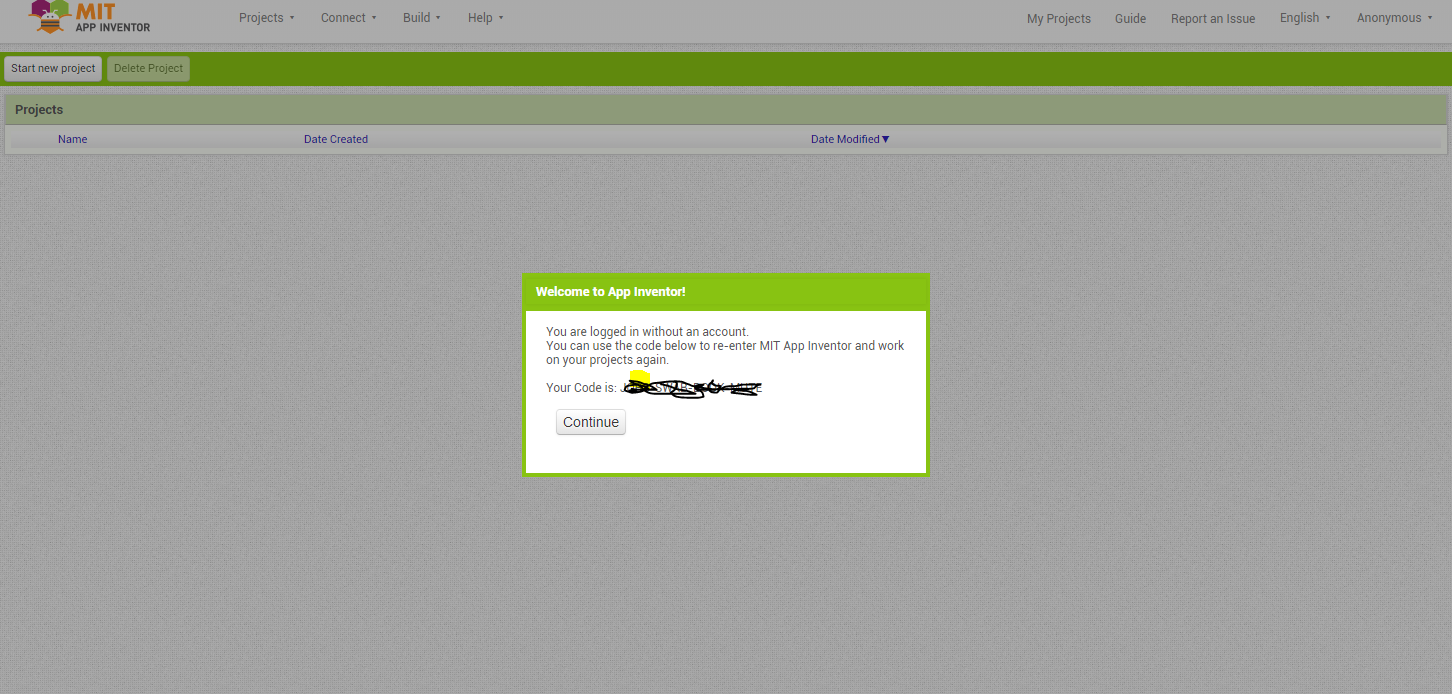
Projects code using ai2.appinventor do NOT automatically appear on the code.appinventor server. The developer must create an aia file and load that file on code.appinventor unless she/he initiated the Project on that server. Log in here does not require a Google account. If you do not have an account you must note the Revisit Code and use that to log in on subsequent log ins.
If you coded using ai2.appinventor and you use your log in credentials, you should find all your Projects there. If you do not, the most likely cause is you are using a different Google account from the one you originally started that account. If you have another account; try logging in with it.
Users in Columbia have recently reported log in issues others do not experience. Are you located in Columbia?
Does this note help?