thank u so much for anwering…
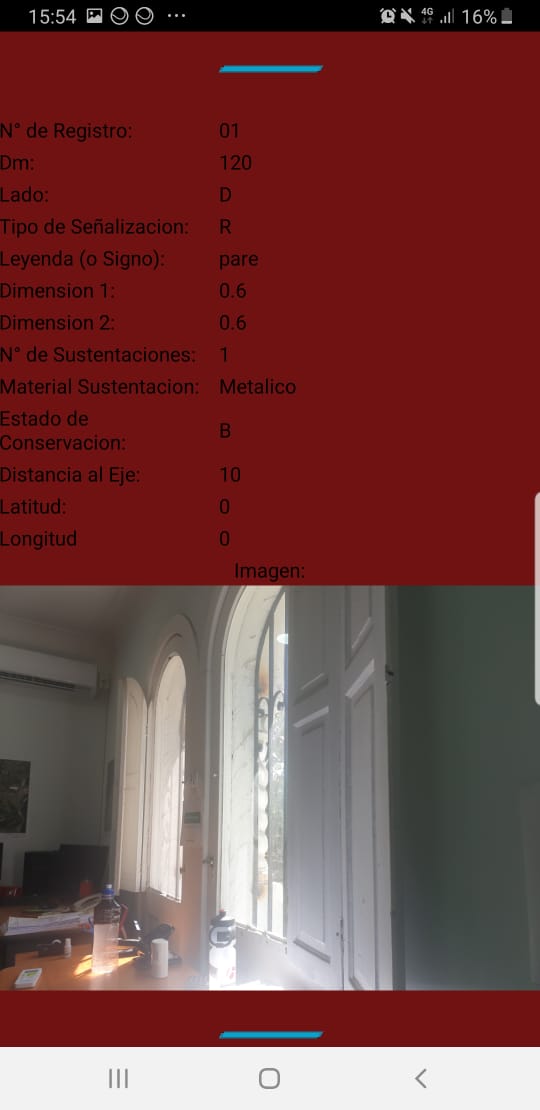
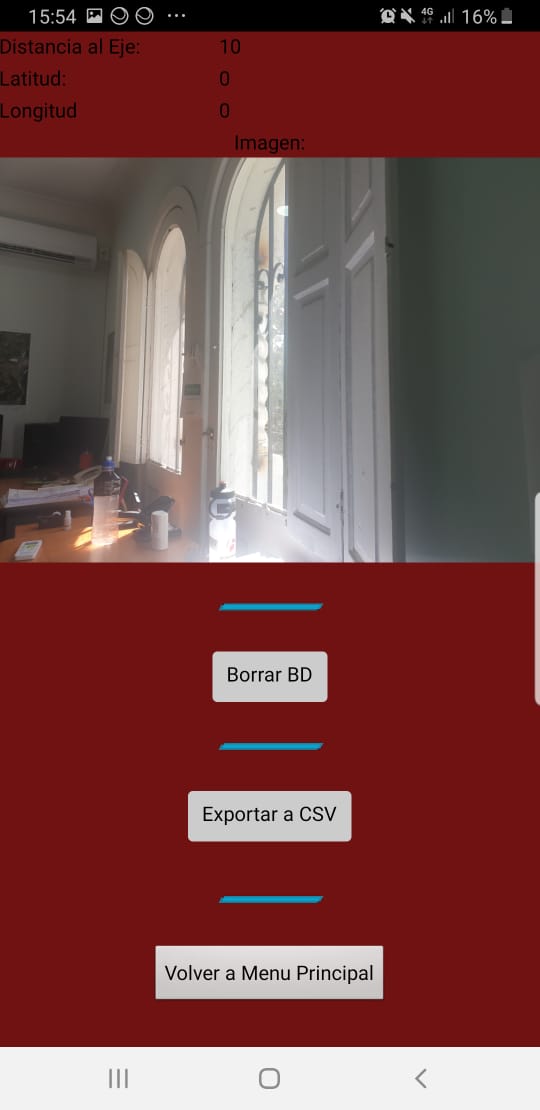
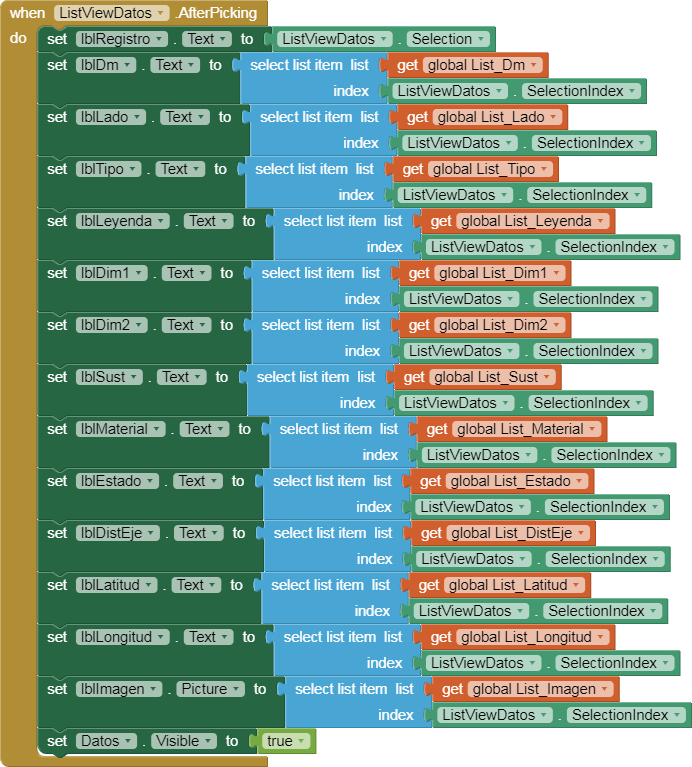
When i save every register, and then i want view for example the entry number 5… i can see the picture that i took when i saved that entry.
Sure.. thank u for helping... Please tell me if u dont understand something, really i dont speak english and i try to do my best.
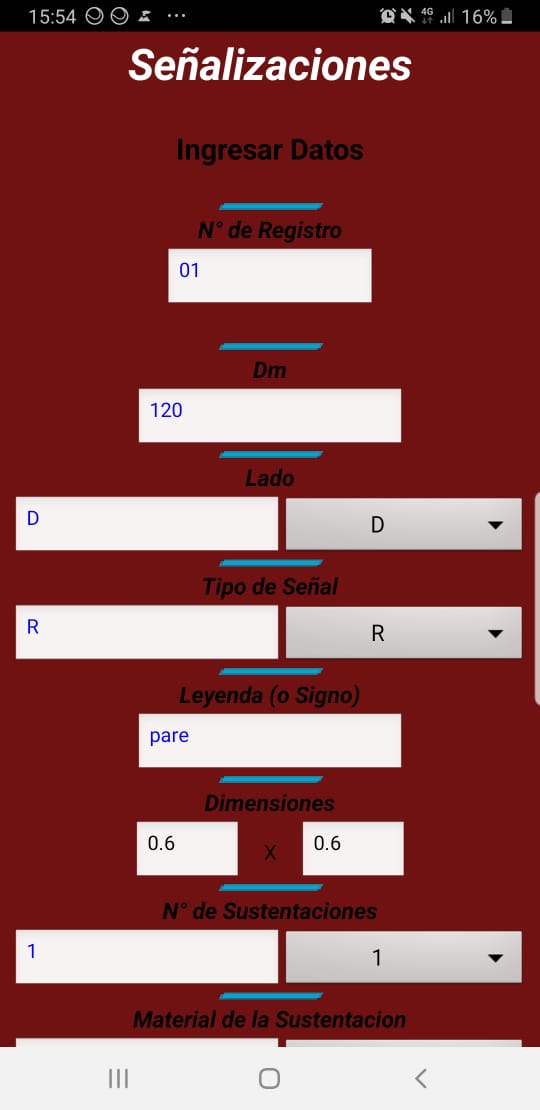
Ok... The app im trying to make is fill a form with many data..
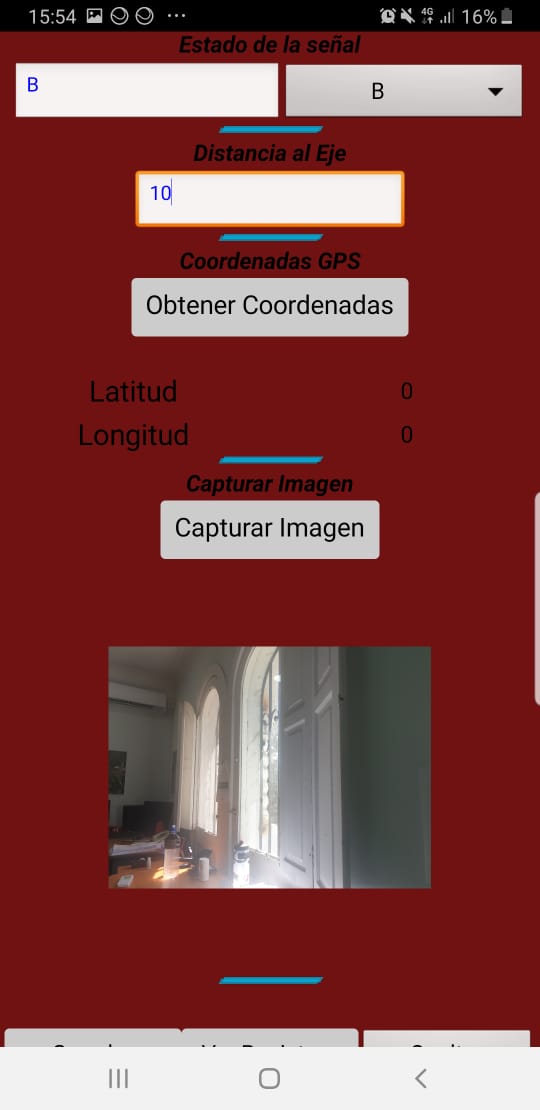
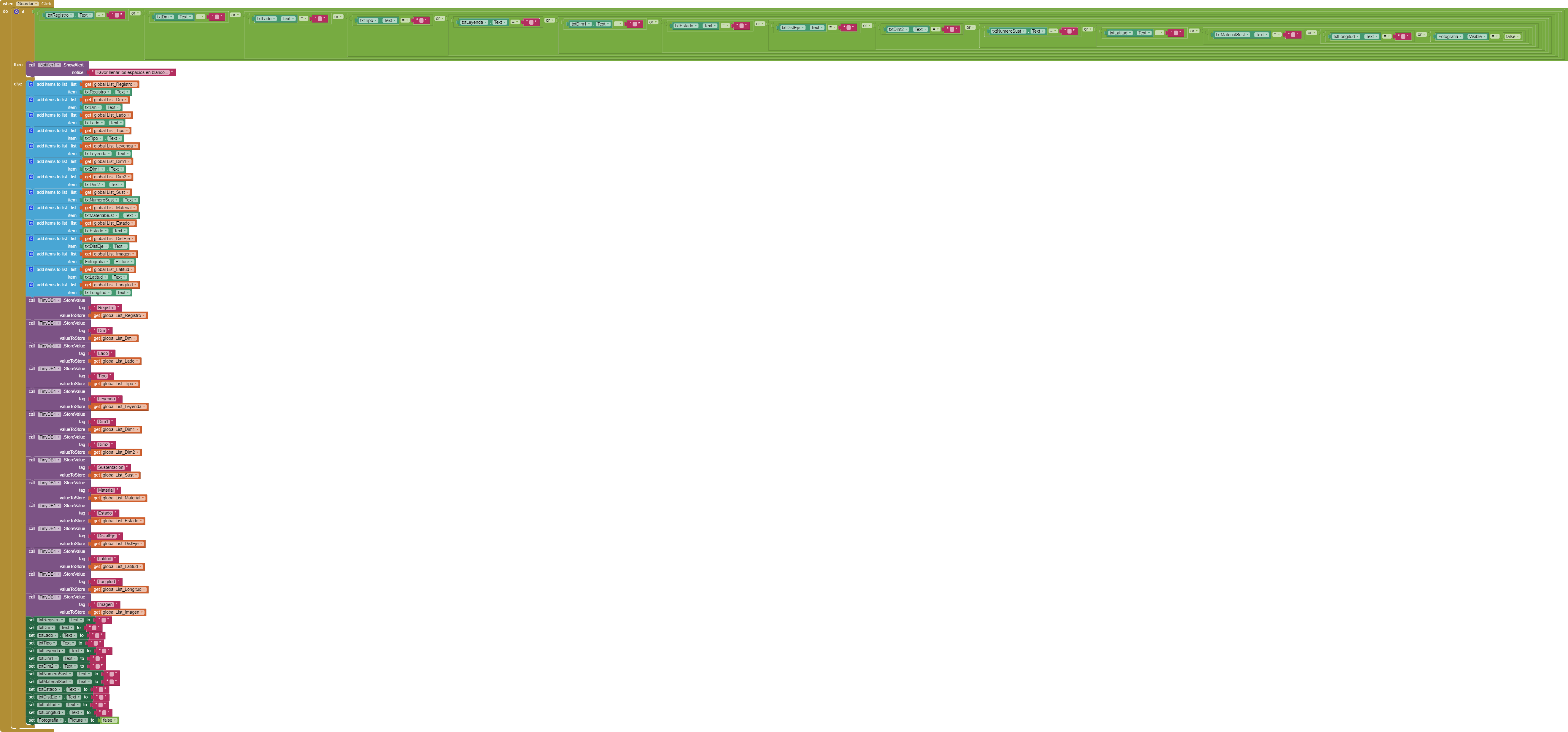
first, i put the number of registry, then a lot of data.. including coordenates and taking a picture and save it in tinybd (or that i was thinking)
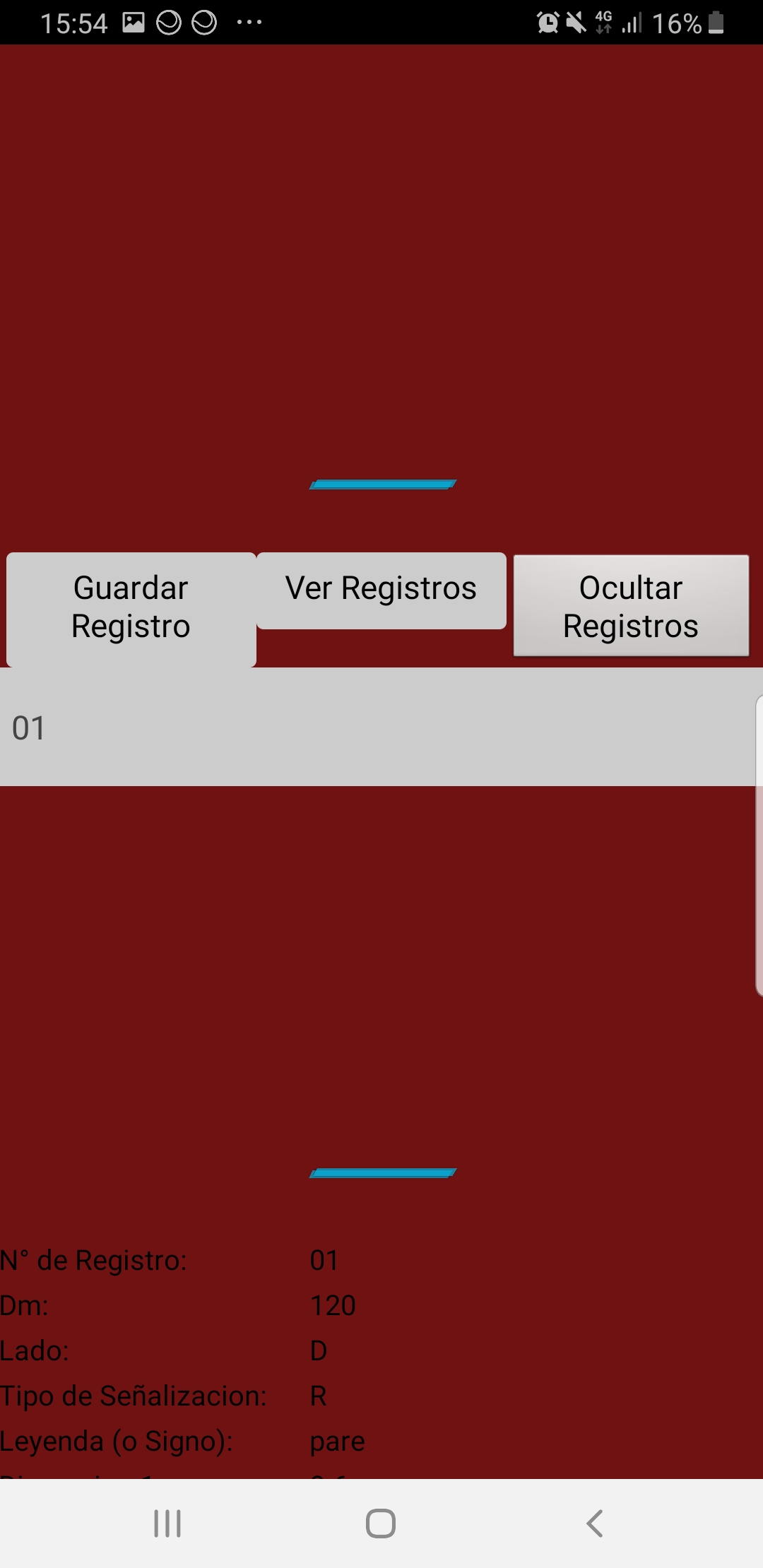
When i record many registries, then i can see a list with every registry i put into the tinybd...
I put a button "Exportar a CSV" and obviously i have a CSV but not the picture cause CSV is only text.
So my problem is export those pictures that i have recorded in every registry.
well, did you create any blocks in the blocks editor?
are you familiar with using Do it? Obviously not...
let me suggest to go back one step and do the tutorials to learn the basics...
A very good way to learn App Inventor is to read the free Inventor's Manual here in the AI2 free online eBook App Inventor 2 Book: Create Your Own Android Apps ... the links are at the bottom of the Web page. The book 'teaches' users how to program with AI2 blocks.
There is a free programming course here Course In A Box and the aia files for the projects in the book are here: App Inventor 2 Book: Create Your Own Android Apps
How to do a lot of basic things with App Inventor are described here: How do you...? .
It would really help if you provided a screenshot of your relevant blocks, so we can see what you are trying to do, and where the problem may be.
To get an image of your blocks, right click in the Blocks Editor and select "Download Blocks as Image". You might want to use an image editor to crop etc. if required. Then post it here in the community.
as already said, the pictures are stored in your device and the path to the pictures in TinyDB
can you elaborate on this... what exactly are you trying to do with those pictures stored in your device? what exactly means "export"? where to export to? upload to an online store like Google Drive? sending by email to someone? anything else?