HeadphoneControls Detects when the user presses the physical buttons on the headphones, both wired and Bluetooth.
It returns which button was pressed on the headphones, sending it to the buttonAction parameter so it can be used as logic with a player like the Player integrated into App Inventor.
I'm not sure if it works for all types of headphones, but I've tested it on Beads Studio 3 and EarPods. They work well.
If there is no audio in the app, this won't work, so you must first play the audio directly from your app so that the app has priority to control the headphone buttons..
StopHeadphoneControl
Disable headphone button control.
Clean up MediaSession and release AudioFocus.
HeadsetButtonPressed
It is activated when a button on the headset is pressed.
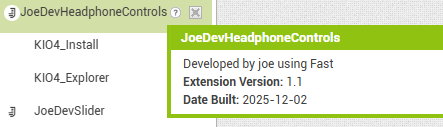
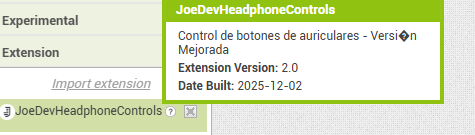
A missing permission was added to the Manifest so that it functions correctly when used independently; it will no longer be controlled by another extension.
Added 2 functions: StartHeadphoneControls and StopHeadphoneControls, to have greater control over when the headphone controls are activated or deactivated.
Thank you so much for your work. I'll try it out in my app right away and let you know as soon as I can. Have you also implemented the feature that detects when headphones are plugged in or unplugged?
So far, I've tested the extension in my app with wired headphones, only adding a notification that returns the "buttonAction" but pressing the headphone button doesn't do anything. Nothing happens using your app (.aia) either, while in your full player app (Player - Device Audio, Loop - Play Streaming), if the player is playing and I press the headphone button, the "buttonAction" returns the "pause" button, and if I press it again, it returns the "play" button. However, (just so you know), the first time I try, I have to press play from the app (tested with wired headphones, which only have one central button, volume + and volume -). I'll try this evening with a speaker that has play and pause buttons and let you know as soon as I can. Thanks in advance.
You're right, it was working, but I didn't realize that removing a permission that was automatically requested in the MediaService extension would cause it to stop working. I've fixed it.
Hi Joejsanz, I've done some testing, but the extension in my app doesn't work, but your extension using the .aia file does. I noticed that the aia file you shared contains additional extensions that grant permissions, etc., that aren't present in the extension. I think that's the cause of the problems. I've attached a screenshot of the additional extensions I see.
Ho anche aggiunto un notifier per vedere come rispondeva la tua app. If you'd like, I can share my aia file with you if you'd like to run some tests.
In my app i see only:
And for it to work, you must first start playing from the app; from there, the app will prioritize AudioFocus and you will be able to use the headphone clicks.
I tried the .aia file and your extension and it works in your app but not in mine. Maybe because I use the "player" for listening to music and the "sound" for the vibration of the keys... I don't know... In any case, I'll do some tests and see if I can figure out why, maybe the permissions conflict with some other extension. I don't know... If you want, I can share my .aia file so you can take a look at it, but there's no obligation... Thanks in advance for your work
OK, here's my .aia file.
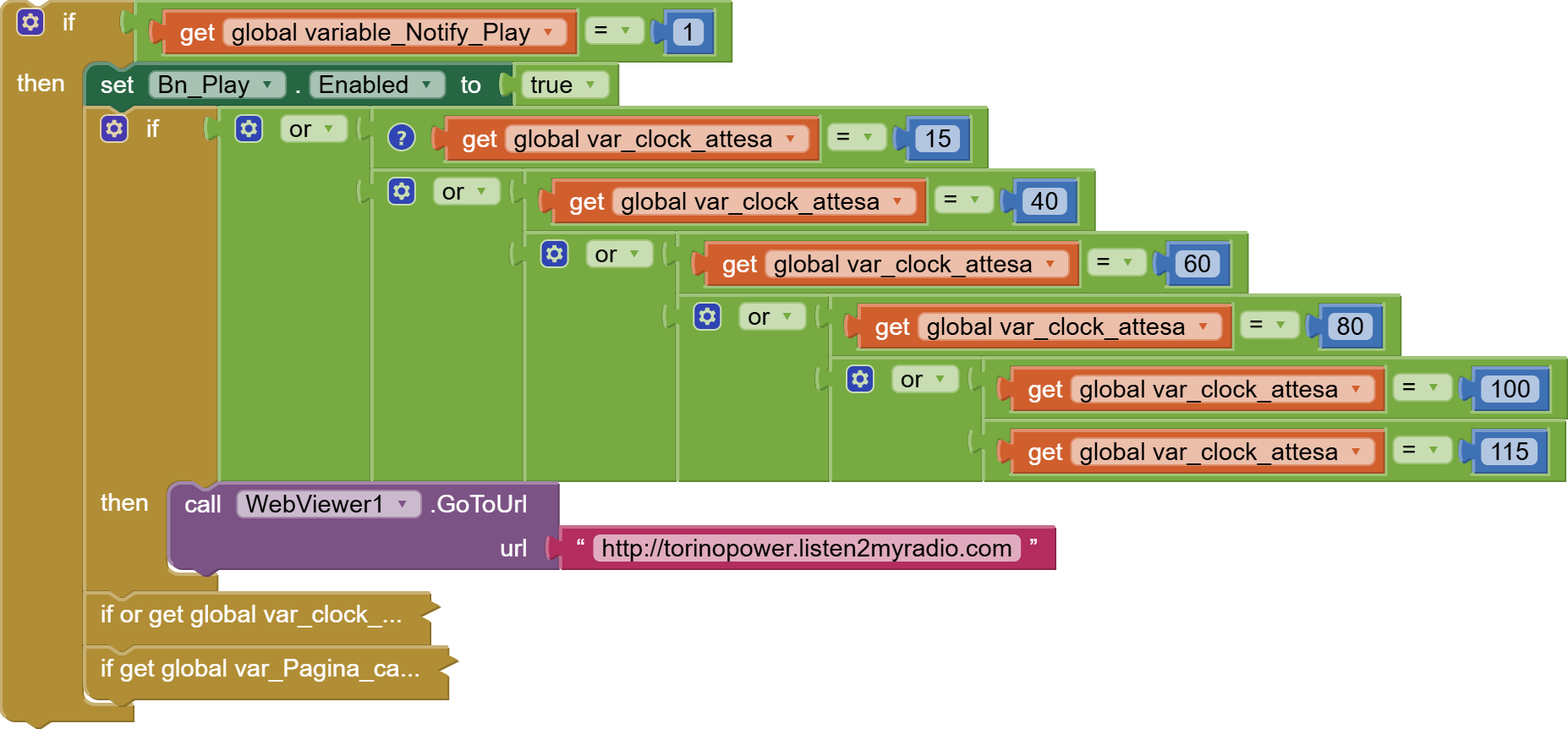
I know it's a bit complicated because the project started when only App Inventor v1 existed. In fact, it was converted from version 1 to version 2, but back then there weren't many features, so I had to create them myself using the available functions. If you find it too much of a puzzle, don't worry; I'll test it little by little. At the bottom of screen 1, I've expanded the functions where I inserted the headphone initialization. I put it in four places for testing, but it didn't work. I know it's not exactly correct, but this version of the app is created for testing. You'll also find other repetitions if you look at the code in general, but they're just tests. When you press play, the player doesn't start immediately, but it downloads a CSV file containing the streaming URL and other variables. Once downloaded, it sets it as the source and then starts the player, but I don't think this should change anything. Let me know if you figure it out.
Hi @Joejsanz , I did some testing and found that if I press the headphone button before the song title loads, the command is detected, but once the song title loads it no longer works. Also, when it works and stops the player, pressing it again stops it, perhaps because I put the player on stop and not pause. I put it on stop because otherwise, since it's a streaming service, the device continues to download data, and I don't really like that... Anyway, I'll keep testing...
This clock opens a hidden web page that opens the radio's web page. It could be that the webview component is taking focus, which is why it no longer works. I'll do some more testing as soon as I can. Thanks for your input.