FastAIX is a revolutionary web-based platform designed to transform how you build, experiment, and interact with artificial intelligence. Completely accessible straight from your browser with zero installation required, FastAIX empowers creators, developers, and innovators to bring their ideas to life in seconds.
Whether you are designing advanced AI workflows, automating creative tasks, or looking for an intuitive space to accelerate your daily projects, FastAIX delivers unmatched speed and flexibility right at your fingertips.
What Can FastAIX Do For You?
Instant Web Access: No downloads, no complex setups, and no environment configurations. Just open your browser at fastaix.web.app and start creating immediately.
Smart AI-Driven Workflows: Leverage powerful built-in intelligence to streamline complex tasks, generate insights, and supercharge your productivity.
Rapid Prototyping & Creation: Turn your concepts into reality with lightning-fast tools designed to cut down development and ideation time.
Seamless & Intuitive Experience: Enjoy a clean, responsive, and distraction-free interface built to adapt effortlessly to any device—whether you're on desktop or mobile.
Comprehensive Ecosystem Integration: Pair your web experience with the official fast-cli tool to extend your capabilities and manage your projects right from your command line.
Get Started Today
Ready to elevate your workflow and experience the future of AI-driven productivity?
Probably we should wait for the author @JEWEL to publish this himself?
The better category probably would be Extension Development. I now moved it there.
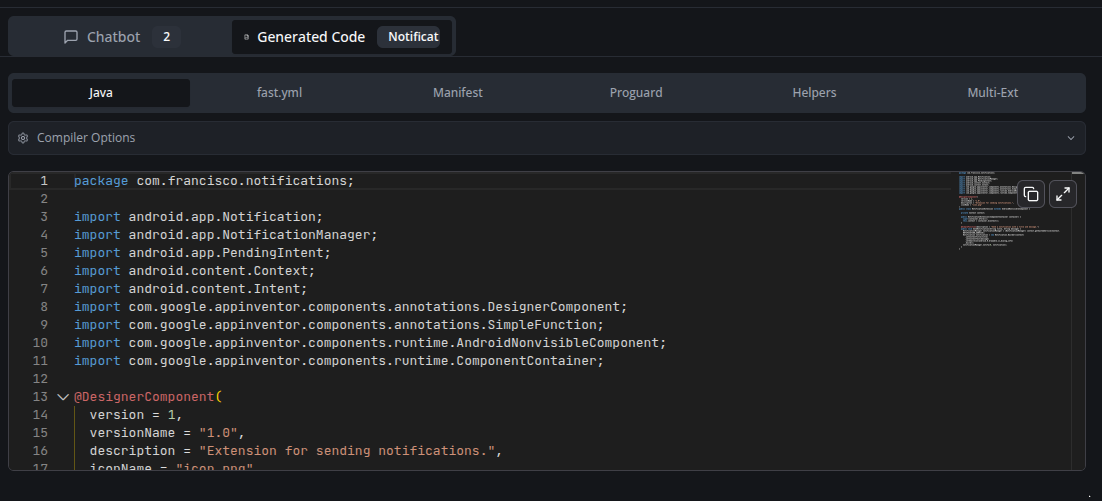
Our focus should also extend to the code editor, enabling users to navigate to and modify source code. Integrating a code suggestion feature would be beneficial if feasible.
Additionally, we must carefully consider our strategy for managing the premium features of FAST-CLI.
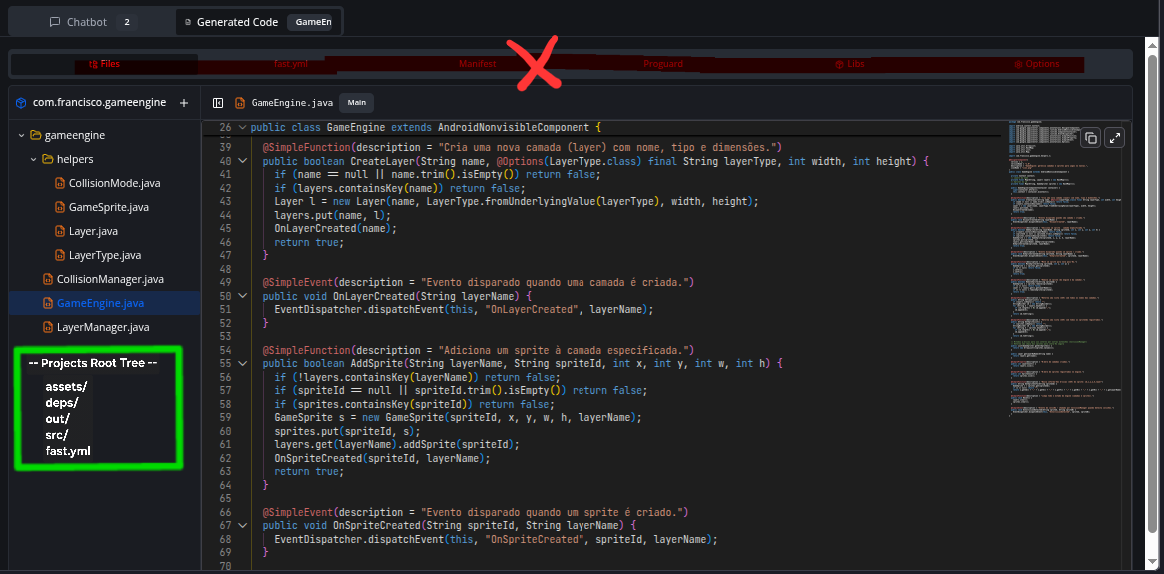
Could you please provide instructions on how to create, navigate, and modify these files?
Additionally, it would be beneficial if we could create and modify sources even if they are not directly associated with the base package name.
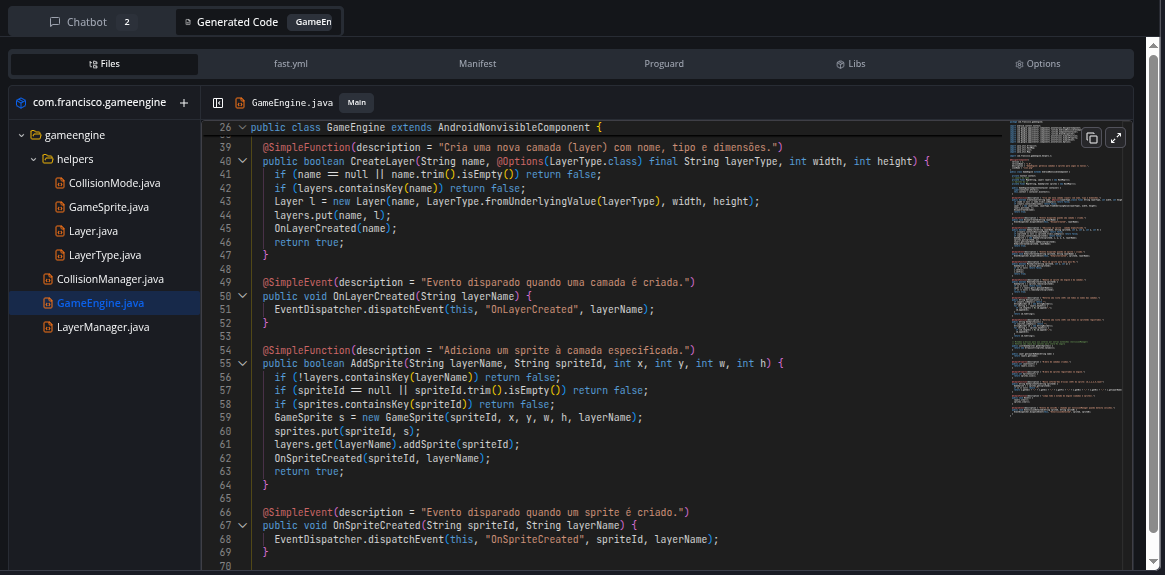
Automatic Code Organization: AI now automatically creates multiple files when needed - helper classes, enums, and separate extensions appear organized in the directory tree
Enums with @Options: Automatic creation of Enums annotated with @Options for parameters accepting selectable values (like colors, modes, shapes)
Smart Modularization: Code over 50 lines is automatically separated into helper classes for better maintainability
Multiple Extensions: Complex projects (200+ lines or independent features) are divided into separate extensions
File Management
IDE-Style File Explorer: IDE-like interface with folder tree to manage multi-file projects
Library Upload: Support for manual .jar and .aar file uploads in the "Libs" tab
Manual File Creation: Add new Java, XML, or resource files directly in the explorer
Compilation
Automatic Fast Sync: Automatic download of remote dependencies before compilation
Headless Mode: Java compilation optimized for server environment
Interface
Monaco Editor (VS Code): Professional editor with syntax highlighting and Java autocomplete
Voice Input: Voice support to describe your extension
Configurable Font Size: Adjust chat font size in settings
Project Backup System
Save manual backups of your project at any time
History stores up to 10 backups locally in your browser
Automatic backup created before each compilation
Restore any previous version with one click
Each backup preserves all files, Java code, configurations, and helpers
Extension Icon Upload
Upload PNG/JPG icons directly in the "Options" tab
The fast.yml file is automatically updated with the assets: section
All Java extensions are updated with iconName = "your_icon.png"
Icon preview with option to remove
Icon automatically included in compilation
AI Chatbot Improvements
File autocomplete with "/" - type "/" in the chat to select specific files
AI preserves existing files - helpers and extensions are never auto-deleted
Intelligent merge system - updates files by name, adds new ones, preserves unmodified
Analysis/verification responses don't modify your code
Credits and Support
Generated file headers include AIX Generator credits
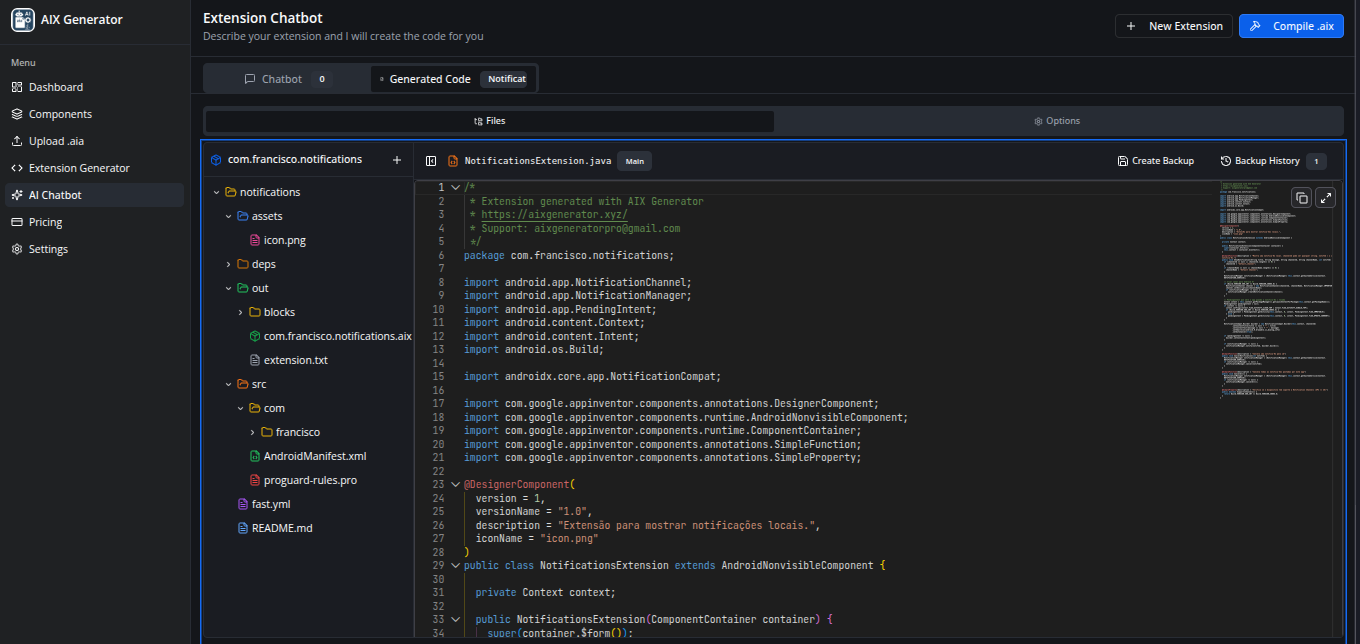
I believe it would be beneficial to allow users to navigate their entire projects. This would enable them to upload any assets they wish and edit them as they deem appropriate. Additionally, they could upload local dependencies to the 'deps' directory, and all sources could be modified from the 'src' directory, providing an experience similar to a local explorer.
Resizable file tree - Users can now drag the right edge to resize the file explorer width (200-600px range)
Individual file download - Ultimate users and admins can download any file via the three-dot context menu
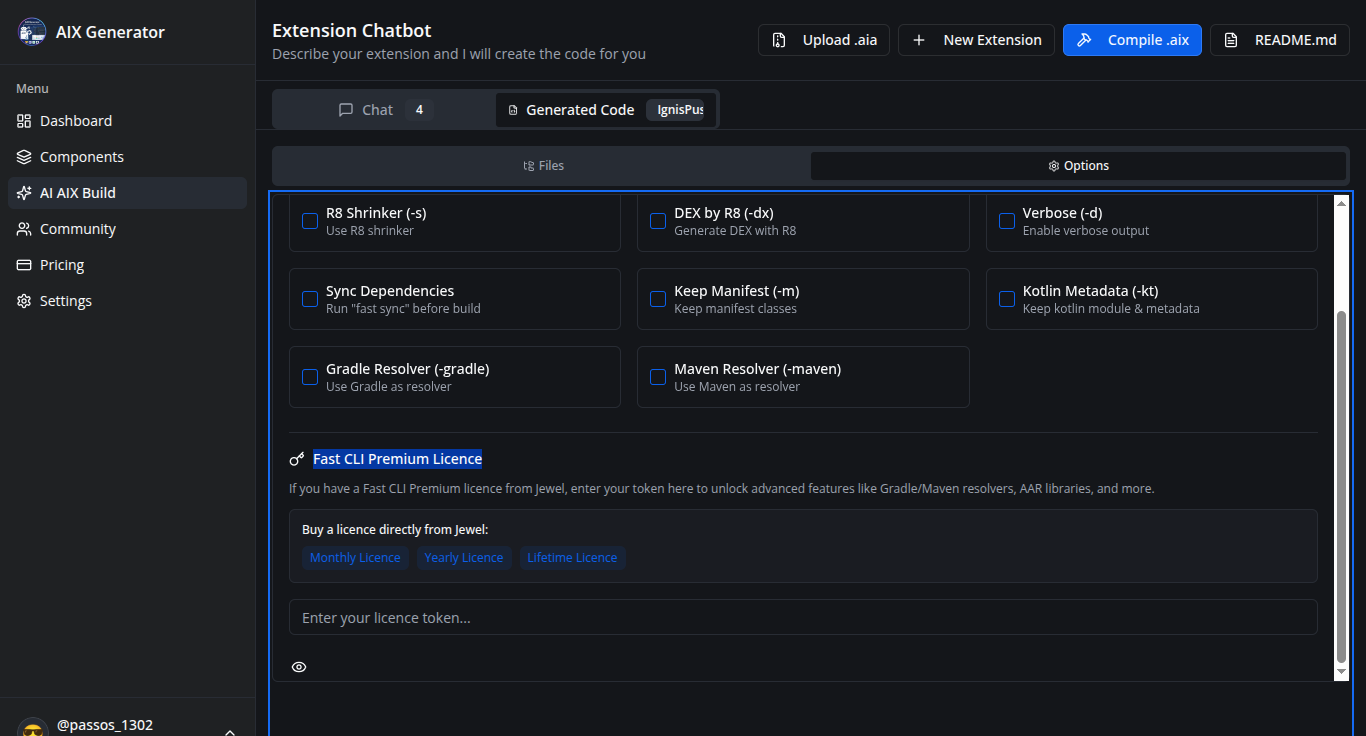
Code & Options Tab
Removed redundant icon upload - The separate icon upload section was removed since images can now be uploaded directly to the assets folder in the file tree
Bug Fixes
Fixed config files disappearing - Configuration files (fast.yml, README.md, AndroidManifest.xml, proguard-rules.pro) were intermittently disappearing from the file tree; this has been resolved by properly preserving existing config files during state updates
Hi!
I’m developing the AIX Generator platform (https://aixgenerator.xyz/) and I’d really appreciate your help testing it.
If you could access it, try the features, and share any feedback, that would be a huge help.
Thanks in advance!
 Video Presentation
 What is FastAIX?
 What Can FastAIX Do For You?
 Get Started Today