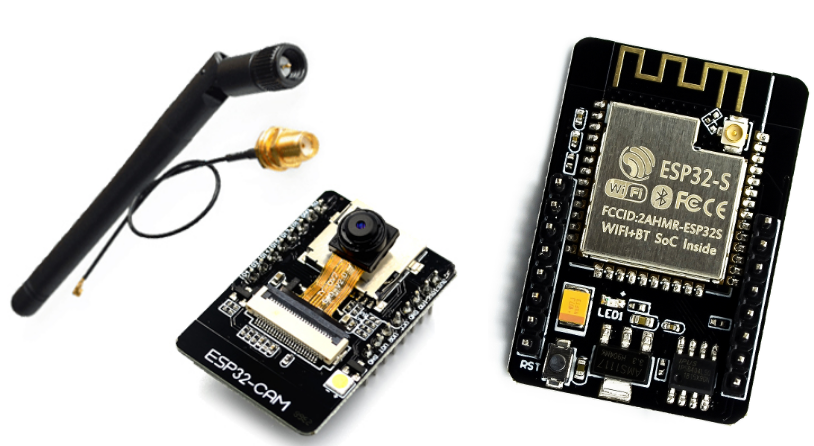
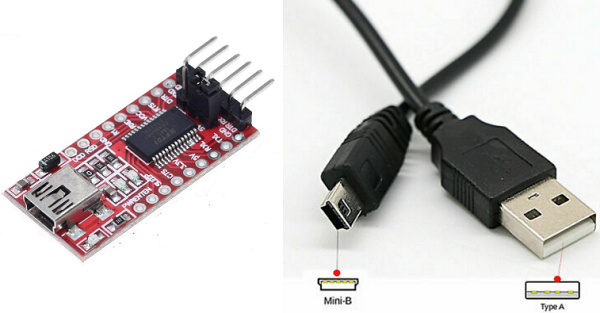
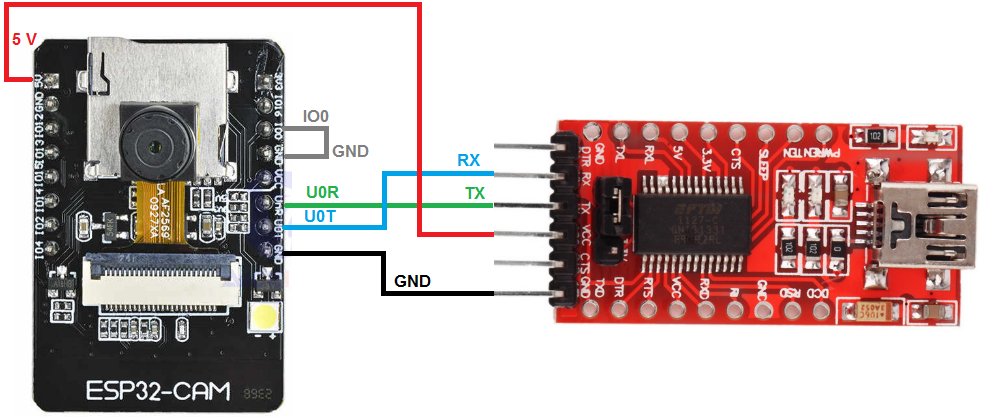
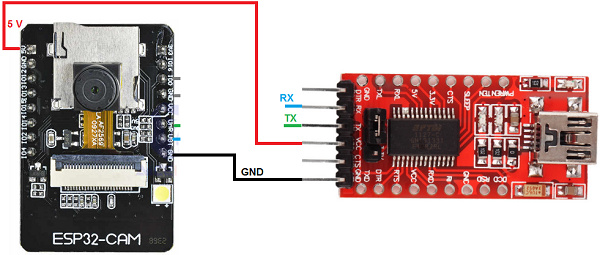
In the same topic, Frank Bröker finds the solution:
uses this library and load the example: ./examples/WiFiCam/WiFiCam.ino
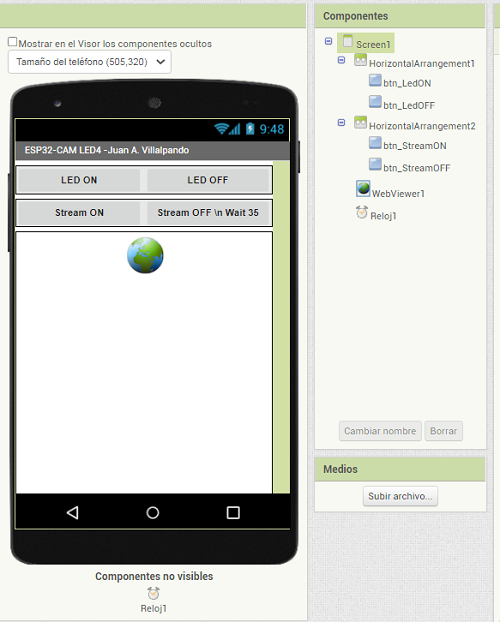
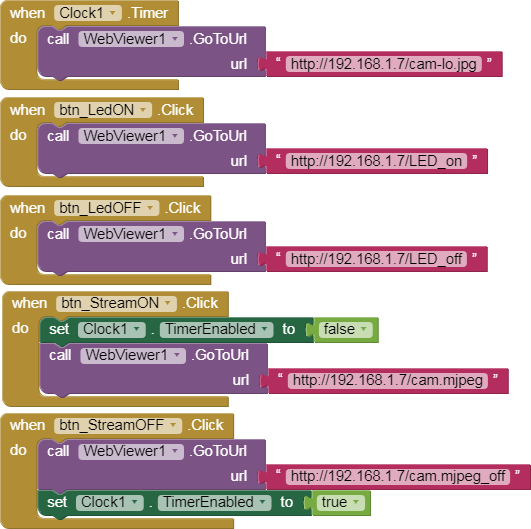
with this library you can see the stream in a WebViewer component. https://github.com/yoursunny/esp32cam
In this way you can see the stream and put Buttons on the same Screen.
ESP32-CAM Take Photo and Save to MicroSD Card. It says it clearly, you take a photo and save it in the SdCard. I have used a 32 GB SdCard and it has worked for me. It is like a camera with a flash.
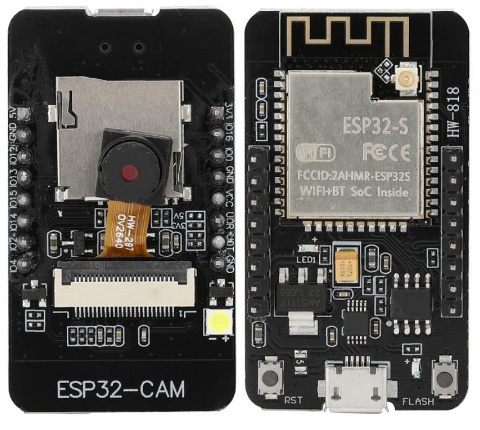
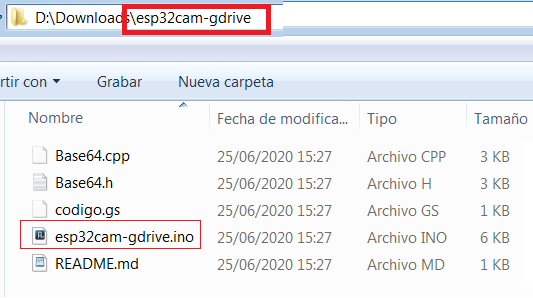
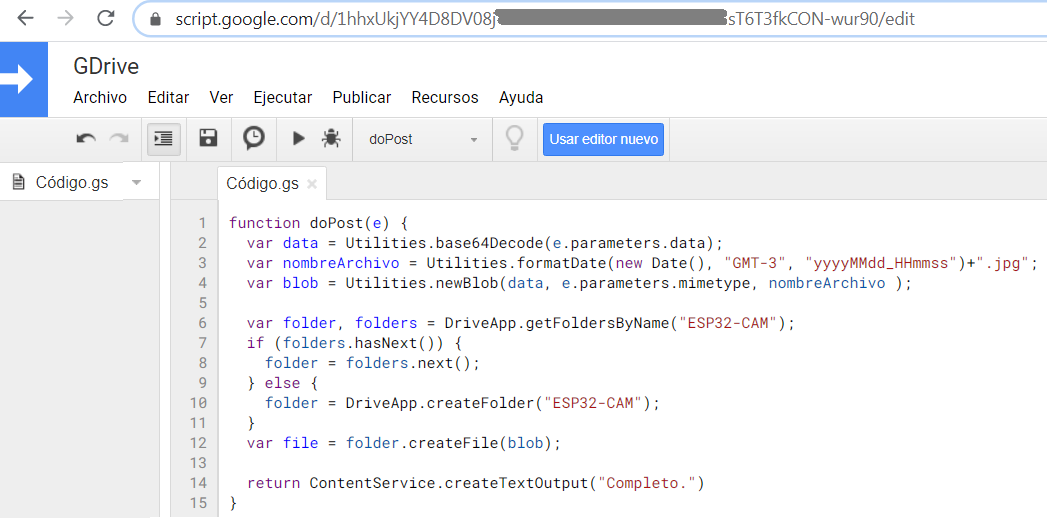
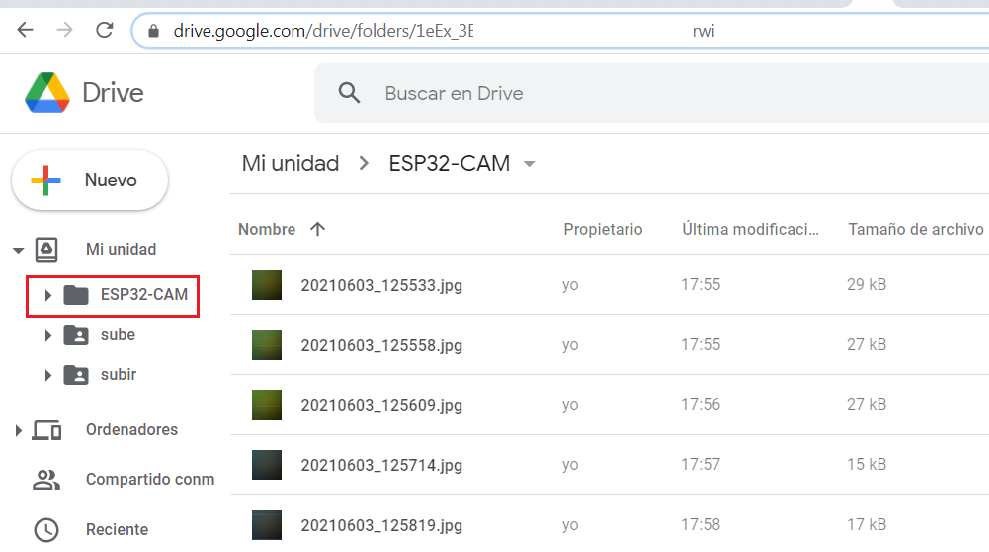
I have modified that code to work on ESP32-CAM board. It is here.
The website is on the SdCard. I have used a 32GB microSdCard.
The SdCard can contain index.htm files or direct images.
It also works with the WebViewer component.
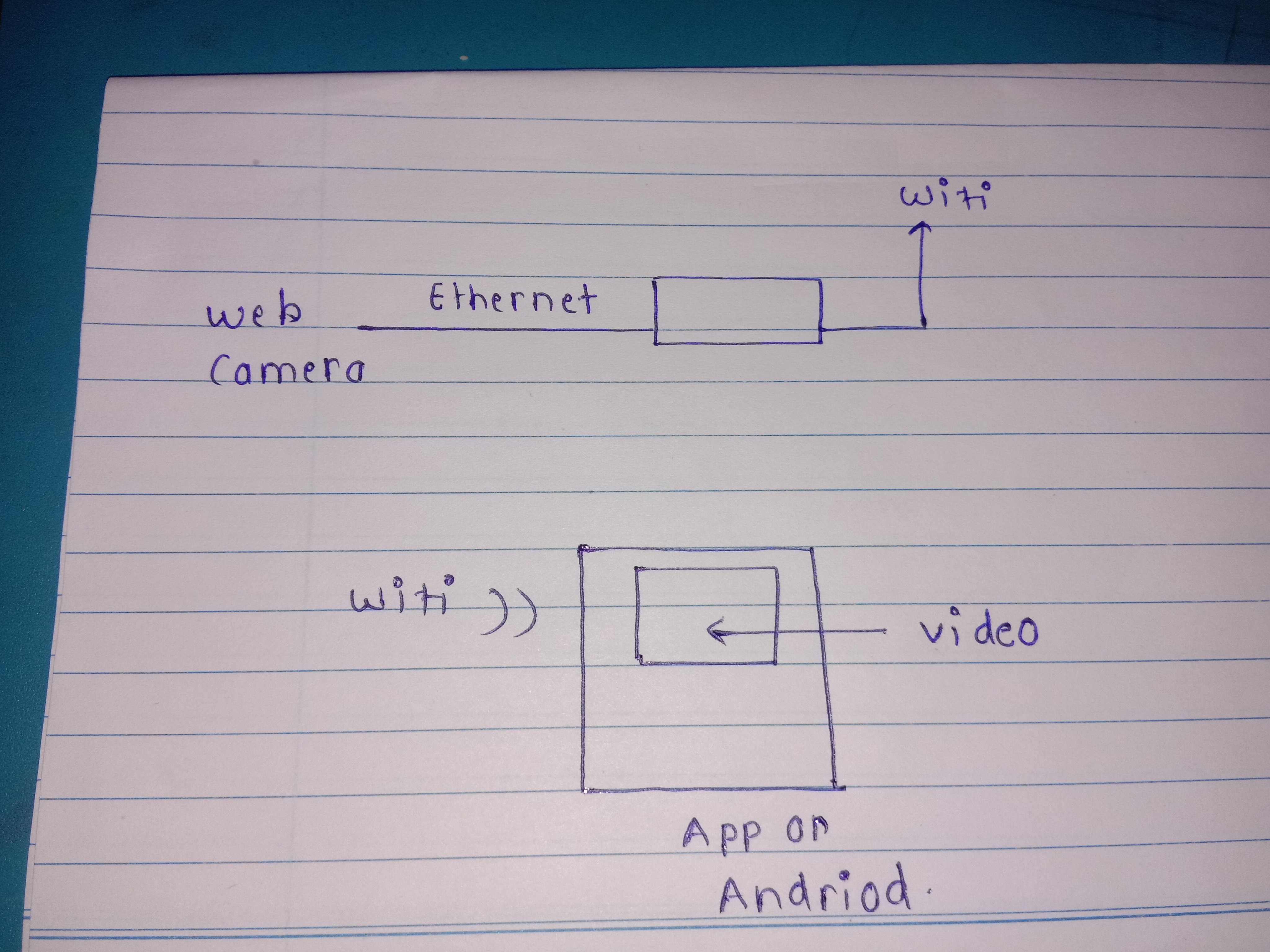
this is block diagram of my projcet
but we not yet decide the wifi module but at last any wifi modul used ,i got the camera stream on serial monitor like-http//192.168.1.92
so how i acces this on my app .
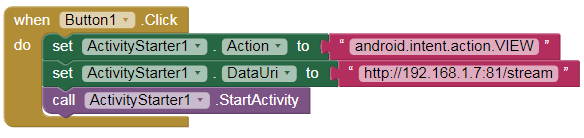
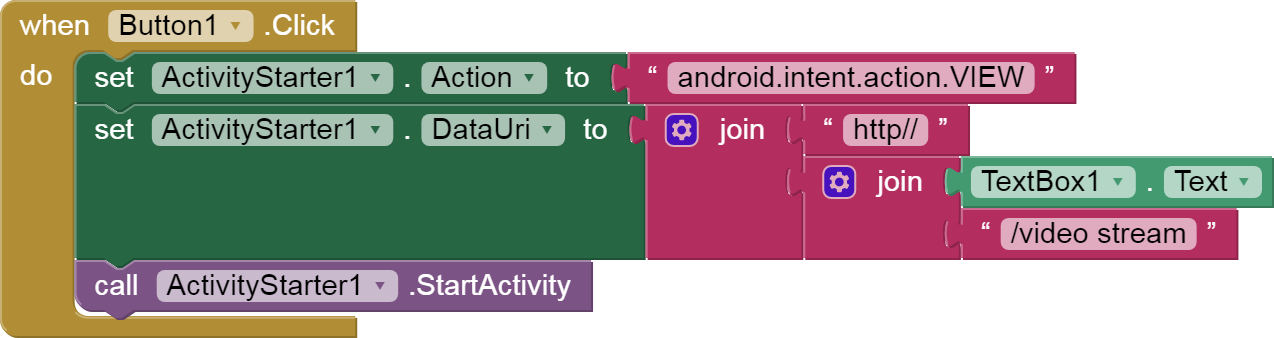
according to ur say that this camera stream not opened in webviewr so i used activity starter .
but my quation was i need to connect my mobile phone wifi with the wifi module or it is without connect wifi is connectivity done through activity starter beacuse i have to make just protocol of this app how streaming i will done and then after some days i do practictly it is..!
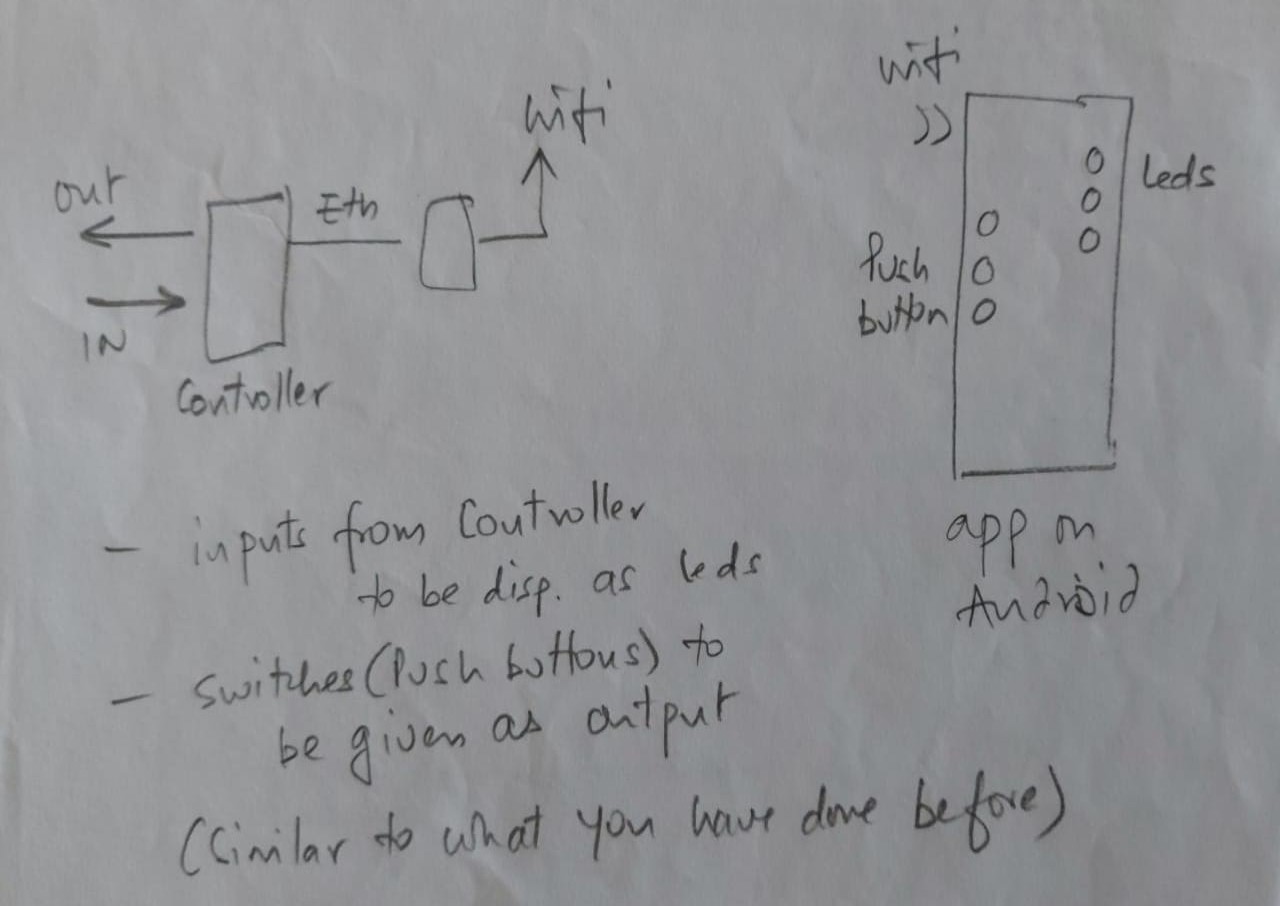
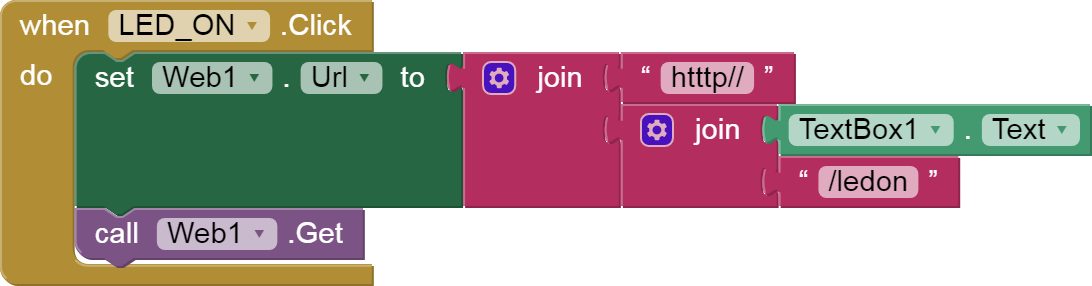
and i have to make another app through wifi i have to controles the led of controoler
so by using web url like http // 192.168.9.21 if i got after run the program on serial monitor then in this in app wifi conncetivity i have to add the ip addres of wifi module ? or not
sir if i used the activity starter i just want like when we acces the link through web in case of wifi or activity starter
there is connection done through entering ip addres in text box is same for activity starter.?
in this sam,e as led on off is working witj entering ip addres in text box ..
but for video streaming throught activity starter is coonectivity do like this for wifi is working or not or just we have to acces only not need of wifi connectivity in textbox by entering ip addres!!
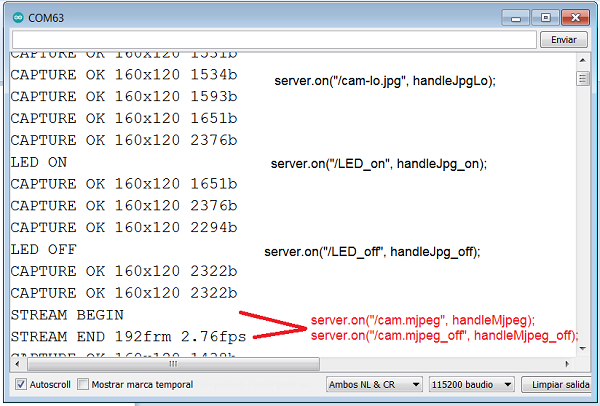
I have not tested it, but you can have the same web server for video transmission and to turn on / off the LED.
Example: TextBox1.Text: http://192.168.9.21
It depends on the code of the ESP32