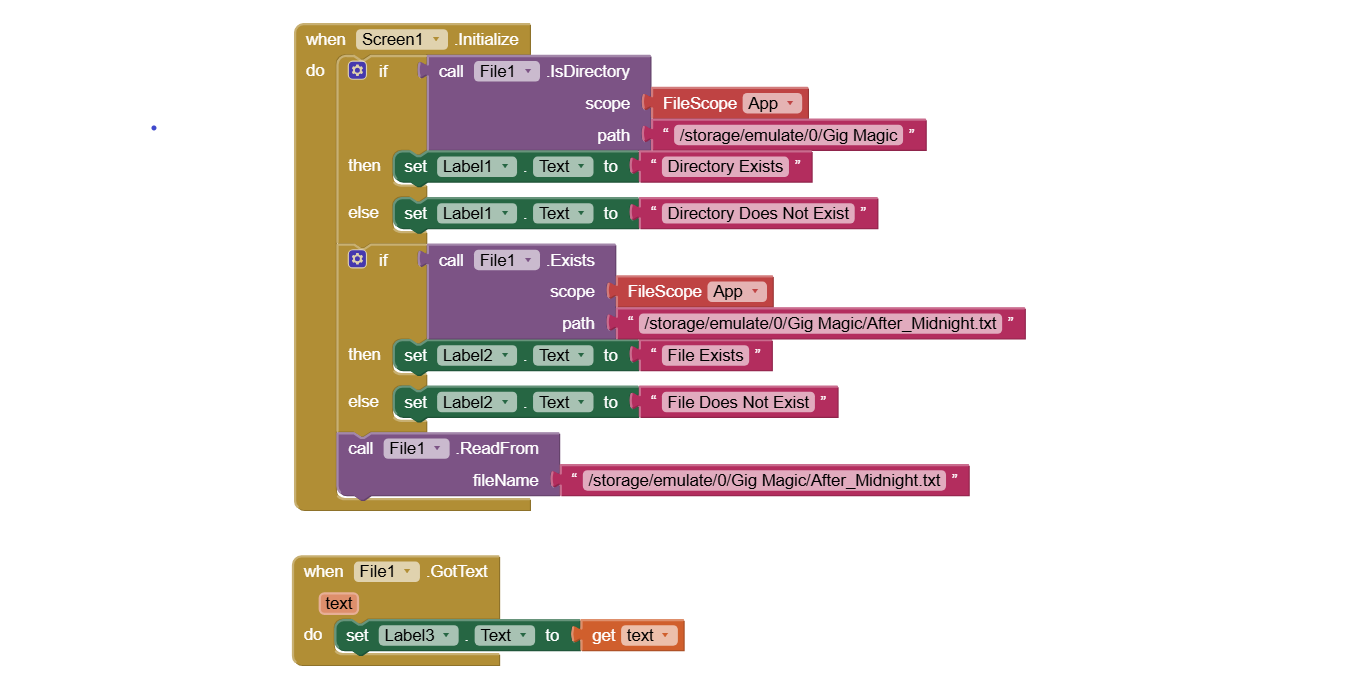
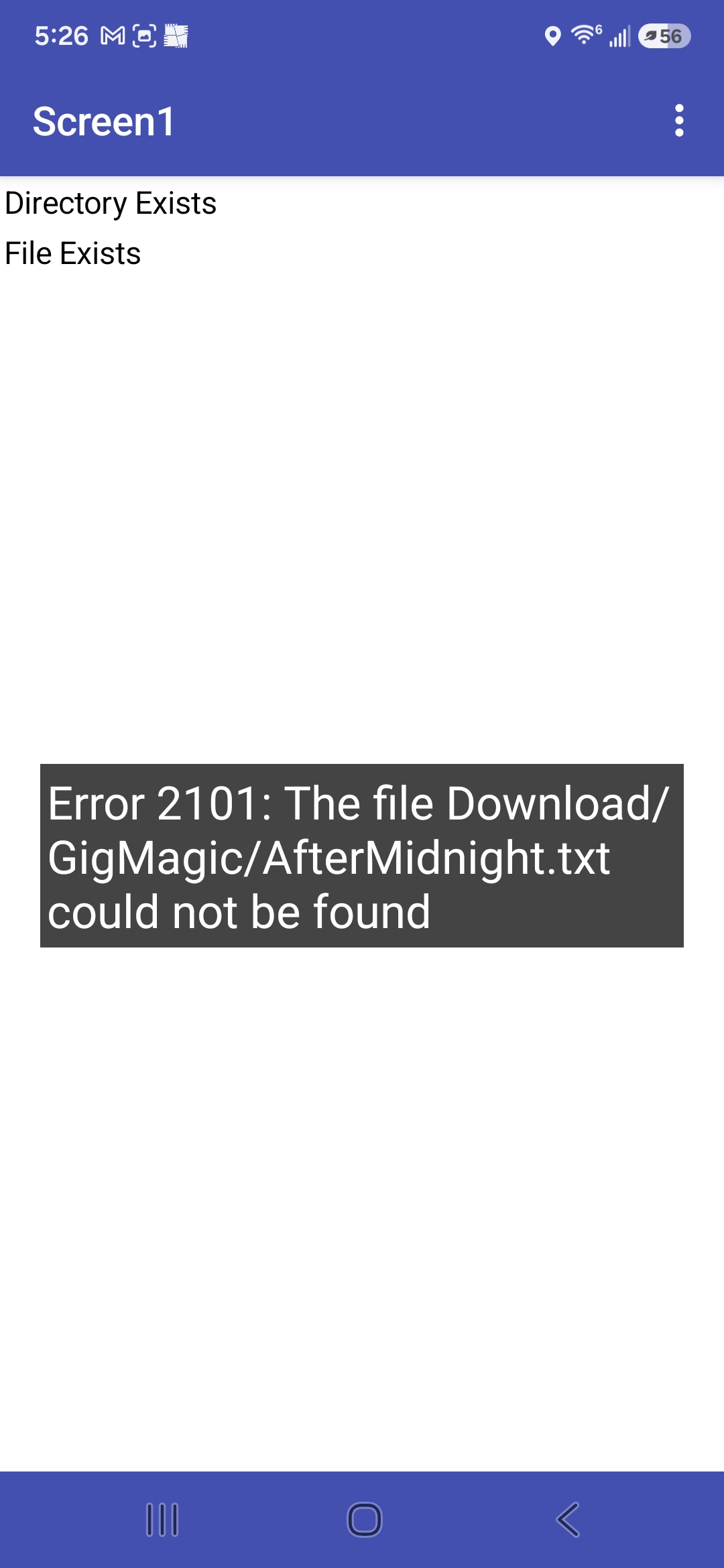
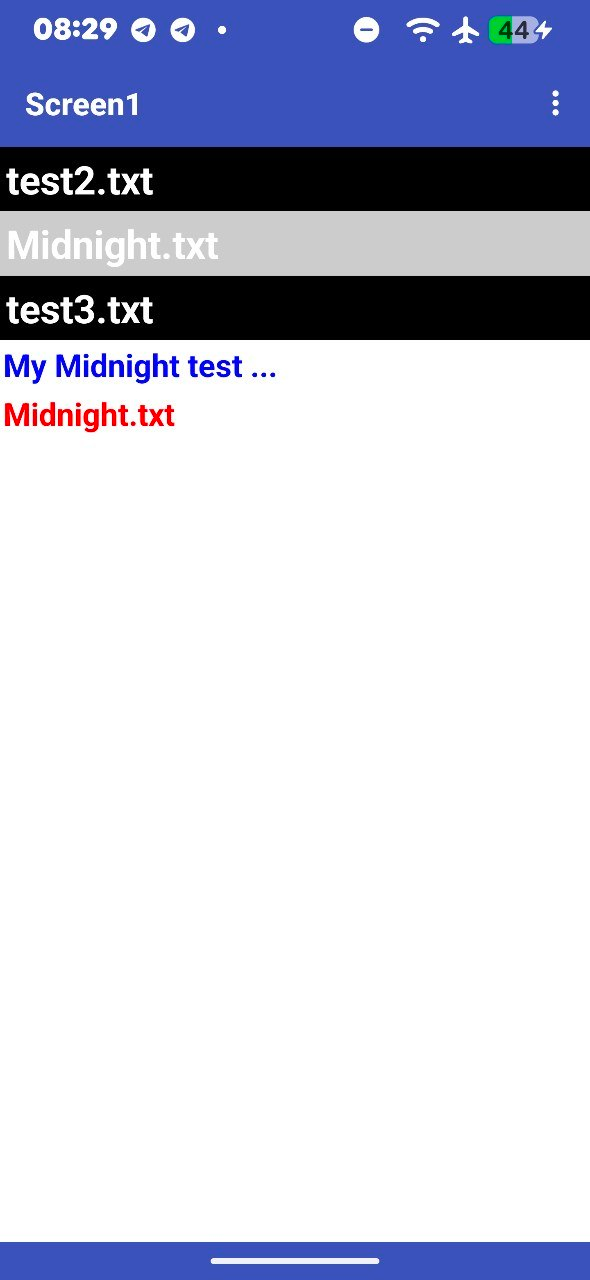
I can see this file on my phone but I can’t find it with my app.
I tried with space instead of underline character.
I tried with /Internal storage/Gig Master with and without underline.
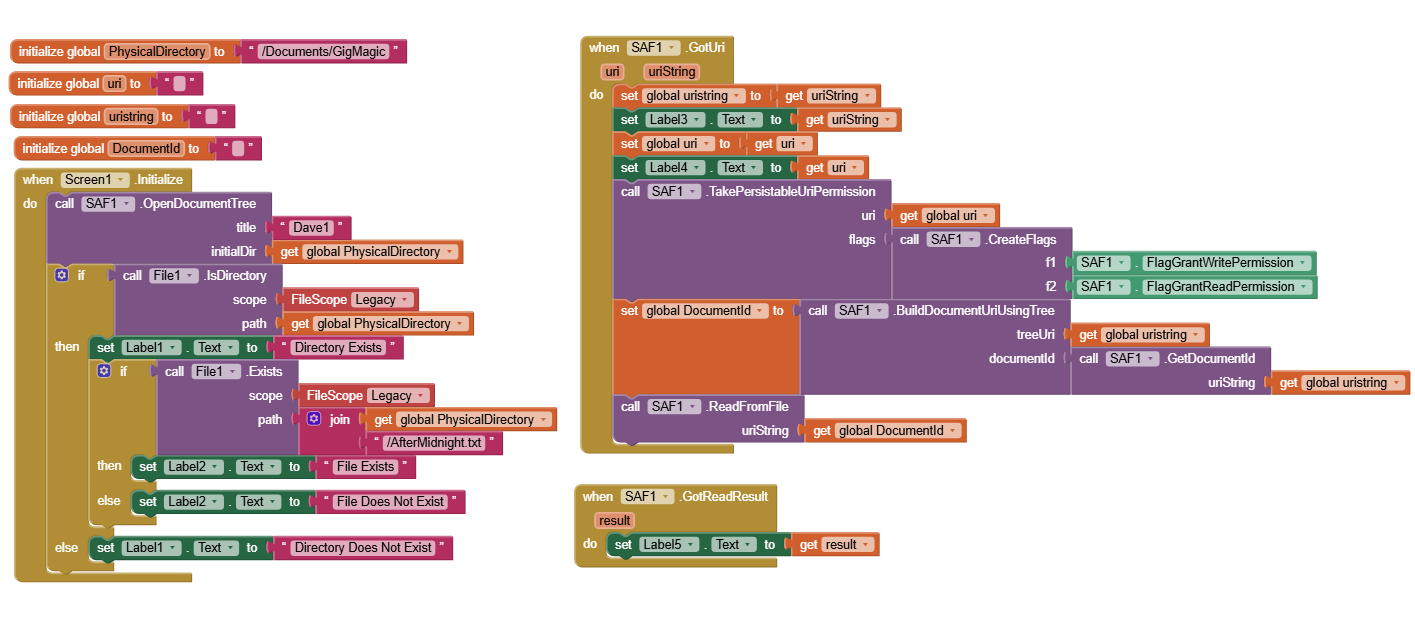
What am i doing wrong… i played with saf and would rather stick with native ai2.
Thank you!
TIMAI2
October 8, 2026, 9:09pm
2
/storage/emulated /0...
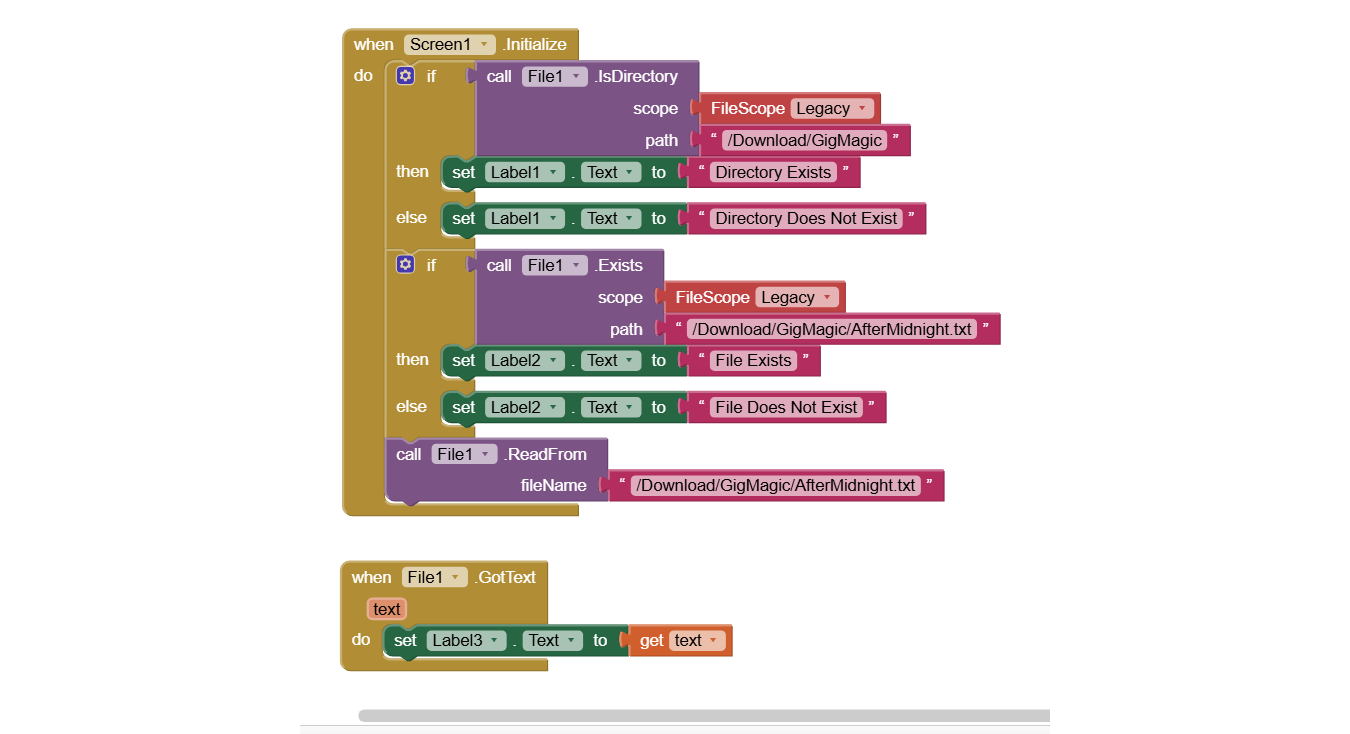
Use filescope Legacy
Don't create directories in the root (/storage/emulated/0)
TIMAI2
October 8, 2026, 9:12pm
3
and try to avoid putting spaces in your directory and file names - e.g. "Gig Magic" will probably also fail to be found.
Taifun
October 8, 2026, 9:17pm
4
You should store files in shared storage instead of random directories of your internal storage
See also Some basics on Android storage system
Also file scope App does not make much sense to access a file in internal storage
Fir example store the file in a subdirectory of /Downloads and axcess it using file scope Shared or Legacy
Taifun
moved the folder to DCIM, changed to “Legacy (then Shared), got rid of all spaces… still no luck.
Taifun
October 8, 2026, 10:10pm
6
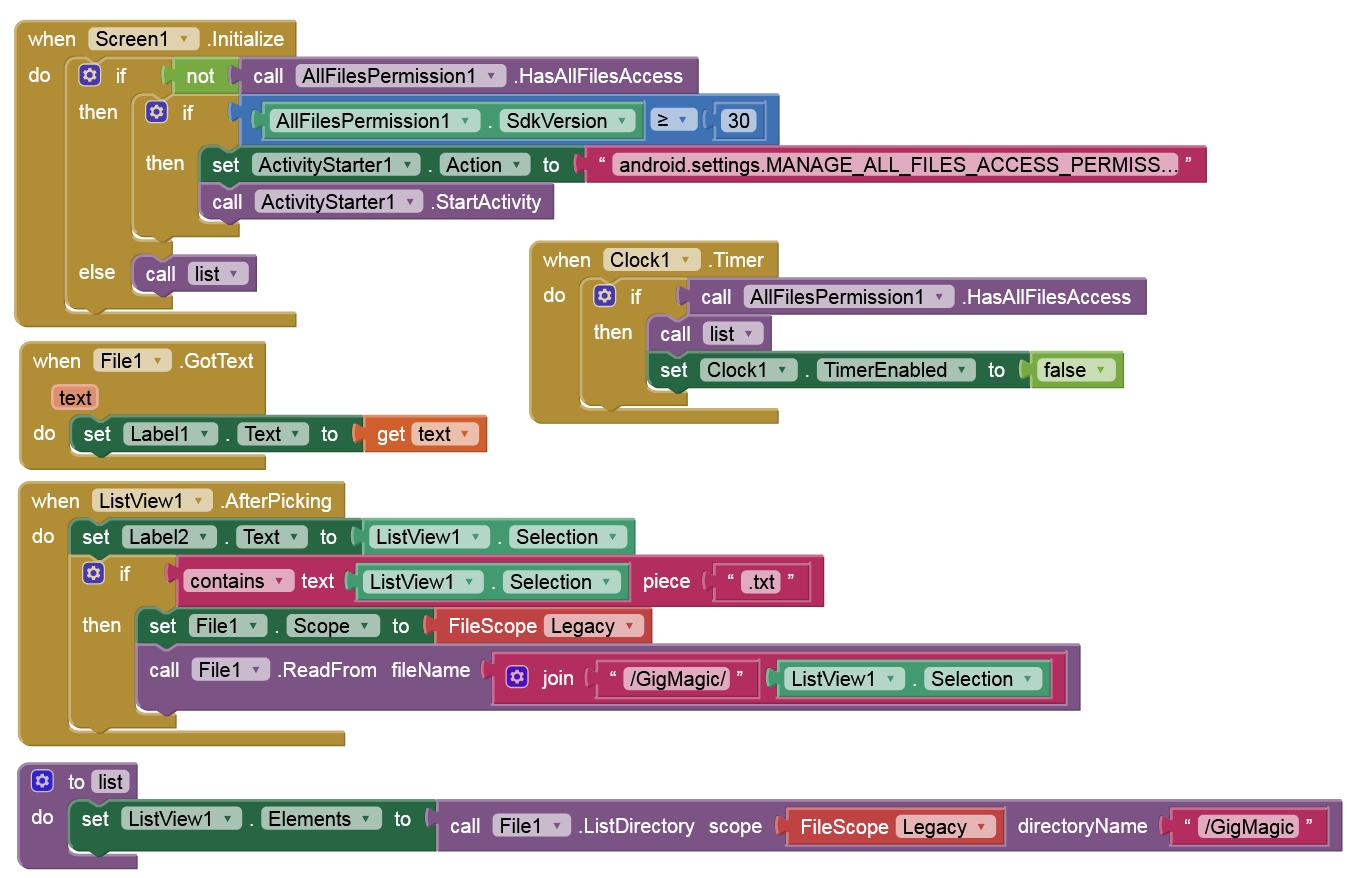
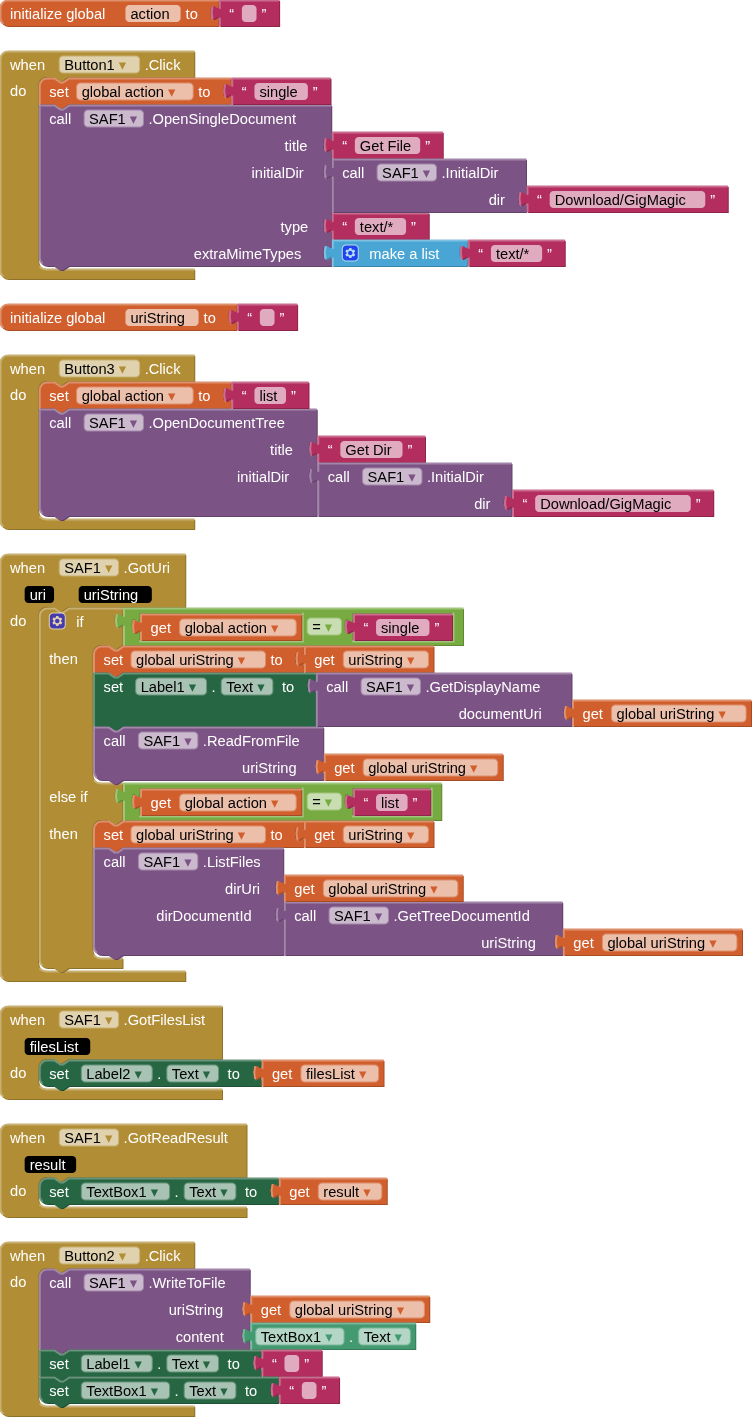
Shiw a screenshot of you updated relevant blocks
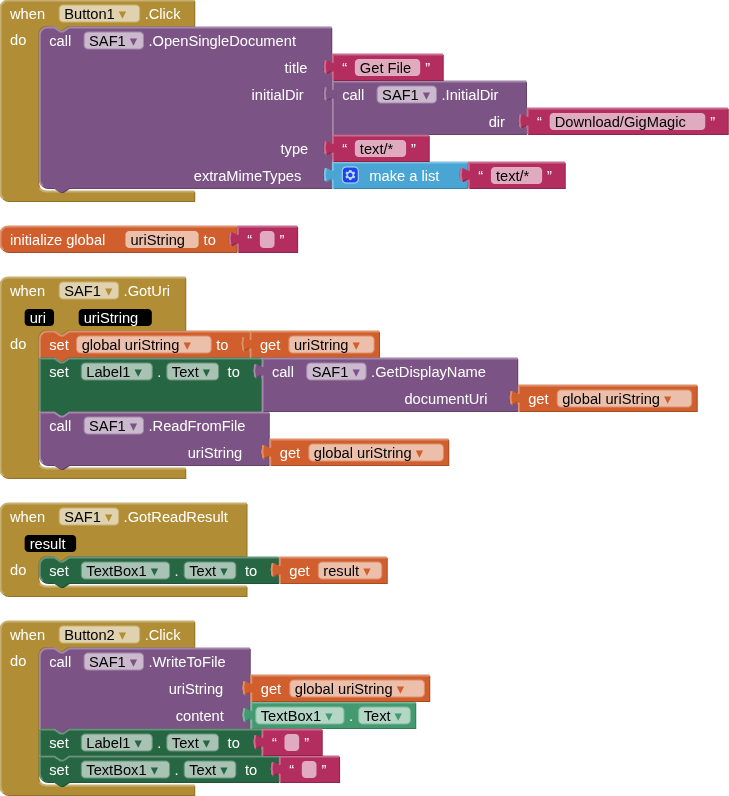
EDIT: as you are working with text files you have to use SAF to access non media files which have not been created by your app... see again Some basics on Android storage system
Taifun
Taifun
October 9, 2026, 5:37am
9
Read again my previous 2 answers
Anke
October 9, 2026, 12:38pm
11
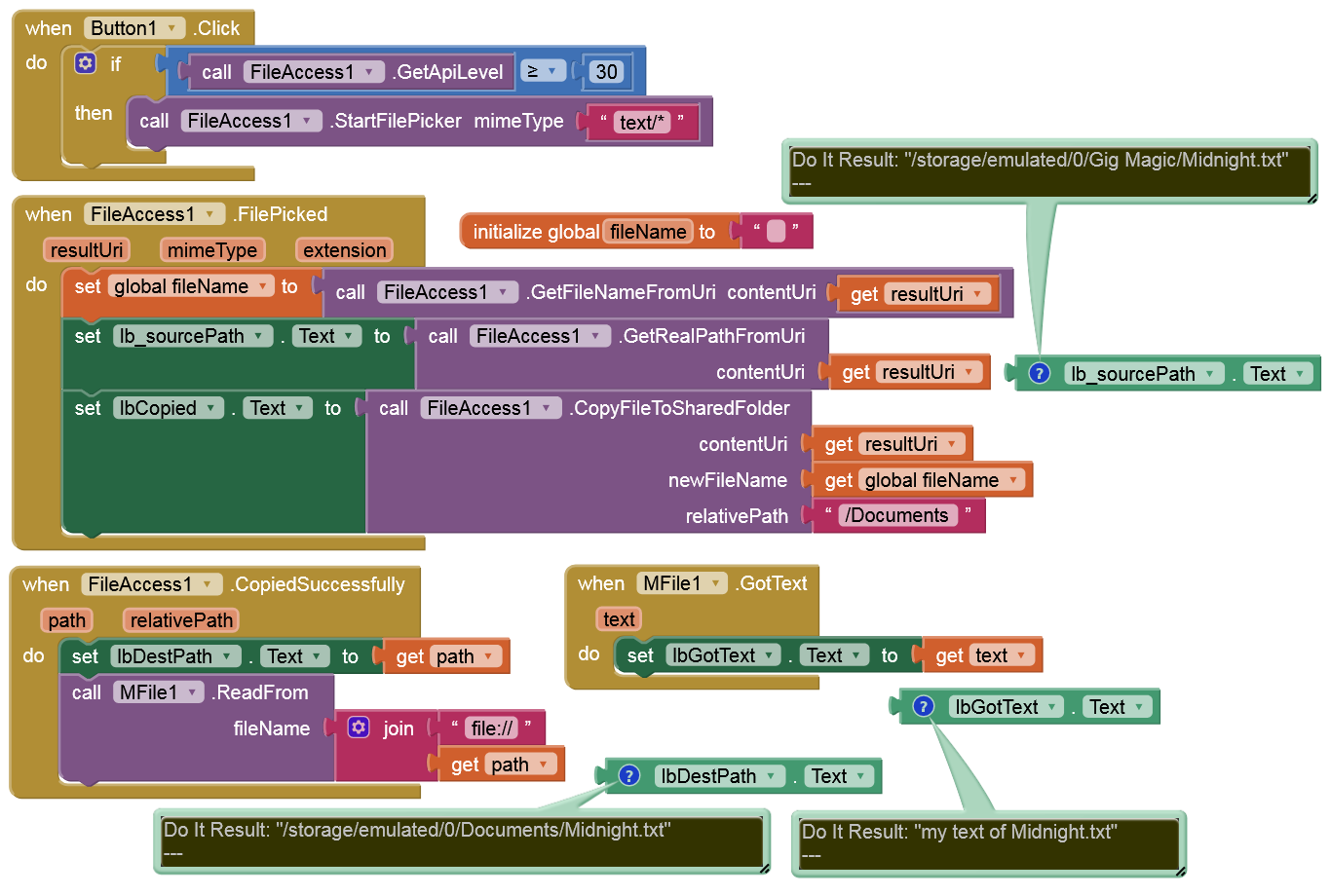
Here is another way to get full access to Midnight.txt:
I have an extension by Sunny Gupta version 1.3…
the blocks in your example are not available…
wrong extension? Wrong version?
Thank you for your help…
How am I asking to read EXTERNAL storage?
When I finally learn how to read a file, is there a way to read all the files in the directory, one by one, without using filepicker?
Taifun
October 10, 2026, 6:38am
18
Yes it is confusingSome basics on Android storage system
Taifun
TIMAI2
October 10, 2026, 9:29am
19
Using SAF (which requires directory picker)
SAF will always require you to pick something...