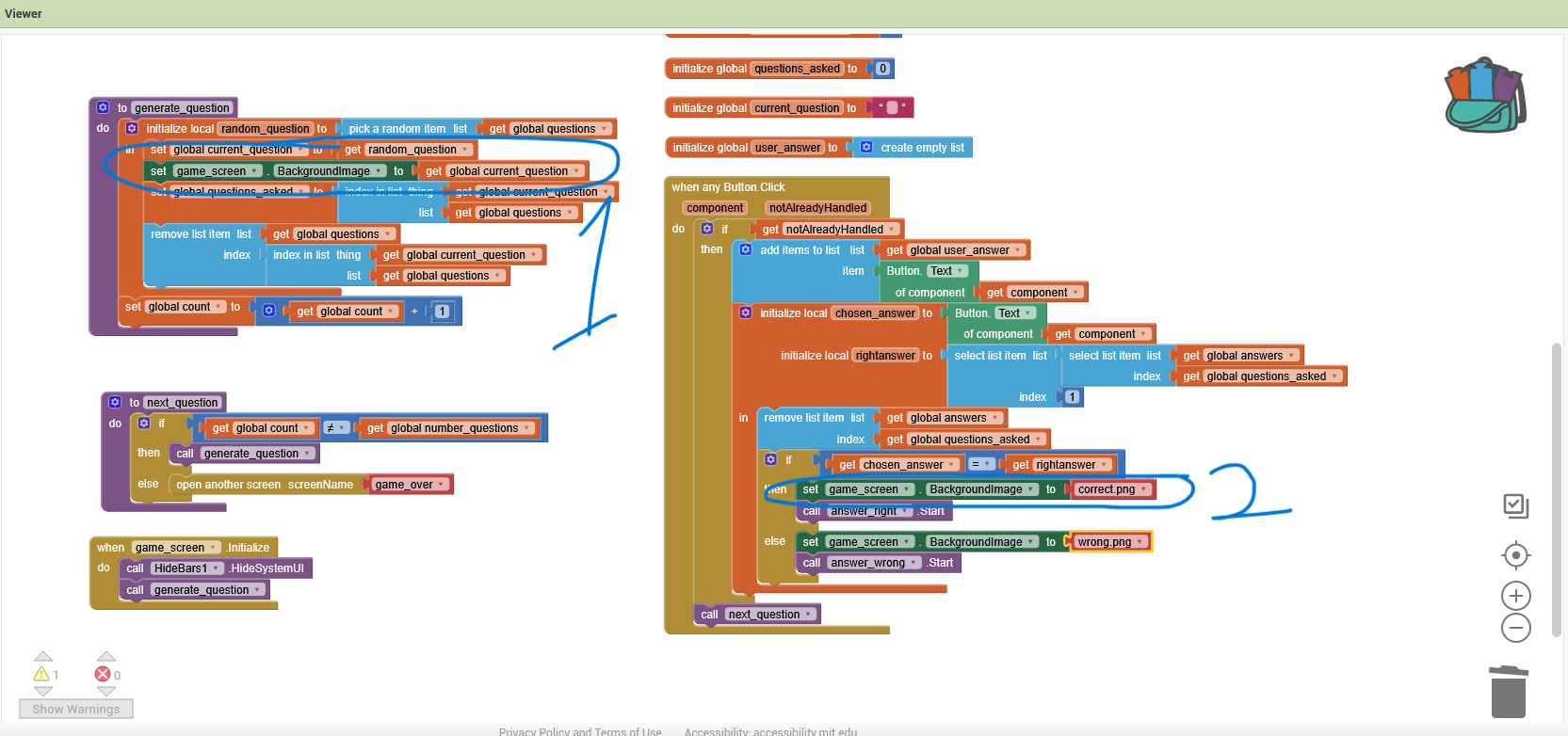
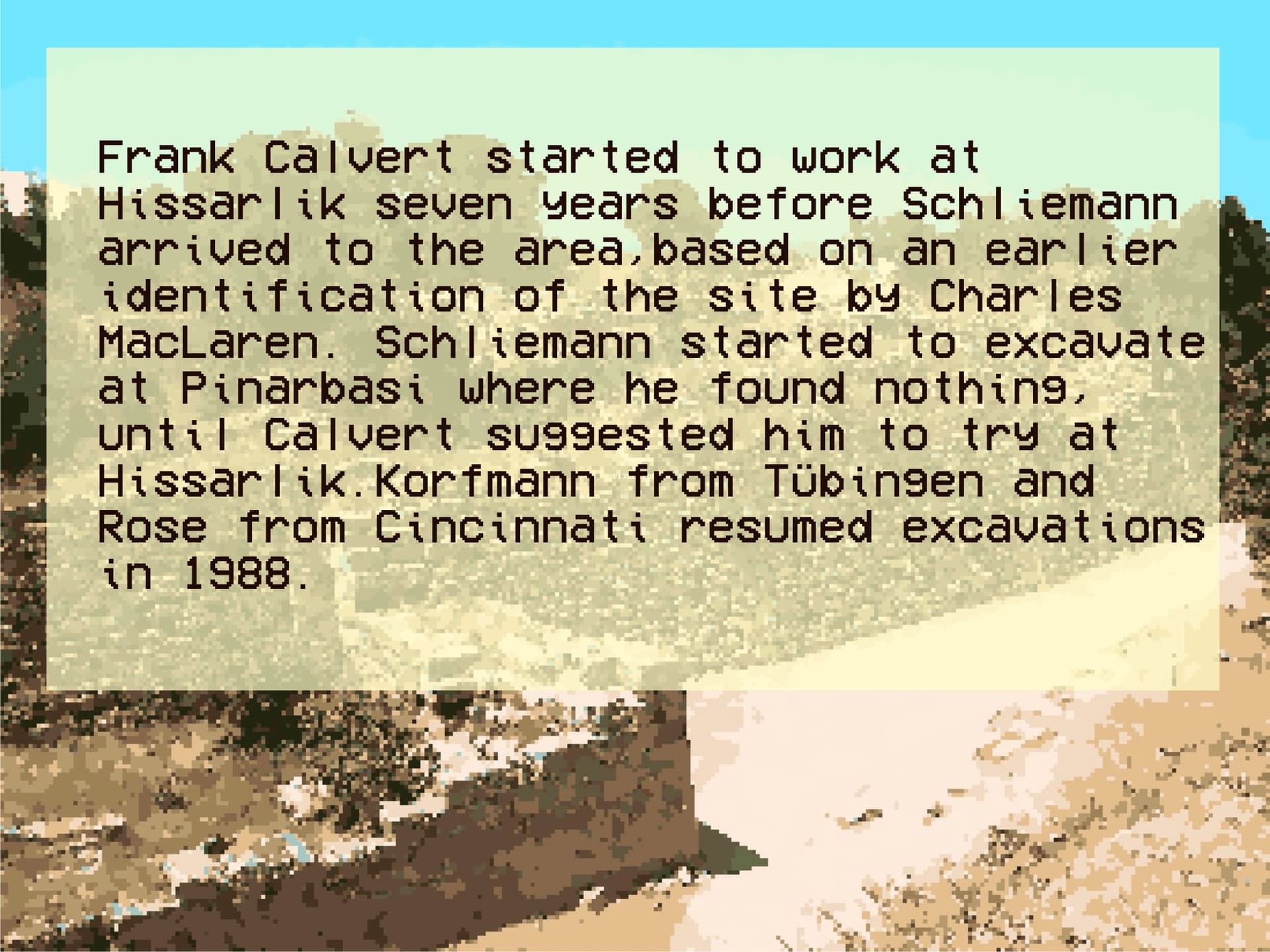
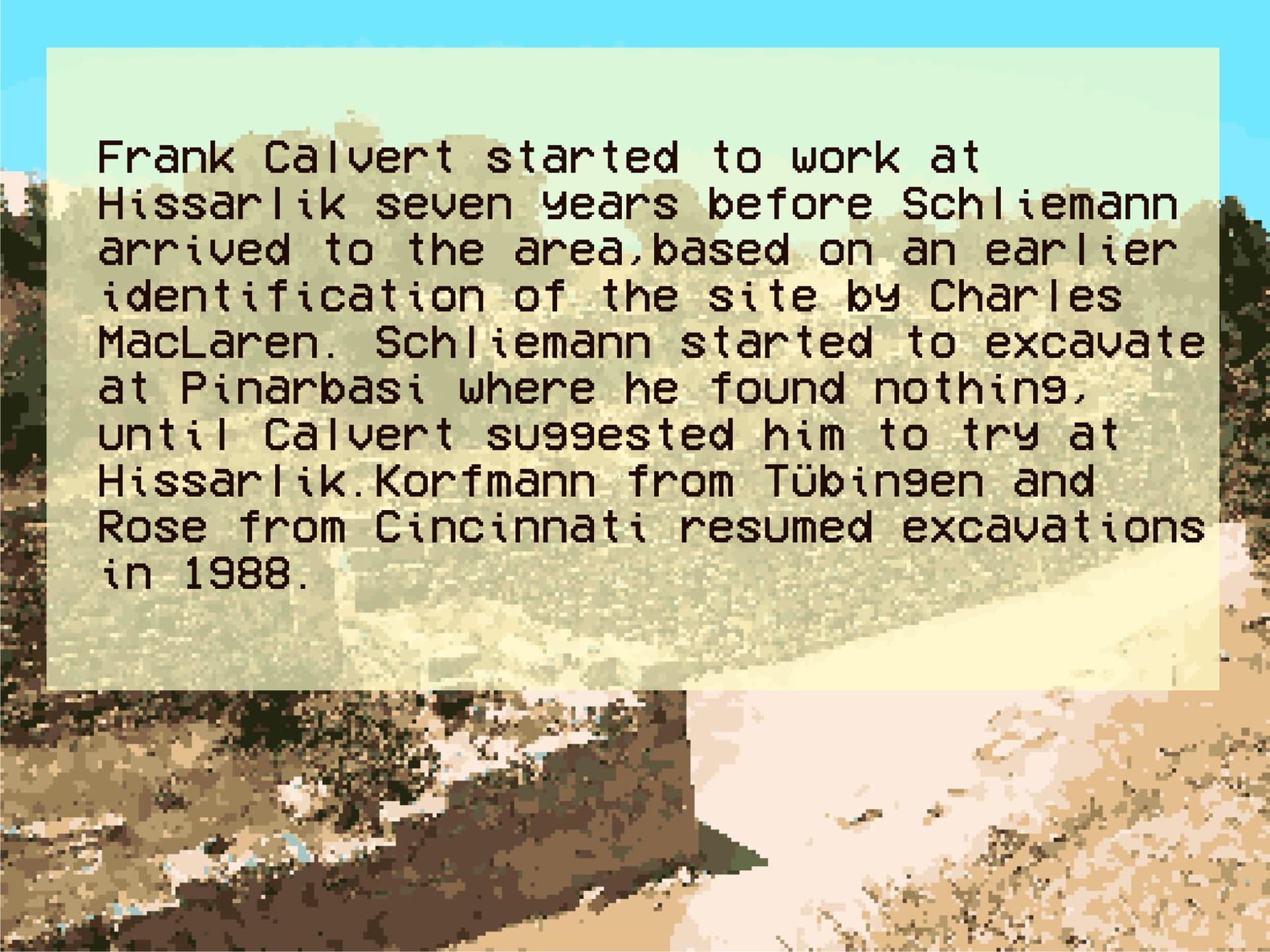
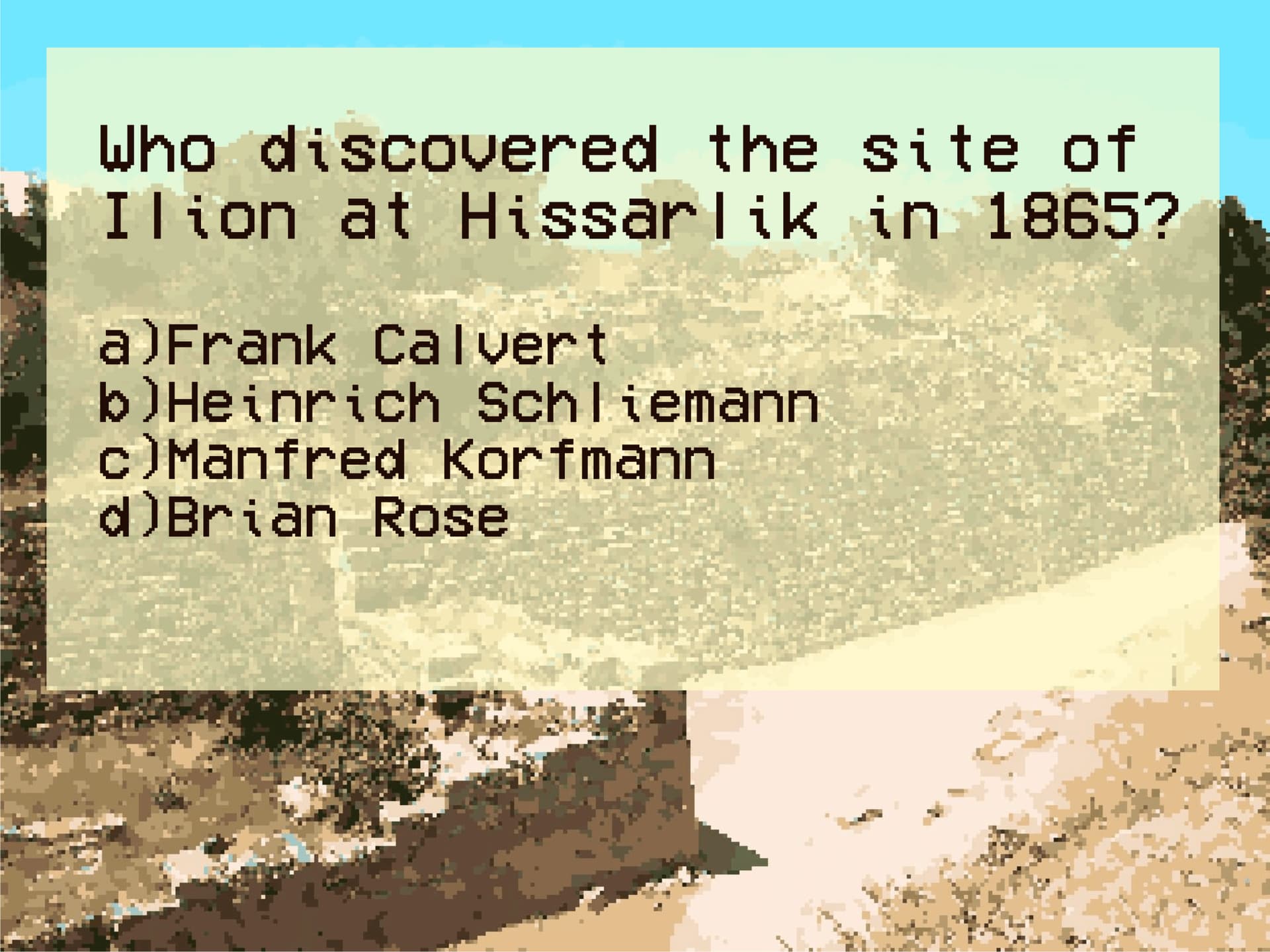
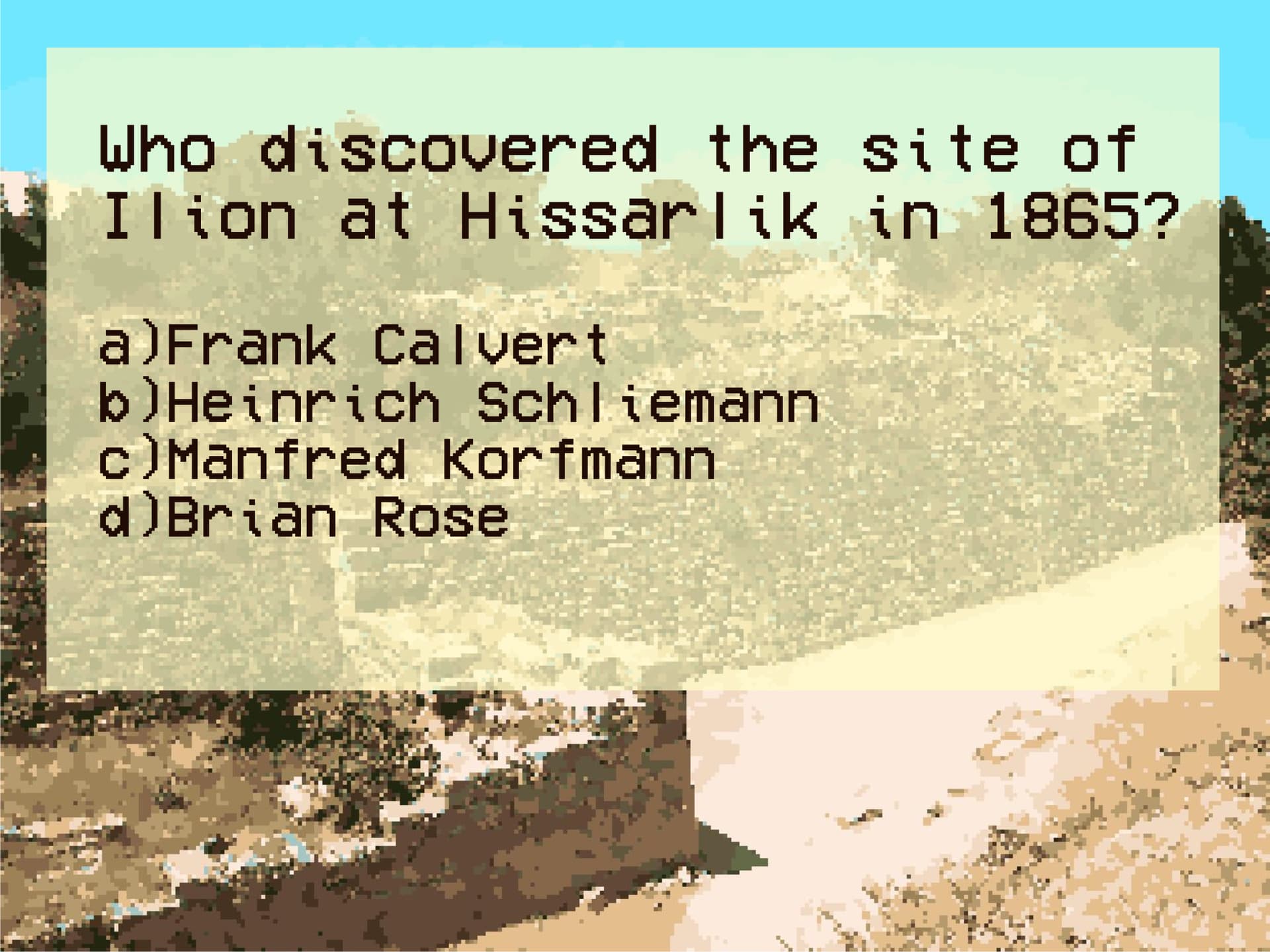
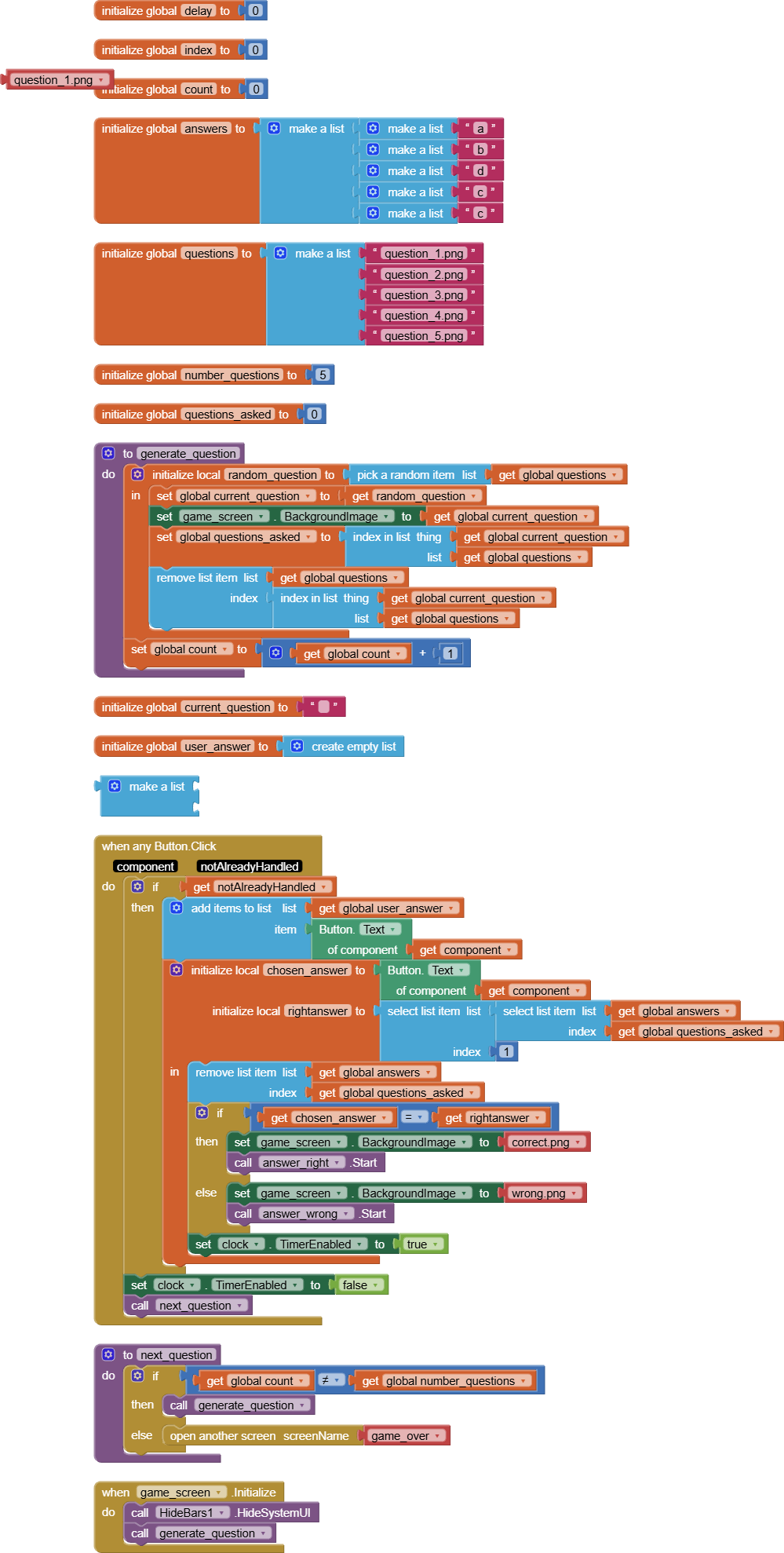
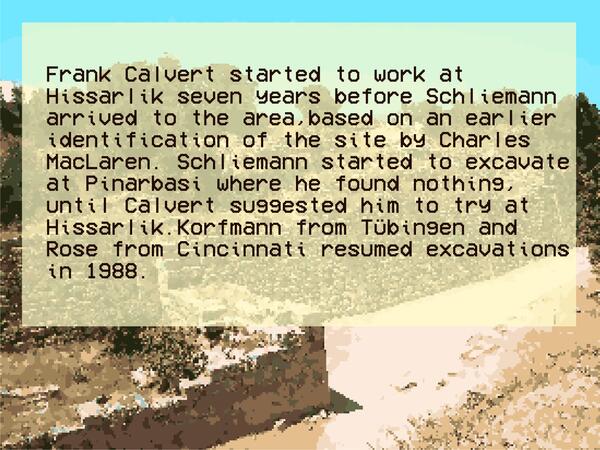
I am new at posting here so I hope I do it right. I am working on a quizz game for my archaeology students and I having an issue with set Screen BackgroundImage. For "artistic" reasons, the questions are displayed as the background image of the screen in which the game is running, and no issues with that: it chooses a random question from a list and displays it (1). My problem is that, after you answer the question, you can hear a little sound for right or wrong and a new background image with "correct" or "wrong" (2). The questions are transitioning smoothly, and the sounds are working perfectly, but for reasons I do not understand the background remains the same until the very last question before the game_over (which is a different screen).
Any advice will be more than welcome
You can try to separate question text from question background image by overlaying a Label with transparent background over the background image, just changing the text and image independently, if you have multiple questions per image. That alsogives your user optional font size control.
Either way, I see you have a problem in your use of the Clock Timer.
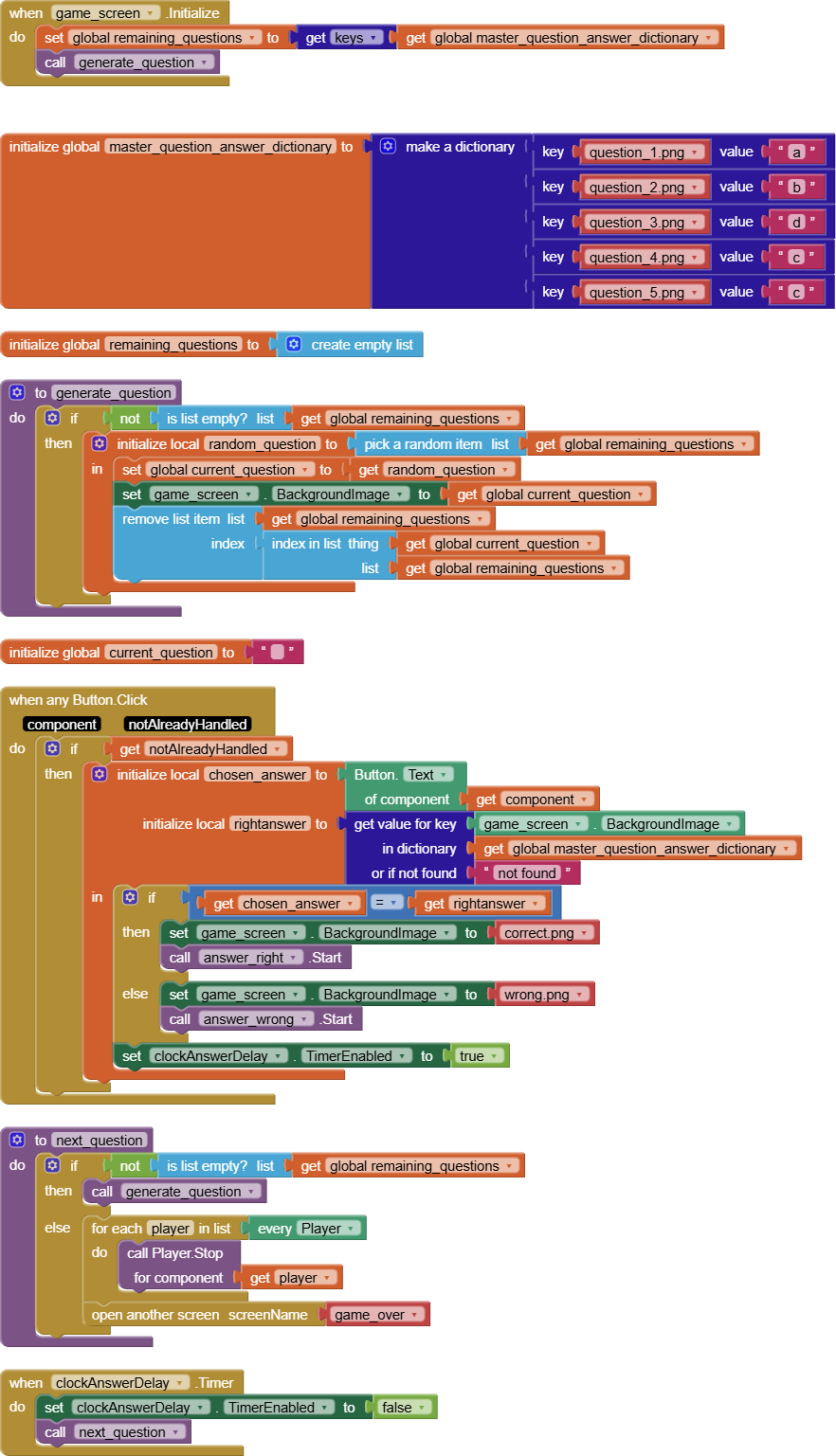
You seem to want to have a delay after processing your answer button clicks, to let your response sink in. You are starting and stopping a Clock (dangerously named Clock instead of Clock1 or ClockAnswerDelay, begging for AI2 to mis-interpret the name as the Generic component name "Clock".)
You lack a Clock Timer event to hold the next question loader procedure call.
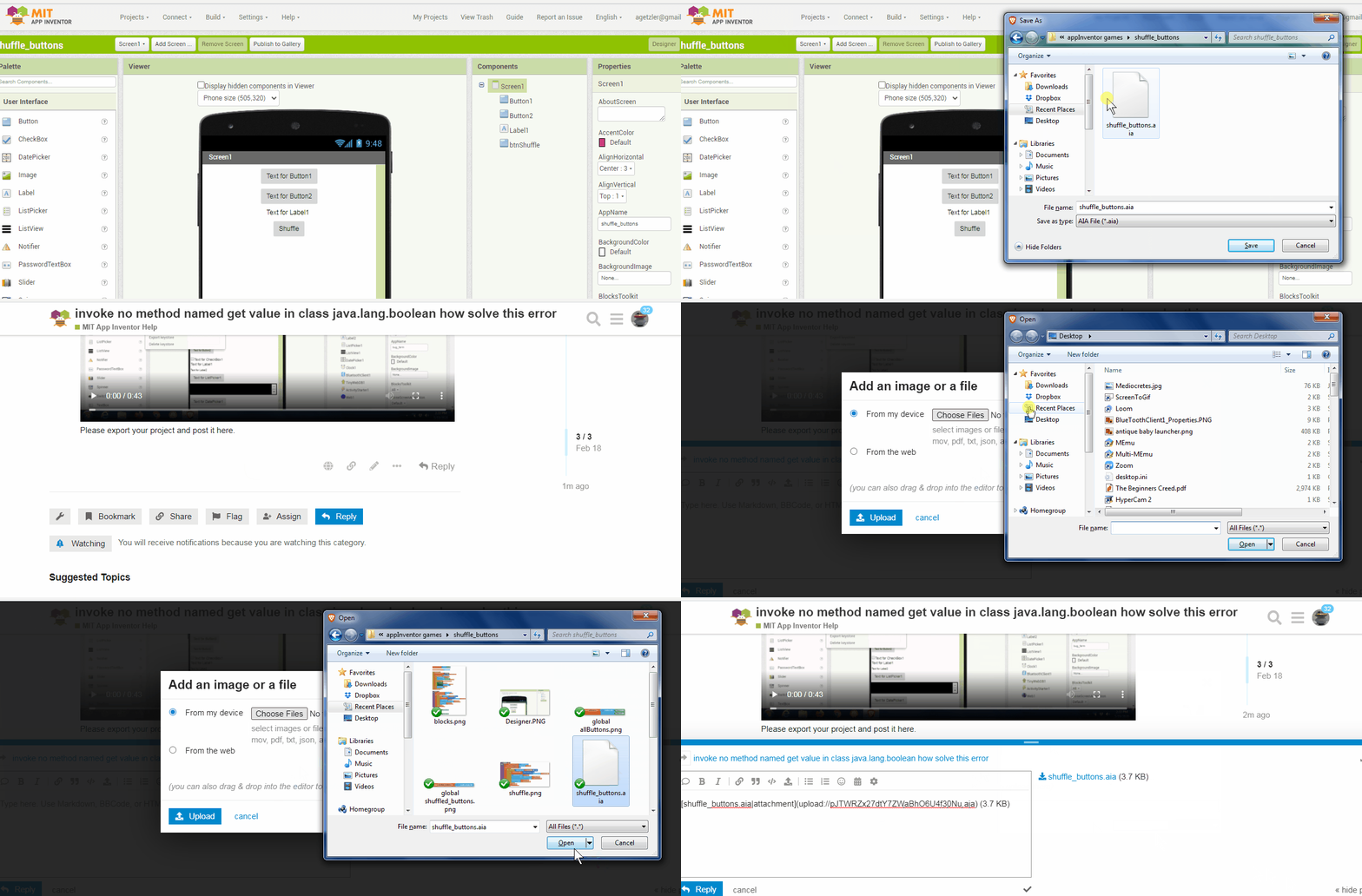
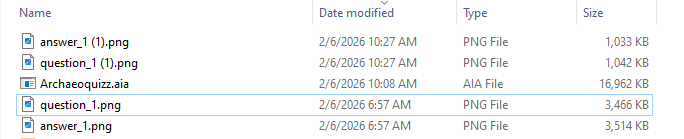
I had to remove files for questions 1 and 4 to get this to upload.
Also, your extension to hide bars was in conflict with my Companion apps, so I had to remove.
My Companions still seem to hold a grudge against this app over the Hidebars extension, so I was unable to test this.
I used AI2 helper blocks for your file names, which can be typeblocked, to avoid having to worry about typoes in text blocks.
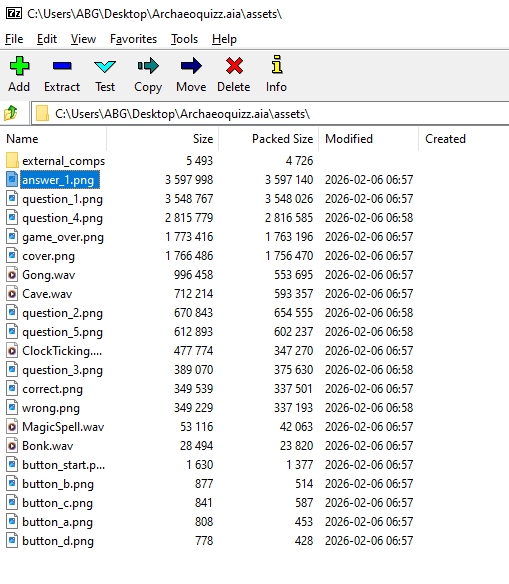
You can replace image files in your aia using 7zip:
I built my app on the code server, and it worked okay on its three remaining questions.
It should be straightforward for you to upload new question images and add their answer pairs to the master question dictionary.
Thank you very much for all your help. I clearly see my mistakes now, and I even be able to take the app further now that the main issues have been solved. And thank you also for the advice on the images, I will totally reduce the side of them all, especially consisdering I have about 150 of those ready to be used!
Best,
Emilio