
Make sure this is not checked in the Blocks Editor:

It can control multiple block movement and selection in the Blocks Editor.
Also, if you do a Right Click Cleanup Blocks on an empty spot in the Blocks WorkSpace, that might give you room to operate.
Also check for a sticky mouse button.
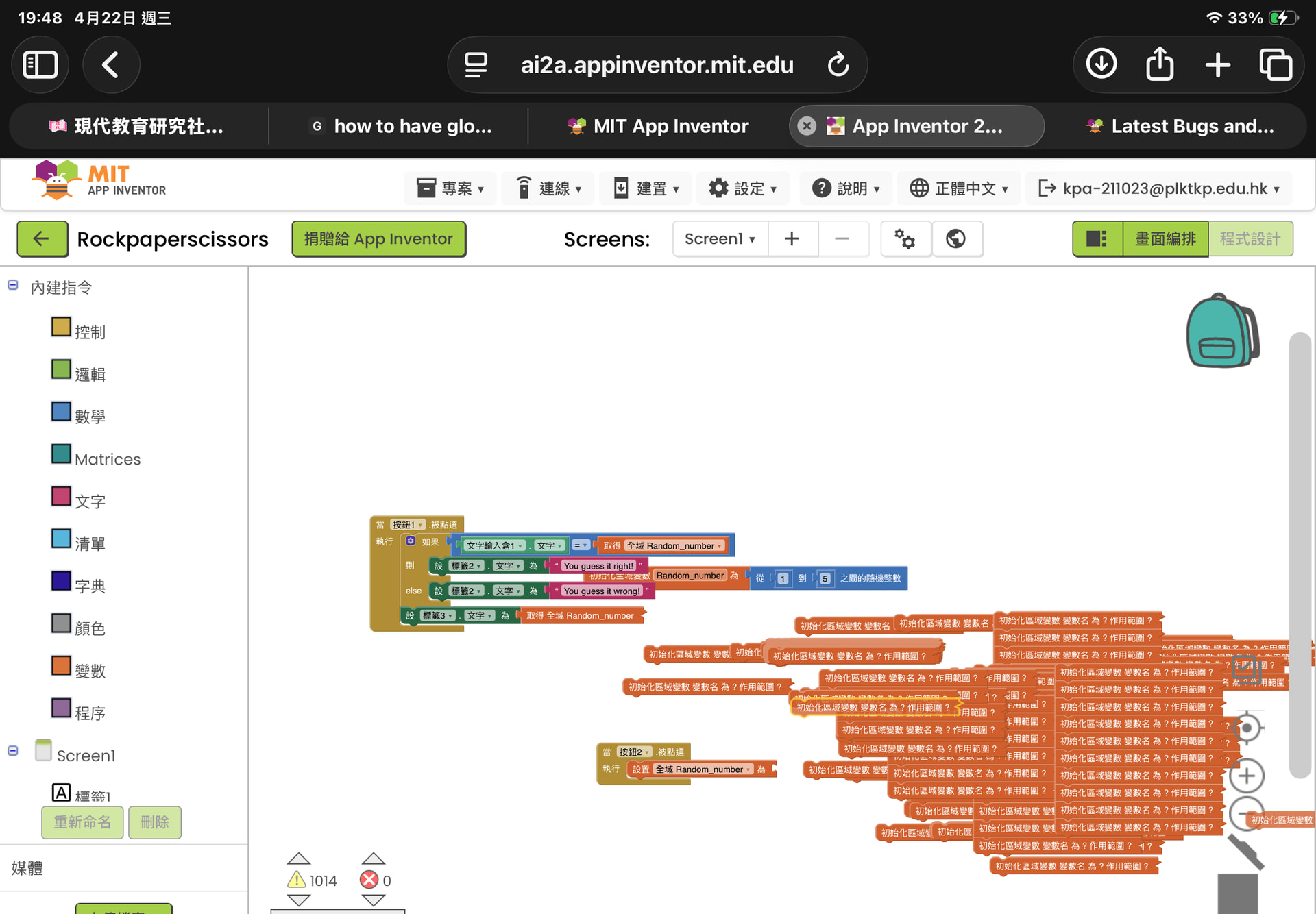
Most probably, as @ABG has already said, an unwanted “double click” has happened and has stored all your blocks in the backpack and then restored again on your blocks area, thus duplicating all the blocks (or something similar)…
To get rid of that (I believe that you didn’t press\ CTRL-Z to cancel the last operation) I suggest you to arrange the blocks in one of the following modes:

Once arranged, you can find which are the duplicated ones and cancel them. This has happened also to me a few times and, unless I had a recent backup copy (i.e. an .aia file) to restore a previous, but clean version, the only way has been to cancel by hand the duplicated blocks.
In a nutshell: rearrange the blocks and cancel manually the dulicated ones. Best wishes.