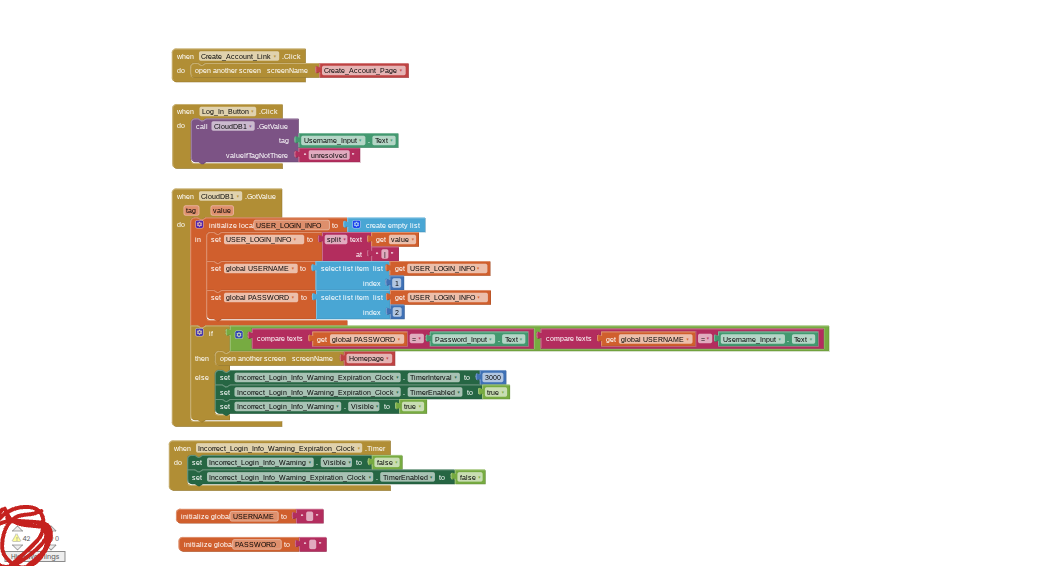
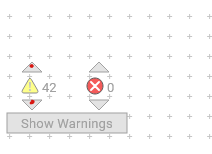
42 warnings is a lot.
Try a right click Cleanup Blocks to line up any hidden blocks.
Are you connected to an obsolete Companion version?
If neither helps, export the aia and upload it here so we can play with it.
I notice your CloudDB Not Found return value lacks a '|', leaving you open to a list select error later when you split the CloudDB return value at '|' and only get 1 item.
Either test the CloudDB return value before you try to split it, or return a default value with a | in it, like Not|Found.
huh I don’t get what you mean by this, also I did clean up blocks there is nothing else
Messanger.aia (463.9 KB)
well… in the login page you have 42 unconnected and blocks
umm no I dont
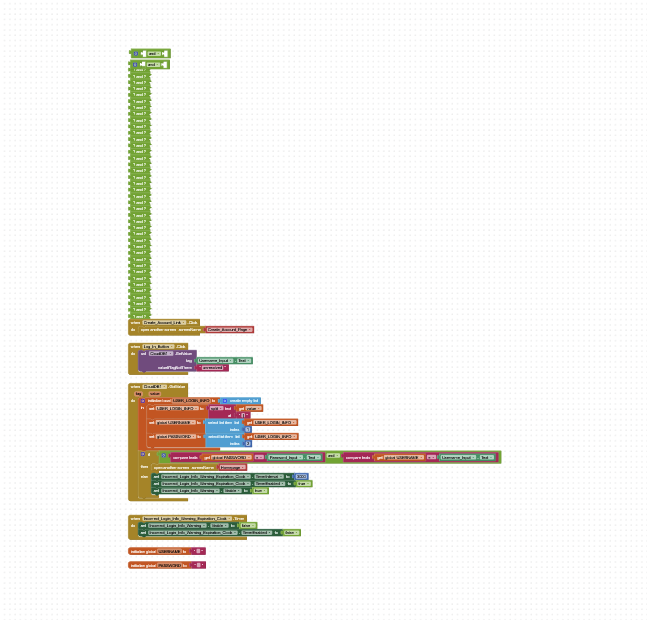
I did, your version is probably glitched
Check your Blocks Toolkit settings in Project Properties.
They should be set to default.
Maybe they are preventing you from seeing the blocks?
Also, click on the zoom out control a few times to get a wider view. (-)
Messenger.aia (463.0 KB)