When using the WebViewer component, I set a URL as the homepage of the WebViewer, but it keeps showing "loading" after opening. I copied the link to a browser or other places and it opened normally, but it just won't open in the WebView in App Inventor.
Sorry, I don't understand how to use the extensions you recommended to solve my problem.Thanks for your suggestions though!
Actually, the page loads successfully, but the content inside keeps loading indefinitely... I suspect it might be related to the WebView core. Maybe the WebView core version is too low, and that's why my webpage won't load properly?
Is there an extension that can replace the default WebView with a higher version core, or one that uses the system WebView—similar to how some browsers (like Via) don't bundle their own WebView and instead rely on the one built into the system?
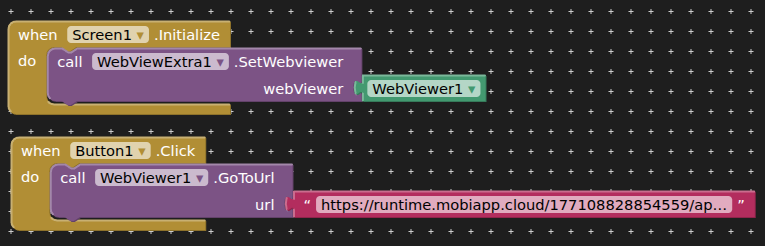
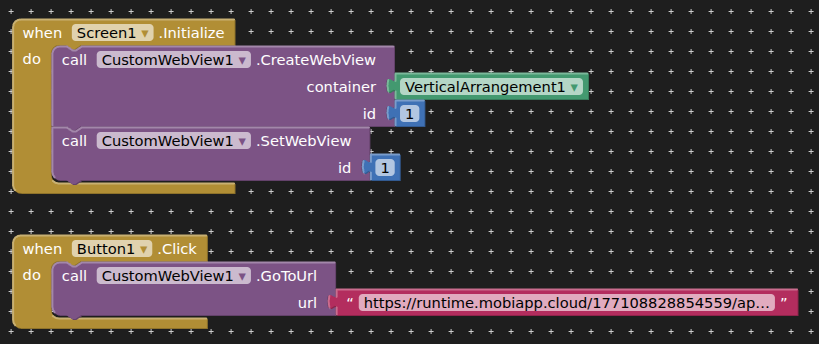
Yes, I've tried both. But they didn't make any difference—the webpage just keeps loading indefinitely. Maybe I'm not using them correctly? I looked at the blocks, but I'm not sure which ones I'm supposed to use. Also, when I tried the CustomView extension, I got an error saying: "Argument is neither Class nor Type."
The page itself opens, but the content inside never stops loading (maybe for some reason? ). It's not that it won't open—it just won't finish inner loading. Yet the same site works perfectly in any browser on my phone or PC so I guess the problem may not from my site
I can give you the link, but I'm not sure if it will open properly in your country.
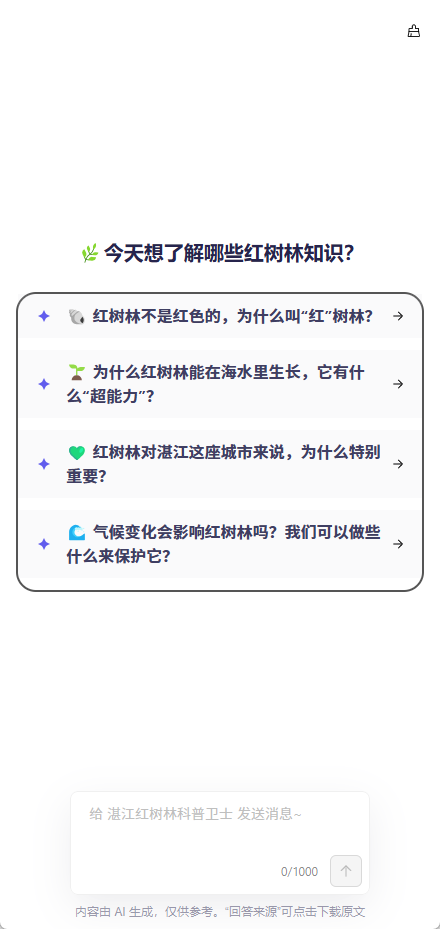
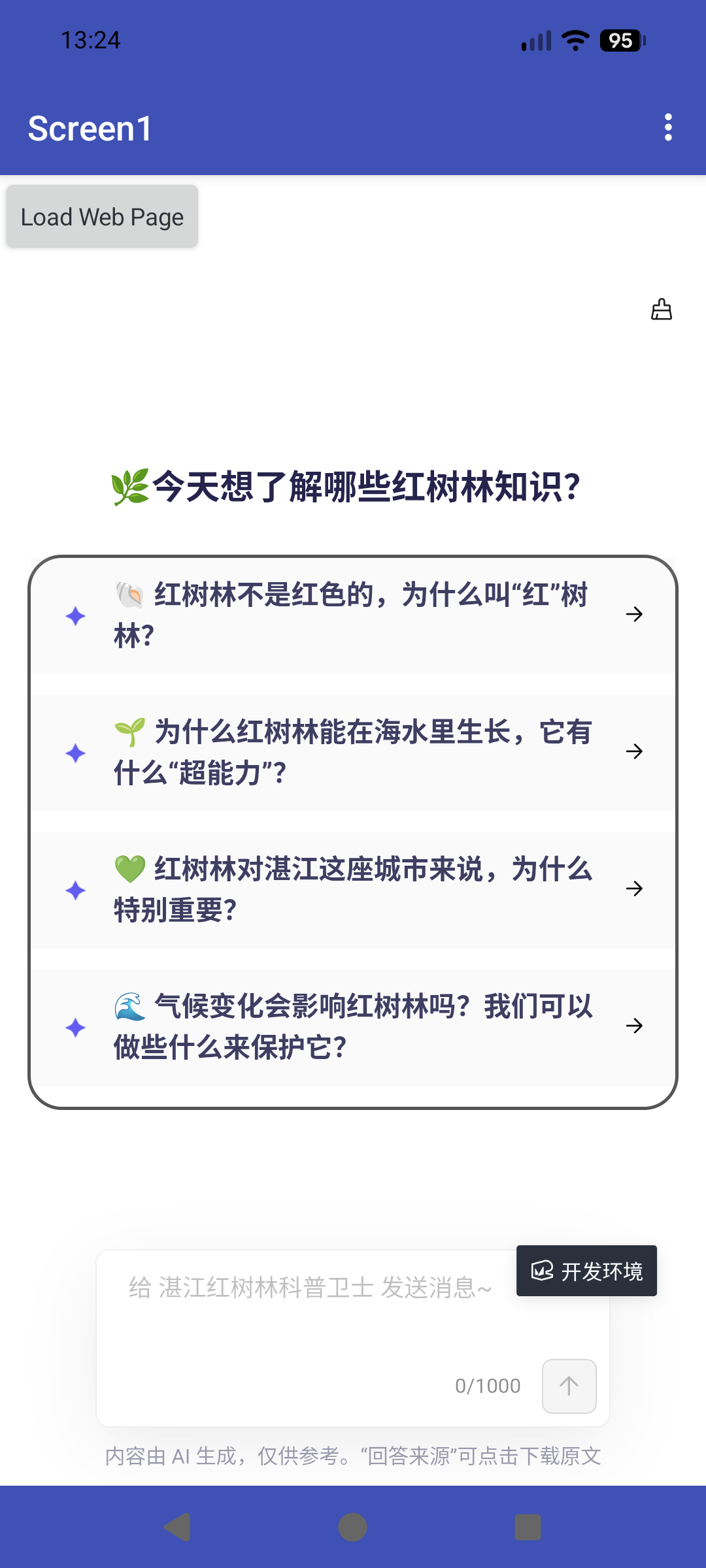
When you see the image below, it means the page has loaded successfully. Also, before the screen below appears, you should see a loading animation (spinning circle) for about one second. The problem I'm having with the WebView in App Inventor is that it gets stuck on this animation.
I can't believe it! The problem that has been bothering me for so long is finally solved!! Thank you so much!! You've helped me with so many of my questions—you're literally an angel!!
Now I know why it was throwing the error "Argument is neither Class nor Type"! I used VerticalArrangement instead of WebView!! Haha! You have no idea how much this means to me. Thank you from the bottom of my heart! Words can't express how thankful I am!
If you ever come to China someday, I'll definitely treat you to a biggggggg meal !
That is why extension developers generally write documentation / provide examples to go with their extensions, so that users can read them before using the extension.