Has the latest IOS version 2.74 (build 68) caused the VerticalScrollArrangement layout to fail?
All was Ok 24 hrs ago.
I've proved it's not working as it was.
Thks
Has the latest IOS version 2.74 (build 68) caused the VerticalScrollArrangement layout to fail?
All was Ok 24 hrs ago.
I've proved it's not working as it was.
Thks
Could you be more specific with the failure mode? It will help us understand what needs to improve. This is the relevant pull request we are testing in the recent build:
Evan
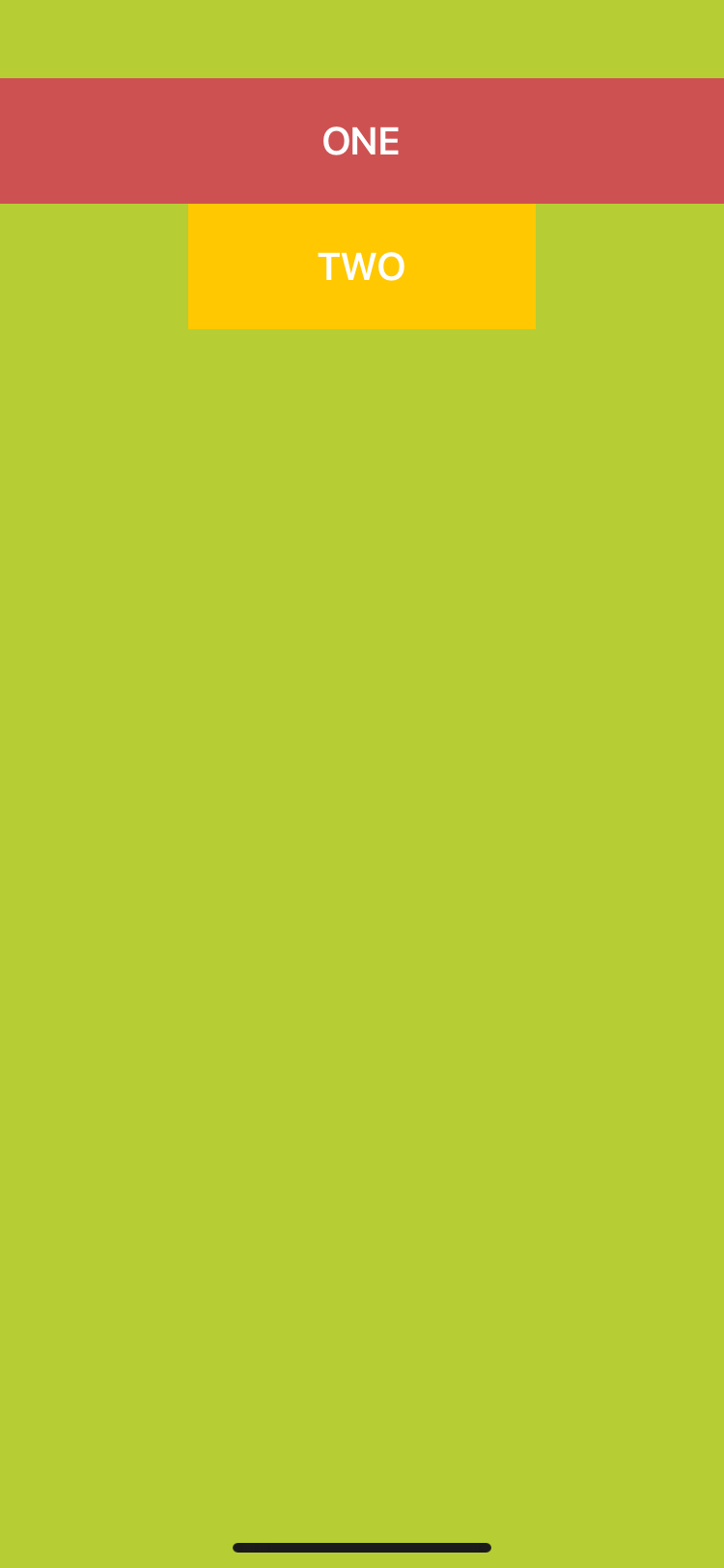
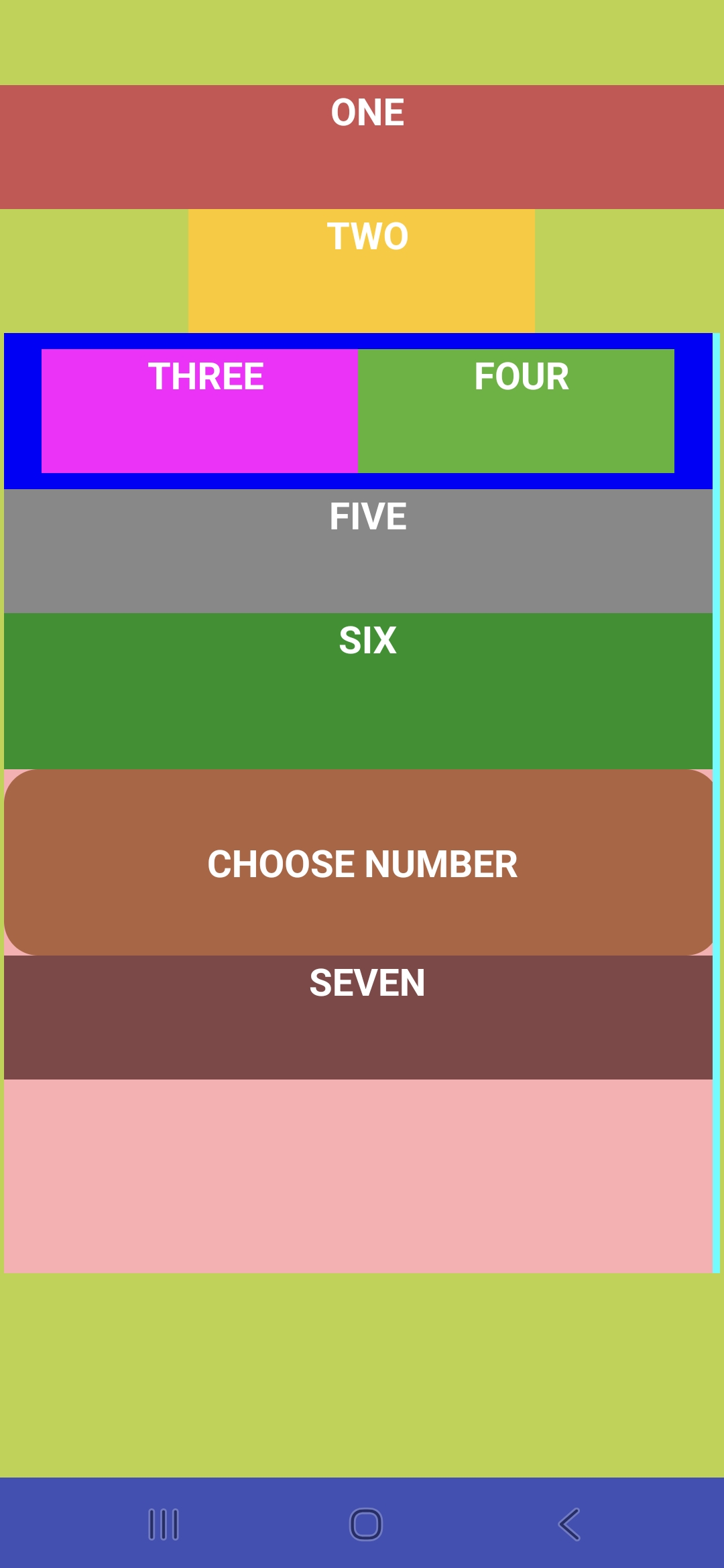
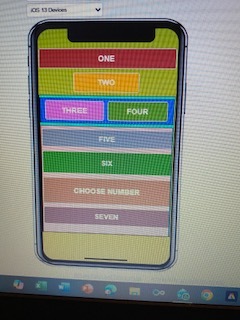
Here are 3 photos of what's happening. This is just a very simple IOS test project to demonstrate the problem.
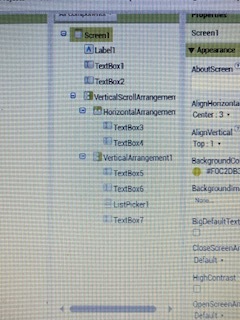
There are 7 elements selected in this project.
The 'DEVICE' view shows just 2 elements ONE & TWO, both text boxes, and both are outside of the VerticalScrollArrangement. These are all that appear on the device screen after link to companion.
The 'COMPUTER' view shows all seven selected elements within the test project and it's elements THREE to SEVEN within the VerticalScrollArrangement that do not appear on the device, as if the VSA is not set to visible.
The 'SELECTIONS' view identifies the project structure.
In essence nothing to do with the VerticalScrollArrangement is now visible on my iphone whereas 48 hrs ago all was all visible - before version 2.74 build 68.
Thanks - hope it makes sense.
Evan, To further help here is the screenshot of the same VSA test project using Android companion.
Everything showing - thus the diff between the IOS & Android s/b clear.
Thanks
Evan
Have you or your team any news on this?
The date of the #3622 change is co-incident with the date the VSA layout within my app stopped working. It was ok the day before.
I displayed a very simple test project on here showing the differences between the IOS & Android companion results. I'll put the aia file on here in a mo.
Thks
IOS_SCROLL_TEST.aia (1.7 KB)
Here's the AIA file for the IOS Scroll test.
Please review and advise.
Thks
I'm advised that a fix is to be included in next release.
So good news.