Hi everybody, I'm asking for your help with this issue:
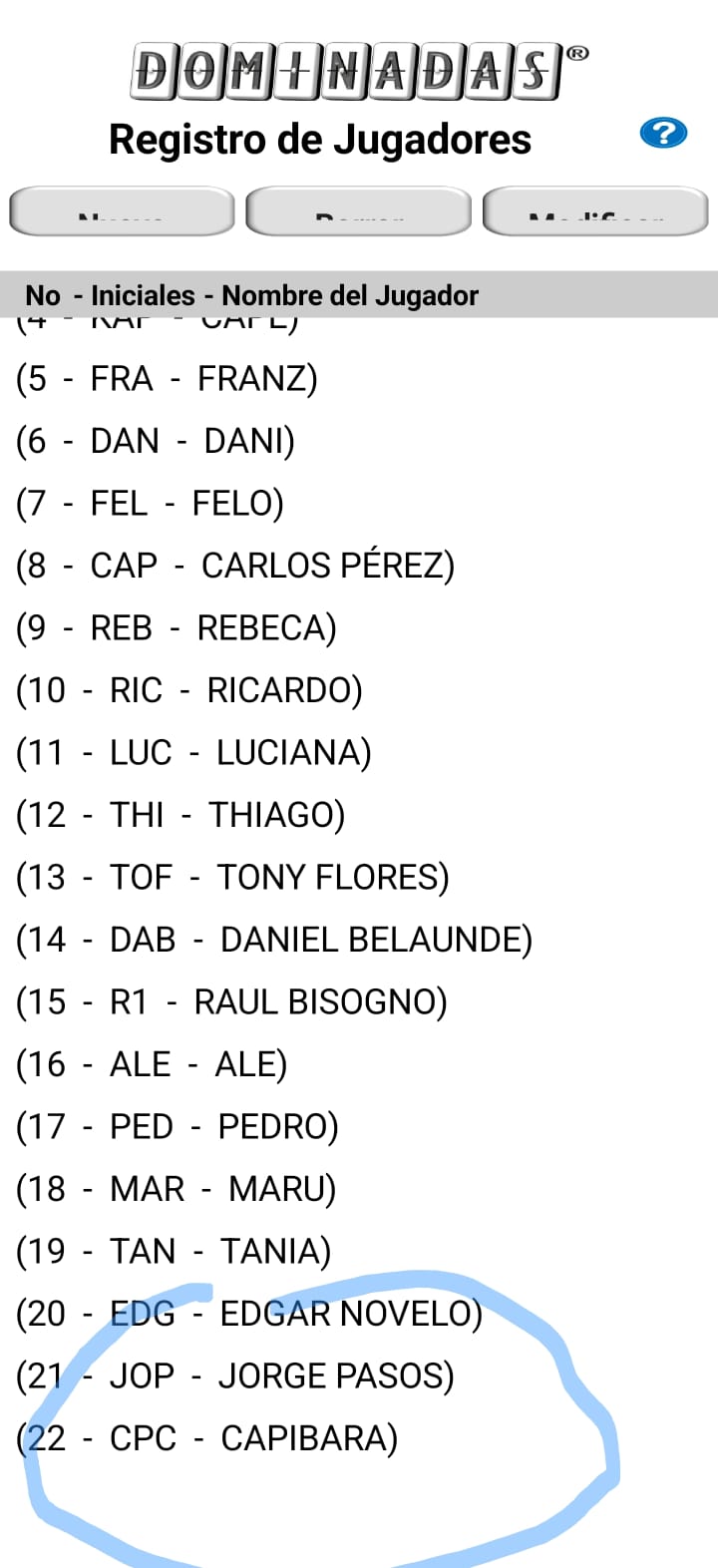
I've a 3 buttons screen, to handle game players in the app: you can Add, delete or modify them.
everything works fine, previous to google full screen size change, and, so far, I only have observed this behavior in Samsung devices; in other brands works fine.
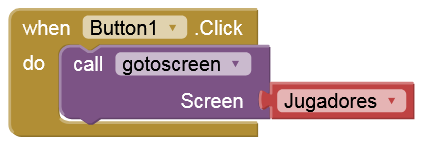
What happened is that when you pick the new button, and add a new player, you go back to players menu, and for some reason I can't figure it out, decreases screen height. Same ocurrs with modify button.
If you pick delete button and erase a player, when you go back to players menu, the screen height is correct. If you pick any button and made no changes, and only press the back button, nothing changes and the screen height remains correct.
I added a tag with screen height to point out what change in.
I'm attaching a video to show this behavior, and the aia project, for further reference.
I hope someone can help me to see what I'm doing wrong.
Regards.
This project belongs to an app that I have in the Playstore since 2016, and I left only the significant blocks to show what is happening with the screen height, so I apologize by the mistakes you correctly pointed out.
In the other hand, same app in a realme device, with limited screen area to the camera, have no problem with screen height. Example attached.
I think the problem is with the full scren size which includes the camera notch, because is the only recent change I can see, with the design on the devices.
Yes, I was able to reproduce the problem on my Pixel 7 Pro (Android 16). There seems to be a mysterious bug (after switching back from Screen "New" to "Jugadores") because ScreenHeight is returned incorrectly, and therefore the percentage values are calculated based on a significantly smaller ScreenHeight.
Since the app in the Playstore has not been updated in this modules, and now I have a better comprehension of how AI2 works, specially with screens, since I created it in 2016, I'm updating the app so there's no need to change screens to add/delete/modifiy players, and with this change there no longer problem for me, so I'm going to close the topic.
However, the bug remains there, so I hope this had helped to visualize it, and to find a future solution.