Touchscreen users may find it hard to scroll for more components #site-feedback
This is happening on Neo UI because you won’t scroll the entire page but just the components category on Neo.
Visuals
Let’s take a look at this simple screenshot! 
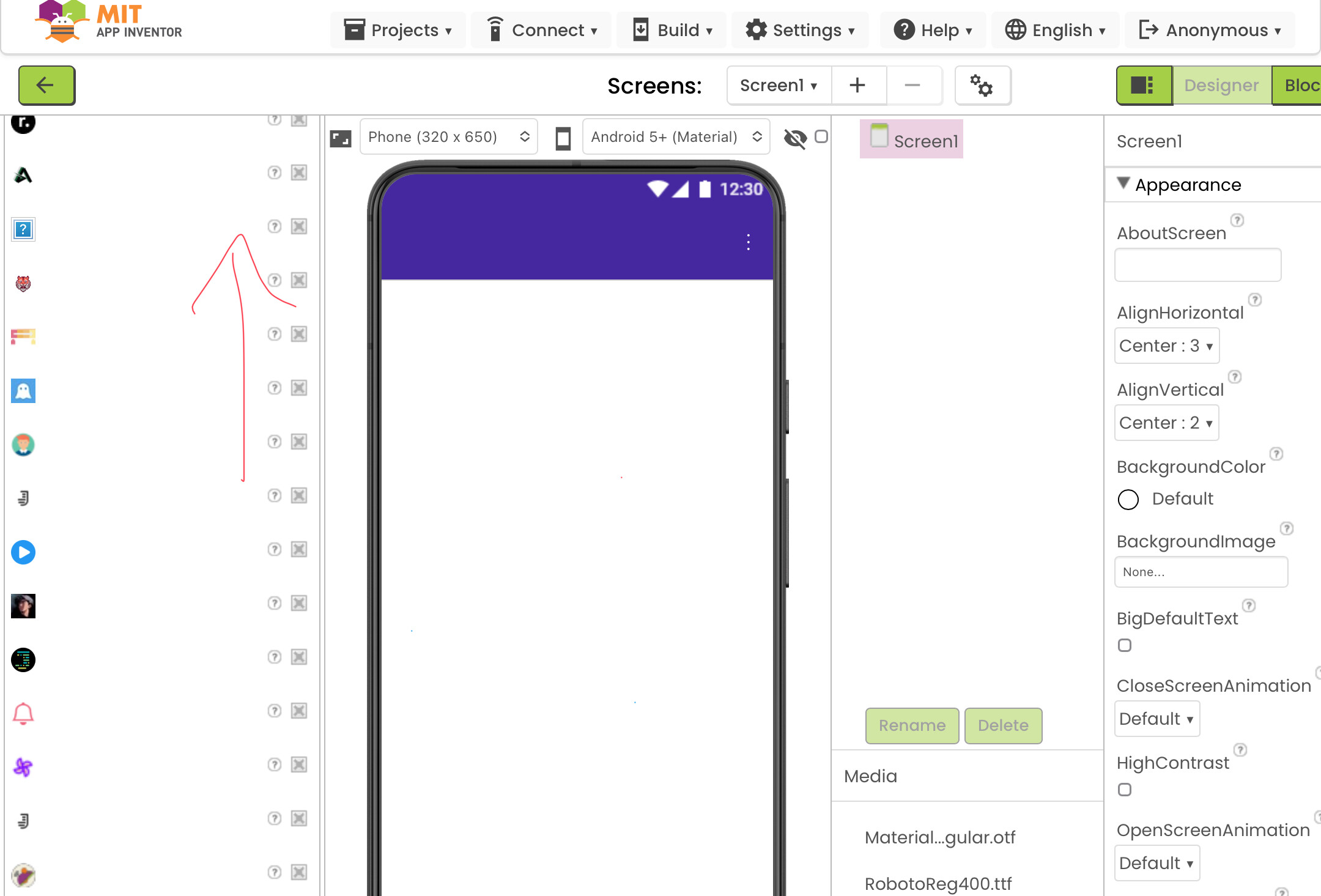
As you can see, users who use touchscreens like IPad are having difficulty scrolling up if they scrolled too down or having too much components (or extensions) like me. 
What are we doing to solve this problem right now? 🤔
You see, as a user who uses touchscreen, we have to resize the page on our browser, set it to a size where we can see the top and collapse the category and collapse it and open another category.
I understand it’s just my problem because you guys can use mouses to scroll up and down without any issues or problems. I just… find this not too user-friendly.
Improvement or What can App Inventor do about it?
The easiest solution we can do is just adding a scroller.What do you think?
Should App Inventor ad a “scroller”-thing on its component category on the left?
- Yes (can be enable and disabled by the user)
- No
0
voters
And why? Comment below! 
Is it called a “scroller”?