Hello everyone,
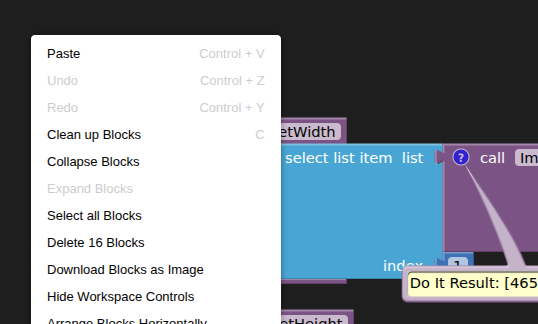
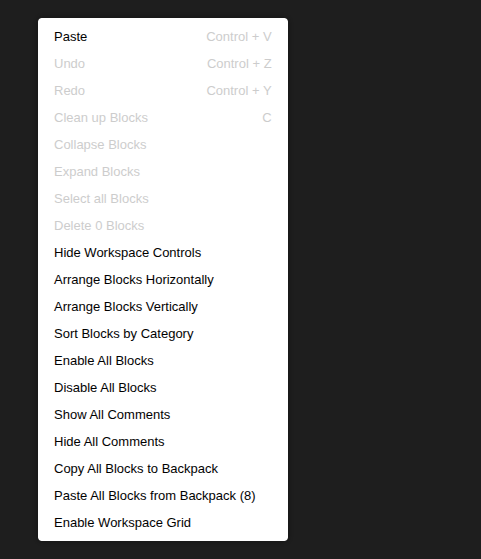
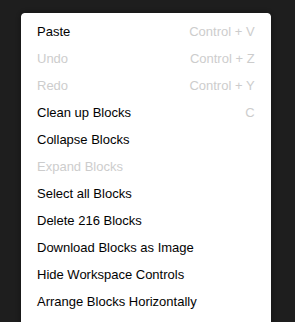
I suspect there might be a small bug in the new version. Basically, when I’m among the blocks and right-click, all the options appear—except for "Clean up Blocks."
Regards,
Nicola
Sometimes it appears for me, and sometimes it doesn't
Won't be available if there are no or only one block
Does the keyboard shortcut work C regardless ?
Your screenshots are a bit odd ?
Me too
Thanks for the reports! I have a PR fixing this Restore WidgetDiv position on Typeblocking close by mjgallag · Pull Request #4205 · mit-cml/appinventor-sources · GitHub.
Unfortunately, I still don't see the "Clear blocks" option.
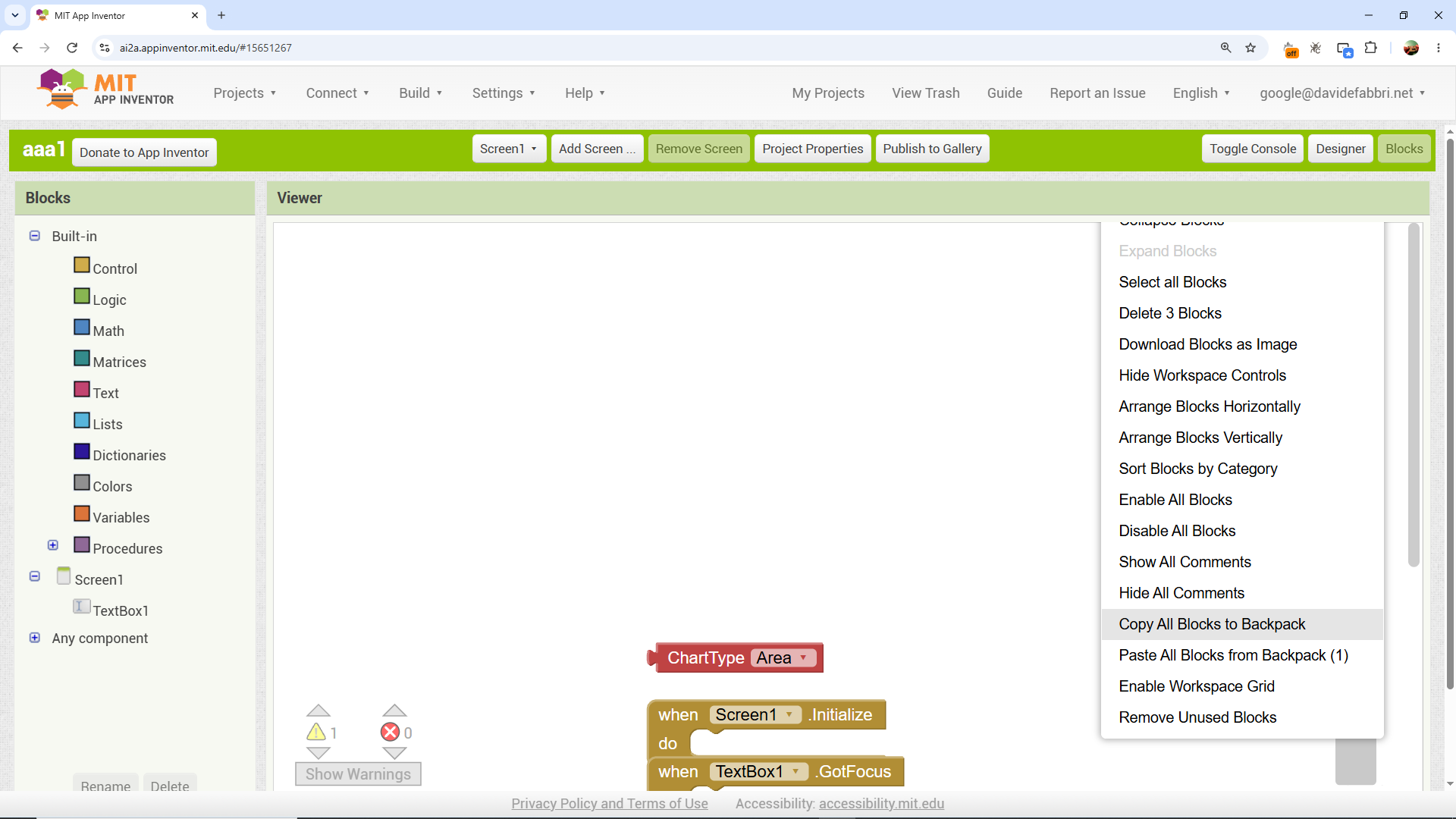
yes, if you have the browser zoomed in and the right menu does not fit, the upper part may be hidden ( and the menu scroll bar is not always visible ), you need to zoom out a little bit
The strange thing is that, even when I changed the screen view, the option remained hidden in Chrome. However, I started seeing it when I used Firefox.
Sorry for any confusion but this has not made it to test or prod yet, has merged so will be in next release.
It looks like the context menu option may not be there anymore or may have been changed by a recent update. Does this happen all the time in all projects, or just with some blocks? We hope it's only a small loss.
That was a truly useful option; the only alternative that comes even close is sorting the blocks by category—but that still messes up the order of my blocks anyway!!!
I await the new release with anticipation.
Hurray  , the "Clean up Blocks" feature is back; I hope it doesn't disappear again.
Regards,
Nicola
Nope.
I don't see it in Brave.
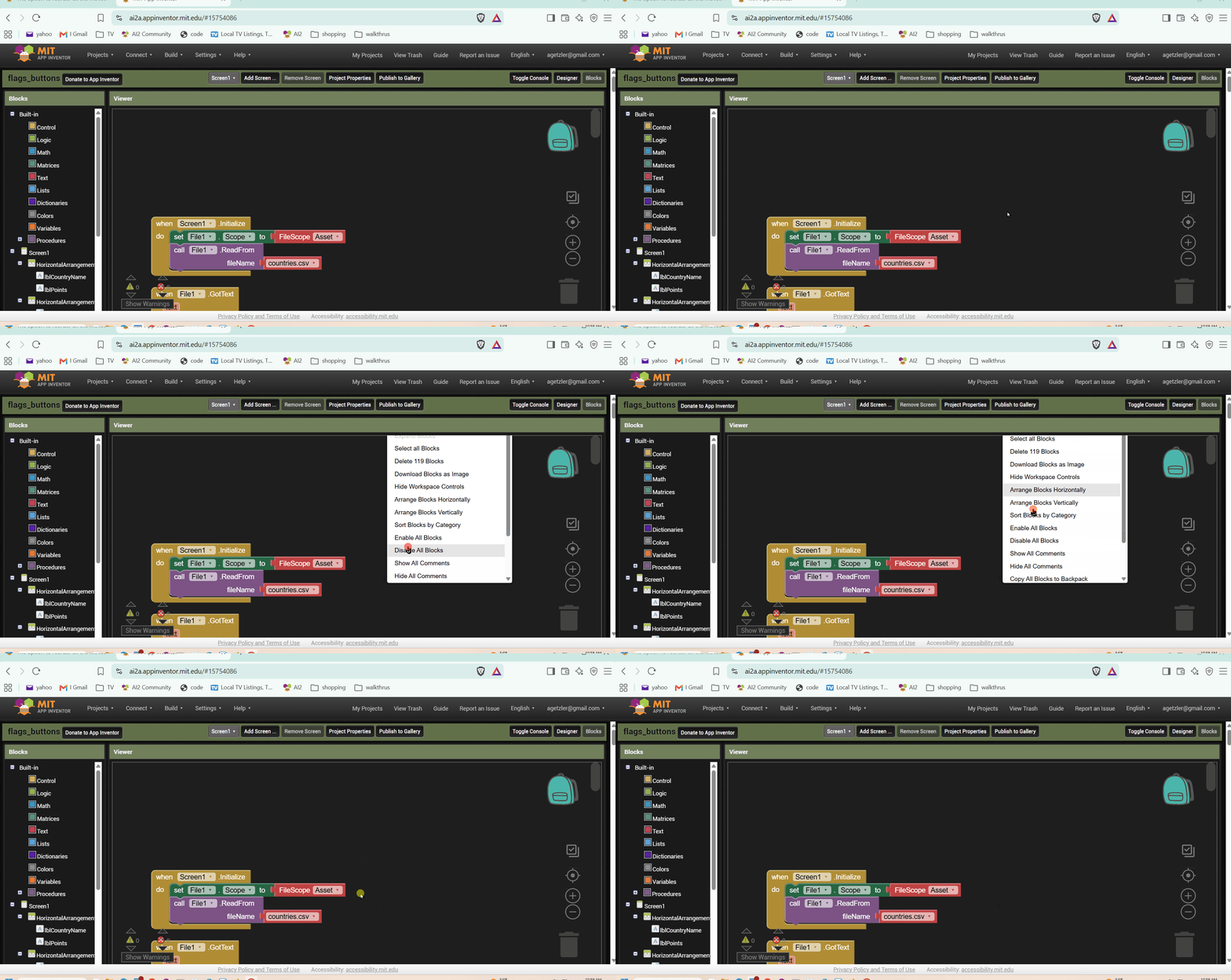
I do (always have, it never went away)
It is two above Expand Blocks, try clicking lower down on the editor
zoom out a little bit or right click on the bottom of the screen ( the upper part of the menu is cut )
The only zoom out facility available to me was the Ai2 Blocks Editor (-) icon, and that didn't help.
The Windows Magnifier has no zoom-out option.
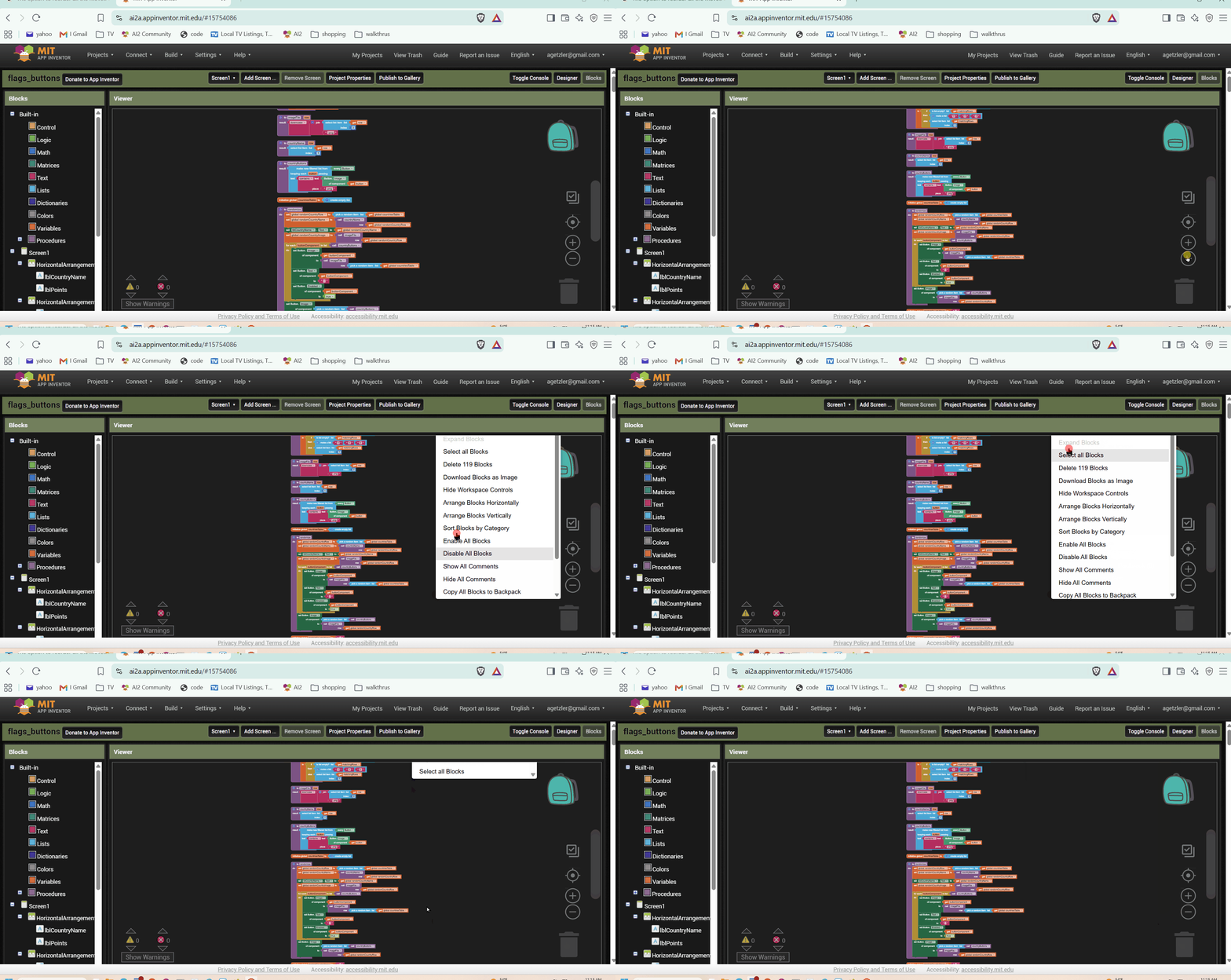
I need a way to shrink the font size on the pop up context menu, or a way to get it to appear above the rest of the panes.
CTRL - a few times to reduce screen (CTRL + to go back up or CTRL 0 to reset)
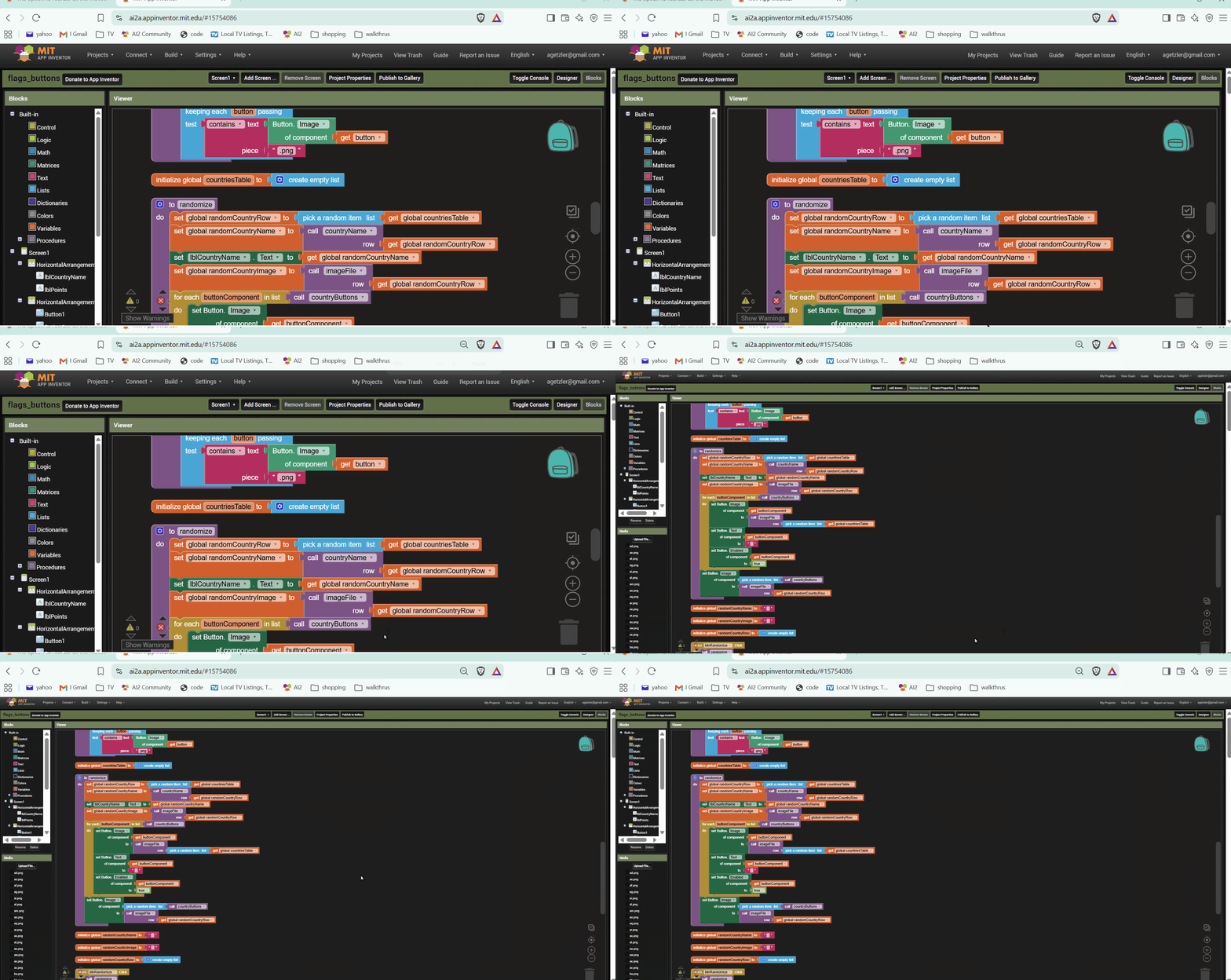
Thanks @TIMAI2 , Ctrl Minus finally got me there.
I had forgotten (or never knew) about that keyboard trick.
It would be nice if that context menu did not need such calisthenics to work.