I cannot seem to find this new feature or something that says “Test in Web”. Is it called ‘Emulator’? If so, then it does not work for me and says, “The aiStarter helper does not appear to be running”.
Hi, visit https://ai2-test.appinventor.mit.edu
Open any project and under Connect you should see the new Test in Web button.
Hi, thank you so much!
1 Like
Wait, I still dont see the “Test in Web” thing after I downloaded my project from https://ai2a.appinventor.mit.edu/, and put into https://ai2-test.appinventor.mit.edu/# . It isnt under “connect”.
We have that in https://ai2a.appinventor.mit.edu/ now, try there
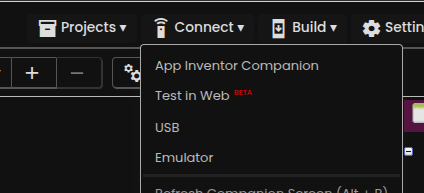
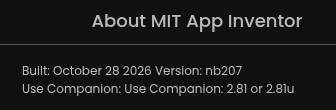
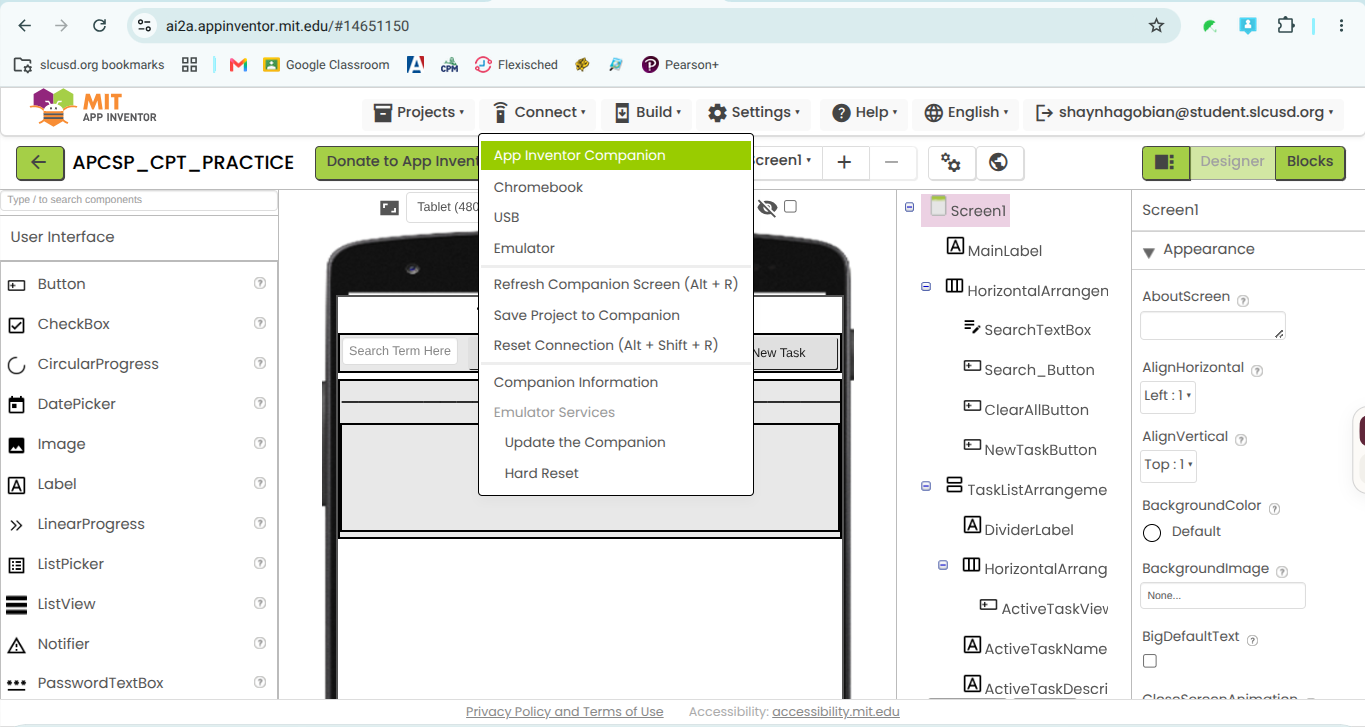
I have that version I dont see it though. I have a “chromebook” thing that when clicked opens about:blank but doesnt load because my organization blocks about:blank.
Thank you for that little nugget of information.
Just tested, not available on my Chromebook (personal) either...
1 Like
Are you on a Chromebook? If not that seems like a bug. Normally on Chromebooks we hide the USB and Emulator options since one cannot run aiStarter on a Chromebook.
Has insertion of a new Connect pulldown choice thrown off the indices of that hiding operation?
Yes, I am on a chromebook.
I need to double check. Each entry has an ID so the visibility should be controlled by the ID not the particular position in the list.
1 Like
This bug should be corrected now.
1 Like