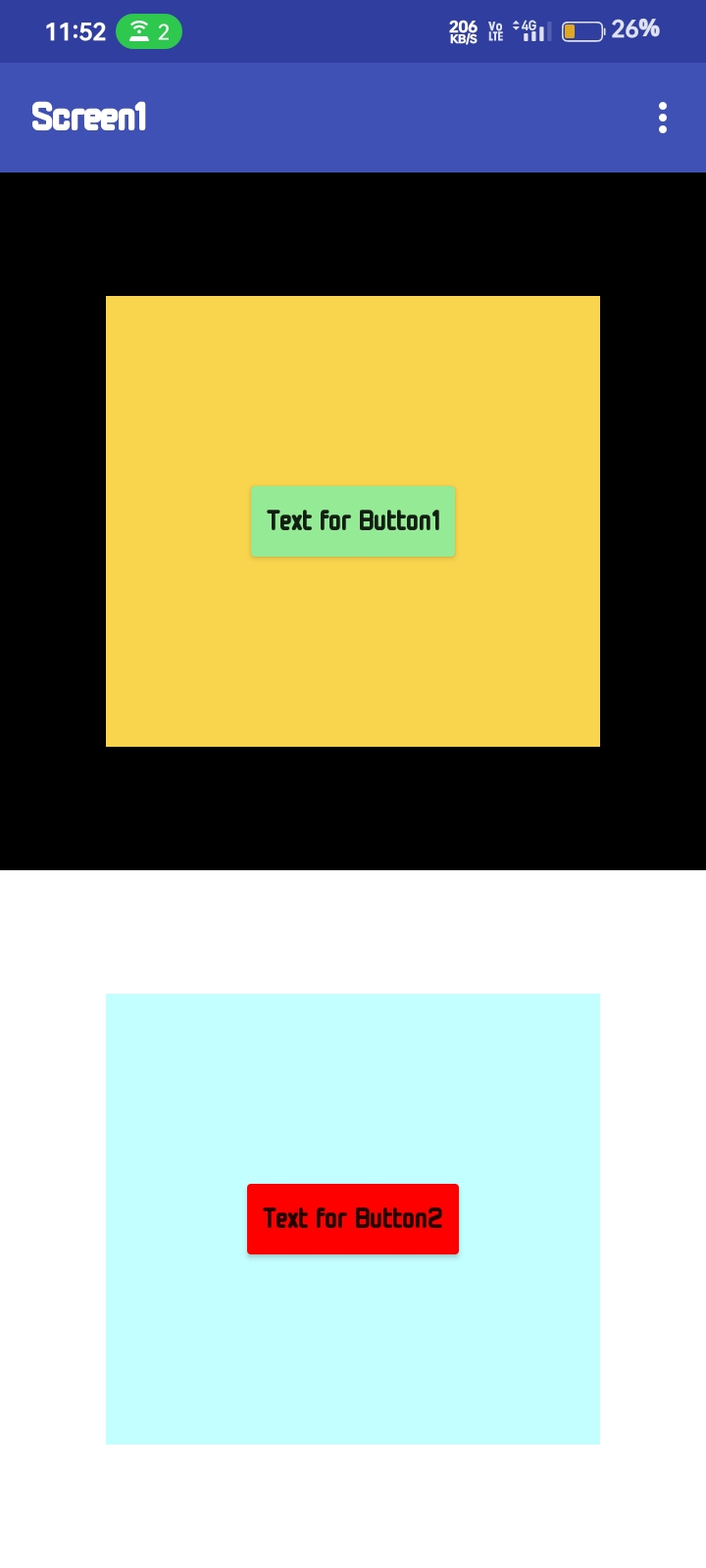
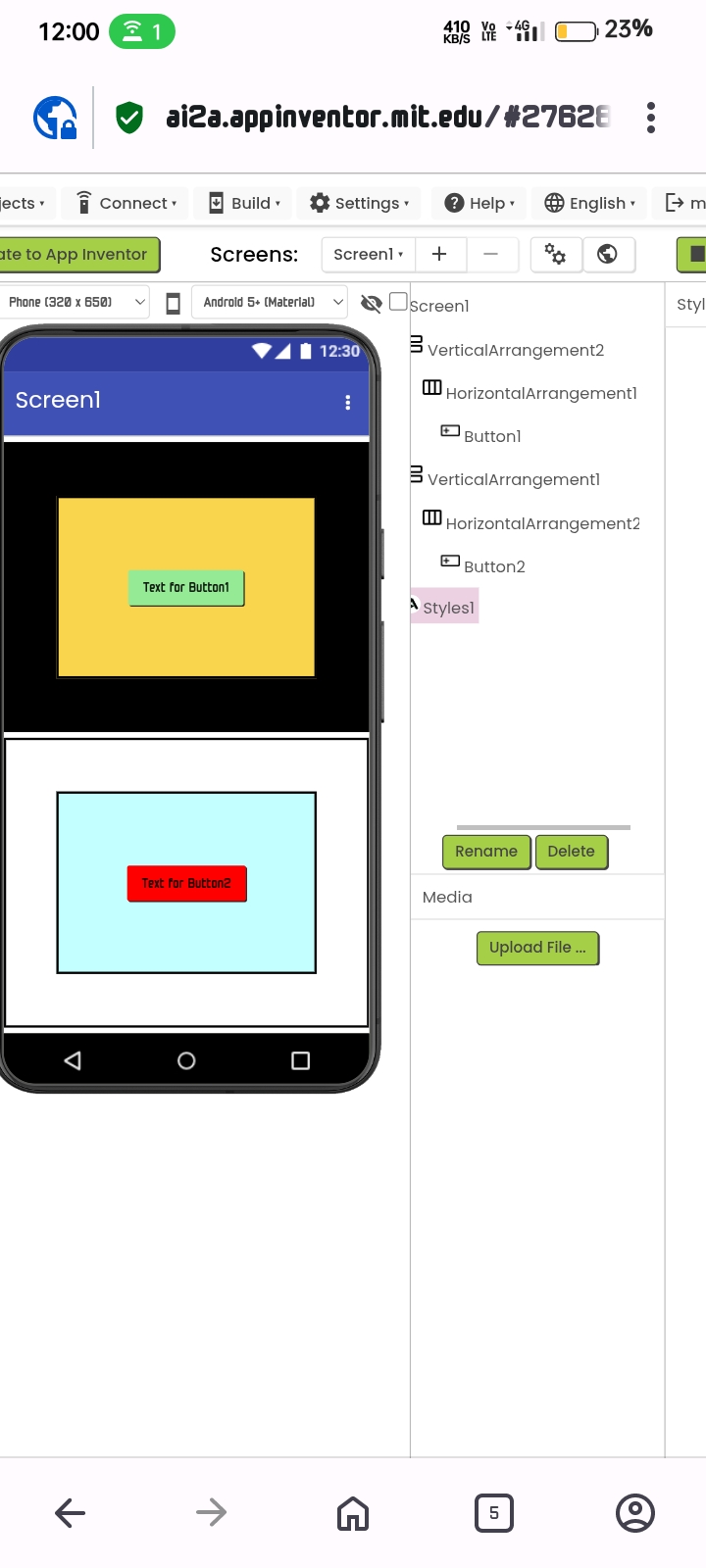
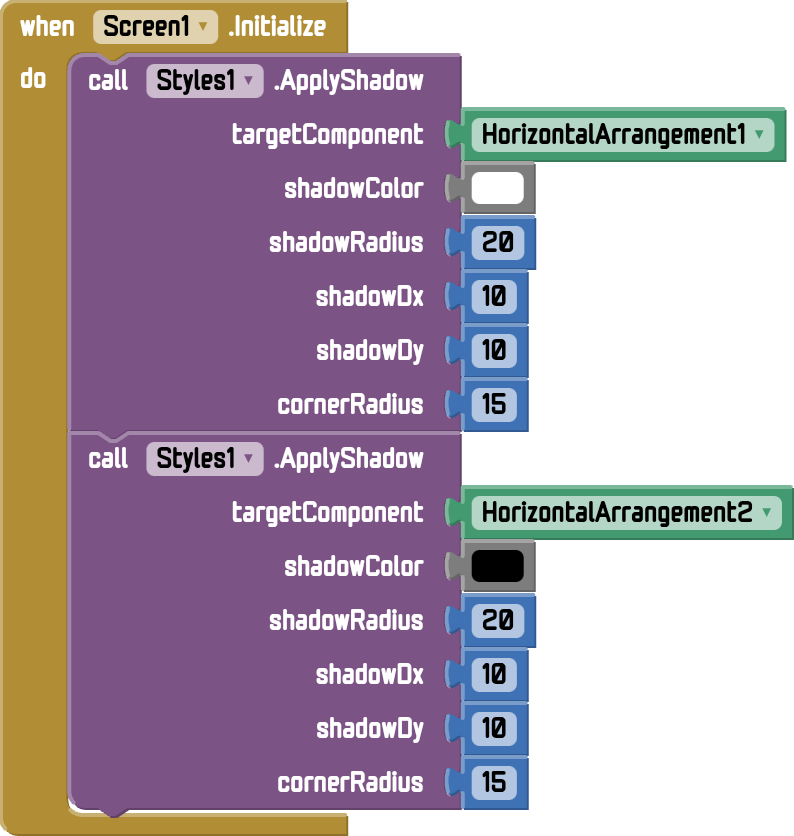
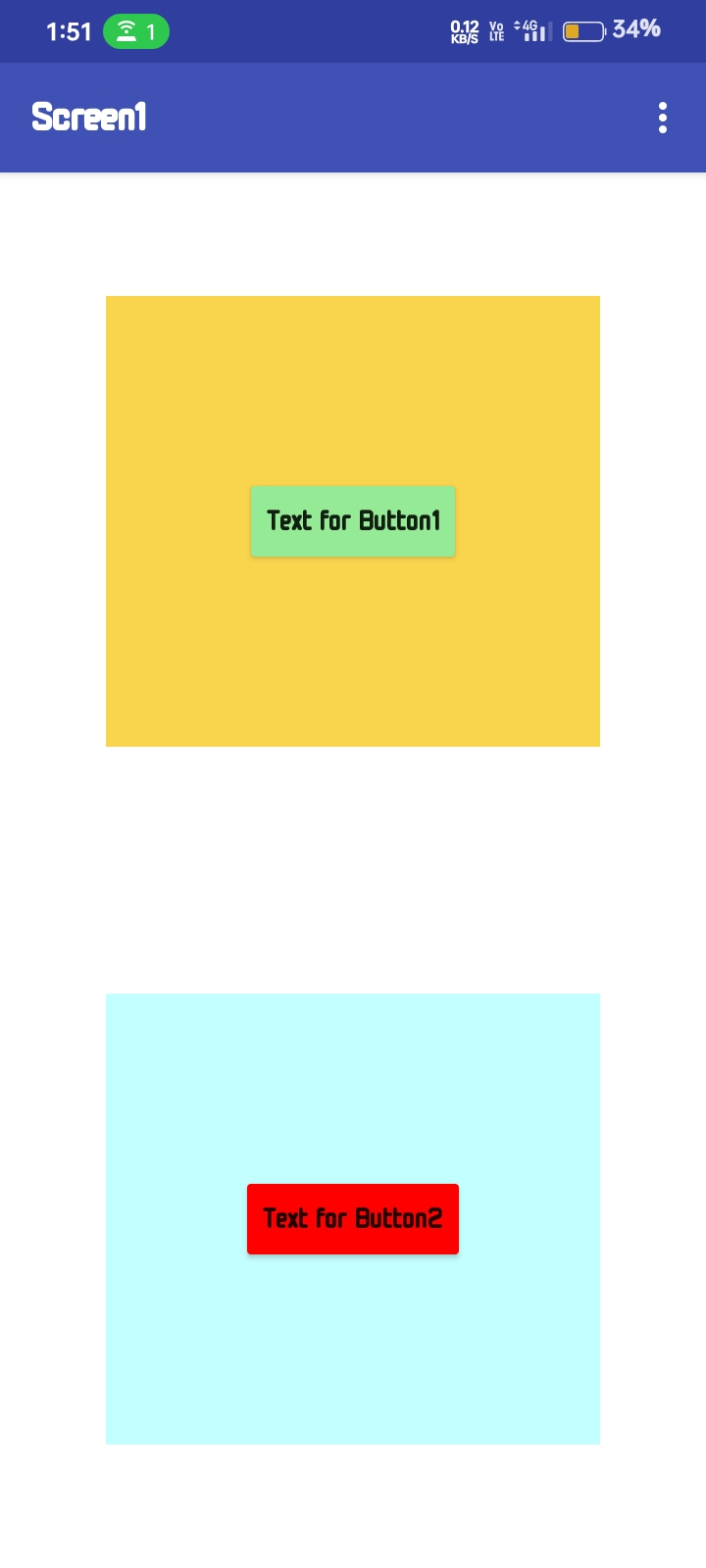
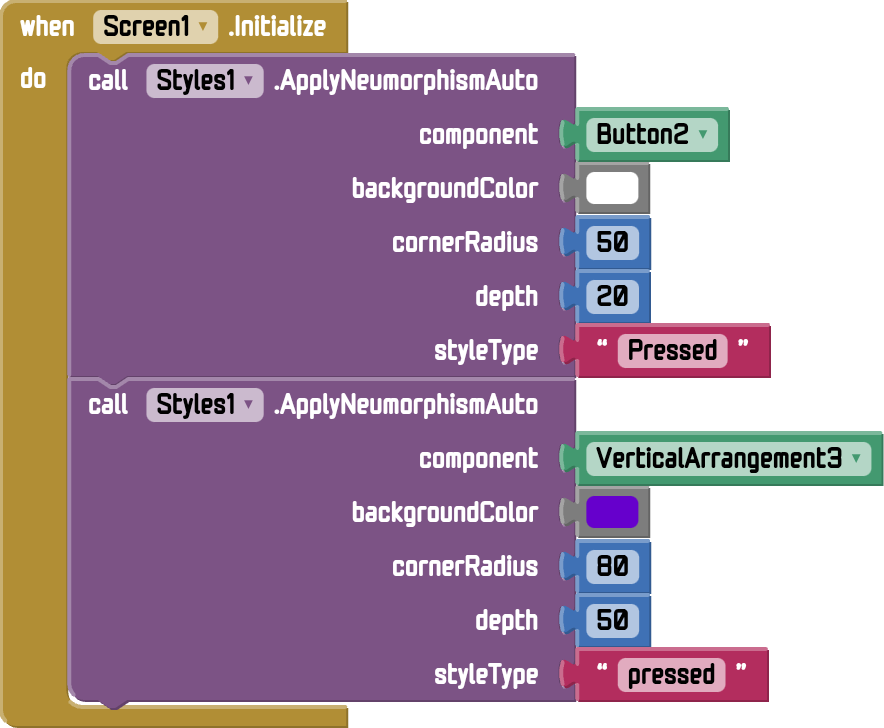
I have just tried it and it works fine with me :
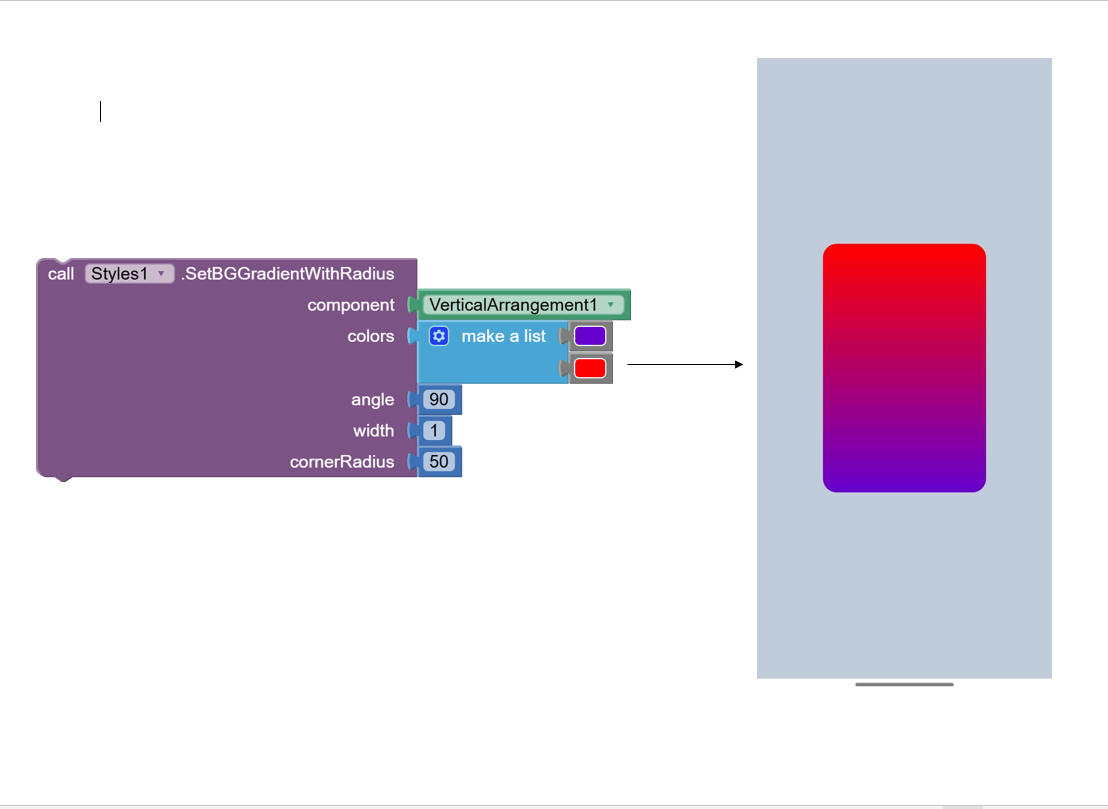
Make sure that you have set the background color to the default color
I have just tried it and it works fine with me :
Make sure that you have set the background color to the default color
i get same kind of error when i try to make a apk file but to test its ok... i cant i no way shape or form use this style version 1 or 2 both bugg the apk compiler...
What are other extensions you are using beside styles extension?
none
.. theres 2 version i saw this started when i deleted version 1 to place version2 then that happened
@Black_Knight
add this:
@SimpleFunction(description = "Apply rotation to a view. Value ranges from 0 to 360 degrees.")
public void ApplyRotate(AndroidViewComponent view, int value) {
    View targetView = view.getView();

    // Clamp the rotation value between 0 and 360 for safety
    float rotation = Math.max(0, Math.min(360, value));

    // Set pivot point to the center of the view
    targetView.setPivotX(targetView.getWidth() / 2f);
    targetView.setPivotY(targetView.getHeight() / 2f);

    // Apply rotation
    targetView.setRotation(rotation);
}
This fuction apply rotation to the components?
Yeah, it is
Is there a way to have multiple "viewComponent" in the "call styles .SetCornerRadius"? Trying to keep from having a call block for every component that has the same radius.
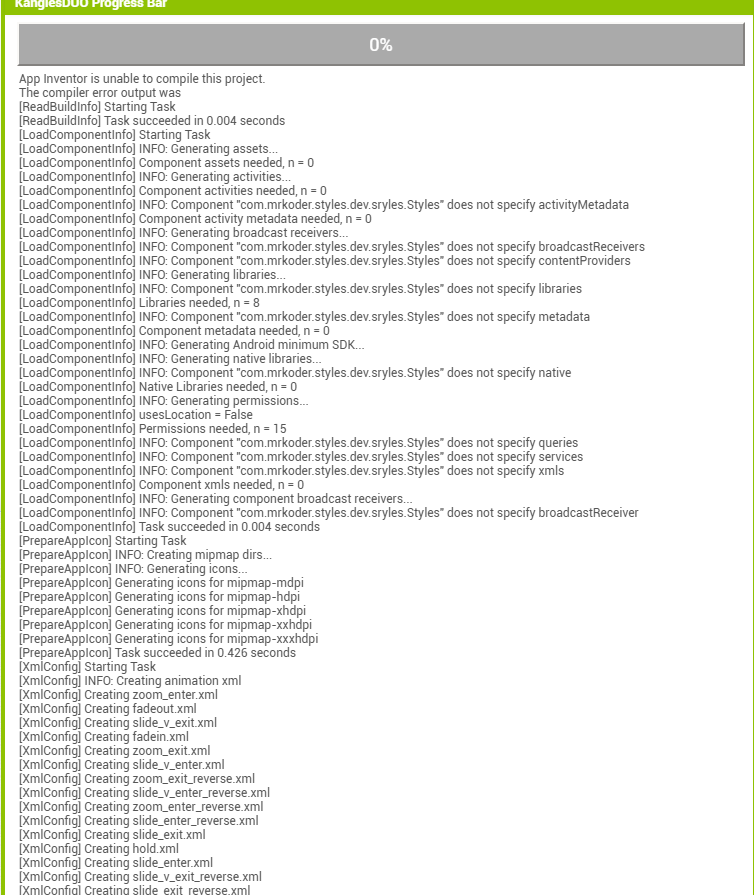
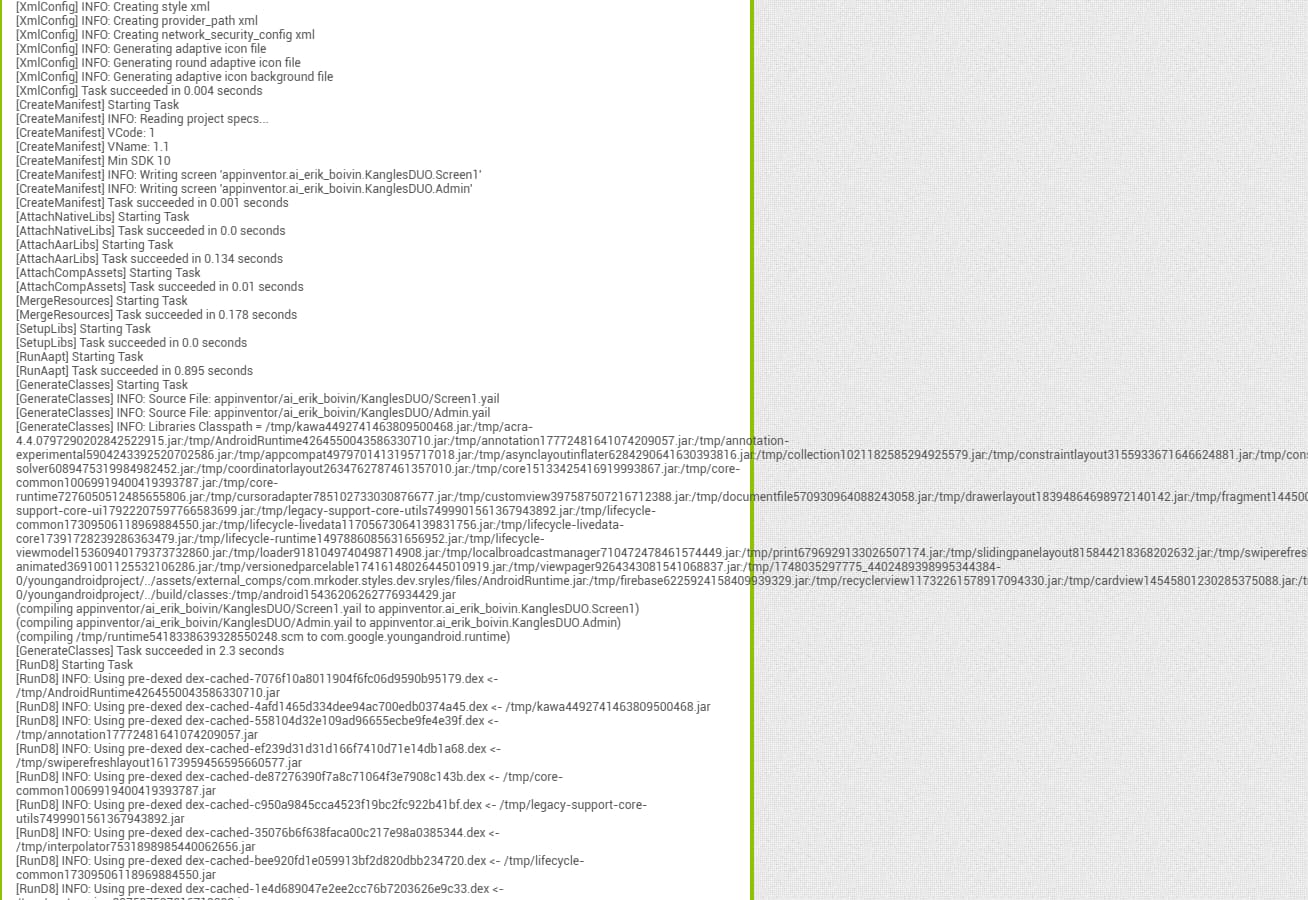
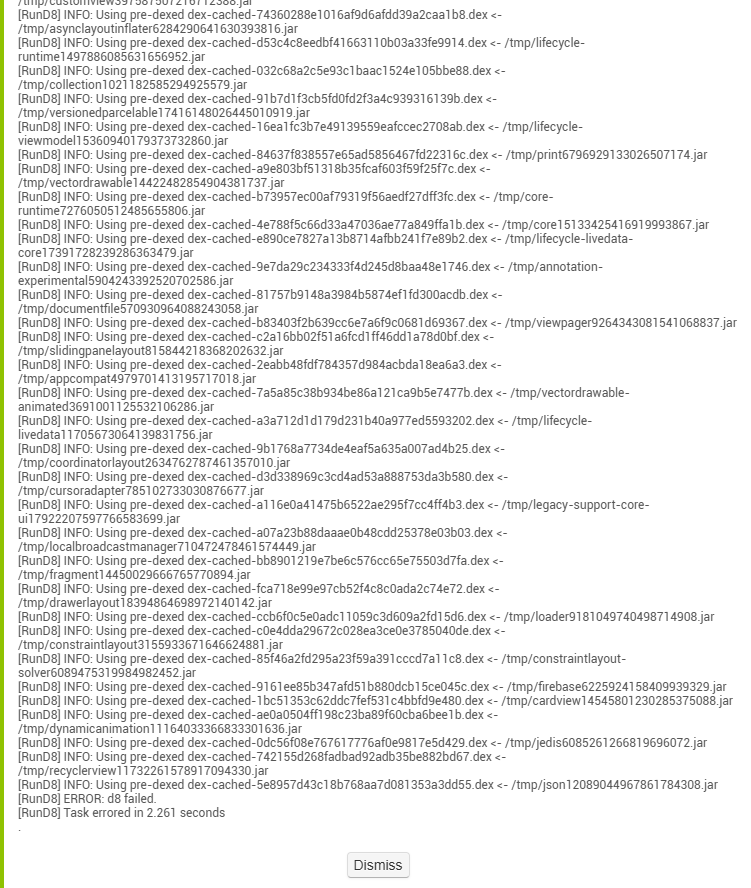
when using this extension , app build error saying d8 error. i m using other extension recyclerlist, does it conflicts the library? if yes, then how to compile without error
I am using material dialogs liberary but I don't know how this may cause a conflict,
I will check it again
Hello @Muhammed_Shahim
Try to set the background color to default from the Designer Screen and try again
Hello @Muhammed_Shahim firstly thanks for reporting this issue , I really appriciate this , and the good new is that the Applying shadow effect fixed also I have just added new block that ApplyNeumorphism
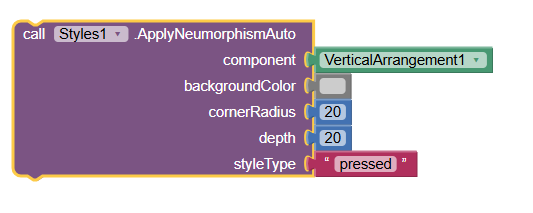
styleTypes:
"flat" "concave" "convex" "pressed"
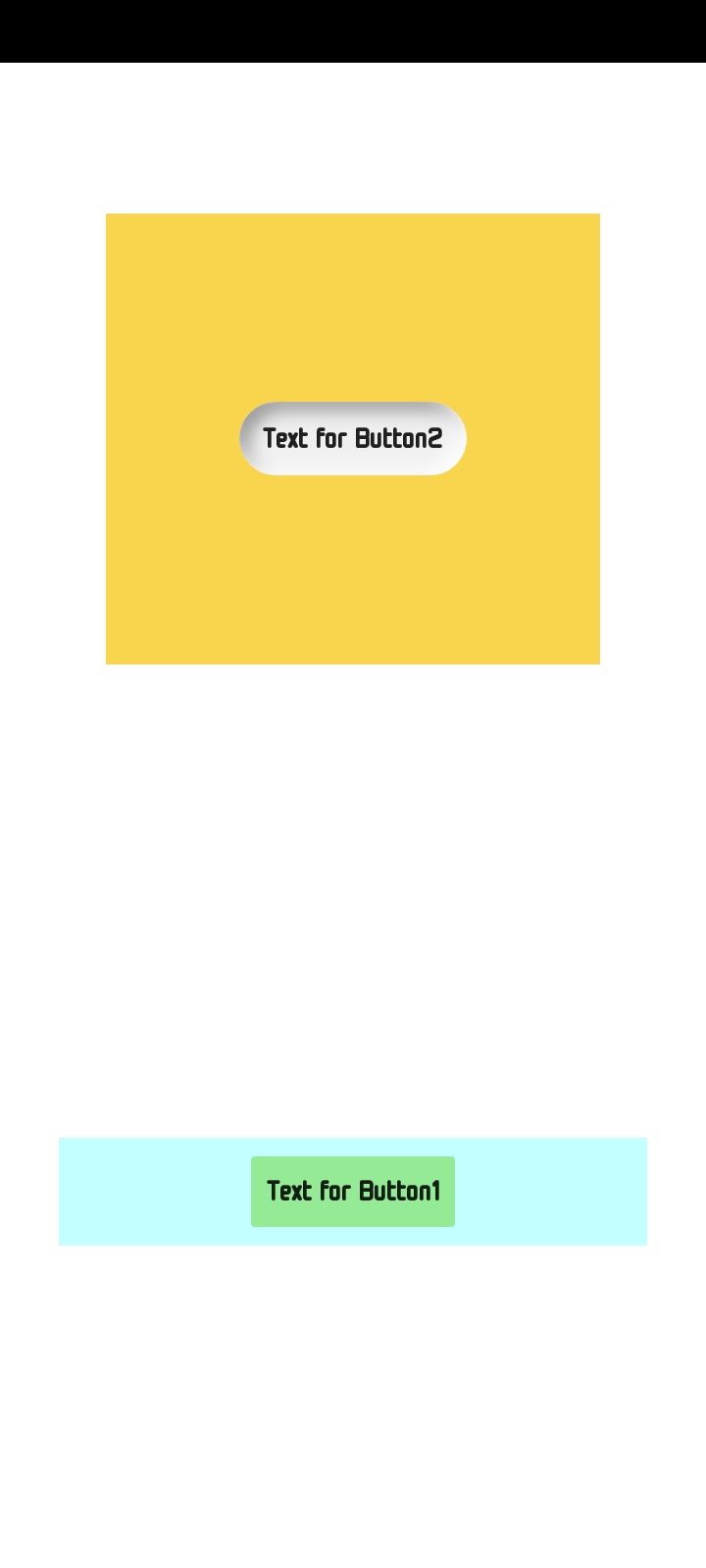
Result this :
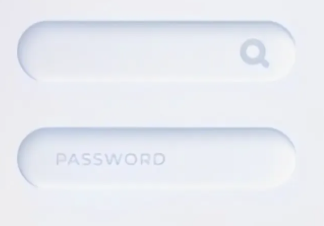
Now this is a wrong program.
This is a very good property but,
The ApplyNeumorphism button only works on components, not on layouts.
And yeah, I'M HAVING TROUBLES WITH THE "V2" EXTENSION...

WHAT IS THE MEANING OF "F"...
If you read the documentation in the first post you could probably have figured it out.
f -> blurRadius (float)
Agreed that both the block content and the tool tip could provide more detail...