maybe the attachment need a absolute path. try to remove file://
Thank u so much Kevinkun for ur help. Resolved the issue.
when doing this it required me to input the variable, thus giving it a weird path.(I did not know how to utilize it)
Nevertheless, Thank u so much for your help.
Nevermind the same image is now coming for every instance.
how do i fix that
(also while trying to get the do it for get image i am unable to access due to it coming grey in the options)
Edit: Now none of the options are lettting me use 'do it'
Edit 2: could anyone respond? i only have another hour left? would appreciate it thanks
You need to be connected to the companion app for Do it to work.
Put the value of image to a label, then you can see it without needing to run Do it.

What do you mean by this?
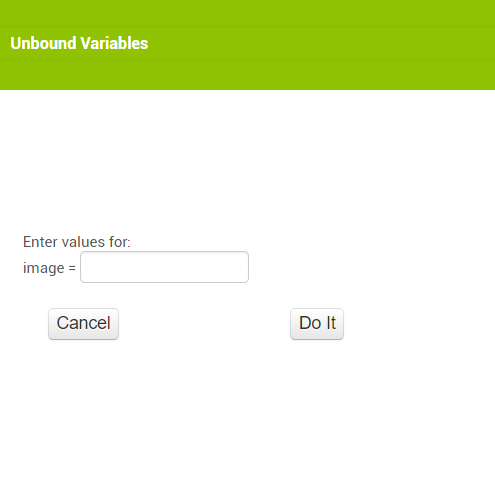
what am i supposed to do here
(sry if i seem stupid but i dont understand)
You are trying to use Do it inside an event/procedure that requires an input, probably in your case the image from the camera. This, however, will only exist inside the event, you cannot run a Do it on it. Set image to a label then you can see the output of image.
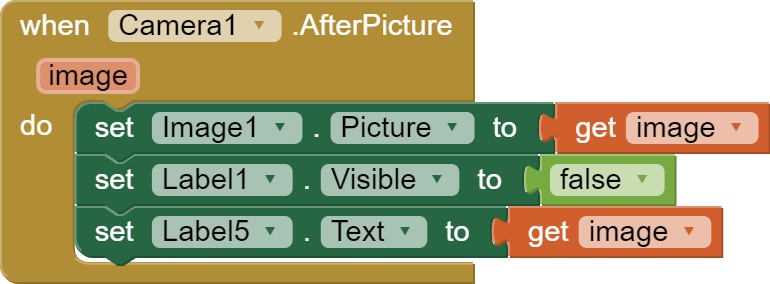
could somebody help? i only have 15 mins remaining for my deadline. (please be paitent with me im rly new to mit app inventor)
Can somebody help? (i realize i am whining but i realy need to finish this and im past the deadline already)
show a screenshot of your updated blocks
Taifun
You changed the blocks according to Tim's advice, now take a picture in the app and show what you got in the label5.
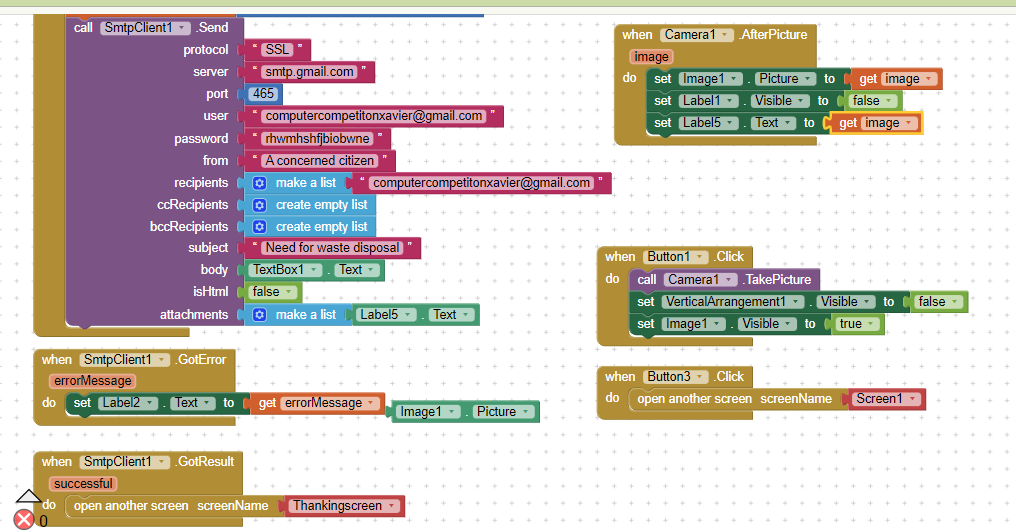
i got confused as to what he was saying
Taifun
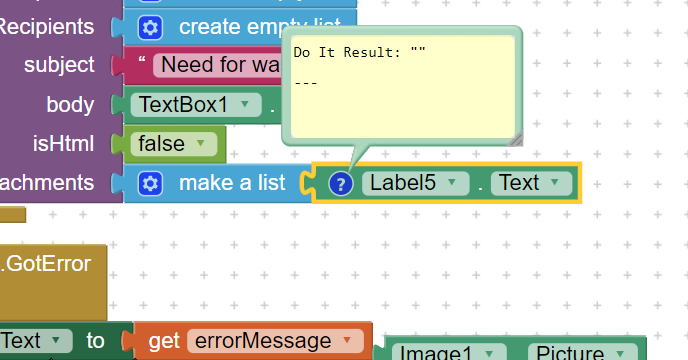
i now get this instead of a path
When i said it worked i didnt realize that the image coming every time was the same one as i had put that path instead of diffrent pics coming according to the input
forgot to tag my bad 
well, obviously you first have to take a picture...
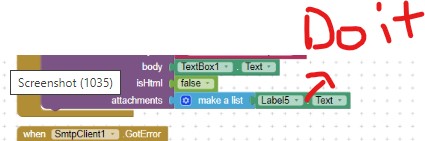
then use Do it onto the get Label5.Text to get a Do it result
then you can try @Kevinkun 's suggestion and remove the file:// before sending the email... you can use the replace block from the text drawer for that...
Taifun
in the app while using it i cant change the code everytime i take a new pic tho so...
How will i automatically put in the do it result if that is possible