Given I have used Genymotion for years, I was surprised to have not come across this before.
You can treat it as a sort of cross between an emulator and using a real device.
- Your phone will require USB debugging running (after setting up Developer Options).
- Connect phone and computer with a suitable USB cable, run scrcpy, and your phone's screen should appear on your computer!
- You can use your mouse to emulate touch, scroll wheel to emulate scroll, keyboard to type in text.
- You can run AppInventor Companion app over wifi in the normal way, and this works with scrcpy.
- There are plenty of command line options, e.g. for recording a video of your phone's screen.
- scrcpy can also be run over adb wifi, a fair bit of setup involved, and not sure how that might conflict with running companion app as well.
It is best to fetch the latest version of scrcpy from its github page.
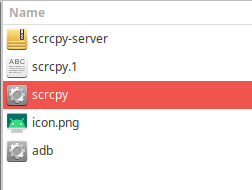
I use xubuntu, so downloaded the tar.gz, decompressed this to a folder, and Execute the scrcpy binary.