Hello,
This tutorial will show you how to create an application with html files installed within the app using a webview component.
You can also watch the tutorial on YouTube using the link below.
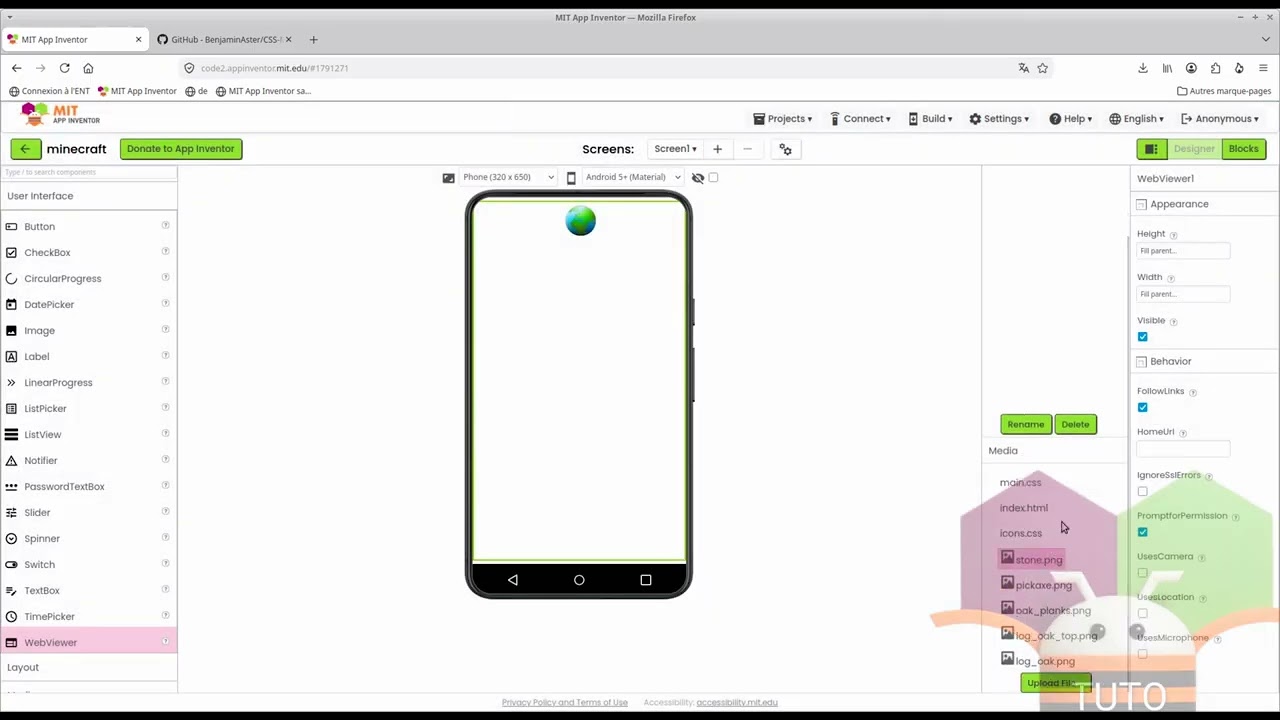
(https://youtu.be/LBkhSOp_AHE?feature=shared)
Or, follow this tutorial:
Open App Inventor 2
Search CSSMinecraft in your search engine.
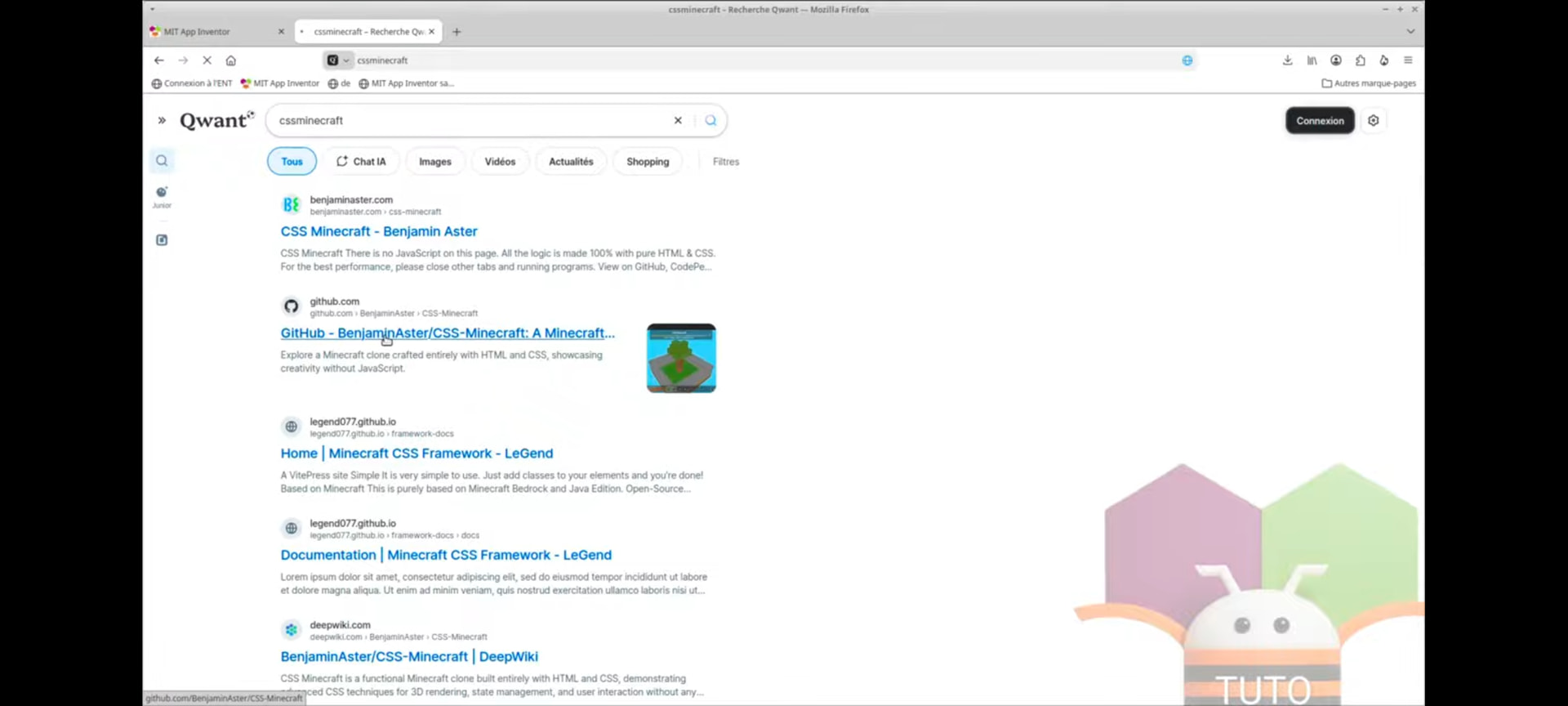
Click on the GitHub site.
(https://github.com/BenjaminAster/CSS-Minecraft)

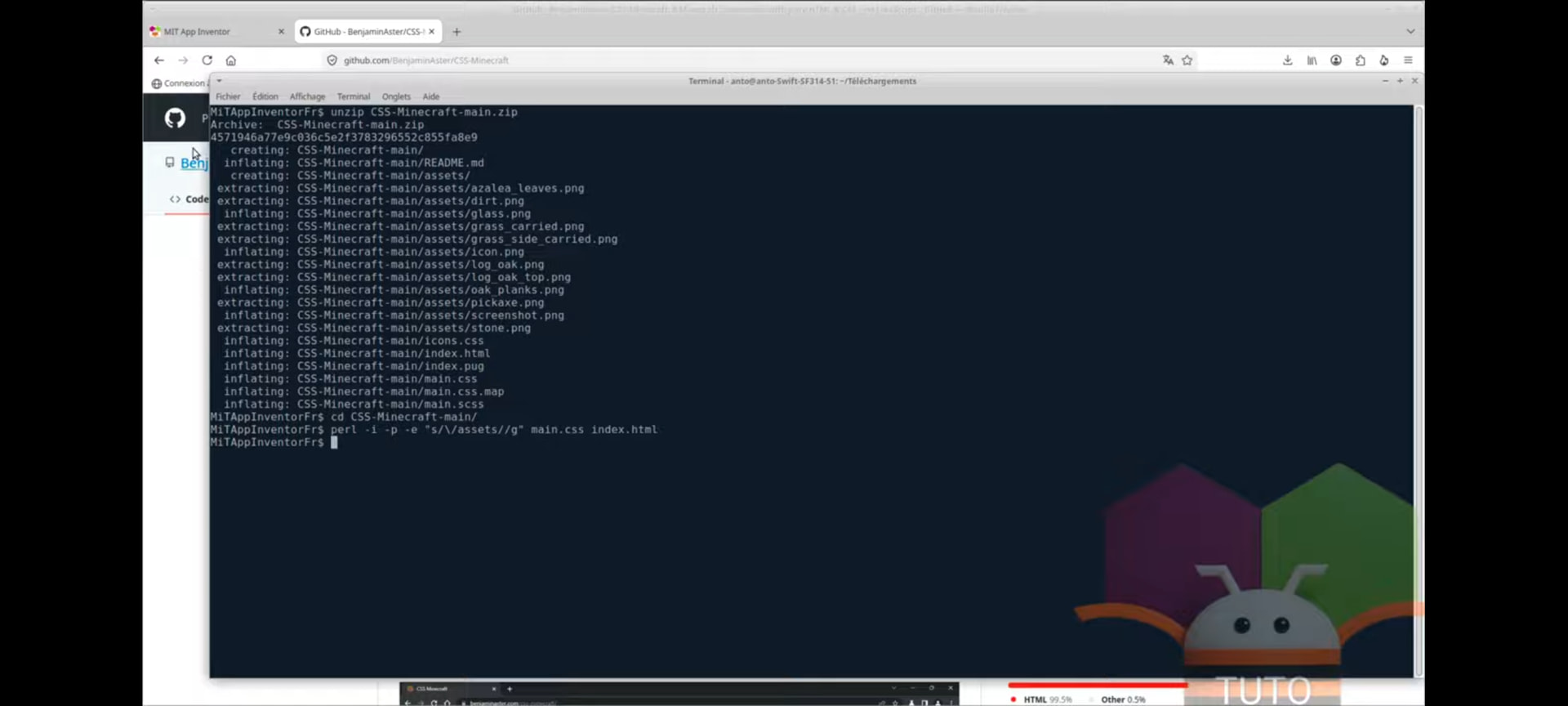
Click "Download" then unzip the downloaded archive.
Edit the files main.css and index.html to remove the /assets references.
Then, reopen App Inventor 2, insert a webviewer component and set as HomeUrl http://localhost/index.html , and upload the images, css and html that were downloaded with the zip file.
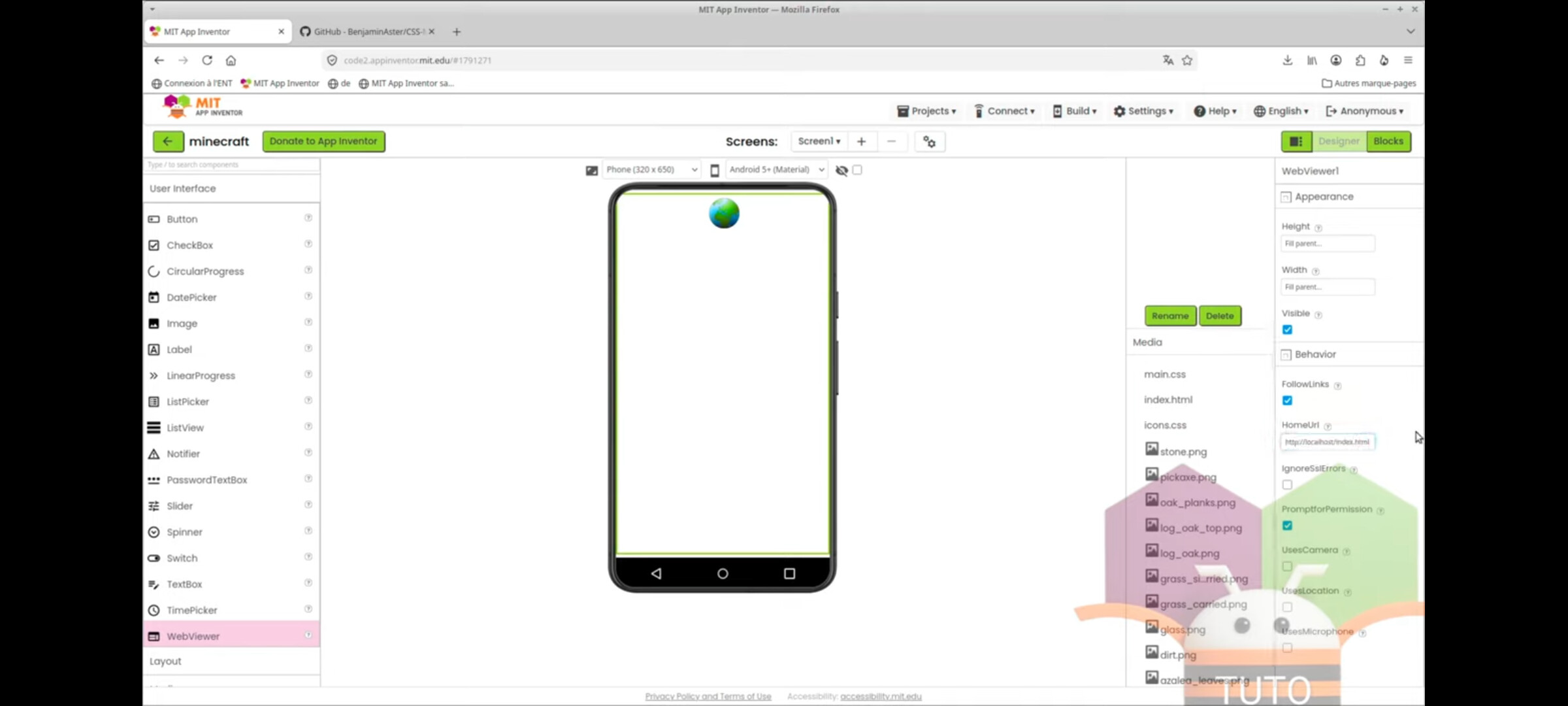
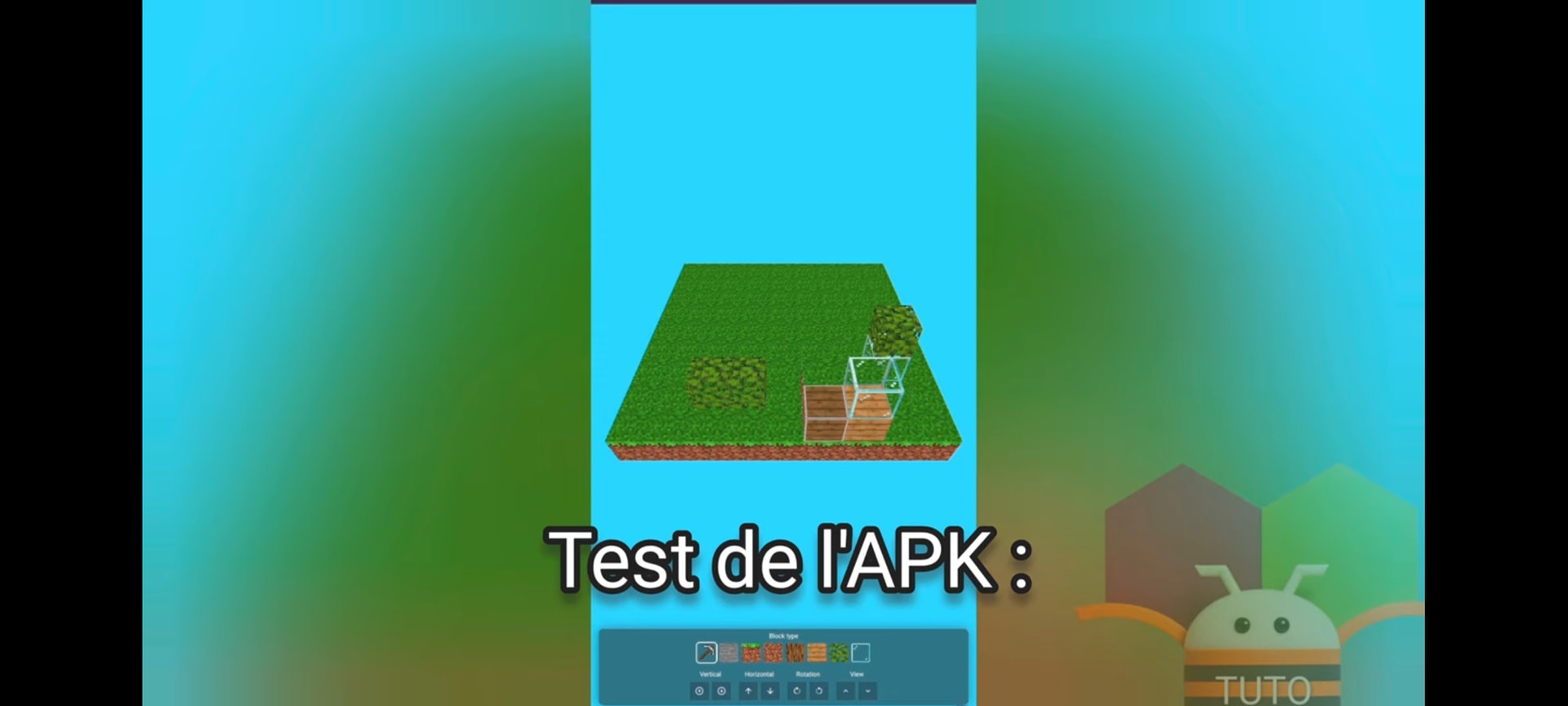
Then test the application!
Thank you and goodbye 