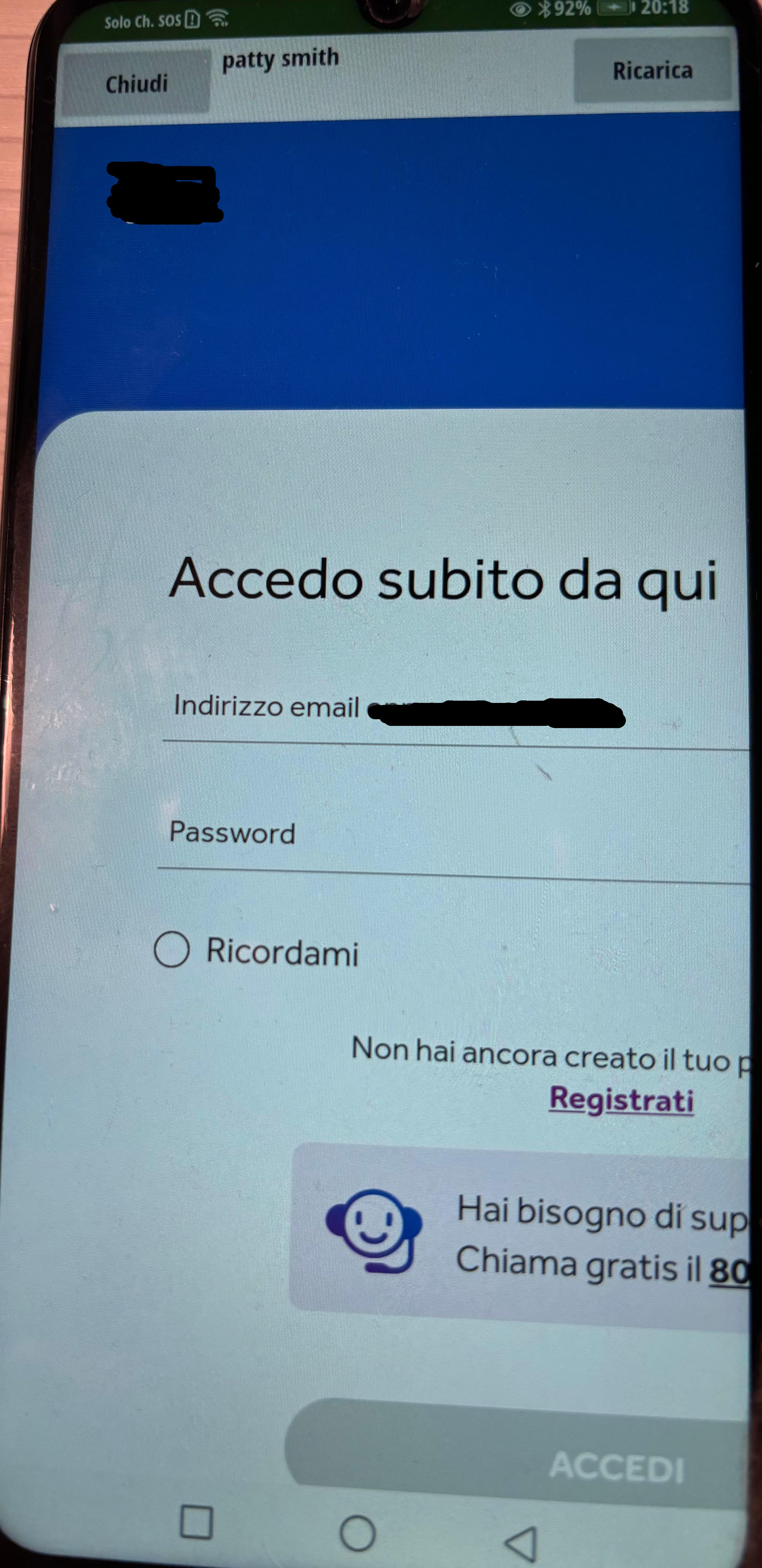
I have this trouble: the loaded web page is oversize than webviewer size component. How can I resize it to fit the web viewer size?
Try accessing the mobile page ( if there is one ).
There aren’t. Ideas? Really is it so impossible?
could you share the url?
Try with the webviewextra extension, this has properties that affect the page display.
I solved in this way:

setting the property with this js code:
setTimeout(function() {
document.body.style.zoom='100%';
document.body.style.width='142%';
document.body.style.margin='0';
document.body.style.padding='0';
document.body.style.overflowX='hidden';

var all=document.querySelectorAll('*');
for(var i=0;i<all.length;i++){
all[i].style.maxWidth='100%';
all[i].style.boxSizing='border-box';
}
var main=document.querySelector('main') || document.body;
}, 1000);(added to FAQ)
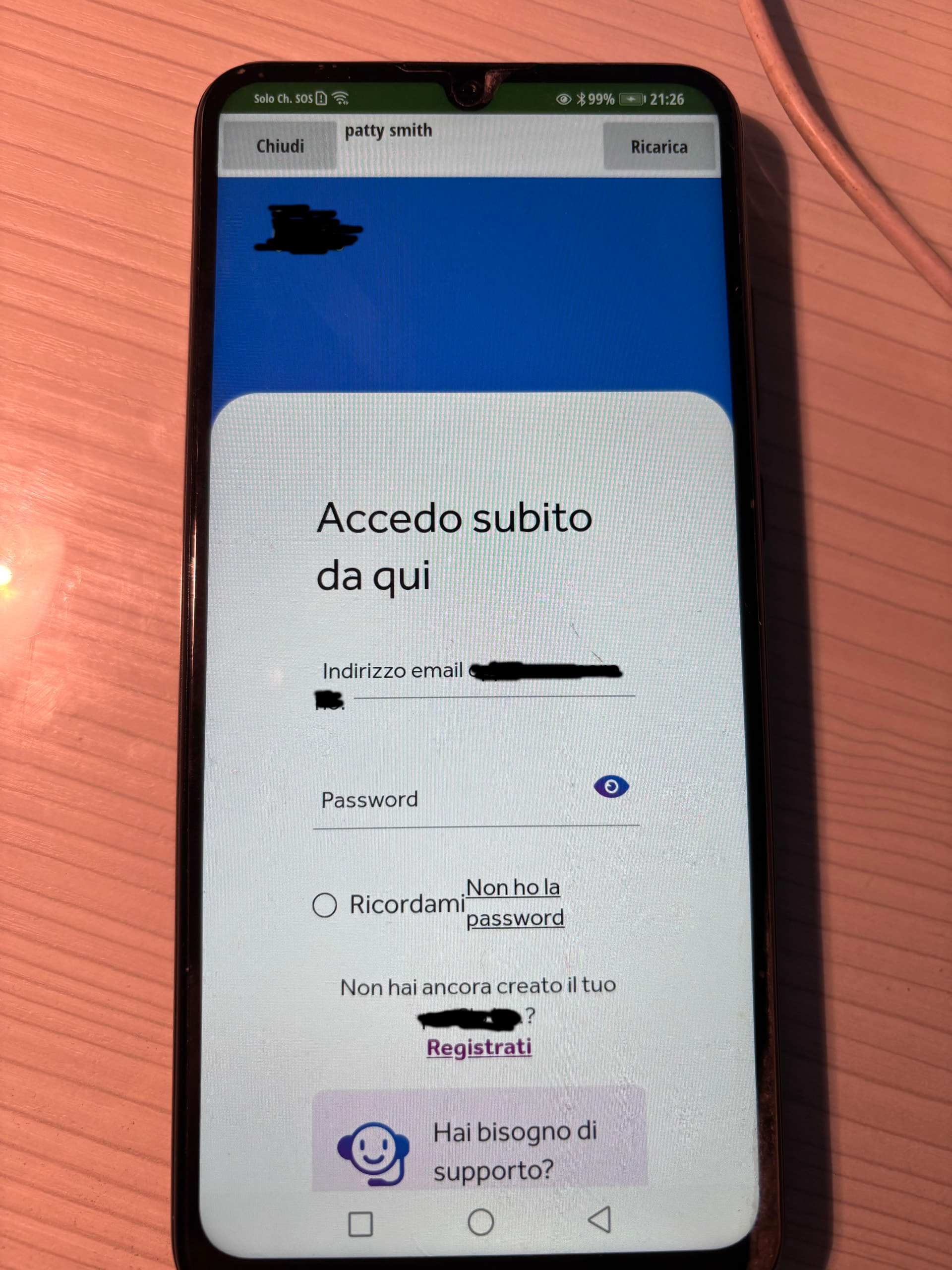
This is the result: the only drawback is that the components are a little too close, but the important thing is that it works.
nice, thanks for sharing
This topic was automatically closed 7 days after the last reply. New replies are no longer allowed.